

 LinkedIn

ChatGPT Ads is new enough that nobody has a reporting habit yet, and a quick glance can turn delayed numbers into a bad budget decision. These are the ten prompts I use to build a first-month routine in Claude or ChatGPT with groas connected over MCP: replace the {{PLACEHOLDERS}}, keep dates and conversion definitions consistent, and check the answers before moving money.
1. Check spend against the budget
When to use it: Monday morning and after a budget change. Confirm that your assistant’s plan supports the connector before building the routine around it.
Using groas, report ChatGPT Ads for {{ACCOUNT}} from {{START_DATE}} to {{END_DATE}}.

Show each day: spend, impressions, clicks, CTR, average CPC as returned by Ads Manager, and attributed conversions. Compare daily spend with the daily budget and show cumulative spend versus a straight-line pacing plan.

Use the platform-returned CPC rather than calculating spend divided by clicks. Flag delayed or missing spend, and separate provisional days from the pacing verdict. Do not fill missing data with estimates.

End with the campaign causing the largest pacing miss and the amount of that miss in dollars. State the date range and data source used.
The adjustment that matters: exclude lag from the verdict. OpenAI says impressions and clicks refresh in about 15 minutes, but spend is delayed 7 to 8 hours. That can make recent activity look underspent. Ask for the CPC returned by the platform, not a fresh division of figures that may update at different times. If the answer names a pacing problem without addressing delayed spend, send it back.
2. Find where the money went
When to use it: Spend jumps, but sales do not. Start with the campaign split rather than the account’s comforting average.
Using groas, rank every ChatGPT Ads campaign in {{ACCOUNT}} from {{START_DATE}} to {{END_DATE}} by spend.

For each campaign show spend, share of total spend, impressions, clicks, CTR, average CPC as returned, attributed conversions, and cost per conversion. State the cost-per-conversion formula. Keep campaigns with zero conversions visible and label their cost per conversion as undefined.

If conversion value is available, show Order Created Sales and Order Created ROAS only from attributed order_created events. Otherwise write "ROAS unavailable" and do not estimate it.

Name the two campaigns with the highest defined cost per conversion. Separately identify the highest-spend campaign with zero attributed conversions.
The adjustment that matters: demand the formula. A blended average can hide a bad campaign, and averaging campaign ratios is not the same calculation as dividing account totals. OpenAI also specifies that null ROAS means unavailable, not zero. I want the calculation and its inputs, not an impressively formatted number with no visible parentage.
3. Compare ad groups before touching bids
When to use it: Every Monday, before making changes. Set the placeholders to the trailing seven completed days when reconciling against that Ads Manager view.
Using groas, compare ad groups in {{CAMPAIGN}} for {{ACCOUNT}} from {{START_DATE}} to {{END_DATE}}. Use exactly those dates and state them in the answer.

For each ad group show impressions, clicks, spend, CTR, average CPC as returned, average CPM as returned, attributed conversions, and cost per conversion.

Sort groups with conversions by cost per conversion, then by spend. List zero-conversion groups separately, highest spend first.

Identify the group with the most spend and the group with the cheapest conversion. Say whether they are the same group. Do not recommend a bid or budget change. Report the numbers and ranking only.
The adjustment that matters: match the reporting window. Ads Manager defaults to the trailing seven completed days. A calendar week and a rolling week can produce different rankings without either calculation being wrong. I first want to know whether the biggest spender is also the cheapest converter. If the assistant jumps to a recommendation, stop it. Diagnosis first, changes second.
4. Find the ad taking clicks without conversions
When to use it: An ad group spends, but nothing converts. Keep the analysis inside one ad group rather than mixing different campaign conditions.
Using groas, show every ad in {{AD_GROUP}} for {{ACCOUNT}} from {{START_DATE}} to {{END_DATE}}.

Include impressions, clicks, spend, CTR, average CPC as returned, attributed conversions, and cost per conversion. Label cost per conversion as undefined where conversions are zero. Sort by clicks descending.

Which single ad took the most clicks, and how many attributed conversions did it get? If one ad has more than 60% of the ad group's clicks and zero attributed conversions, highlight it and show its spend in dollars.

Label recent conversion totals as provisional where applicable. Do not diagnose the cause or edit anything.
The adjustment that matters: keep the dollar amount beside the click share. The point is to expose concentration before anyone starts tweaking bids. An ad winning clicks is not necessarily winning sales, but that pattern alone does not prove a relevance problem. I want the spend, the conversion count, and the delay window in view. A confident diagnosis at this stage is still a guess dressed up as advice.
5. Audit spend with no attributed conversions
When to use it: Before committing another month’s budget. This is a shortlist for investigation, not an automatic pause list.
Using groas, for {{ACCOUNT}} from {{START_DATE}} to {{END_DATE}}, list the 10 highest-spend ChatGPT Ads ads with zero attributed conversions.

For each show campaign, ad group, ad, spend, clicks, CTR, average CPC as returned, and destination landing page URL. If a URL is unavailable, say so rather than guessing.

Show these ads' combined spend as a percentage of total ChatGPT Ads spend. Label it "spend with zero attributed conversions," not confirmed waste.

Then list the top 5 ads by attributed conversions, with their spend. Flag destination URLs shared by multiple zero-conversion ads, and identify totals still inside the conversion delay window.
The adjustment that matters: do not turn an audit label into a verdict. Cross-check the listed ads and spend against Ads Manager. A shared landing page gives the next investigation somewhere concrete to start; it does not establish that the page caused the problem. Missing attribution can also make spend look unproductive. I want a list worth opening, not ten ads condemned by a column heading.
6. Trace clicks through to landing-page sessions
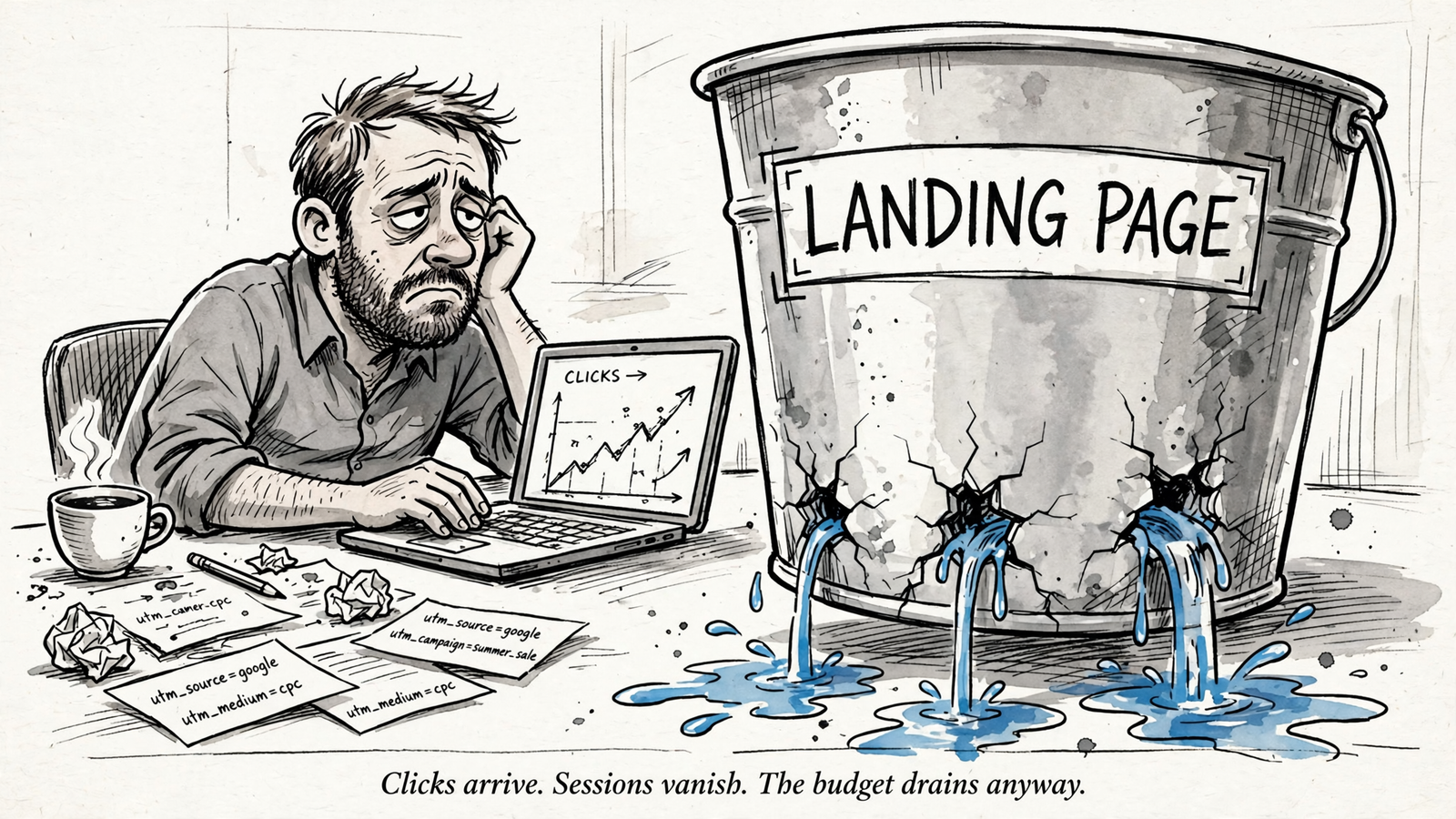
When to use it: ChatGPT Ads reports clicks, but downstream reporting looks empty. This is where I check the handoff rather than argue about creative.
Using groas, compare ChatGPT Ads clicks with post-click results for {{ACCOUNT}} from {{START_DATE}} to {{END_DATE}}.

For each landing page URL show ChatGPT Ads clicks and spend, sessions filtered to utm_source=chatgpt and utm_medium=cpc, and attributed conversions. Name each data source and show the session filter used.

Flag campaigns with clicks but no matching sessions. Check for missing UTMs or redirects stripping them. Keep the oppref click reference separate from UTMs and check whether it survives redirects.

List the two pages with the largest click-to-session gaps. State which checks you could verify and which require access or data you do not have.
The adjustment that matters: show the session filter. The tagging pattern here is utm_source=chatgpt and utm_medium=cpc; it produces the chatgpt / cpc source/medium combination described in the draft’s tracking setup. I treat oppref as a receipt, not a channel tag. Preserve it alongside the UTMs, not instead of them. Without the filter and source, a neat click-to-session table is not a join I would trust.
7. Define the conversion before quoting ROAS
When to use it: Before a conversion or ROAS number leaves your laptop. This is the definition check, not another performance ranking.
Using groas, explain the conversion setup behind ChatGPT Ads reporting for {{ACCOUNT}} from {{START_DATE}} to {{END_DATE}}.

Show the attribution window in use, which conversion events count, and whether totals use Conversions dated by ad interaction or Conversions (by conv. time) dated by conversion date.

Explain which events count toward Order Created Sales and Order Created ROAS. Use only attributed order_created events for those metrics. If no values are available, write "ROAS unavailable" and show cost per conversion instead.

Identify reporting dates still inside the 24 to 48 hour conversion delay window. Label those totals provisional rather than claiming they are finalized. State any setup details you cannot verify.
The adjustment that matters: separate the definition from the result. ChatGPT Ads uses last-touch attribution with a default 30-day click and 1-day view window. Conversion figures can take 24 to 48 hours to finalize, and Order Created metrics count attributed order_created events. If the assistant blends other events into that ROAS calculation, fix the definition before discussing performance.
8. Compare what happens after the click
When to use it: Traffic appears to arrive, but sales lag downstream. Run this after checking the tagging and conversion setup, not instead of checking them.
Using groas, compare ChatGPT Ads campaigns for {{ACCOUNT}} from {{START_DATE}} to {{END_DATE}} on post-click outcomes.

For each campaign show clicks, sessions filtered to utm_source=chatgpt and utm_medium=cpc, engaged sessions, attributed conversions, and conversions per 100 clicks. State the formula and the conversion definition used.

Sort by conversions per 100 clicks rather than raw clicks. Flag campaigns in the top half for clicks but the bottom half for conversions per 100 clicks, and show their spend.

For each flagged campaign, state whether the available evidence points toward the creative or landing page. Label the explanation as a hypothesis unless tested. If the evidence cannot distinguish them, say so.
The adjustment that matters: require evidence without forcing a cause. UTM follow-through makes the downstream comparison possible. Sorting by conversions per 100 clicks stops raw traffic from flattering a weak campaign, but the ranking still cannot explain itself. I want the assistant to name what supports its hypothesis. A cause with no evidence is just a guess wearing a tie.
9. Write the summary a stakeholder can actually use
When to use it: Friday, after running the week-over-week comparison below for the relevant reporting window. Carry its definitions and provisional labels into the summary.
Using groas, write a one-page stakeholder summary for ChatGPT Ads, {{ACCOUNT}}, {{START_DATE}} to {{END_DATE}}.

In plain English, report total spend, attributed conversions, cost per conversion, and Order Created ROAS only if attributed order_created values exist. Otherwise write "ROAS unavailable".

Define a conversion and name the attribution window. Identify the strongest and weakest campaigns by defined cost per conversion; list zero-conversion campaigns separately.

Summarize the verified week-over-week comparison in two sentences. Separate provisional figures inside the spend and conversion delay windows from finalized figures.

End with proposed changes, what should remain unchanged, and the next check on {{NEXT_CHECK_DATE}}. Support each proposal with the numbers. Do not execute changes.
The adjustment that matters: check definitions, not tone. A polished summary can still conceal a bad calculation. My sign-off rule is to reconcile totals to source, state metric definitions, and label explanations as tested or hypothetical. If the summary never says what counts as a conversion, it is not ready. Neither is a proposed change whose only supporting evidence is the assistant’s confidence.

10. Compare weeks without confusing delay with decline
When to use it: Every Monday, using comparable periods. This is my most useful prompt, so it gets the last slot in the file and a fixed place in the routine.
Using groas, compare ChatGPT Ads for {{ACCOUNT}}: {{START_DATE}} to {{END_DATE}} versus {{PRIOR_START}} to {{PRIOR_END}}. State both date ranges and flag unequal period lengths.

Show spend, impressions, clicks, CTR, average CPC as returned, attributed conversions, and cost per conversion. Include Order Created Sales and Order Created ROAS only if attributed order_created values exist; otherwise write "ROAS unavailable".

Show absolute and percentage changes. If a percentage change is undefined because the prior value is zero, label it undefined rather than inventing a percentage.

Account for the 7 to 8 hour spend delay and 24 to 48 hour conversion delay by identifying provisional days. Do not estimate missing totals or present provisional changes as final.

Name the campaign contributing most to the spend change. Show the campaign-level cost-per-conversion changes and identify which campaign most helps explain the account-level change, with the supporting figures. Do not assume it is the same campaign.

Reconcile account totals to Ads Manager for the same dates and definitions. If they do not match, show the discrepancy and the sources used. Do not call the week good or bad, recommend changes, or edit the account.
The adjustment that matters: compare like with like before interpreting movement. The spend and conversion delays belong in the comparison, not in a footnote added after someone panics. I want the same windows, campaigns, and metric definitions on both sides. If totals do not reconcile, the next action is to resolve the discrepancy, not change a bid.
This is my pick because it connects spending to outcomes in one repeatable check. Pacing tells me whether money went out. Rankings tell me where. This comparison puts spend, cost per conversion, and reporting delays beside each other, then makes the assistant show which campaigns explain the movement. Run the other prompts when their trigger appears. Run this one every Monday whether anything looks wrong or not. That is how a new placement gets a reporting habit instead of a pile of screenshots.


