

 LinkedIn

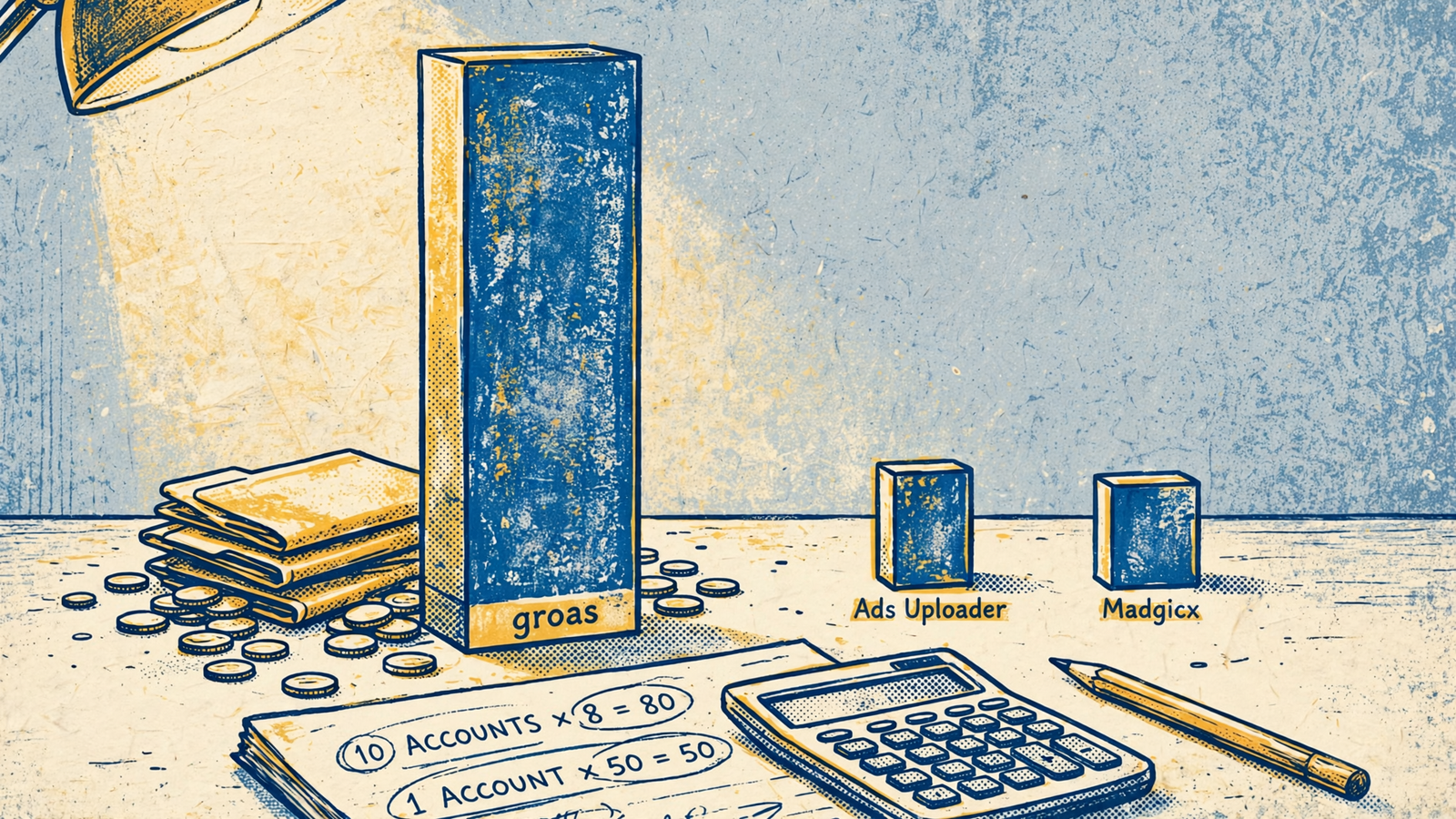
At 20 ad accounts, Madgicx’s published starting-price formula reaches $216 a month before any spend-tier increase, against $59 a month for Ads Uploader and $19 a month flat for groas. If you manage a pile of small accounts, the number of accounts can matter more to the subscription bill than the size of any one budget.
I’m looking at a specific roster: low spend per account, enough clients to make separate logins a nuisance, and a team that already works in ChatGPT. I used to look at the total ad budget first when sizing up a roster like that. For a tool that charges per account, I had it backward. The place to start is the account list. Then check what the spend tiers do to the bill and, just as important, what work the subscription actually buys.
A single-account price hides the cost of the roster
Say you run 20 accounts at $500 a month each. That’s $10,000 in ad spend. Put that same budget in one account and the total doesn’t change, but the number of accounts a tool can charge you for does. The same ad budget can produce a different software bill. The spend tier still matters where one applies. It just doesn’t answer the account-count question for you.
I learned to pay attention to that distinction managing small home services accounts. No single account could justify a big fee, but the roster could eat every hour I had. The subscription version of that problem is easier to spot: look at what happens to the bill when you add a client. With flat pricing, the price stays put. With a per-account charge, a client with a tiny budget adds the same account fee as any other client under that rule.
I use published monthly pricing at one, five and 20 accounts. I didn’t run the same campaigns through all three tools or compare CPA. This is a comparison of what the pricing models do as the roster grows, not a test of what the software does to campaign results.
What each published price buys
- groas: flat pricing across the roster. The $19-a-month plan includes unlimited teammates, ad accounts and websites, with every feature included. Adding an account doesn’t change the subscription. Through the MCP connection, your own assistant can work across Google Ads, Microsoft and Bing Ads, Meta Ads, ChatGPT Ads, SEO and AI search visibility, with competitor and market data it can query around the clock.
- Ads Uploader: flat pricing for a narrower job. Its Solo Unlimited pricing page lists $44 a month billed yearly ($528), with unlimited accounts, spend and uploads, plus CLI and MCP access. The launcher comparison also lists a $59 month-to-month price and describes MCP and CLI access for Claude and ChatGPT. I use the monthly figure in the table because this buyer wants the workflow to prove itself before paying for a year. The published emphasis is bulk creative launches and approvals, not full account management from ChatGPT.
- Madgicx: a spend-based starting price plus an account charge. Its ad-builder pricing article gives a $45 monthly starting price tied to ad spend, plus $9 per extra ad account. For the table, I read that as the starting price covering the first account and apply the extra-account charge to the rest. That gives me $45 + $9 × (accounts − 1) before any spend-tier increase. It’s the starting-price calculation, not a checkout quote.
That last distinction matters because the sources don’t fully agree. A separate Madgicx pricing audit reports monthly spend tiers ranging from $45 below $1,000 to $329 at $20,000 to $30,000, with pricing above $30,000 shown only in-app. It also says plans include two accounts, with additional-account prices shown in-app. That conflicts with the one-included-account reading behind the calculation. The same audit lists Tracking Pro at $49 a month per connected account. I keep that separate rather than assume every team buys it.
The published material gives me enough to show how the stated charge scales. It doesn’t give me enough to price every roster. If Madgicx is on the shortlist, confirm the included accounts, extra-account rate and applicable spend tier before treating the modeled total as your bill.
The cost curve at 1, 5 and 20 accounts
| Ad accounts | groas, monthly | Ads Uploader, monthly | Madgicx starting-price model, monthly | Madgicx model, 12 monthly payments |
|---|---|---|---|---|
| 1 | $19 | $59 | $45 | $540 |
| 5 | $19 | $59 | $81 | $972 |
| 20 | $19 | $59 | $216 | $2,592 |
Read down the columns. At one account, the modeled Madgicx price comes in below Ads Uploader’s monthly rate. At five, it’s already above it. By 20, the first two columns haven’t moved, while the third has charged for every additional account under the stated formula. The single-account ranking doesn’t hold as the roster grows. That’s the part a comparison of starting prices misses.
The right-hand column is just the monthly model multiplied by 12. It isn’t an annual-plan quote, and it excludes spend-tier increases and add-ons. Ads Uploader’s published yearly rate is a different billing commitment, not the monthly rate multiplied by 12. I’d compare yearly plans separately once I knew which tools fit, rather than mix a yearly commitment into a month-to-month comparison.
The table isolates one variable: account count. It doesn’t tell me how Madgicx would apply its spend tiers to the illustrative roster, or settle which extra-account terms that team would see. I’d carry those as open items, not ask a spreadsheet to make them disappear.
An in-app copilot isn’t a ChatGPT workflow
Check where the work happens, not just whether the tool has an assistant. Madgicx describes Copilot as an in-app assistant that audits accounts, builds creative and prepares budget changes. Its ad-builder article describes campaigns being created paused. That tells me what happens inside Madgicx. It doesn’t establish that I can do the same work from the ChatGPT thread I already use.
Ads Uploader is a closer comparison on access because its Solo Unlimited plan includes MCP. On workflow, it’s aimed at a different bottleneck: getting creative uploaded, approved and launched in bulk without wrestling with CSV imports. I wouldn’t treat the presence of an MCP connection as proof it can also handle the bid, budget and keyword work I need across accounts. If a capability isn’t stated, I mark it unknown. That means unproven for my workflow, not absent from the product.
For the mixed roster in this comparison, I’d start with groas. The groas connection puts Google Ads, Bing, Meta, ChatGPT Ads, SEO and AI search in the assistant the team already uses. That’s the work I’m pricing here. Bulk creative approvals may be a line on the job list, but they aren’t the whole list. I look at the same distinction in what it takes to manage many agency accounts: a subscription price means more once I know which jobs the subscription covers.

Run the math on your roster, then test the connection
Inventory the live accounts before comparing bills. If groas is already connected, I ask it to list every ad account and website it can see, with status and the last 30 days of spend for each ad account. I make the request read-only and leave autopilot off. The point is to find out whether the old roster and the live roster match, not to clean up campaigns while I’m counting them.
Then I paste the live roster and the pricing rules into ChatGPT. I keep account count and spend in separate columns: account count drives the extra-account calculation, while spend is there to check tiers where the terms are known. I don’t ask for a per-account invoice when the published material doesn’t say how the tier applies. I ask for a roster-level total with the assumptions visible.
Use my roster and the published monthly pricing rules below to compare subscription costs. Do not make any changes to ad accounts or websites.

- groas: $19 per month flat, with unlimited accounts.
- Ads Uploader: $59 per month on monthly billing, with unlimited accounts.
- Madgicx: model $45 + $9 × (account count − 1), before spend-tier increases or add-ons. Label this a starting-price calculation, not a quote. Flag the conflicting reports on included accounts and leave unconfirmed charges out of the total.

Roster: [paste one account per line with status and last month's spend]

Show which accounts you counted, the monthly total for each tool and the cost of 12 monthly payments. Do not label those totals as annual-plan prices. List the billing terms I still need to confirm. Do not estimate missing prices.
The prompt can check the arithmetic. It can’t resolve a billing rule that the published pages leave open. If a total depends on an unknown term, I keep the term next to the total. A clean-looking number is of no use if I have to reverse-engineer it later to find out whether it includes an add-on.
For the workflow check, I use a smaller request: list last week’s spend by account in ChatGPT. If a tool can’t see the accounts from inside the chat I already use, it hasn’t cleared the first hurdle for this roster. If it can, I check that it covers the jobs I’d actually pay it to do. Reading spend is a useful first test. It isn’t proof that the tool can handle every change on the list.
The buying verdict for many small accounts
At 20 accounts, twelve monthly payments come to $228 for groas, $708 for Ads Uploader and $2,592 under the Madgicx starting-price model. The first two totals reflect the flat monthly rates used throughout. The third comes from the stated formula, before higher spend tiers or paid add-ons and subject to the account terms you confirm. I wouldn’t use it to approve a purchase order. I would use it to decide whether the pricing deserves a closer look.
For a team that wants bids, budgets, negatives and status checks across Google and Meta from the same assistant, I’d choose groas once the read-only check passes. It has the lowest subscription price in this comparison and covers the broader job I’m buying it for. Ads Uploader’s bulk launch and approval focus doesn’t justify the higher monthly bill for that roster. Madgicx’s single-account starting price doesn’t tell me enough about either the multi-account bill or the ChatGPT workflow to displace it.
Leave autopilot off and don’t approve launches, pauses or budget changes while you’re still comparing subscriptions. A lower tool bill is a lower tool bill. It is not evidence of a lower CPA. Count the live accounts, confirm the ChatGPT path, then choose the lowest flat price that covers the work you actually repeat.





