

 LinkedIn

My pick is groas in Claude for the operator who sees Bing CPA spike on Monday morning and needs to decide by Monday afternoon whether to change a bid, cut a budget, or leave both alone. All three setups can help investigate; groas is the only one in this ranking that can carry an approved change into the account and log why it happened.
That last step is worth nothing if the diagnosis is wrong. A recent click may not have had time to convert, and a fluent report can make that delay sound like a campaign going bad. I ranked these setups on whether they can tell those two situations apart, say when the evidence is missing, and carry a justified decision through to a change I can check and undo. Sometimes the right decision is to do nothing. I want the setup to be able to tell me that, too.
Before I touch a bid, I check whether the window is mature
Microsoft’s reporting overhaul names a problem I recognize: insights “did not always” come easy to find, compare, or export, and some recommendations “seemed too generic,” as PPC Land reported. The new Bid Strategy Reports add target-versus-actual comparisons, average targets, trend lines, and “conversion-delay context.” Search Engine Journal’s coverage makes a useful distinction: Microsoft says it will improve when recommendations appear and explain why. That isn’t a promise to apply them.
Of those reporting additions, conversion delay is the one that can change the call. Microsoft reports conversions by click date. If someone converts after the click, that conversion goes back to the date of the click, which means recent CPA can look too high and recent ROAS too low while conversions are still coming in. Microsoft Learn’s guide to conversion delay describes a column that shows how many days it takes to collect 90% of conversions, along with a recommended date to evaluate performance. I want that context before I treat Monday’s spike as a reason to do anything on Monday.
I give Claude the same task in all three setups: investigate the spike, show what the evidence supports, and propose a change only if it’s justified. Before I read the recommendation, I want four answers:
- Reporting window: What dates are we judging?
- Conversion definitions: Which conversions count in this comparison?
- Delay evidence: What does this connection or file actually show about how long conversions take to come in?
- Missing fields: What couldn’t Claude retrieve, and what does that stop it from concluding?
I also ask Claude to separate findings, hypotheses, and proposed actions. “Spend rose” is a finding if the rows show it. “The campaign got worse” is a hypothesis if the conversion window is still immature. “Cut the budget” doesn’t belong in the same paragraph as either unless the evidence gets you there. If Claude can’t see the delay field, I want “I don’t have that field.” I don’t want “consider lowering bids.”
1. groas in Claude: best for taking an approved change live
I’d pick this for operators and small teams that want to investigate and act without carrying the decision from a chat window back to the account by hand. Connect Microsoft Advertising once and Claude can work from live data rather than a file you remembered to refresh. If a mature window shows one broad-match ad group spending without converting, Claude can propose the specific change and put it in the account after you approve it. Every change is logged with its reason, and you can undo it in one step. That last part is the feature I care about most when I think back to making these calls by hand at 1 a.m.
What puts groas first is that investigation, approval, and execution can share one evidence trail. For a budget cut, I ask Claude to show me the campaign, date range, spend, conversions, and the delay evidence that makes the window mature enough to judge. Then I ask it to name the exact change I’m approving. If it can’t show me the rows or establish that the window is mature, I don’t approve the cut. Live access saves me from refreshing a file. It doesn’t make an unavailable field appear.
Claude can also read Google Ads through the same groas connection, so I can check whether the spike is isolated to Bing before I act. I still have to align the conversion definitions. Otherwise I’m comparing two numbers with the same label and setting aside a week to argue about which platform is lying.
groas Unlimited costs $19 a month flat for the whole team, with unlimited ad accounts and websites and every feature included. You connect Claude through groas once rather than wiring a connection per client. Autopilot stays off until you switch it on, and it runs under rules you set. I’d start with the investigation and approve any justified change individually. That’s a different decision from turning on autopilot.

What rules it out: I wouldn’t pay $19 a month just to get a second opinion on a single export. And if I’m going to let Claude act, I have to write the decision rules first. It doesn’t know my break-even CPA, whether I’m comfortable waiting seven days, or which campaign I’m politically not allowed to pause. Write those down before you approve anything. The rules tell Claude what it’s allowed to do; the log tells you what it actually did and why.
2. Microsoft Advertising MCP in Claude: best when I want native reporting and a manual last step
I’d pick Microsoft’s connector for an analyst who investigates the same account repeatedly and wants Microsoft’s own numbers without exporting a file each time. Microsoft announced read-only access through open flight, with reporting, campaign audits, and keyword research in Claude, ChatGPT, and Copilot. Its documented use cases include live account KPIs such as CPA, ROAS, conversions, and spend, plus campaign and ad group analysis, anomaly detection, and change history for the last 180 days. They don’t include changing a bid, a budget, or a campaign.
Native retrieval is the reason to pick it. I can ask for the reporting fields by name and pull fresh numbers instead of working from Tuesday’s CSV. The documented Google-versus-Microsoft comparison can also help establish whether Bing spiked on its own, once I’ve aligned the conversion definitions. What I won’t do is treat “native” as proof that Claude can see every column I can see in the interface.
For the first investigation, I’d ask Claude to list the fields it actually retrieved and reconcile one campaign against the interface by hand. A practitioner’s verification checklist also recommends saving the request, filters, date range, and page tokens, and keeping human approval before any interface or API change. That’s how I check whether the response included the Conversion delay column or the recommended evaluation date. If neither is there, I want the gap stated, not reasoned away.
What rules it out: the connection is read-only. Claude can investigate and draft a recommendation, but I still have to make the change and keep track of why I made it. I’m fine with that for an investigation I run twice a week. I’m less keen when the window is mature, the evidence is clear, and the only thing standing between a decision and a fix is me playing courier between Claude and a budget field.
3. Microsoft Advertising exports in Claude: best for a bounded second opinion
I’d pick an export for a skeptic who wants to see whether Claude can read a Bing report before connecting an account, or for an account I don’t want to connect at all. The file gives me a fixed snapshot with known columns. That’s useful when the question is narrow: did spend concentrate in one ad group this week? I can show Claude the same rows I’m looking at and check the answer against them. I don’t need a live connection for that.
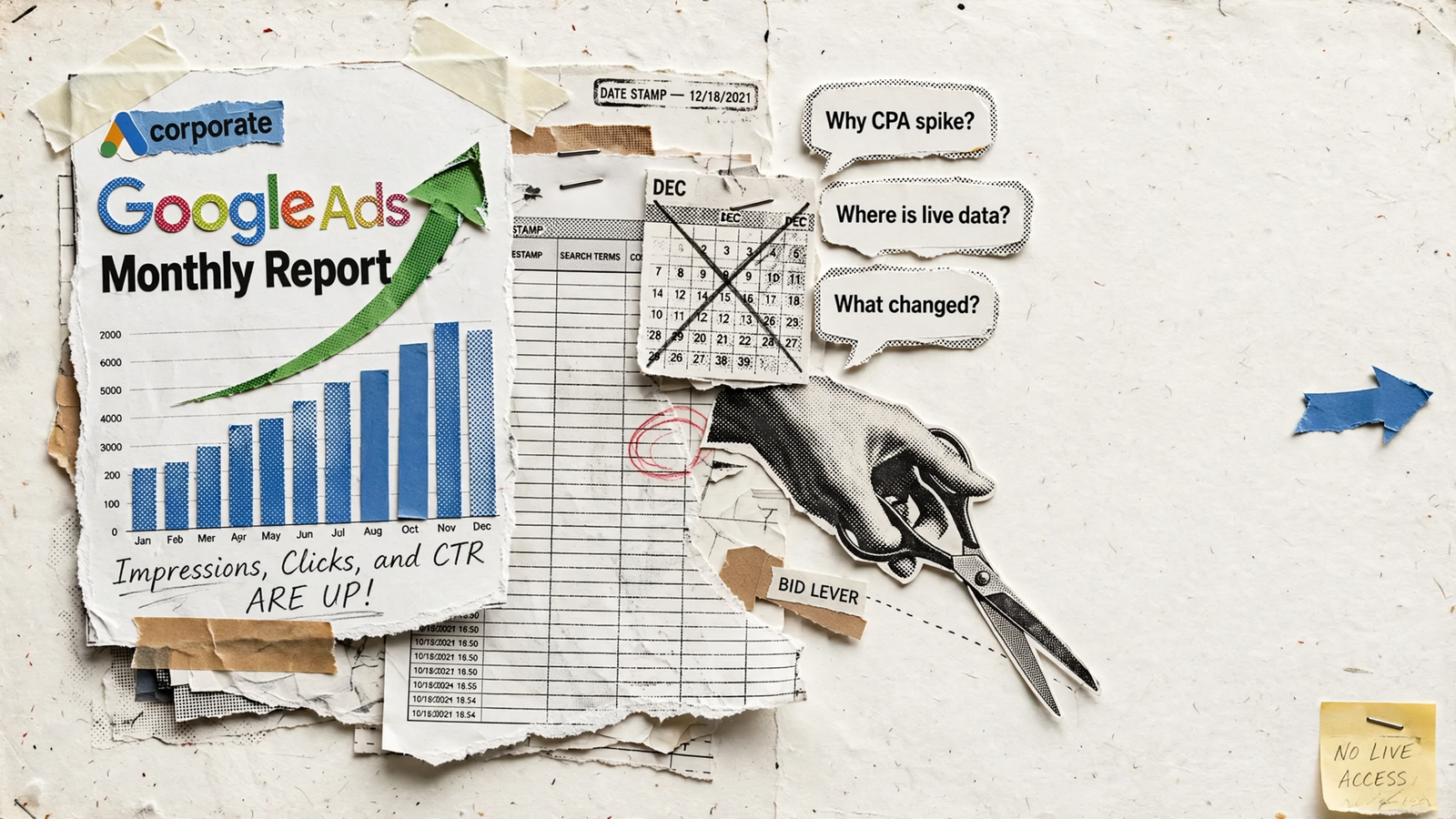
The catch is that a file can look finished even when the data isn’t. Microsoft’s Reporting API documentation says a request can succeed with ReturnOnlyCompleteData set to false, in which case the report may contain only the data processed so far. It also notes that the time zone defaults to Pacific and that today’s data is incomplete. A successful report isn’t evidence that the latest click dates are ready to judge.
When I upload a file, I include the reporting period, the conversion definitions, and whatever delay context I have. If I want a Google comparison, I upload both platforms’ reports. Then I ask Claude to say what the snapshot can’t establish. It can’t show conversions still in flight, refresh itself, or act on what it finds. I used to export on Monday mornings and forget by Thursday. That’s not a character flaw. It’s the design of a snapshot.
What rules it out: I have to refresh the evidence and make every change myself. If I can’t establish that the window is mature, I treat a CPA diagnosis from the file as a hypothesis. For a second opinion on spend concentration, that’s fine. For a bid change based on recent CPA, it’s not enough.
The ranking at a glance
| Rank and setup | Evidence | Freshness | Google comparison | Can it make the change? | Work I still own |
|---|---|---|---|---|---|
| 1. groas in Claude | Live Bing and Google data; check which rows and delay fields are available | Live on request | Same connection; I align definitions | Yes, with approval; reason logged, one-step undo | Set rules, check evidence, and approve |
| 2. Microsoft Advertising MCP in Claude | Native read-only reporting, audits, and change history; check the delay fields | Live on request | Documented comparison; I align definitions | No | Verify the fields and execute by hand |
| 3. Exports in Claude | Only the columns and context I supply | Fixed until I export again | Only if I upload both platforms’ files | No | Export, refresh, and execute by hand |
What I left out: dashboard-and-export tools
I left out the popular dashboard-and-export route because moving the report doesn’t change what it can prove. Sending Bing data to a spreadsheet or BI tool is a reporting choice. For this job, it shares the export route’s limits and gives me another system to maintain. If I’m shopping for a dashboard, that’s a different ranking.
The connection matters more than how polished the answer sounds. In one r/PPC discussion about MCP setup, practitioners describe spending around 20 hours wiring a local MCP and warn that Claude doesn’t automatically know how to use it well. Others suggest starting with one account and read-only questions. In another discussion about connecting Claude to ad accounts, one poster calls the spreadsheet middle step “clunky” and says they forget to refresh it. Another says to define the questions before connecting anything. I’d take that advice either way: start with a check like “spend over $50 and zero conversions”, not “analyze my account.” Then check whether “zero” means zero in a mature window or zero so far.
My pick if the answer has to reach the account
For a bounded second opinion, I’d use an export. For repeated native investigations where I’m happy to execute by hand, I’d use Microsoft’s MCP. But if I’m the operator who has to decide by Monday afternoon whether to change something, I’d pick groas in Claude. I can check the evidence, approve the specific change if it’s warranted, and see why it happened without reconstructing the decision later. If that’s your job, connect Claude through groas and write your rules before you ask the first question. Make the first one about the conversion window, not the bid.





