

 LinkedIn

I’d pick groas for a team that already works in ChatGPT and wants an approved negative keyword to land in Google Ads without somebody copying it into another tool. At 1 a.m., mining search terms for an ecommerce account, the hard part wasn’t spotting a dud. It was getting the right exclusion into the right account, at the right scope, without blocking something that converted.
That’s what I’d rank Opteo alternatives on: where the proposed change goes next. With groas, ChatGPT can read the account, make the case for a negative, wait for a yes, and apply what you approved. I’d pick Optmyzr if the team wants a PPC dashboard to own the review. I’d stick with a CSV and native Google Ads tools if the job comes up once a month and the clicking takes 20 minutes. Those are three different purchases, even if all three start with the same prompt.
The job this shortlist has to finish
Say you spend $20k a month and the search terms look soft. I’d use the same job to compare all three options. Don’t ask for a wasted-spend report and call it a demo. Ask for a change you’d actually be willing to put in the account:
- Inspect the search terms.
- Propose negatives and show the evidence and scope for each one.
- Get approval before applying anything.
- Verify that the approved change landed where it was supposed to.
I call it a handoff when the work leaves ChatGPT and somebody has to pick it up elsewhere. If the approved change goes straight to the account, there’s no operator handoff. If someone has to open another dashboard to review and apply it, there’s one. If the output is a list alongside a CSV, someone still has to check it against the export and enter the changes in Google Ads. That’s not a finished job. It’s a better task list.
Opteo’s suggestion queue, one-click apply, alerts, and reports make sense if that’s where your team already works. If analysis happens in ChatGPT, though, the question is what happens after the analysis. Count the stops between “yes” and a verified change. That’s the ranking.
1. groas: my pick when ChatGPT should apply the approved change
I put groas first because I can approve the proposal in chat and have ChatGPT apply it to the account. Connect the ad accounts once, add groas to ChatGPT over MCP, and ask in plain English. ChatGPT does the analysis; groas supplies the account data and carries out the change. There’s no second queue for someone to clear after I’ve already said yes.
Here’s the prompt I’d use: “Show proposed negatives with scope and evidence. Wait for my approval, then apply only the approved changes.” I want to see spend, clicks, and conversions for the proposed exclusion, along with where it would go: ad group, campaign, or account. “Exclude this” isn’t enough. I might agree with the negative and disagree with the scope. The point of the pause is to make that decision before the account changes, not in the change history afterward. The search terms walkthrough follows that job from diagnosis through application.
I used to think manual entry was the safer default. What I actually wanted was a way to see what changed and put it back. With groas, every change is logged with its reason and can be undone in one step. A spreadsheet can tell me what I meant to do. The log tells me what happened.
groas Unlimited costs $19 a month flat for unlimited teammates, ad accounts, and websites. That’s the groas bill, not the ChatGPT bill. You still need to connect the account. And if your team wants a dedicated PPC dashboard to be home base, skip it. Don’t buy an MCP integration to get out of a dashboard your operators actually want to use.
2. Optmyzr: the pick when a PPC dashboard is home base
Some teams want ChatGPT to diagnose the problem and a PPC tool to own the review. I get the appeal of seeing the proposed change and an Apply button together. Optmyzr’s best fit is the team that wants a mandatory preview it can edit before applying keywords. Its MCP integration lets ChatGPT and Claude pull live data from the account down to the search term, along with change history. For the wasted-spend job, it can check what’s already excluded and stage new negatives in a preview card. The operator can review, edit, or remove them before hitting Apply.
I’d keep two things separate in the demo. Optmyzr can create and apply positive or negative keywords after a mandatory preview. That doesn’t mean it can apply broader campaign changes through MCP. Rule Engine strategies written in plain English still go back into Optmyzr for review and application. I wouldn’t assume every keyword edit needs another login, and I wouldn’t buy on the assumption that every other job follows the keyword path. Ask to see the exact action you want to take.
The tool bill is separate from ChatGPT and scales with spend, not seats. Essentials starts at $209 a month on annual billing, or $299 month to month, for up to $25k in spend. It caps out at 25 accounts, with weekly or monthly rules. Premium adds unlimited accounts, daily rules, and cross-account budgets. I’d shortlist Optmyzr when the team wants that dashboard workflow. I’d rule it out if chat is where the team wants to finish the work and the jobs it needs keep sending people back to the dashboard.

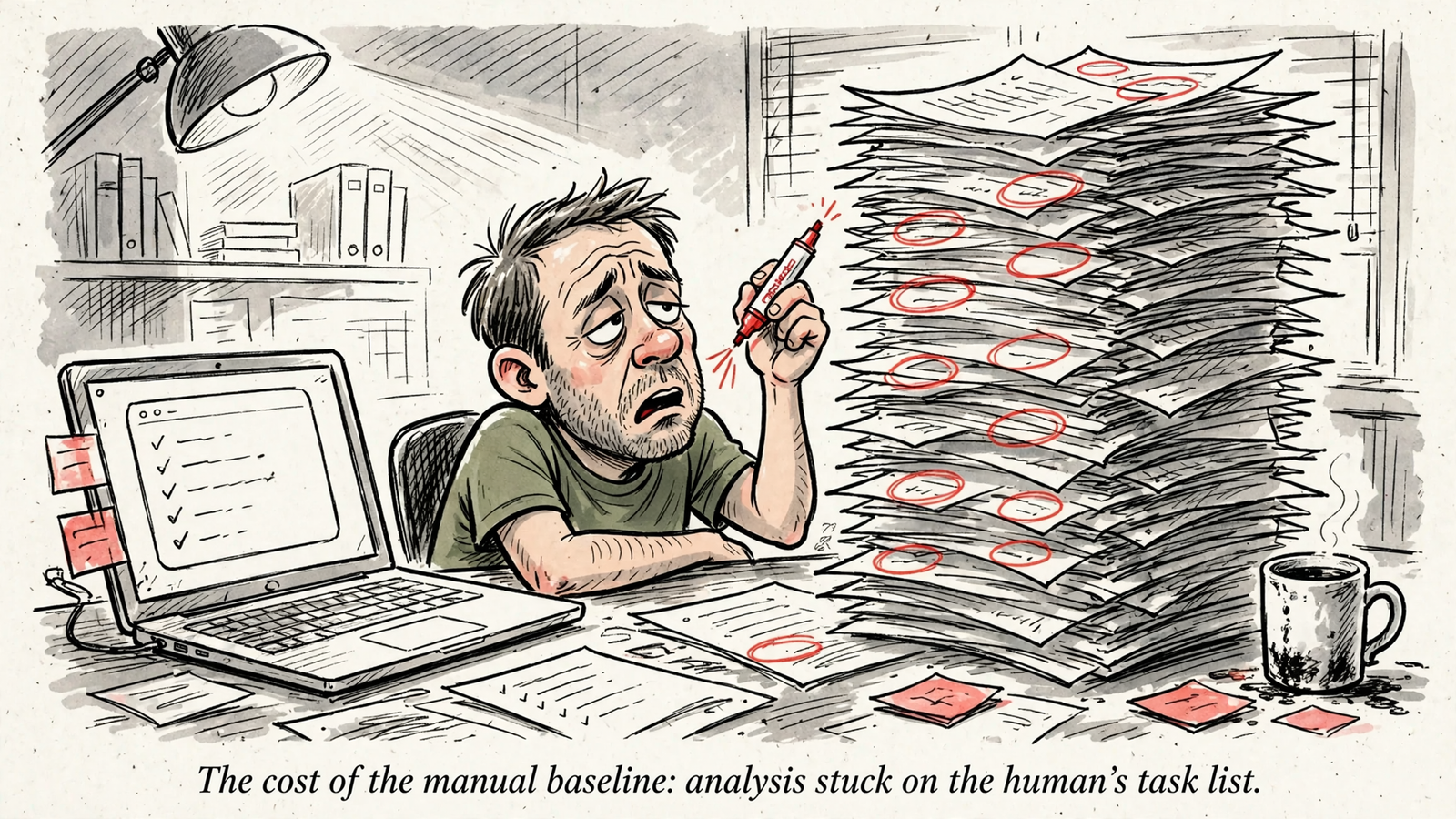
3. ChatGPT plus native Google Ads tools: the manual baseline
I’d keep the manual workflow if reviews are occasional and entering the fixes takes 20 minutes. Its advantage is simple: there’s no connector fee, and the operator who already works in Google Ads stays in charge of the account. Here’s the export I’d start with:
- In Google Ads, go to Campaigns > Insights and reports > Search terms. Pull the last 30 days, or 90 if you spend under a few thousand a month.
- Include Search term, Match type, Campaign, Ad group, Keyword, Impressions, Clicks, Cost, Conversions, Cost per conv., and Added/Excluded.
- Download the report as a CSV. Strip the title and totals rows before uploading it, unless you want a very earnest analysis of your header.
ChatGPT is useful here for grouping the waste: job seekers, DIY, the wrong service or location, competitors, price shoppers. I’d have it total cost, clicks, and conversions by theme before drafting negatives. Then I’d check scope myself. Negative match types don’t automatically catch close variants such as job and jobs, and an overly broad exclusion can block buyers. Search the full report before adding a negative, not just the rows ChatGPT flagged.
ChatGPT Plus costs $20 a month if that’s the plan you use. The rest of the cost is the time to export, check, enter, and verify the changes. If the review takes an afternoon every week, I’d stop calling this the cheap option just because the connector bill is zero.
The comparison I’d take back to the team
Compare the tool bill, the assistant bill, and who still has to click Apply. Opteo is the baseline: Basic is $129 a month for 10 accounts and $25k in spend, Professional is $249, and Agency is $499. That buys a suggestion queue inside Opteo. It doesn’t buy execution from ChatGPT.
| What I’d check | groas | Optmyzr + ChatGPT | ChatGPT + native tools |
|---|---|---|---|
| Where the proposal goes | To the account after approval in chat | To a keyword preview for review and Apply; Rule Engine review stays in Optmyzr | To the operator, who enters it in Google Ads |
| Who owns approval | The operator in chat | The operator at the mandatory preview | The operator in Google Ads |
| What I can check afterward | Change log with reasons and one-step undo | Change history and Optmyzr audit | Google Ads change history |
| Tool cost before ChatGPT | $19 a month flat | From $209 a month on annual billing; scales with spend | No connector fee |
| When I’d choose it | ChatGPT is where the work should finish | The team wants a PPC dashboard to own the workflow | Reviews are rare and manual entry is quick |
I’d keep Opteo if the team clears the queue weekly, uses the alerts and branded reports, and has never wanted ChatGPT to apply a fix. That’s a working routine. Moving it to another tool adds migration work without necessarily solving anything. I’d switch when analysis already lives in ChatGPT and the copy-paste into another tool eats hours or puts exclusions at the wrong scope. This walkthrough on defending a negative keyword gets at what I want to see before I approve one. Buy the workflow you can verify in a screen share, not the longest feature list.
What I left out: full autopilot
I left out the full-autopilot option. You know the pitch: connect the account and let an agent rebuild structure, write ads, set bids, and run around the clock. That’s a different job. I’m testing what happens after a person approves a change, not what happens when the approval step goes away. If the first time I see a particular decision is in the change history after spend has moved, it doesn’t belong in this ranking.
I want less work between approval and execution, not less accountability. That’s also why I didn’t rank Opteo plus ChatGPT copy-paste as an alternative. If that’s what you do today, it’s the routine the shortlist has to beat. I wouldn’t pay to recreate it under a different login.
If you skipped to the end, here’s the pick
Before you buy anything, spend 15 minutes on a real search terms report. Pull the last 30 days and ask ChatGPT for five proposed negatives with spend and conversion evidence. Then ask who applies them and how you’d undo them. If the answer is another login and manual entry, price that time over a quarter. Say you spend $20k a month and 12% goes to junk themes. That’s $2,400 a month buying clicks from job seekers and DIYers. A fix that lands this week beats a perfect queue that lands next month.
Make the vendor show the handoff live. Give the rep a real search term with spend and zero conversions. Ask for the proposed negative and its scope, approve it only if it makes sense, then have the rep apply it, show the log, and undo it. If the rep needs a second call or a custom setup to show how that works, I wouldn’t buy on the strength of the first call.
I’d buy Optmyzr if I wanted the dashboard to run the review. I’d keep the CSV if the job came up once a month and took 20 minutes. If the team already works in ChatGPT and I want the approved fix to land from there, I’d buy groas. The analysis isn’t the finish line. The change in the right account, at the right scope, is.


