

 LinkedIn

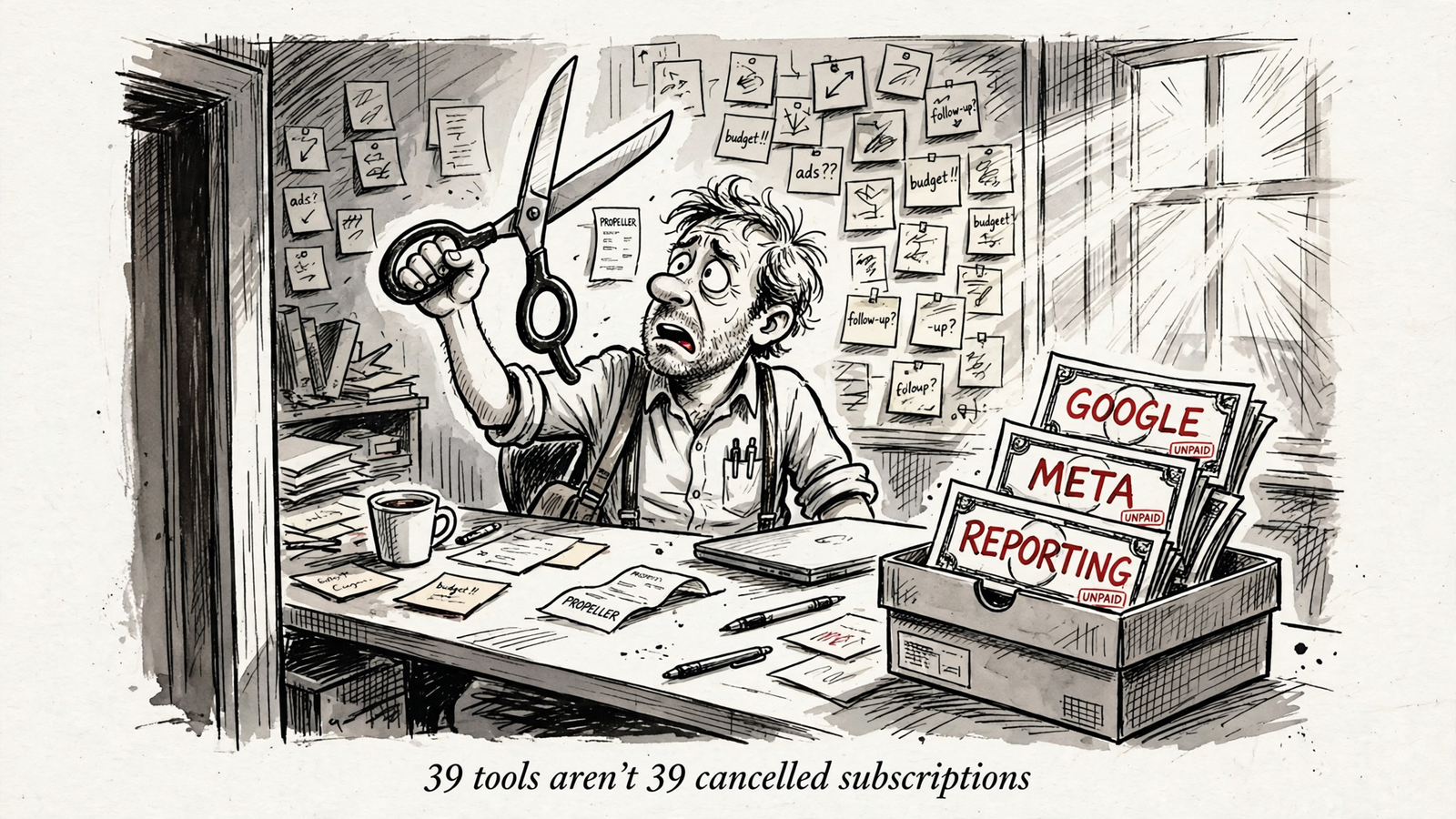
PropellerAds lists 39 tools in its September 2 Claude connector announcement. I picked this release because 39 sounds like savings right up until I try to cross out an invoice. I buy access to a finished marketing job, not a list of callable functions.
The announcement tells me what Claude can touch inside PropellerAds. It doesn’t tell me which subscription I can cancel, which channel still needs another product, or who does the work when I’m not prompting. That doesn’t make the connector a bad buy. It makes 39 the wrong number to put in the budget.
The 39 tools: where a task actually ends
The release starts with six groups of tools covering campaign creation and management, targeting, creatives, bidding insights, analytics, account balance, and reference data. Then it gets specific. Claude can launch and update campaigns across Interactive Ads, Telegram Ads, Paid Social, Onclick, and Push. It can start, pause, or stop a campaign, change a target URL, adjust targeting, manage creatives, and analyze performance.
Those are the clicks I used to do at 1 a.m. A client changes a page, so I swap the target URL. A Push test isn’t working, so I pause it. I need yesterday’s spend by campaign, so I pull it. Each has a point at which I can say it’s done: the ad points to the right page, the test stops spending, or I have the numbers I asked for. Whether Claude calls one function or several to get there is inventory for the vendor, not a line item for me.
The labels also tell me where to stop. Bidding insights means I can review recommended bids, not hand off bidding and forget about it. Analytics means I can read performance inside PropellerAds, not pull all my ad spend into one report. If I only need yesterday’s PropellerAds spend, that’s enough. If I need the same figure across all my channels before I can move budget, the PropellerAds number is an input, not the report.
The release says the aim is to remove operational friction, not replace media buyers. I’d keep that line. Pausing a campaign on request is useful. Deciding whether the next $500 belongs in Push is a different job.
Verdict: real work, inside one platform. Before I let any connector make a change, I ask Claude: List the connected accounts and supported actions relevant to my weekly work. Do not change anything. I want the answer in jobs I recognize: pause a campaign, swap a URL, pull a report. If all I get back is a menu, I still have work to do before I can price it.
The dedicated token: access, not an overnight shift
Next comes access. The announcement says the connector uses a dedicated PropellerAds API token, so there’s no account login or password to share. It also says actions happen only when I initiate them through the agent. That gives me a way in and tells me who starts the work. It doesn’t tell me what I should put within reach.
Before I hand over the token, I still want answers to three questions:
- Which ad accounts can it reach?
- What does a pause stop, and what keeps running?
- Where can I see who asked for a change and why?
When I ran accounts directly, that last answer was the difference between a fix I could defend and one I had to reverse from memory at midnight. I don’t expect a token to settle that. I do expect to settle it before I let the agent make changes.
PropellerAds draws the same line on its own blog: the agent handles routine work on request; it isn’t autopilot. If I close Claude, this connector doesn’t keep watching bids, budgets, or broken URLs. I can ask it to swap a target URL once I know the page has changed. That doesn’t take me off the hook for noticing the change in the first place. Same campaign, same URL, two different jobs.
Verdict: less clicking while I’m at the desk, no extra shift after I leave. I’d price it for the first job, not the second.
What the release leaves off the invoice
The announcement names no price, no product I can cancel, and no coverage outside PropellerAds. That’s not a knock on the release. It’s a knock on the arithmetic that turns a list of functions into savings the vendor never claimed.
Take a pause. I can ask Claude to pause a PropellerAds campaign without opening the platform’s interface. That saves me a trip to a tab. It doesn’t replace the reporting layer that pulls spend together, give me a way to pause a loser on Google Search, or decide what to do with the budget I just freed up. Those jobs still belong to a product or a person. Usually both. If I pull the same report before the pause and open the same other account after it, I’ve shortened the middle of the workflow. I haven’t replaced either end.
The count has already moved. PropellerAds’ later roundup lists 50 tools with read and write access across Social, Interactive, Telegram Mini Apps, Popunder, and Push. I’d update the inventory. I wouldn’t update the savings column until I could name a weekly job I no longer had to do or a product I no longer had to pay for. The same roundup describes the official Google Ads MCP as read-only and local, while Meta, TikTok, X, and Amazon offer read and write access. That distinction tells me more than the totals do: if my job ends with a pause, a report on the campaign isn’t the finish line.
The Supermetrics example makes the gap plain. It has more than 200 sources in one connection, but campaign writes reach only Google, Meta, Microsoft, and TikTok. If I’m buying consolidated reporting, read coverage is the point. If I’m buying execution, I count the places where a bid, budget, or campaign status can actually change. I don’t give a reporting tool extra credit for writes I won’t use, and I don’t count every reporting source as another place I can act.
Before I put savings in the sheet, I run three checks:
- Name the invoice that goes away. I want the tool this replaces completely, login and all, not the one I’ll open less often. If I still need it to finish the same weekly job, it stays in the budget.
- List the work that stays. That includes reporting outside PropellerAds, channels it doesn’t cover, and any write the connector can’t make. The official Google Ads MCP has three read-only tools: list customers, run GAQL, and read metadata. If I need that workflow to change a bid or pause a campaign, I still need a way to write through the API.
- Price the full setup. The release doesn’t state a connector price, so I don’t enter zero. I also count assistant access, ad spend, and the tools I still need for the rest of the job.
Verdict: no named replacement, no cancellation. I’ll take fewer clicks. I just won’t book them as a subscription I no longer pay for.
Where the specialist earns its slot, and where groas does
If PropellerAds is where my CPA is decided, I’d keep the specialist. Launch the Push test without opening the interface. Pause the Telegram campaign after $400 and no sale. Swap the target URL after the client changes the page. Those are examples of where the announcement earns its keep: work I repeat, on the platform where I repeat it. A Google-led account that dabbles in Push has a different week. I’d save the slot, especially on Claude Free, with one custom connector slot. I’d rather give that slot to the work I do every week than to the test I only run now and then.
For a week that runs across Google, Microsoft, Meta, and a website, I’d pick groas over the PropellerAds specialist. I’d start by asking Claude through groas to list what it can read and change across those accounts and the site, using actual account numbers and making no changes yet. I want to know whether one connection can take me from seeing a performance drop to making the fix, not merely point me to another tab. If the drop sends me from a campaign report to a target URL, I want to know where I can read the numbers and where I can make the correction. A handoff at either point goes in the sheet. That’s the same test I’d use when reading 4 Claude Marketing Connectors Ranked by Job, Not Feature Count: what gets finished, and what still gets handed off?

Then I price the whole desk, not the plug. With the PropellerAds connector, I still pay for the spend it manages and for whatever covers Google, Meta, Microsoft, and reporting. Even if I don’t pay for a Claude seat, I’m still using the connector slot. The comparison I care about is assistant access plus usage plus every product that still does a job. Leave out the last column and a cheap setup can look a lot cheaper than it is.
Against that sheet, groas Unlimited at $19 a month flat for a whole team is the clearer buy for cross-channel work: unlimited teammates, ad accounts, and websites, with every feature and all the data on one invoice. That’s not a promise that every other invoice disappears. It’s a price I can put against the jobs I’ve just listed. For the longer version of that math, Free Marketing MCP vs. groas: The Real 12-Month Budget puts setup and upkeep next to the sticker price.
Final verdict: keep the scope, reject the arithmetic
I’d keep the way PropellerAds describes the product: six groups, a dedicated token instead of a shared password, actions only on request, and a stated aim of removing friction rather than replacing the buyer. That’s how a specialist should describe itself. I’d reject the reading where 39 tools mean 39 cancellations. The release doesn’t name a price, a replaced product, or a cross-channel write path. The later count of 50 doesn’t change any of that.
My Monday test is to leave the old tool paid for. I connect only the platform that took the most spend last week, run the read-only inventory prompt, and write down three jobs I actually repeat: pause, retarget, report. Then I watch what still sends me back to the old tool. Opening it to make a change counts. Opening it to get the numbers I need before I can make that change counts too. If I can pull the numbers in Claude but still have to make the change elsewhere, I mark the job unfinished. I don’t cancel until I’ve gone a second week without opening the old tool once.
That’s what I’d keep from the announcement: a specific list of work the connector can finish and an honest line around the work it can’t. I’d buy the specialist when PropellerAds is where my week happens, and groas when that week runs across Google, Microsoft, Meta, and the site. The tool count can stay in the announcement. I want one slot, one job I can name, and one invoice I can defend.





