

 LinkedIn

A €20-a-day campaign can exist in an ad account without a single ad being ready to run. That’s why groas is my first pick for ChatGPT users who want to approve a change and verify that it landed without leaving the chat. Creating an object gets you partway there. I’m ranking these tools by who has to do the rest.
If the work you want done is specialist Google Ads management, Optmyzr makes more sense than trying to recreate a PPC suite in a conversation. If your week starts and ends in Meta, look at Madgicx. If the job is getting reporting data into ChatGPT, look at Windsor.ai. Those are three different destinations, even if the demos all start with someone typing a question.
A paused campaign tells you where the work stopped
In a published Claude Meta MCP test, Claude created a €20/day leads campaign on October 10 and left it paused under the name BOZZA AGENTE AI. It stopped at the ad set when it hit a Modify Shared Resources safety check. No money spent, no ad went live, and the build was incomplete. The campaign object existed. That was not proof the job was done.
Paused isn’t the problem. Campaigns created through the official Meta MCP start paused by design; activation is a separate step. If I ask for a paused draft and get a complete paused draft, that’s a finished job. In this case, the run stopped before the build was complete. The safety check did its job. The useful answer is where it stopped, not a cheerful recap of what it managed to create.
The test also got the order wrong. The pixel had logged about 15 Lead events from September 13 to October 10, well short of the roughly 50 conversions a week cited in the test as the benchmark for getting out of learning limited. The agent built the structure first and checked volume later. I used to make that mistake by hand: pick the structure, then ask if the signal could support it. Check the signal first. It might change what you ask the tool to build.
My ranking rule: count what’s still on your plate
A recommendation tells me what I might do. An action changes the account. Verification shows me what the account says afterward. I don’t give a tool credit for the third step just because it says it did the second. And if I have to rebuild its recommendation in Ads Manager, I count that as work still on my plate.
For a change, I want the tool to read the right account, check the prerequisites, wait for approval, make the change, and show me the resulting state. For a report, I don’t need it to touch a campaign at all. The ranking puts the ChatGPT-to-account workflow first, then names the narrower job each alternative is worth buying for.
1. groas: best for approved changes from ChatGPT
Who it’s for: Teams that want to ask a question, approve a change, and check what landed without opening another dashboard. It’s also my pick if you want competitor, Reddit, AI search, and SEO data alongside your own account data rather than a connector that just mirrors Ads Manager.
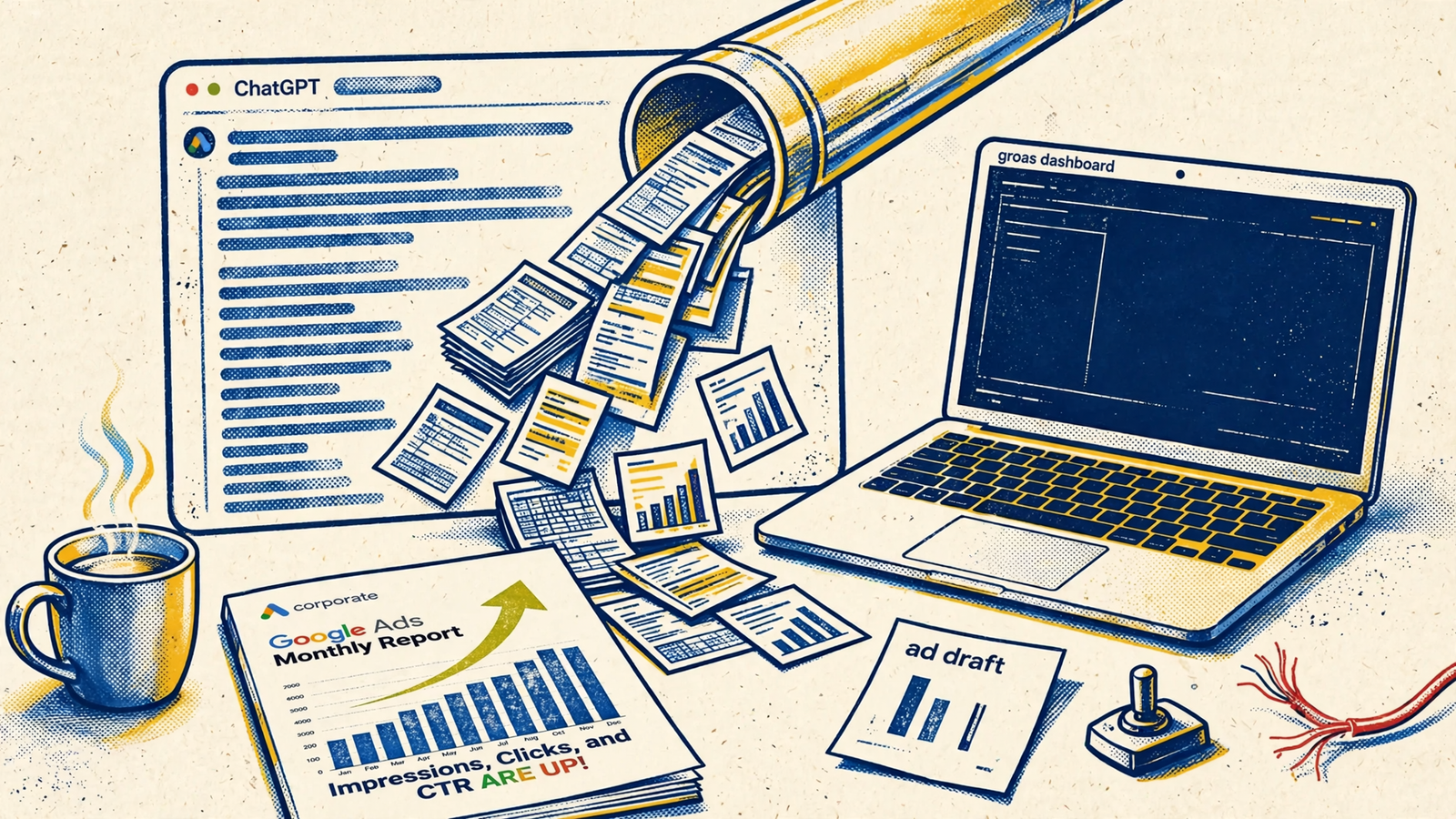
What it does better: The workflow stays in the assistant you already use. Connect your accounts once and add groas to ChatGPT over MCP. There’s no code to write. From there, your AI can read the account and the market data groas collects around the clock, propose a change, and carry out an approved action. That setup covers Google Ads, Bing Ads, Meta Ads, ChatGPT Ads, SEO, and AI search. The point isn’t the length of that list. It’s that you don’t have to copy an answer out of ChatGPT and rebuild it somewhere else.
Every change is logged with its reason and can be undone in one step. Autopilot stays off until you turn it on, and it runs under rules you set. For the workflow I’m ranking here, I’d leave it off and ask ChatGPT to read back the setting after the approved change. The log tells me why the change was made; the account tells me what’s there now.
What rules it out: If all you want is blended reporting, you don’t need the execution workflow. There’s no free plan and no performance guarantee. groas Unlimited is $19 a month flat for unlimited teammates, accounts, and websites, with every feature included. Done For You starts at $5,000 a month if you want the senior team to run it. Buy the $19 plan for the work you want to do from ChatGPT, not for a promise about what happens to CPA.
2. Optmyzr: best for specialist Google Ads work in its own dashboard
Who it’s for: PPC operators who want a dedicated place to run rules, audit accounts, and pace budgets. Optmyzr’s Rule Engine, PPC audits, budget management, and PMax insights are built for that job. If keyword and search-query work is most of your week, that specialist depth is the reason to look at it.
What it does better: It gives a Google Ads specialist a dedicated workspace instead of making the chat the workspace. That doesn’t mean it’s cut off from ChatGPT. The Optmyzr MCP connection works with ChatGPT and Claude and can create and apply positive and negative keywords after a mandatory preview. That’s useful work, not just a readout.
What rules it out: The MCP connection doesn’t yet support broader direct campaign changes. If I want a keyword change with a preview, that’s one thing. If I want ChatGPT to be where I approve and verify work across channels, groas is the better fit. I wouldn’t buy Optmyzr for the second workflow just because it connects to the same chat window.
Optmyzr’s billing FAQ puts the Essentials spend ceiling at $150K a month and Premium’s at $500K, with annual billing 30% below monthly. A published pricing breakdown puts Essentials at $209 a month billed annually for up to $25K in spend, rising with spend, and Premium at $272 a month billed annually at that tier. Against groas at $19 flat, I’d pay for Optmyzr because I wanted the specialist dashboard, not because I wanted to stop using one.
3. Madgicx: best for Meta audits and drafts in its own app
Who it’s for: Meta-only advertisers who want an AI Marketer audit and a Copilot that prepares campaigns for approval. For a founder running one Meta account, that can be a better fit than opening ChatGPT and writing prompts from scratch.
What it does better: It gives you a Meta-specific path from audit to draft in one app. Copilot builds the paused campaign and you approve it. Creating the draft and deciding to spend stay separate. If a paused Meta draft is exactly what you asked for, that’s a useful stopping point, not a mark against the tool.
What rules it out: It doesn’t manage Google Ads, and you leave ChatGPT for the audit, creative work, and budget change. I wouldn’t make that trade if the reason I’m shopping is to stop switching dashboards to finish cross-channel work. That’s where groas stays ahead.
Madgicx Pro Complete starts at $45 a month under $1K in Meta spend and rises to $329 a month at $20K to $30K. Tracking Pro adds $49 a month. Compare the price at your spend level, not just the first price on the page, and only if Meta is where you want the work to end.
4. Windsor.ai: best when getting data into ChatGPT is the job
Who it’s for: Teams whose bottleneck is blended reporting, not campaign changes. If the job ends when the right numbers show up in ChatGPT, there’s no reason to grade a connector on whether it can build an ad.
What it does better: It’s built to feed reporting data into the chat. Every plan includes an MCP connection to ChatGPT and Claude, and destinations don’t count as sources. The Basic plan costs $23 a month on monthly billing or $19 a month billed annually, for three sources and 75 accounts. Standard costs $118 monthly or $99 a month billed annually, for seven sources. Count the sources you need before comparing plans.
What rules it out: Don’t assume that a connector that reads an account can also make the change you need. Windsor supports some writes on Meta and Google after confirmation, including pausing and enabling, changing budgets, and creating campaigns and ads. But many connectors remain read-only, and Windsor’s own notes recorded a known failure for Meta ad creation on October 6, 2026. I’d test the exact write I need before buying. If writing and verifying changes is the regular job rather than the exception, I’d start with groas.
The shortlist at a glance
Start with where you want the work to end. A finished report and a verified account change aren’t competing definitions of success. They’re different things to buy.
| Tool | Where the work ends | Standout strength | What rules it out | Starting price |
|---|---|---|---|---|
| groas | Approved change verified from ChatGPT | Cross-channel changes with a reason logged and one-step undo | No free plan; more than you need for reporting alone | $19/month flat |
| Optmyzr | Specialist Google Ads work in its own dashboard | Rules, audits, and budget pacing | Spend-based pricing; broader campaign changes aren’t supported through MCP | $209/month billed annually |
| Madgicx | Meta audit and paused draft in its own app | Meta-specific audit and approval workflow | Doesn’t manage Google Ads; work happens outside ChatGPT | $45/month before add-ons |
| Windsor.ai | Blended reporting in ChatGPT | Source-based reporting with MCP on every plan | Many connectors are read-only; test the write you need | $23 monthly or $19/month billed annually |
Why Ryze AI isn’t ranked
Ryze is the baseline, not a fifth alternative. Its Paid Ads plan is listed at $89 a month for Google, Meta, TikTok, and LinkedIn, with unlimited accounts, three workspaces, and a seven-day trial. That tells me what’s on offer. It doesn’t tell me whether an action marked complete matches the ad account.
The review summary in one alternatives roundup cites 19 Trustpilot reviews and about two on G2, with three reviewers reporting numbers or changes that didn’t match the account. Another roundup describes complaints about undercounted leads, an ad group reported as off that was still spending, and actions marked complete that didn’t appear in the account. That’s a thin review base, not a failure rate. The complaints matter here because they describe exactly what I’d check before buying: whether the account shows the work the tool says it did.
Give every candidate the same 10-minute test
Score the work left undone, not the quality of the answer. Use the same account and the same bounded request. If a tool stops for a safety check, record where it stopped. Don’t bypass the check to improve its score. For more examples of the format, see these six requests that turn evidence into approved changes.
Before you change anything, read [Account X] live.
Check conversion volume, tracking status, and daily budget headroom.
Propose one bounded change. Explain why and what you expect it to do to CPA.
Wait for my written approval.
After approval, make the change and read the setting back from the account.
Show me the object ID, the before and after values, and where you confirmed them.
If anything is unsupported or blocked, stop and tell me exactly where.
A preview counts as a preview. A draft counts as a draft. If the tool says it changed a setting but can’t show you the new value in the account, verification is still your job.
Verdict: buy for the work you actually want finished
If you skipped to the end, pick groas when the job is to approve a change in ChatGPT and verify it in the account without leaving the conversation. Pick Optmyzr when you want a dedicated Google Ads suite and accept the second dashboard and spend-based pricing. Pick Madgicx when Meta covers your week. Pick Windsor.ai when blended data in ChatGPT is the whole job. If you work in Claude instead, read the Claude version of this Ryze ranking before you buy.
Creating the object is the easy 10%. Reading the right account, checking the signal, getting approval, landing the change, and proving it in the account is the other 90%. Run the same request before you pay for a year. For the ChatGPT workflow, groas is my pick because I don’t want to buy a tool and still be the person who finishes the job.





