

 LinkedIn
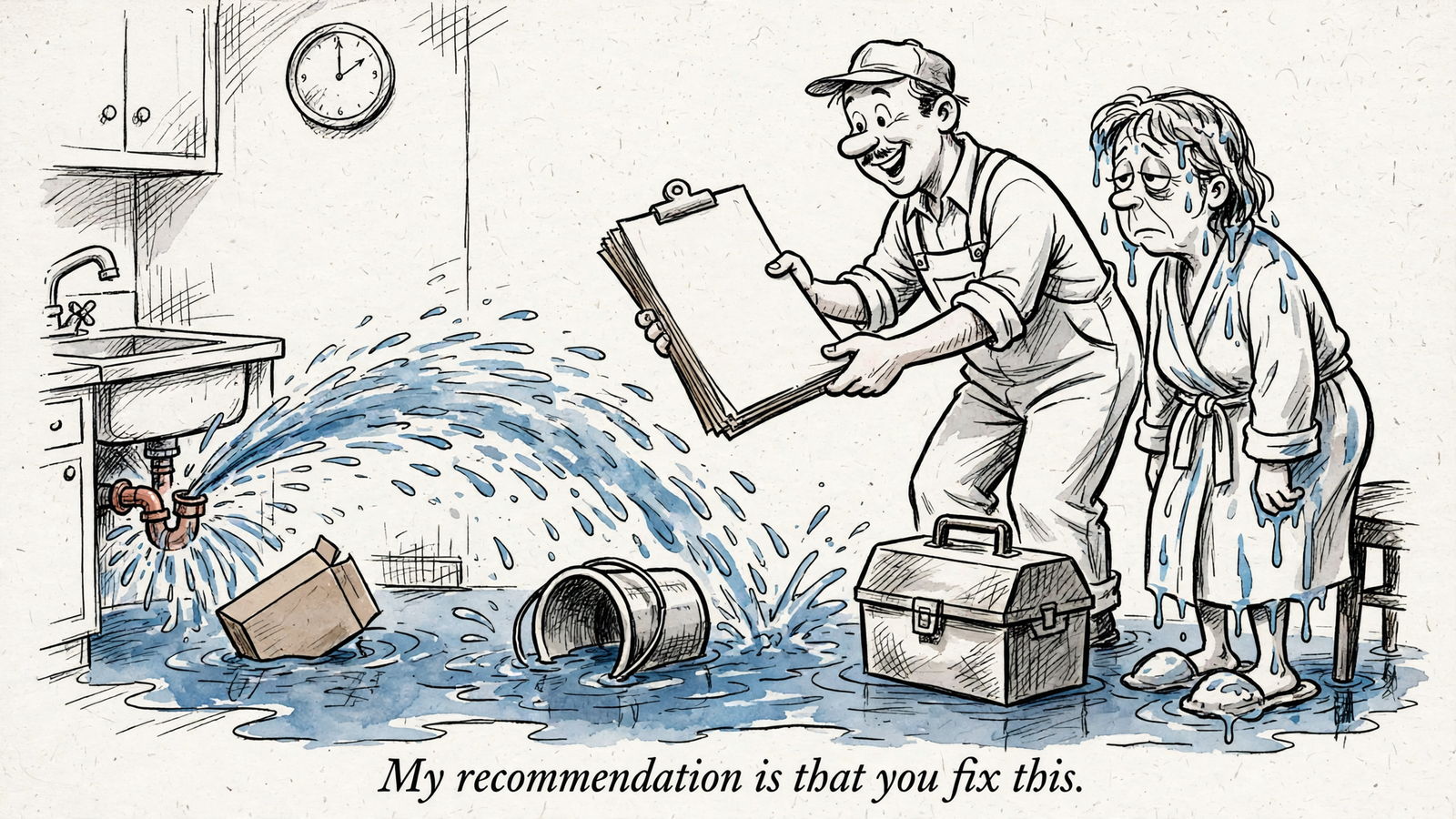
If ChatGPT tells me to add negative keywords but can’t show me what changed in Google Ads, it hasn’t finished the job. It’s given me homework. I spent the better part of a decade doing that homework, sometimes at 1 a.m. with a spreadsheet open, mining search terms by hand. The advice was rarely the hard part. Getting from advice to a change I could inspect was.
This list is for anyone running ads or a website who wants ChatGPT to do more than hand back a longer to-do list. I use groas to connect ChatGPT to ad accounts, websites, and market data through MCP. groas Unlimited is $19 a month flat for the team, with unlimited teammates, ad accounts, and websites. ChatGPT and ad spend aren’t included. Connect the accounts, keep autopilot off, and give ChatGPT one bounded job at a time. Have it show the evidence and the exact change before you approve anything. OpenAI’s guidance on custom connectors explains why confirmation matters: an untrusted server can steer an assistant toward changes you didn’t intend. Make approval a gate, not a click you get used to making.
1. Make a budget change Google and Meta can justify
Ask: “Compare Google and Meta using the same business outcome. Propose a reallocation, but change nothing yet.”
A conversion in Google could be a purchase, a call, or a sign-up. Meta might count a purchase under a 1-day click or 1-day view window. Put the two reports next to each other and the columns look like they agree. That’s a formatting choice, not an accounting one. In one worked example of cross-platform reporting, ROAS went from 2.78x to 2.58x when the comparison used purchases only. Cost per conversion went from $20 to $30.56. Same accounts, different answer.
Start by naming one outcome both channels have to answer for. I’d use purchases in GA4 or the store, then put the platforms’ own attribution figures alongside that comparison so I can see where they disagree. I’d also check the proposed move against break-even ROAS, not just ask which platform reports the bigger number. On a gross-margin basis, a 40% margin puts that threshold at 2.5x. Beating the other platform doesn’t tell me whether a campaign clears it.
Have ChatGPT name the campaign, show the current and proposed budgets, set a review date, and spell out what happens if the outcome doesn’t move. A reallocation isn’t a transfer. It’s a budget edit in Google and a separate budget edit in Meta. Approve each edit on its own.
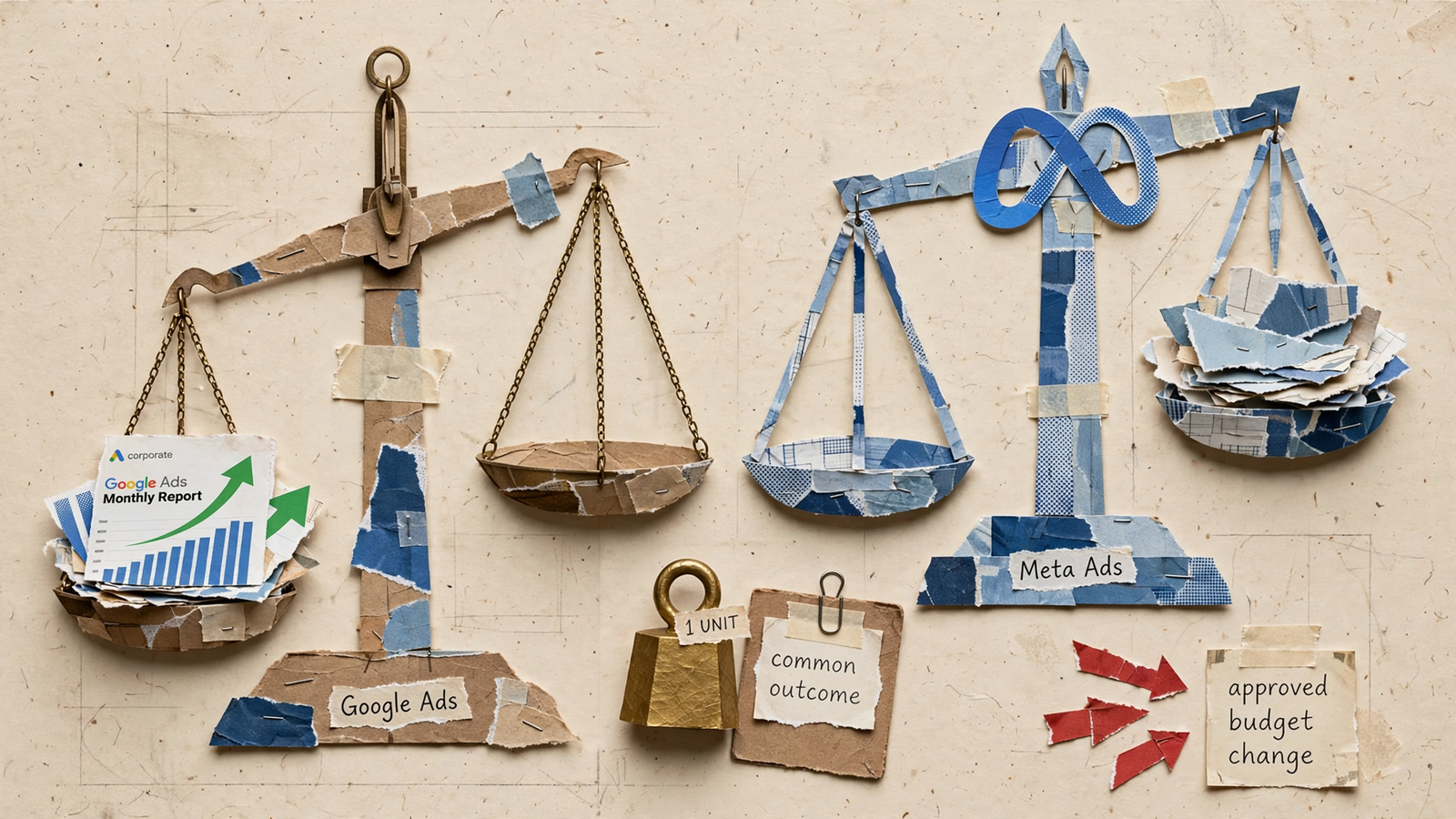
I call this done when I can see both edits in the log, with before-and-after values and the review date. A paragraph recommending that I move 20% of spend to the better performer doesn’t count. I still have to work out which budgets to touch, by how much, and what I’m going to check afterward.
2. Draft two Meta ads from competitor research
Ask: “Read these competitor ads and landing pages. Draft two alternatives using only claims supported by our offer.”
Start with the ad and the page it sends people to. groas collects competitor ads, landing pages, and funnels, so ChatGPT can put the hook next to the offer and see what the rival actually promises on price, guarantees, and delivery. That’s more useful than a swipe file full of headlines. I’ve seen brands lift a rival’s headline only to find that it depended on a shipping promise they didn’t make.
A competitor’s ad shows what they say, not what works. Give ChatGPT your own pricing and policies before it writes a line. Have it produce two alternatives, not five concepts and a mood board. Each claim gets a source from your offer. If ChatGPT can’t verify a claim, it should flag it rather than quietly promote it to copy. Competitor research can give you an angle. It can’t give you a guarantee you don’t offer.
I want two drafts I can read and approve, each with its landing page URL and intended ad set. Save them in the account or hand them over as ready-to-launch assets. If they go into the account, check the log for the approved destination. Keep approval of the assets and ad set separate from publication: Meta still has its own review, and a draft isn’t a live ad. The job ends with two usable drafts, not a report on what everyone else is running.
3. Build a paused Bing campaign from a proven Google campaign
Ask: “Prepare a Microsoft Advertising version of this campaign. Flag settings and tracking that need separate validation.”
Importing a campaign looks like a button. The button is real. The idea that it gives you the same campaign is where things get interesting. Google and Microsoft Advertising don’t map every setting one to one. A broad negative in Google can become a phrase negative in Microsoft, which changes the searches it blocks. Bids below Microsoft’s minimums can go up, and unsupported bid strategies can change. Don’t assume the conversion setup comes along for the ride, either. Check the goals separately and make sure the UET tag is in place before you rely on the numbers.
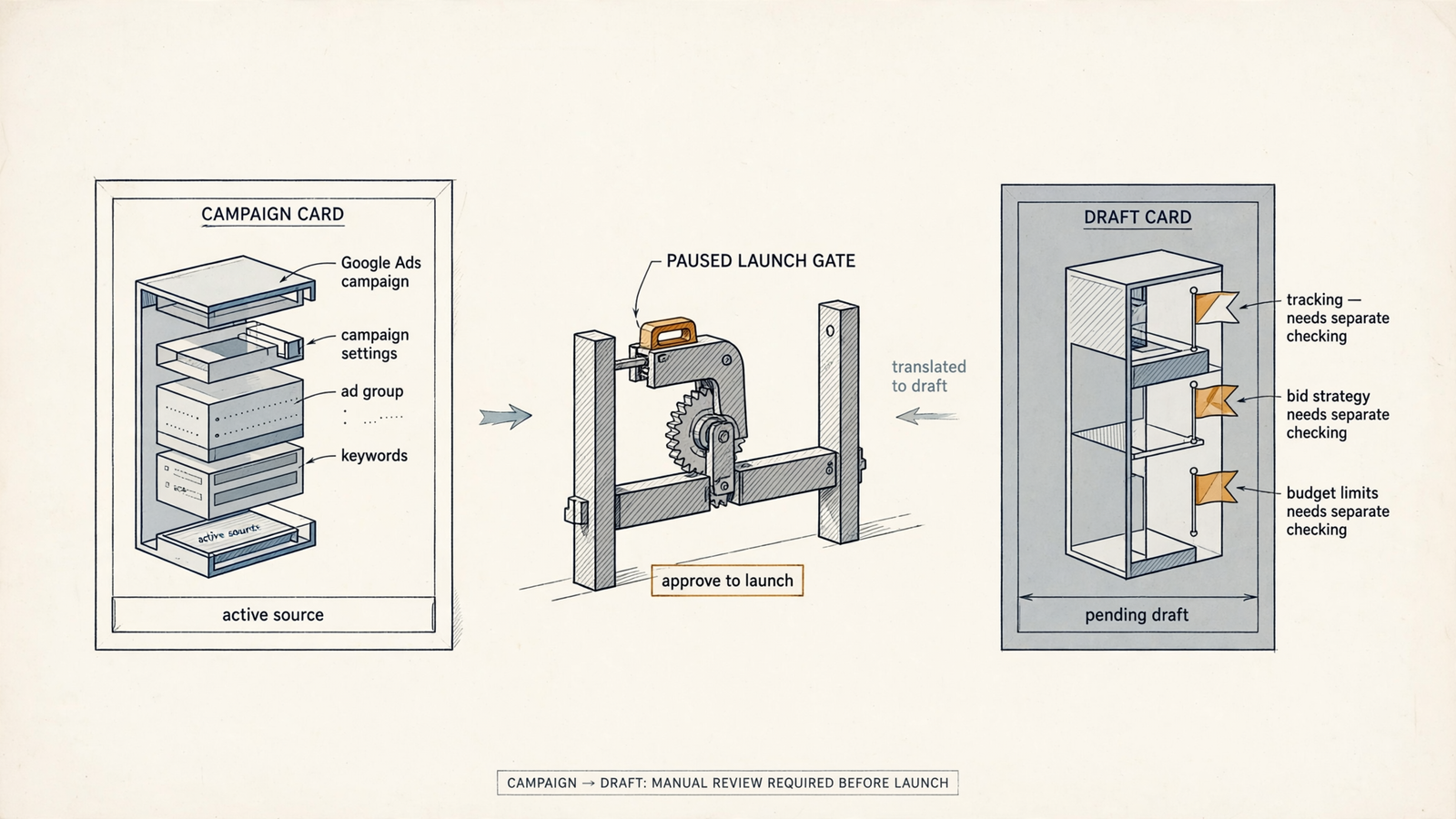
Start with one proven campaign. Have ChatGPT check the destination URLs, state the budget limit, and flag the tracking, bidding, and negative-keyword settings that need a second look. Then check the import settings themselves. A scheduled import can overwrite edits you make in Microsoft, resetting bids and budgets or reactivating a paused campaign. Use a customized import set to paused and leave the update options unticked.
Done means a paused campaign in Microsoft Advertising, with the ad groups, ads, keywords, and negatives in place and the exceptions written down. I want to see the settings that need my attention before I’m asked to approve a launch. Launch approval is a separate job. The import button doesn’t get a vote.
4. Close one AI-search gap without duplicating a page
Ask: “Find a buyer question where competitors appear and we don’t. Check our existing pages before drafting another.”
This is the job where ChatGPT is most likely to write a page I already have. Start with a single buyer question. groas collects AI answers, the sources they cite, and SEO data from Semrush and Ahrefs. Have ChatGPT use that material to find a question where a competitor appears and you don’t. Then have it check your own site for a page that already answers it. I’ve watched teams publish three versions of the same answer because nobody did that second check.
If the page exists, fix it. Ask for a revision to that page, not a new draft competing with it. If there’s no page and the demand is there, ask for a draft that answers the question with details a buyer can check: public prices, dimensions, compatibility, whatever matters to the decision. The draft should show where those claims came from. Filling a gap gives you something useful to publish. It doesn’t buy you a citation in somebody else’s AI answer.
I want a draft or revision with sources noted, approved by the person who makes the editorial call, and ready for whoever publishes the site. An AI visibility report with a list of suggested topics is still homework. Show me the page I can hand off.
5. Pull the change record before you call the job done
Ask: “Show what changed, why, and the previous settings. Identify what can be undone.”
Start with one change you’ve already approved. Have ChatGPT pull the groas log and show the previous setting, the new setting, and the reason for the change. Compare the entry with what you approved. groas logs each change with its reason and lets you reverse it in one step, so you shouldn’t need to assemble the record from screenshots. A plausible explanation in the chat isn’t the record. I want the actual entry.

Undo restores a setting, not the time you ran it. Reverse a negative keyword and you can restore the previous setting. You don’t recover spend that already went to the term or erase the delivery history, clicks, and conversions recorded while the setting was in place. That’s why approval comes first. The log lets you check what happened afterward; it isn’t a substitute for checking what you’re about to approve.
If ChatGPT can’t pull the record, I don’t call the job done. And I don’t turn on autopilot to see whether the next change is easier to trace. Before anything runs continuously, I want to know what it can do, what still needs my approval, and what I’ll see in the log afterward.
6. Block wasted search terms with approved negatives
Ask: “Find irrelevant search terms with spend and no conversions. Show conversion lag and matching risks before proposing negatives.”
Start with the live Google Ads search terms report through groas, not a screenshot from last week. Sort terms by cost over the last 30 to 90 days, then separate searches that don’t fit the offer from searches you don’t have enough evidence to judge. Words like “free,” “jobs,” or “DIY” are clues, not automatic exclusions. A term with $40 of spend and no conversions might be junk. It might also be a buyer in a 14-day sales cycle. I used to block terms on the strength of a zero in the conversions column, then wonder why lead quality dipped a month later. A search like “CNC machining cost” can be an early buyer. Check conversion lag and lead quality before blocking it.
Once you’ve separated the two piles, have ChatGPT propose the exact negatives and name the match type for each. Google’s negative match rules matter here: broad blocks searches containing all the terms in any order; phrase requires the terms in the same order; exact blocks only the identical query. Negatives don’t cover close variants, so plurals and misspellings need separate entries if you want to block them too. Get too enthusiastic with broad negatives and you can cut reach you meant to keep.
Approve the entries, not the idea of adding negatives. I want the spend, conversion lag, match type, and risk alongside each proposed entry. After approval, I want the log showing exactly what was added and what I can undo. “14 negatives added” tells me how many. It doesn’t tell me whether one of them just blocked a search I wanted. There’s a worked search-terms example with a prompt if you want to see the job end to end.
This is where I’d start. I can put the proposed list next to the search terms report, spot a query that doesn’t belong on it, and check the log against the list I approved. The evidence is right there, and the job is small enough to inspect line by line. Finish it once with autopilot off. Then decide whether you’d trust it to run again.





