

 LinkedIn

4.08× is what you get when you divide 10.2 by 2.5. It’s not what you get when you move Bing budget from prospecting to remarketing.
The figures come from a practitioner’s account of holiday programmatic campaigns, not from Microsoft Advertising. Site remarketing reached people who had already visited. Prospecting had to reach colder audiences. One campaign was working with an audience the other kind of campaign helps build. I’d expect those jobs to produce different reported returns. I wouldn’t use the difference to price the next dollar of either.
That’s where I’d bring in ChatGPT, but not with “Should I move budget to remarketing?” I’d connect it to Microsoft Advertising through groas and ask it to show what my account actually measured. The headline gives me a question to investigate. It doesn’t get a vote on the budget.
What the programmatic figures actually show
The self-reported Growth Channel post covers more than a billion Q4 impressions across programmatic channels such as CTV, digital out-of-home, audio and display. That’s the scale of the reported work, not the spend or the size of any one audience. Here’s what the post reports and what I can calculate from it:
| Audience | Reported ROAS | Relative to prospecting | What the post doesn’t disclose |
|---|---|---|---|
| Prospecting | 2.5× | Baseline | Spend, revenue, audience size, attribution window |
| Interest targeting | 4.1× | 1.64× | Spend, revenue, audience size, attribution window |
| Site remarketing | 10.2× | 4.08× | Same fields, plus the cost of building the audience |
The relative figures are simple division using the reported prospecting ROAS. Remarketing got more revenue credit per dollar in the reported results. The table doesn’t tell me what would happen if the practitioner pulled a dollar out of prospecting and spent it on remarketing instead.
The vendor’s holiday guide makes a related claim: a direct-to-consumer jewellery brand went from 2.5× to 13.2× ROAS by building audiences before Black Friday rather than during it. The guide doesn’t disclose spend, revenue, audience size or the attribution window. I can take the timing point seriously without treating the size of the lift as something I can reproduce.
The original post itself says the remarketing pool was built earlier. That’s the detail I’d underline. A Microsoft Advertising remarketing campaign in November can inherit an audience built by October prospecting, with the cost sitting in another campaign, another month or another platform. The headline ratio doesn’t account for that cost. Keep the timing lesson; leave the ROAS target where you found it.
The numbers I’d want before touching spend
Impressions can’t tell me what it cost to earn the revenue
A big impression count tells me how often ads were served. It doesn’t tell me how often the same people saw them, how many bought or how many would have bought anyway. It doesn’t tell me whether the campaign made money, either.
ROAS is revenue divided by spend. Without those inputs, I can’t check the division or tell whether a high return came from a sizeable campaign or a small spend aimed at a warm audience. I used to report ROAS to clients without asking which attribution window sat underneath it. I was wrong to do that. A different window can give me a different number from the same account. Neither number has to be wrong; they can be counting different conversions.
Microsoft’s reporting documentation gives me another reason to check the column name. ReturnOnAdSpend excludes conversion goals marked ExcludeFromBidding=true; AllReturnOnAdSpend includes all goals. The same distinction applies to the standard and all-goal columns for conversions and revenue. If ChatGPT gives me a ROAS figure but can’t say which column it used, I stop there.
A warmer audience isn’t a control group
Prospecting and remarketing aren’t two versions of a campaign with one setting changed. Site remarketing reaches people who’ve already visited; prospecting has to get colder audiences interested in the first place. Ranking the two by reported ROAS is like ranking a layup against a full-court press because one produced more points per attempt. The jobs aren’t interchangeable.
For a budget decision, I want to know how much extra revenue the extra spend causes. Reported ROAS tells me what the attribution rules credited to the campaign. It doesn’t tell me whether the sale would have happened without the ad.
A Measured summary of incrementality testing gives a useful example: Facebook retargeting reported $5.30 in return per dollar, while the test put incremental return at about $1.75, roughly the same as prospecting. In that summary, Google brand search went from $11.20 reported to $2.20 incremental. The gap doesn’t mean the reporting was fraudulent. It means revenue credited to an ad isn’t necessarily revenue the ad caused. I wouldn’t borrow either result as a correction factor for Bing.
There’s a second risk. If I cut prospecting because remarketing looks better on paper, I can spend down the audience I’ve stopped replenishing. I’ve watched accounts get “optimised” that way. The first fortnight looked brilliant. The next month did not. Before I cut prospecting, I want to know what it’s supplying to remarketing, not just where the eventual sale appears in the report.
How I’d make ChatGPT show its work
Connect the account, then keep the analysis read-only
ChatGPT can discuss a benchmark without seeing my campaigns. It can’t tell me how my campaigns performed without the account data. Microsoft has its own MCP setup, which requires a supported ChatGPT plan, Developer mode and sign-in with access to the target accounts. That connection is read-only: it can examine results but not change bids, budgets or ads.
I’d use ChatGPT with groas for this workflow. I can connect the ad accounts once, then use the same connection to review results and make a change I approve. Changes are logged with the reason and can be undone in one step. Groas Unlimited costs $19 a month flat for the whole team, with unlimited teammates, ad accounts and websites. The useful distinction here is that I don’t have to move to a different workflow to act. I still keep analysis and approval separate.
Give the assistant a named account and a stopping point
Microsoft’s MCP use cases specify the account, dates and campaign rather than asking for a general verdict. I’d start there, then make the reporting choices explicit. This is the prompt I’d use, with the account and dates filled in:
Read the Microsoft Advertising results for [account name] from [start date] to [end date] in [currency]. State the account, dates, conversion goals and attribution window. For each campaign, show its purpose, spend, reported revenue and ROAS. Name the revenue column and say whether ROAS comes from
ReturnOnAdSpendorAllReturnOnAdSpend.Keep the Growth Channel figures separate. Label them external, self-reported programmatic results, not Microsoft Advertising benchmarks. Don’t infer missing audience, spend, revenue or attribution fields. Mark them unknown. Don’t recommend or make a budget change yet.
That last instruction gives me a chance to catch a mismatch before it turns into advice. Microsoft’s conversion tracking help describes a configurable last-ad-click window and per-goal counting options: All or Unique. If either setting changed during the period I’m comparing, I don’t treat the counts as like-for-like. And if I’m reconciling Microsoft with another system, I check the cross-system reporting guidance: a report based on ad-click date and one based on conversion date can disagree before I even get to attribution.
Put the account data in a table and the benchmark outside it
I want one row per campaign before I want a sentence of interpretation. The columns should cover:
- Campaign and purpose: prospecting, remarketing, brand or other.
- Economics: spend, reported revenue and ROAS.
- Reporting settings: conversion goals, ROAS column and attribution window.
- Unknowns: anything the assistant couldn’t establish from the account.
If a cell is unknown, it should say unknown. Not a dash. A dash makes me guess whether the value is zero, missing or simply irrelevant. I’ve written before about why AI assistants guess about your ads. The connection gives the assistant data to work with. It doesn’t give it permission to fill the gaps.
The Growth Channel figures belong in a separate panel with their source attached. Don’t average them into account results or use them as a target. If the benchmark shows up in the campaign table, it’s already too easy to mistake it for a number the account is supposed to hit.
Three budget decisions the headline can’t settle
I can use the same headline to argue for more remarketing because its reported ROAS is higher, more prospecting because the audience had to come from somewhere, or no move because the post doesn’t contain my costs or returns. If the same figure can support opposite moves, I need evidence that distinguishes between them.
| Decision | What I’d look for in my Bing account | Risk of acting without it |
|---|---|---|
| Increase remarketing | Audience size, frequency and spend, plus a way to measure the extra conversions from more spend | I pay to reach people who would have bought anyway |
| Increase prospecting | Cost per new site visitor and downstream revenue | I pay to build demand I can’t yet monetise |
| Leave budgets unchanged | A clean baseline with comparable dates, goals and windows | I may wait on a real opportunity, but I don’t invent one |
For most accounts I’ve managed, the third row is the honest starting point. Not because the budget is right. Because change without a baseline is a guess with a budget attached. A Webtonic retargeting benchmark reports 4.2× for retargeting against 2.5× for prospecting and still recommends a holdout to measure incremental lift before deciding the budget share. I’d take the measurement advice, not import the reported return.
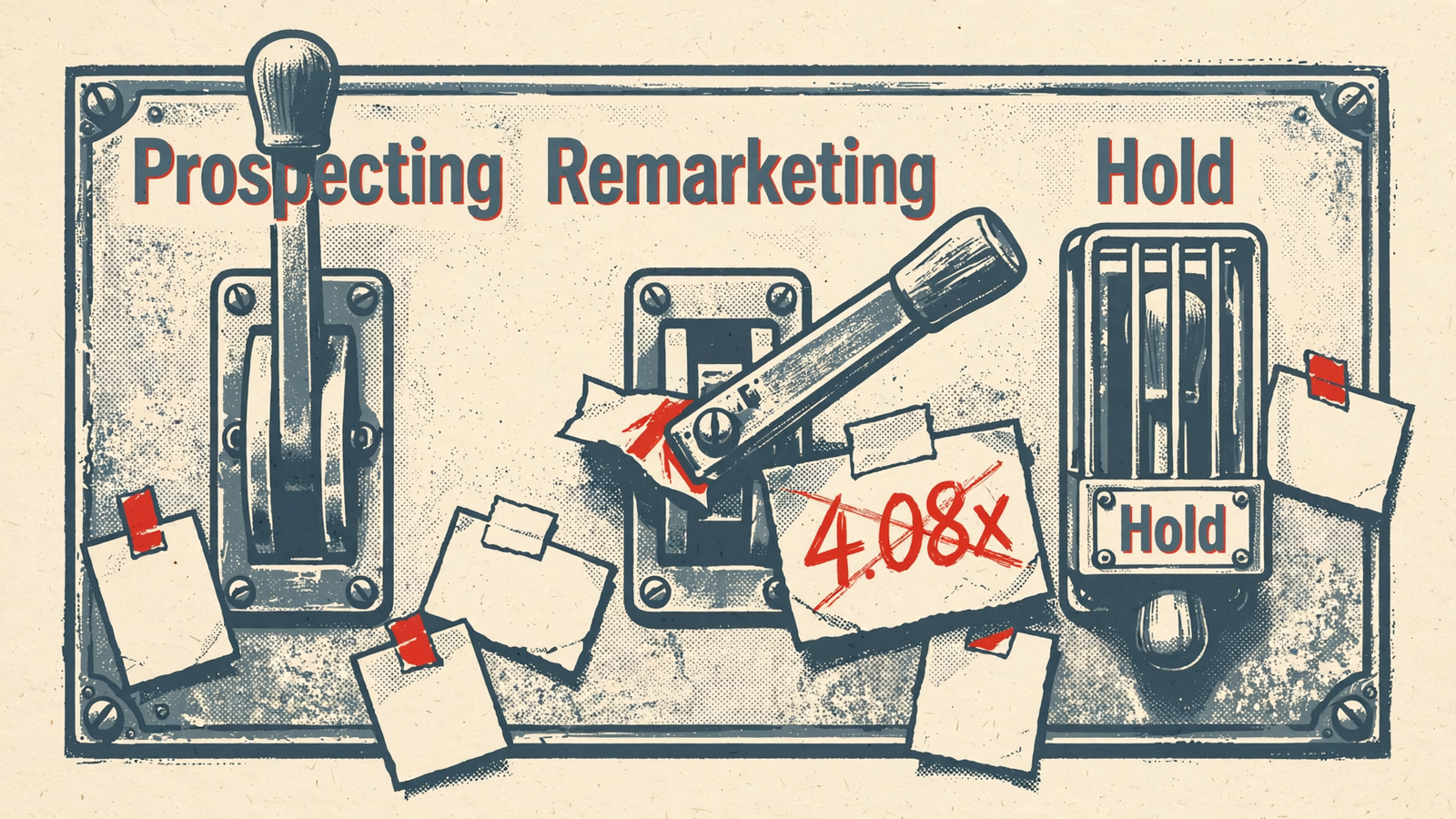
Test the next dollar, not the historical average
Reported ROAS is an average over money already spent. If remarketing earned that average by reaching the warmest people first, extra spend may reach less receptive people or show more ads to the same audience. The historical average doesn’t price either outcome.
I’d ask ChatGPT one more question: “For each option, what evidence would change your recommendation? Do we have it? If not, what’s the cheapest way to get it?” A useful answer might identify a goal-set mismatch to fix, a date range to compare or a holdout to run. If it gives me the 4.08× ratio again, only louder, I haven’t learned anything about my next dollar.
Make the proposal as small as the evidence warrants
If the spend, revenue, goals and attribution windows line up, I’m willing to consider a small, dated and reversible test. I want a holdout where I can use one and a named metric that would tell me the shift was a mistake. A clean table makes a test easier to interpret; it doesn’t turn historical ROAS into a causal result.
If spend is missing or I can’t establish which goals the report includes, I want a data fix, not a budget fix. Name the missing field, who owns it and when I’ll rerun the analysis. Leave the spend alone while that gets sorted.
The decision: hold the budget until the account supports a test
A native export gives me an auditable record, but I have to assemble it manually. A reporting connector can save that work, but I still have to check which columns it pulled. I’d choose ChatGPT with groas because I can inspect the figures and carry out an approved, logged change through the same connection. None of those routes can turn attributed sales into incremental ones.
My rule is source, spend, revenue, goal set and window before any recommendation. If those fields are missing, fix the report. If they’re comparable and the account supports a test, approve the test, not a permanent shift. Until then, hold the Bing budget. The 4.08× is arithmetic, not a forecast.





