

 LinkedIn

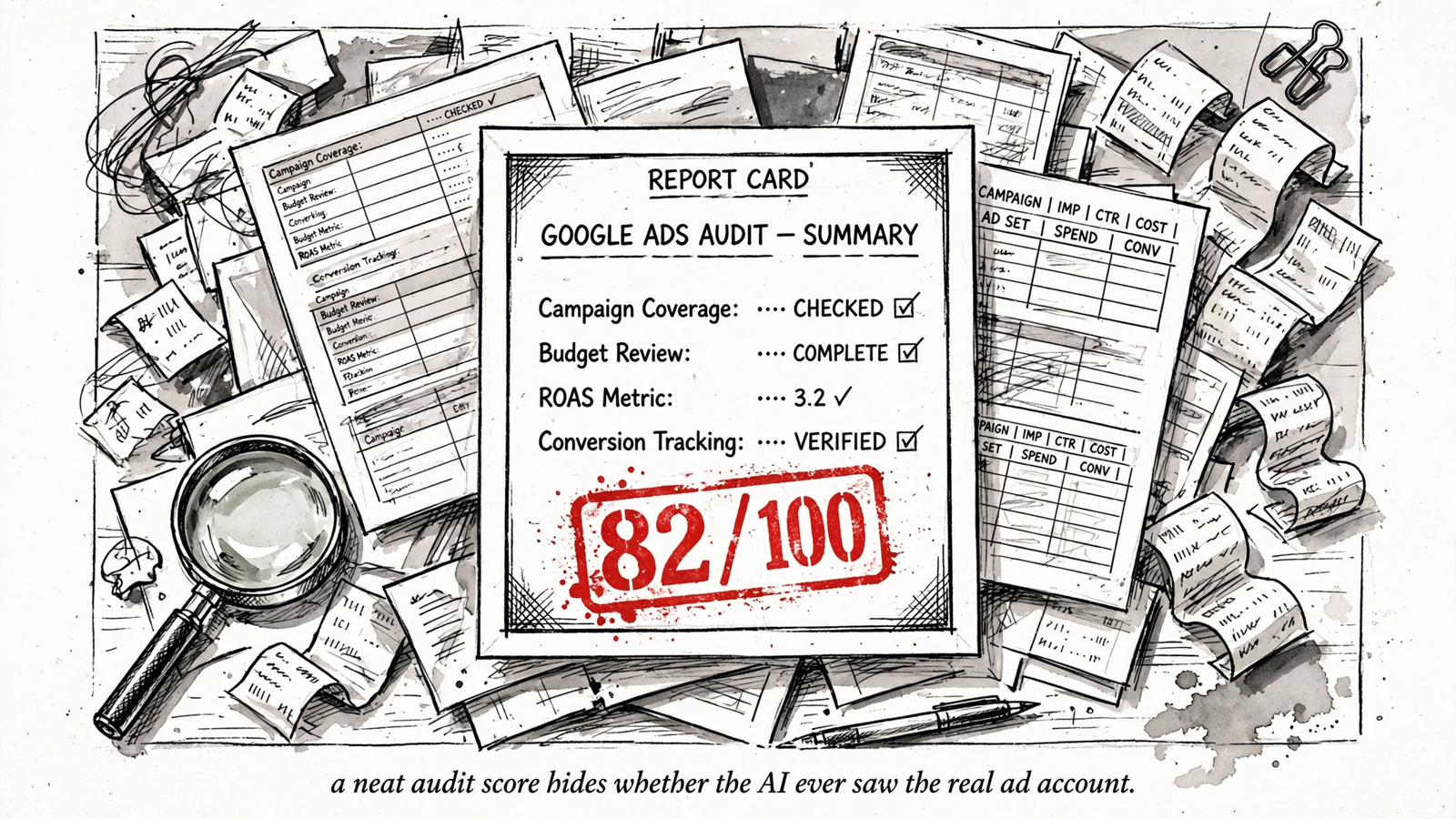
An 82 out of 100 can make a leaking Google Ads account look almost healthy. I want a connected audit in Claude to separate verified faults, plausible explanations, and missing evidence, not blend them into a reassuring grade. Those three piles lead to different decisions. A score hides the difference, which is how an advertiser who needs a tracking check ends up adding more ad copy.
Myth 1: “A free audit means the AI inspected my account”
A free grader and a connected audit are different tools wearing the same name. The label makes them sound interchangeable. The evidence underneath is not.
The WordStream/LocaliQ grader requires Google sign-in and grades a connected account against 10 metrics, including Quality Score, wasted spend, and impression share. It has seen something real. An unconnected chatbot works from pasted CSVs or descriptions, without live account access. It has seen whatever you supplied. Neither output becomes a diagnosis just because it arrives with confident headings.
A generic checklist measures conformity to a template. It can treat “add more ad copy” as progress without establishing whether the existing ads convert. A connected grader has more evidence, but its score still does not establish your contribution margin or which campaign carries the quarter. Legible from a distance is not the same as useful at the controls.
With groas connected, I would start Claude with a boundary:
Audit this Google Ads account for the last 90 days. Name the account ID, date range, and conversion actions you inspected before judging anything. If groas is not connected, stop and say you have not seen the account. Do not fill gaps with benchmarks.
groas costs $19 a month flat for a team and has no free plan for trying a live audit first. The groas + Claude connection gives the AI account access; the prompt makes it account for what it inspected. If free is the budget, use the grader for a checklist. Just do not mistake that checklist for a diagnosis.
Myth 2: “The lowest score tells me what to fix first”
A grader turns ten unlike things into one traffic light. Naturally, the reddest box looks like the first repair.
A PPC Hero teardown of the WordStream grader shows what goes into those boxes: wasted spend assessed through negatives over 90 days, impression-weighted Quality Score, impression share split by budget versus rank, CTR, account activity, long-tail keyword length, and counts of ads and landing pages. One low category can expose a real fault. Another can mean the grader prefers a structure your account never needed. The review even describes recommendations for hundreds of landing pages. Apparently, the cure for advertising trouble is a small publishing operation.
The mechanism is simple: the score measures how closely the account matches the grader’s template. That is not the same as measuring the cost of leaving a problem alone.
I rank findings by business consequence first and evidence strength second:
- Spend at risk: Which campaign, keyword, or budget does the finding touch?
- Conversions affected: What does the account actually record, and which conversion action matters to the business?
- Evidence strength: Is the fault verified, a plausible explanation, or merely cosmetic?
Missing evidence belongs beside that list, not buried beneath it. A potentially expensive tracking fault may deserve investigation before a verified but trivial housekeeping issue deserves action.
Ask Claude to label its findings and show the account evidence behind each one. If the first recommendation is “add more assets” before it names the campaign, spend, and conversion cost, send it back. A low score earns an investigation, not automatic priority.
Myth 3: “Zero recorded conversions proves the traffic is bad”
Zero in the Conversions column looks like a verdict. Say the account spent $20k last month and recorded nothing. Cutting the traffic feels less like a judgment call than basic arithmetic.
But the arithmetic depends on what the column counts. Google distinguishes primary and secondary conversion actions: primary actions feed the Conversions column and bidding, while secondary actions generally serve observation through All conversions. If a page view or scroll supplies the bidding signal instead of a purchase, the account can optimize toward the wrong goal. If the purchase is excluded from that signal, the store and the bidding system tell different stories.
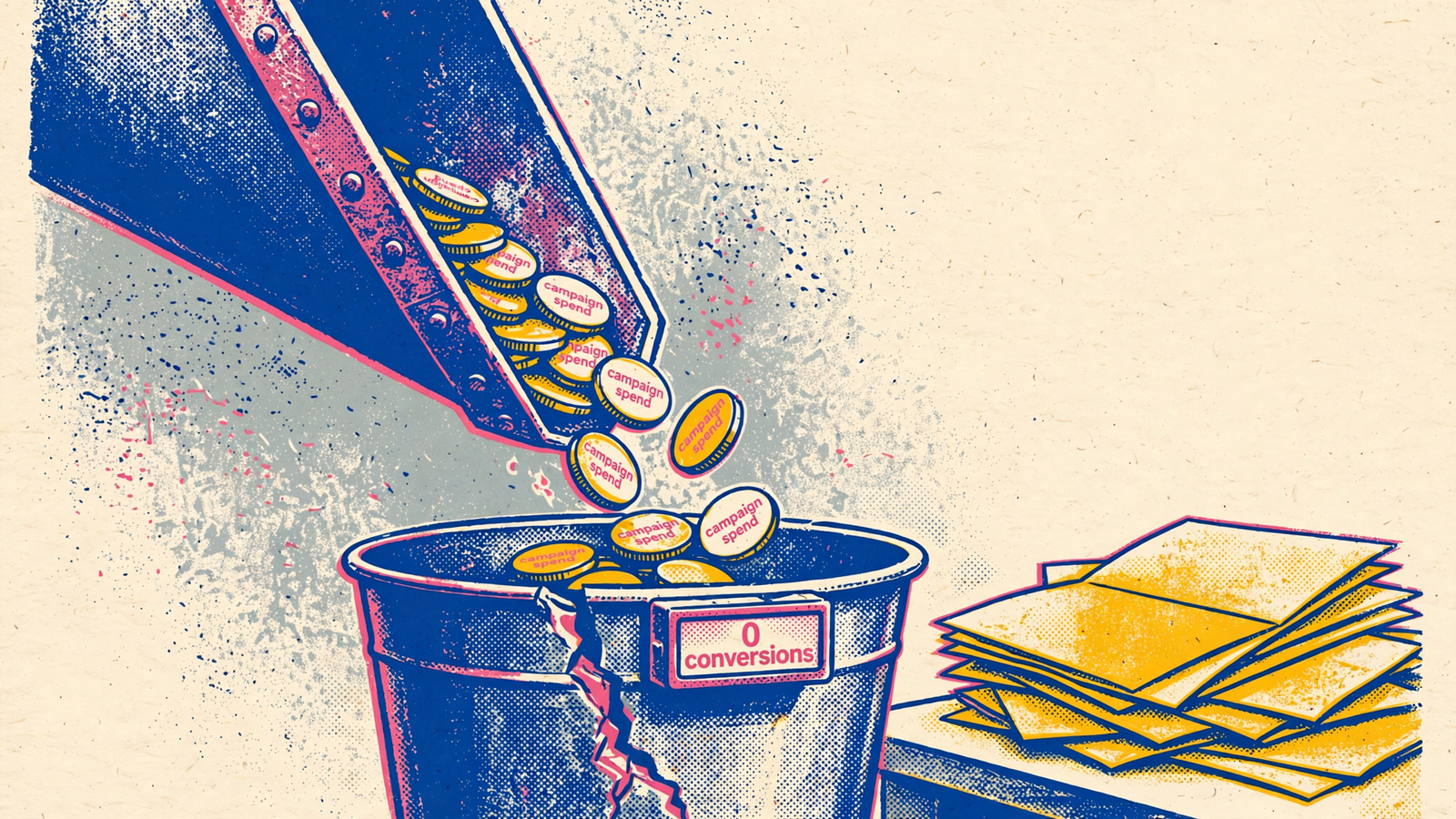
That is why the Detective PPC audit guide puts tracking first, before structure, PMax, search terms, or budgets. Every performance judgment downstream depends on the count. Change history matters too: a conversion action added or switched between Primary and Secondary can change the reported trend without proving that demand changed.
With groas connected, I would ask Claude to inspect the actions and reporting changes around the drop before proposing cuts:
List every conversion action and whether it counts toward bidding. Check change history for changes in the last 90 days. If recorded conversions are zero, list the order or lead evidence you still need from me and how you would match it to campaigns before recommending a traffic cut.
That last sentence matters. groas does not hold your CRM, order export, or phone log unless you supply it. Account access can reveal a suspicious configuration; it cannot conjure the business record needed to explain it.
Reconcile the conversion count with the business record before treating zero as proof of bad traffic. Otherwise, the audit may recommend fixing acquisition when the broken part is measurement.
Myth 4: “Google’s recommendations are the audit’s answer key”
The recommendations sit inside Google Ads, carry an official score, and arrive with a convenient Apply button. I understand the appeal. It looks like the platform has marked its own homework and left the corrections in the margin.
Google defines optimization score as a 0–100% estimate of how well an account is set to perform. Each recommendation carries a potential score uplift, and you can reach 100% by applying or dismissing every recommendation. A number that rises when you dismiss a suggestion is not a profit measure. It tells you something about the recommendation list, not whether the business made more money.
A practitioner guide to optimization score makes the useful underlying point: chasing 100% can replace judgment about bids, match types, and budgets with score maintenance. I cover the broader problem in why free audits structurally fail. The score tab is a particularly tidy version of it.
A recommendation does not establish your contribution margin or prove that broad-match expansion will buy useful demand rather than junk. Those are questions for the audit, not assumptions it gets to borrow from the interface.
With groas connected, I would make Claude argue each recommendation in the account’s terms:
Review the active Google recommendations. For each one, name the campaign, keyword, or budget affected; the account-specific evidence; and the spend at risk. Explain what supports accepting, rejecting, or investigating it. Separate observed results from predicted conversion effects. Tie the judgment to the target CPA or ROAS I give you. If I have not supplied a target, ask for it. Do not treat a higher optimization score as evidence that an action worked.
If Claude cannot name what the recommendation touches, it has not audited it. It has read a checklist out loud. Use recommendations as questions to test, not answers to implement.
Myth 5: “Account access means the AI can prove tracking is correct”
Connected access feels like total vision. That is why this myth survives even after the free-grader argument is settled.
groas can show Claude conversion actions, their Primary or Secondary status, campaign budgets, and change history. That establishes how the account is configured. It does not prove that a real purchase fires the tag once, that consent handling works through checkout, or that an offline import matches a click. A tag can exist while the page beneath it changes. The configuration remains tidy. The measurement does not.
Configuration is a screenshot. Validation is a journey.
A configured conversion action can double-count, fire on page load instead of purchase, or fail behind a consent banner. Reading the account does not close a gap that lives on the site, in the browser, or in the system where the order actually lands. And a connected chatbot can still invent a confident explanation. As this discussion of chatbot account access makes clear, access and reliable interpretation are separate questions. Trace the answer back to the evidence, not the confidence of the prose.
I would give Claude a narrower job first:
Audit tracking configuration only. List every conversion action, its Primary or Secondary status, whether it is included in bidding, and changes to those settings in the last 90 days. Then list what account access cannot verify and the evidence you need from me to validate an end-to-end conversion. Do not conclude that tracking is correct from configuration alone.
A useful answer contains a short verified list and a short missing-evidence list. An answer that skips the second half turns a configuration read into a promise it cannot keep.
The next step needs evidence outside the account:
- A real order or lead record, with a timestamp and identifiers that can be used to trace it.
- A test through the live checkout or form, checking the journey with consent accepted and refused.
- A trace across the relevant systems, comparing the event, identifiers, values, and counts in Google Ads, GA4, and the CRM or order export where applicable.
I would skip the grand tour of tag listeners and follow one completed order or lead through that journey. If the records disagree, investigate the disagreement rather than declaring victory because the conversion-action list looks clean. Make Claude ask for the missing record instead of guessing what it contains.
Myth 6: “The audit fixed the problem”
This is the one I find hardest to kill. The recommendations are applied, the score rises, the report lands in a folder, and everyone can point to completed work. It feels finished because it has the visual properties of finished work.
None of that proves the original fault was real or that the change improved revenue. An account edit is an action, not an outcome. A shorter to-do list is not a baseline.
With groas, every change is logged with its reason and can be undone in one step. That makes the action inspectable and reversible. It does not prove that CPA, qualified pipeline, or ROAS moved because of it. The log records the intervention; measurement tests whether it helped.
I keep three jobs separate in Claude:
- Diagnosis: What is verified, what is a hypothesis, and what evidence is still missing?
- Proposal: What single change follows from that diagnosis, what spend does it touch, and which target CPA or ROAS should it move?
- Execution: What exactly am I approving, and how will I check the result?
For execution, the instruction should be narrow:
Make only this change through groas, nothing else. State the account, campaign, and setting before you act, then show me the logged reason afterward.
I use the 10-point audit framework for the full pass, but the last step still needs that discipline. Inspect the log. Define the comparison. Keep the conversion action consistent, name the date ranges, and examine CPA alongside spend against the target. Do not substitute “the score went up” when the business result remains unclear.
A higher score feels like progress because it arrives quickly and looks finished. Measured progress is less obliging. It requires the conversion action checked in Myth 3, the target named in Myth 4, and evidence that the approved change helped rather than merely happened.
A clean audit means I know which pile each finding belongs in. It does not mean the account is fixed. The fix is what I approve, log, and measure after.


