

 LinkedIn

Google Ads can give an account a 100% Optimization Score without the account earning another dollar: dismiss every recommendation and clear the queue. I wouldn’t fund a fix on that basis, and putting a letter grade on the report doesn’t make the case any stronger. A grade tells me how the account measures up against a scoring system. Before I spend money, I want to know what the proposed change is supposed to do, what the live account data says about it, and what I’d be better off leaving alone. These are the six myths that get in the way, and the requests I’d send Claude with groas connected to the account.
Myth 1: A higher account grade means better business performance
People believe it because a letter grade looks like a verdict. WordStream’s Performance Grader runs from F to A+, and a walkthrough of the tool points out the trick of presentation: the report looks like a diagnosis of the whole account even when it samples a narrow slice of it. An A+ leaves remarkably little room on the page for “we didn’t check that.”
Google’s own documentation draws a narrower boundary. Quality Score is a diagnostic, not a KPI, and it isn’t an input in the ad auction. Optimization Score can rise when you dismiss a recommendation, not just when you apply it. Neither tells me whether a proposed change will bring in qualified leads at a price I can afford. Grade the setup if you like. Fund the change on acquisition evidence.
Separate the scored settings from measured acquisition outcomes. For each proposed change, explain how it could get us closer to a cost per qualified lead under $60. Name the metric we’d check within 14 days.
With groas connected, Claude can use live search terms, spend, conversion counts and change history instead of treating a grader’s checklist as the account. That gives me evidence of what happened and a way to check what might happen next. It doesn’t give me the result in advance. If I can’t say what I’d measure, the change isn’t ready for budget.
Myth 2: Zero recorded conversions proves the traffic is worthless
A zero feels like the one number nobody has to interpret. It’s in the dashboard, it’s in the spreadsheet, and the grader has helpfully put it in red. Cut the spend. Except zero recorded conversions is not the same as zero orders or leads. Recording depends on tags, consent and attribution settings. I want to know whether that chain is working before I use the number to judge the traffic.
A practitioner’s tracking checklist starts with a check I’d take over another dashboard: pull ten platform-logged conversions and match them against the CRM. If two or three aren’t real leads, I’d check whether the tag fires on page load or on a thank-you page people can reach without converting. If none match, I wouldn’t use the count to make a spending decision until I knew why.
The gap can run the other way. One Shopify advertiser reported two orders in Shopify and one in Google Ads. The thread points to possible explanations, including consent banners that stop tags from firing for some visitors and cross-device journeys that don’t stitch together. A gap that suddenly widens, or a day of zeros in an otherwise busy week, is a reason to check tracking. It isn’t a diagnosis by itself.
Review each conversion action and its counts over the last 30 days. Check the account’s change history for relevant edits. Flag any action whose count moved more than 30% week over week without a corresponding change in the log. Separate campaigns with clicks but no recorded conversions from campaigns with little or no recorded traffic.
Through groas, Claude can compare conversion counts and change history with search-term data. That tells me where to look; it doesn’t settle whether an order happened. For that I’d match order or qualified-lead records by transaction ID or click ID over a closed week, allowing for late conversions to appear. Don’t cut traffic on a zero until you know what the zero measures.
Myth 3: Every audit warning deserves a fix
A long findings list looks like a thorough audit, and nobody wants to explain at the next review why they left a red item untouched. But a finding is a proposed change, not a work order. Making the change takes time, can disrupt bidding, and can break something that was paying the bills. In one thread on auto-applied recommendations, an advertiser reported that an ad improvement put a phone number in a headline and left the ad policy-limited. Another said a keyword cleanup removed the only exact-match keywords that were converting and kept the looser matches. Neat account. Wrong keywords.
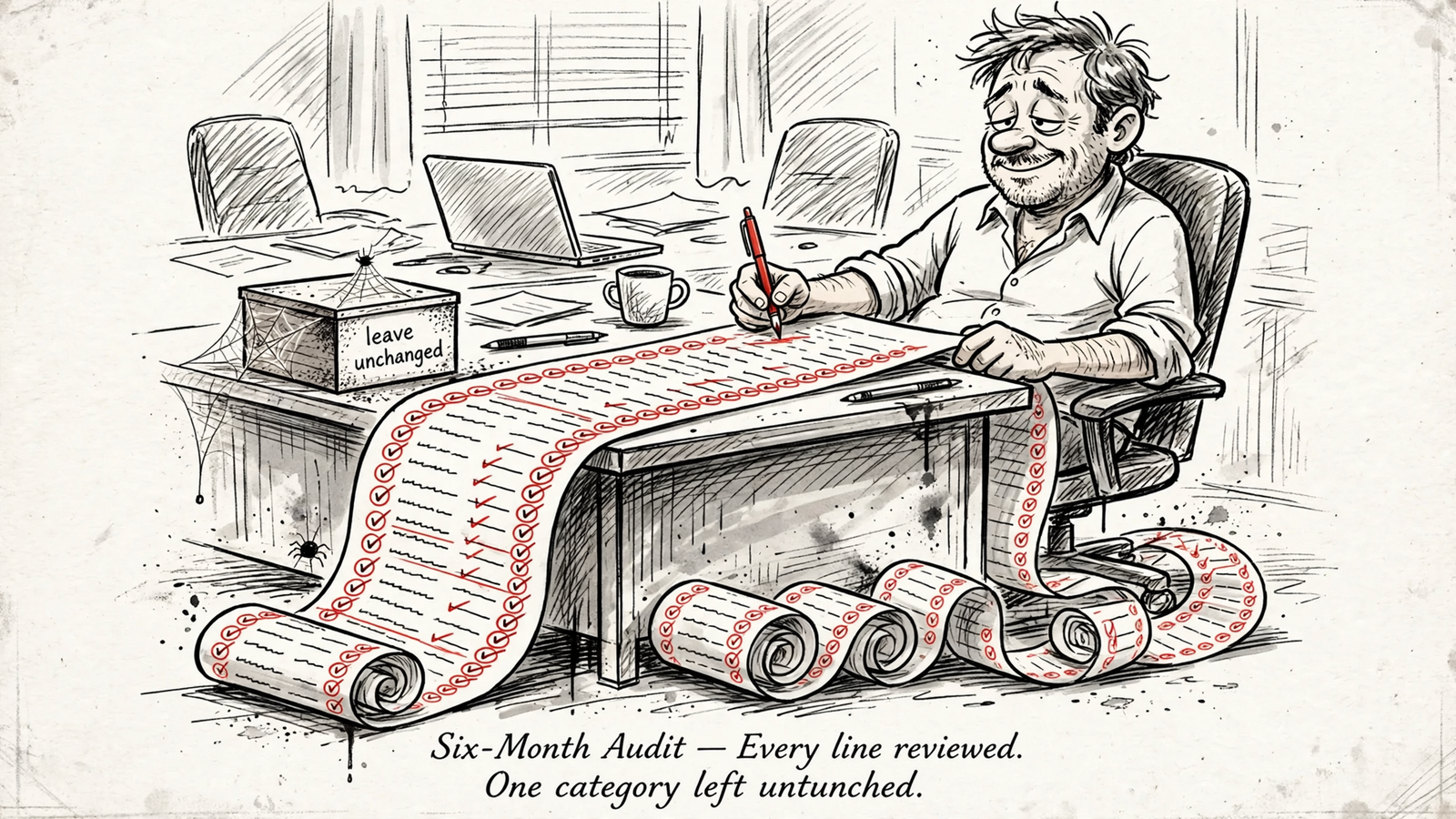
Rank each finding by monthly spend exposure, strength of evidence and urgency. Then add a section called “Leave unchanged.” Identify at least three findings to leave alone if the evidence supports it, and explain why for each.
Through groas, Claude can size the spend at stake and check change history before recommending work on a campaign that already performs. I walk through a grader report line by line in Your Google Ads Grade Is Not a Diagnosis. The distinction I care about is whether a setting departs from a template or whether the departure matters to the business.
A warning over 2% of monthly spend doesn’t earn the first meeting just because it’s red. A quiet finding over 40% deserves a look even if the grader barely mentions it. Spend exposure tells me where to look first, not what to approve. “Leave unchanged” belongs in the audit, with reasons.
Myth 4: A recommendation is stronger because Google suggested it
Google runs the auction, and the recommendation sits inside the product I already pay for. I understand why that reads as authority. One lead-gen manager described the loop in r/PPC: a $45 target CPA, an actual CPA of $52, and a recommendations tab that kept asking for a higher target or more budget. Then the client saw the score and asked why the agency wasn’t following Google’s advice.
Budget advice makes the problem obvious. As one advertiser put it, “I’ve never had a Google Ads account where Google did NOT recommend spending more money.” The useful suggestion in that thread was to test budget in 10% increments and check what the extra spend actually bought. A score can tell me Google wants a change. It can’t tell me what the next dollar buys.
Check each open recommendation against our offer, our last 30 days of search terms and our conversion goals. Flag any recommendation that assumes an offer we don’t make, a margin we don’t have or a goal we don’t optimize for. Explain what in the data makes you flag it.
With groas reading the account, Claude can compare a proposed keyword expansion with the terms people actually searched for. I can see whether the recommendation fits the offer instead of arguing about who wrote it. And I wouldn’t dismiss an idea just because Google suggested it. I’ve seen recommendations for more responsive search ad headlines that the account actually needed. Judge the fit, then measure the result.
Myth 5: The audit that finds the most issues delivers the most value
Fifty rows look like more work than three. They certainly take longer to present. I used to deliver audits that way, and the client still acted on the same few items while the rest sat in the PDF. An audit earns its keep by making the next decision easier. A long red list does the opposite if it gives a broken setting, a performance hypothesis and somebody’s preferred account structure the same weight.
Give me the three decisions that matter this month, in order of dollar consequence. For each, distinguish a factual defect from a hypothesis about performance and a preference about setup. Put everything else under “Informational,” capped at ten lines.
I want those distinctions made before the meeting:
- A defect needs evidence that something is broken. I don’t need a theory about performance to call it a defect.
- A hypothesis needs a measurement plan and a date to check it. “Should improve CPA” is the start of the discussion, not the approval.
- A preference needs a reason to outrank the work already on the list. It doesn’t get one just because the grader agrees.
I take the dollar framing change by change in 7 Google Ads Changes Claude Must Justify in Dollars. The short version: bring me three decisions I can make, not fifty rows I have to sort.
Myth 6: Paying for an audit buys proof that the fixes will work
This is the hardest myth to kill. Money changed hands, a report arrived with the vendor’s logo on it, and finance has an invoice to show for the whole exercise. It feels like proof ought to be in there somewhere. But an audit describes the account. It doesn’t prove what a change will do. Even the grader has limits: WordStream’s waste score is directional, not precise, and the conversion-rate grade only means something if the account records conversions correctly. Paying for a cleaner report doesn’t repair broken tracking.
I include groas in the no-guarantees part. I’d rather use it to have Claude check a claim against the live account than pay for a grade and mistake it for proof. groas Unlimited is $19 a month, flat for the whole team: unlimited teammates, ad accounts and websites, with every feature and all the data. I can check a claim before funding it, log a change with its reason and undo it in one step if the numbers disagree. If I want a senior team to run things instead, Done For You starts at $5,000 a month. That buys execution under guardrails, not a promise of specific results.
For each proposed change, state exactly what would change and who must approve it. Specify the metric, baseline and measurement window, plus the result that would make us revert. Log every approved change you make, with its reason, so we can audit the audit.
Through groas, Claude can carry out approved changes across Google Ads, Bing, Meta and the site, with a log of what changed and why. That log is the deliverable I want after the work starts. The PDF tells me what someone saw on audit day. The log tells me what we did about it and why, even after the person who approved the change has moved on.
What I send the person who controls the budget
Before anything changes, I ask Claude for a one-page decision brief. Six lines, in this order:
- Evidence: What the account data shows, with numbers.
- Action: What I propose changing.
- Cost exposure: How many dollars per month are at stake.
- Uncertainty: What I don’t know yet.
- Success measure: Which metric, what target and what window.
- Stop condition: What result would make me revert.
That’s what earns funding. Not a score. Not a letter. A reason the change might work, a number attached to the risk, and a date to find out whether it did.





