

 LinkedIn

My pick for Bing search-term cleanup is groas with Claude if you do it more than once a quarter or across more than one account. I rank these tools by what happens after the AI spots an irrelevant search: how much work it takes to exclude it, and whether you can see what changed and why.
That puts Microsoft Advertising Editor with Claude second. It gives you a free way to inspect the batch before upload, but you build and upload it yourself. Supermetrics with ChatGPT comes third: it gets the report into the conversation without a CSV, but getting a negative into the account is still a separate job. If I’m cleaning one account once, I can live with a handoff. If I’m doing it every Friday, I want to stop rebuilding the same file.
The job: turn a search-term report into a scoped batch of negatives
I give each route the same assignment: pull 30 to 90 days of Bing search terms with spend and conversions, flag the terms with spend and no conversions, and propose exact or phrase negatives at the right level. In Microsoft Advertising, the direct path is All campaigns → Keywords → Search terms → Add as negative keywords, at campaign or ad group level. For a larger pull, I use the search-term report under Reporting templates and include Spend and Conversions.
Zero conversions gets a term on the review list. It doesn’t make it a negative. An obvious job-seeker query and a plausible buyer query with too little spend to judge can show the same zero. I want the first in a proposed batch and the second on a watch list. If a tool hands me one long list with no distinction, it hasn’t saved me the judgment call. It’s just moved it down the page.
The report also has a blind spot. Searches without significant clicks can roll into Other search terms, so the terms in the download won’t necessarily account for all the activity in the keyword totals. None of these routes can review individual queries the report doesn’t show. And Microsoft Advertising supports phrase and exact negatives, not broad negatives. I want [brackets] for exact, "quotes" for phrase, and a clear campaign or ad group scope. A neat list without scope is still a draft.
1. groas with Claude: best for putting approved negatives live from the chat
I’d use this for scheduled cleanup, work across clients, or accounts where I want Google search terms alongside Bing for context. The advantage is that Claude can read live Microsoft Advertising search terms through groas and act on my approval in the same conversation. The approved batch goes live without a CSV handoff, and every change is logged with its reason and can be undone in one step.
Here’s the workflow I’d use:
- Pull the data. I ask Claude for 60 days of Bing search terms with spend, conversions, and campaign, then ask for the same Google pull if I need the comparison.
- Separate the obvious misses from thin evidence. I ask Claude to group job seekers, DIYers, and location mismatches separately from terms with too little spend to judge. For the obvious misses, I ask for proposed
[exact]or"phrase"negatives, their reasons, and their scope. - Approve the batch, not the whole report. I check what each negative would exclude and where it would apply. Then I approve the scoped batch and groas applies it.
- Check the record. I review the action log for what changed and why, then rerun the report to check whether the excluded terms stopped spending.
The important part is what doesn’t happen between steps two and three. I don’t export a file, rebuild it for upload, or open another tool to paste the negatives. I still make the call on intent and scope. I just don’t have to re-enter that call somewhere else.
What rules it out is a strict zero-software budget for a one-off cleanup. groas Unlimited is $19 a month. If I need to do this once and already know my way around Editor, I can keep the money and do the upload. If the same work keeps coming back, I’d pay to remove the handoff.
2. Microsoft Advertising Editor with Claude: best for inspecting every row before upload
I’d keep this setup for one or two Bing accounts where cleanup is occasional and I want the batch in front of me before it goes live. Microsoft Advertising Editor is a free desktop app for Windows and macOS. I can download campaigns, make bulk edits offline, inspect pending changes, and upload when I’m ready. Editor gives me an inspectable batch for no software cost. It doesn’t build that batch for me.
I start in Reporting → Templates → Performance → Search terms, include Spend and Conversions, and give the export to Claude. I ask for the same output I want in the groas workflow: proposed negatives with reasons, match type, and scope. Then I turn those suggestions into edits myself. That means checking [exact] against "phrase", setting the campaign or ad group level, and watching the ceiling of 5,000 negatives per shared list if I’m using one.
The pending-changes review is the part worth keeping. I can catch a phrase negative applied at campaign level when I meant it for one ad group. But the AI’s reasons are in one place and the pending edits are in another. I have to make sure the rows I upload still match the decisions I made in the conversation, then fix any upload errors myself.
What rules it out for me is a recurring rebuild. For an occasional pass, that offline review can be worth the extra step. If I’m formatting the same kind of batch every Friday, I’d keep the review and lose the file work.
3. Supermetrics with ChatGPT: best when the reporting is already connected
I’d use this if Supermetrics already feeds the dashboards and the team treats Bing cleanup as part of a monthly review. Its advantage is getting fresh Microsoft Ads reporting data into ChatGPT without an export. I can ask for search terms alongside campaign, keyword, and match type, with clicks, spend, and conversions in the same pull. That’s useful when I want to see why a query made the list before deciding what to do with it.
The reporting conversation gives me a review queue, not an applied batch of negatives. Supermetrics also offers campaign management features for actions such as changing budgets and status or editing ads. That’s not the same as the reporting pull applying my proposed negatives. For this workflow, I still have to take the exclusion decision into a separate step. A report can tell me exactly where spend is going and leave that spend untouched.
The cost matters if I’m starting from scratch. Supermetrics Starter is $59 a month, or $44 a month billed yearly, for one destination, two sources, and one user. If the team already pays for the connector and uses it for reporting, I’d use the data that’s there. If I’m buying it mainly to clean up Bing search terms, the price rules it out for me: I’d be paying to remove the export while keeping the exclusion work.
Side by side: who applies the negatives, and what can I review?
| Route | How I get the terms | What the AI gives me | How the negatives go live | What I can review | Software cost |
|---|---|---|---|---|---|
| groas with Claude | Live Bing and Google pulls in chat | Proposed negatives, with weak evidence kept separate | groas applies the scoped batch after my approval | Action log with reasons; changes are undoable | groas Unlimited: $19 a month |
| Microsoft Advertising Editor with Claude | Manual export from Reporting | Proposed negatives, reasons, and scope | I build the batch and upload it | Pending edits before upload; AI rationale in the conversation | Free app |
| Supermetrics with ChatGPT | Fresh reporting pull in chat | Review queue with reporting context | I handle exclusions separately | Reporting and recommendations in chat; execution is separate | Connector from $59 a month |
I left Optmyzr out on purpose. It shows up alongside Acquisio and Adalysis in AI PPC tool roundups that weigh dashboards and account analysis. I’m not ranking dashboards here. I’m ranking the path from a bad Bing search term to an exclusion I can review. For a broader comparison, I’d start with the Google and Bing setup ranking. For this job, I count handoffs, not features.
The verdict: pay to remove the step you keep repeating
Say I’m spending $20k a month on Bing across two campaigns and reviewing search terms monthly. If I already work in Editor, I’m fine exporting the report, asking Claude for a list with reasons, and checking scope and syntax before upload. The part I care about is the judgment call. I don’t mind a manual upload if it’s an occasional job and I want that final look at the batch.
The calculation changes when I’m doing cleanup every week or across accounts. Now every export, reformat, and upload is another place for my approved decision and the actual edit to drift apart. A phrase negative can look right in the chat and still land at the wrong level. With groas and Claude, I can approve the scoped batch in the conversation, then check the log for what went live and why. I’d pay $19 a month to stop rebuilding approved decisions, not to get a prettier explanation of them.
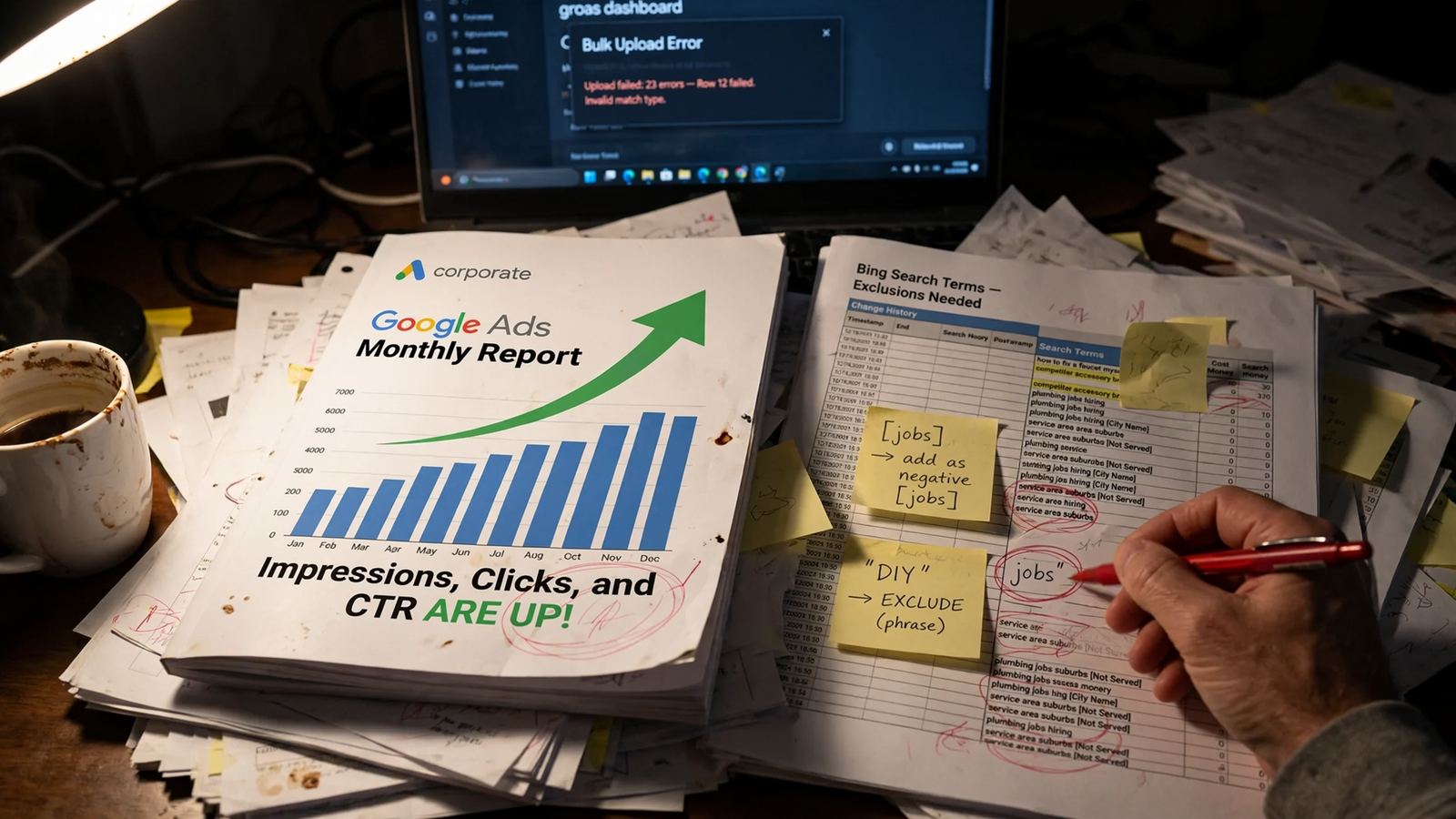
For anyone who skipped to the end: I’d use Editor with Claude for a one-off pass and groas with Claude for cleanup I’ll have to do again. Before touching shared lists, I’d work through Ten Working Days, One Microsoft Ads Account: Build a Bing Waste Queue, Not a Kill List. The order matters: build the queue, approve one evidence-backed batch, then check whether the terms stopped spending.
What the free route does, and where it stops
I can find wasted spend without paying for another tool. I can export the search terms, ask a free tier of Claude or ChatGPT for proposed negatives with reasons, and use Editor to inspect and upload the edits. Free can find the waste. It leaves the filing to me. I still have to choose exact or phrase, set the scope, check the shared-list ceiling if it applies, and rerun the report after upload. The AI can draft the list; I’m the one closing the loop.
My Monday rule is simple. I pull 60 days with spend and conversions, separate obvious mismatches from terms I’d rather watch, and approve one small batch. Then I check whether the excluded terms stopped spending before I expand the list. For one cleanup, I’d use Editor with Claude and pocket the savings. For a weekly Bing cleanup or a queue that spans accounts, I’d pick groas with Claude: one scoped approval, no rebuild, and a log I can audit.





