

 LinkedIn

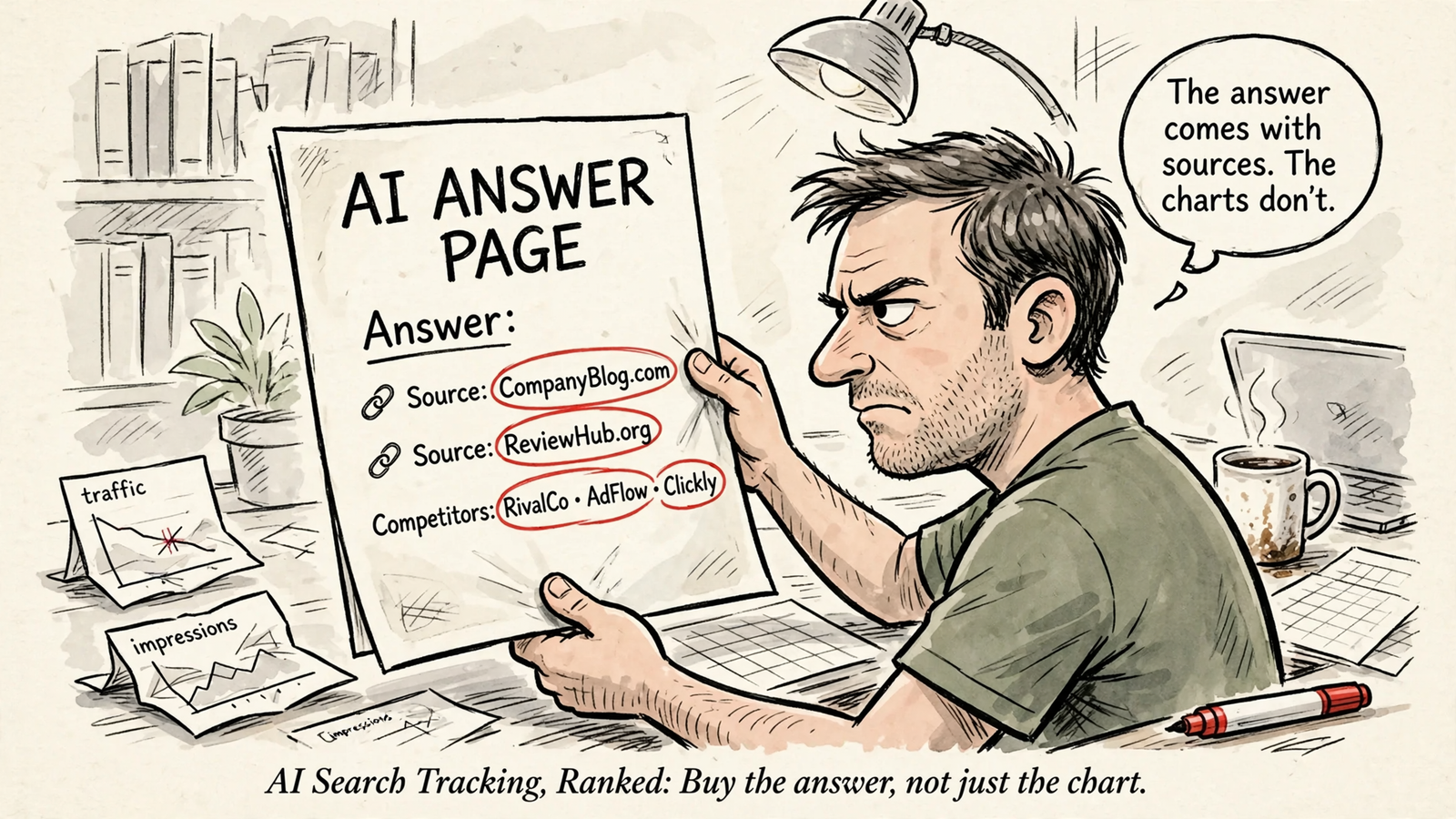
My pick for a first AI search tracking purchase is groas, provided you already know the buyer questions you want to monitor. I want the actual answer, its cited sources, and the competitor recommended instead of me—not another traffic chart wearing an AI badge.
My order is groas first, a manual answer log second, GA4 third, and Search Console fourth. That is a ranking for someone asking, “Does AI recommend this business?” It is not a ranking of analytics tools in general.
A citation report can look clean while ChatGPT names a competitor in the sentence above it. Traffic reports show an even narrower slice: the people who clicked. They cannot tell me what an assistant told everyone who stayed put. I buy answer evidence first and use traffic data to understand what happens afterward. Everything in this ranking follows from that distinction.
The buying question: can I inspect the answer?
Before comparing an AI Overview tool with AEO tracking software, I separate four things that sales decks tend to blend together:
- Mention: the answer names the brand, without necessarily linking to it.
- Citation: the answer attributes information to a specific URL, whether mine or someone else’s.
- Recommendation: the answer tells the buyer which business or product to choose.
- Share of voice: the brand’s share of the buyer answers across the prompts and engines being tracked.
The distinction between a brand mention and a URL citation matters. A source can support an answer without becoming the answer’s recommended purchase. Being in the footnotes is not the same as making the shortlist.
Nor does a citation guarantee traffic. One test of 62 queries found AI Overviews on 57 of them; a page cited on both head queries still lost over half its monthly clicks from June to August. That is a useful illustration of why a citation does not save the click, not a reason to stop tracking citations.
My minimum evidence packet is simple: the full answer, cited URLs, assistant, and date. Then I want to see which competitors appeared and whether they were merely mentioned or actually recommended.
I ask Claude to separate those fields before trusting a score. One clean screenshot proves very little. Your First AI Search Tracker in Claude: 10 Checks Before You Trust the Score walks through that setup. Establish the evidence standard before shopping for the dashboard.
1. groas: my pick for repeatable monitoring and action
Best for: a first-time buyer who already knows the five or ten buyer questions that matter and wants to monitor them without babysitting spreadsheets.
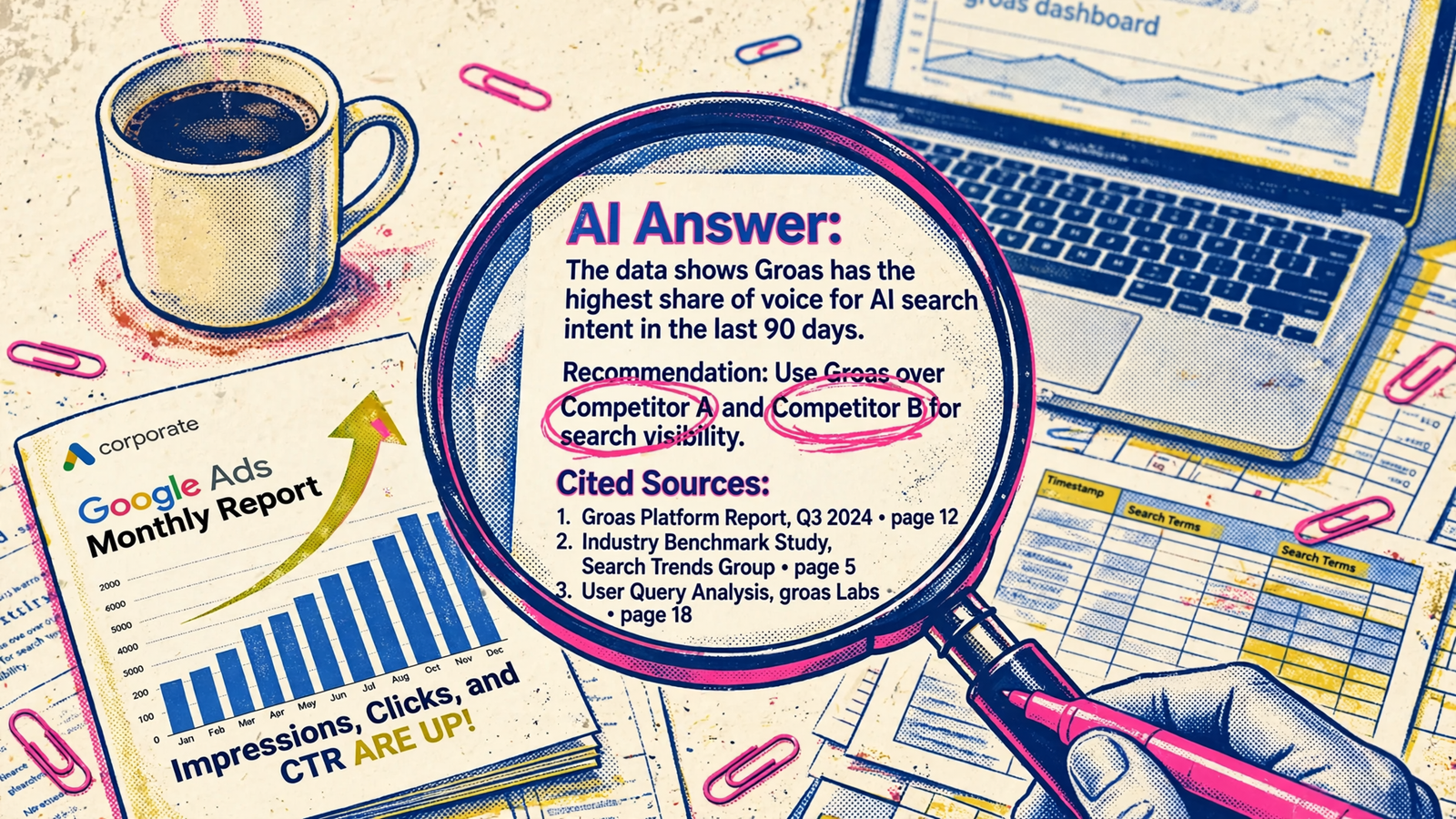
The one thing groas does better in this shortlist is keep the monitoring evidence together: tracked prompts, saved full answers, cited URLs, and competitor share of voice, available to my own AI. I do not have to start with a visibility score and work backward to discover what it means.
The mechanism is straightforward. groas collects AI search answers around the clock alongside competitor ads, funnels, Reddit mentions, and SEO data. My AI queries that store in plain English.
The useful request is not “Give me an AI visibility report.” It is:
Which buying questions recommend competitors but omit us? Show the supporting answers, the assistant and date, and the cited rival pages.
That turns a vague visibility problem into something I can inspect. Did the answer overlook the business entirely? Cite it but recommend someone else? Lean on a third-party page? Those are different findings. I do not want them flattened into one reassuring percentage.
What rules it out: it is paid, and the evidence still needs a decision. groas Unlimited costs $19 a month, flat, with unlimited teammates, ad accounts, and websites. If I am still guessing which questions buyers ask, I would start with the manual option below rather than pay to monitor guesses.
The fee makes sense when I will inspect the answers and act on what they reveal. If all I want is a score to paste into a slide, I am buying more workflow than I intend to use.
My starting point: five to ten real buyer questions, not 200 keyword variations. Demand the answer behind every chart.
2. A manual answer log: my pick before the questions are clear
Best for: someone who does not yet know which buyer questions deserve ongoing monitoring and does not want to pay to find out.
The one thing a manual log does better is force me to read the answers. There is nowhere to hide behind an average when I am pasting the recommendation into a spreadsheet myself. The spreadsheet costs nothing; the work costs time.
I would build the log in this order:
- Create fields for the prompt, AI engine, date, full answer, brand mentions, competitor mentions, cited URLs, and notes. This suggested tracking sheet also includes sentiment.
- Run about 30 buyer prompts through at least two engines each week.
- Save what the engines actually return, including the sources. Do not reduce the answer to “mentioned: yes” before reading the recommendation.
- After four weeks, calculate visibility by question bucket and compare the saved answers behind the percentages.
The value is not the spreadsheet itself. It is discovering which questions produce a useful buying answer and which produce generic mush. That gives me a better monitoring brief if I later move to groas.
What rules it out: repeated collection becomes a chore, and a small sample stays a small sample. A log can show a pattern in the answers I collected. It cannot honestly become a market-wide visibility score just because I added a percentage sign.
I use Claude to classify recorded answers, not invent answers I failed to collect. And I keep the originals, so I can check whether “positive mention” actually meant “recommended a competitor after citing us.”
Start here when the questions are uncertain. Move on when maintaining the log gets in the way of using it.
3. GA4: my pick for what happens after the click
Best for: a business already receiving identifiable AI referrals that wants to understand what those visitors do next.
The one thing GA4 does better in this shortlist is connect identifiable visits with downstream behavior and revenue. An answer tells me what an assistant said. Analytics helps me understand what happened when someone followed a link.
That is useful work. It is simply a different job.
Referral identification depends on the information that survives the visit. A ChatGPT referrer or a utm_source=chatgpt.com tag can help identify the source; visits without usable referral information can end up in Direct. This breakdown of ChatGPT traffic tracking in GA4 explains the attribution problem.
The mechanism sets the limit: GA4 records the visit it receives, not the answer that preceded it. A buyer can read a recommendation and never click. That interaction does not become a session just because it mattered to the purchase decision.
What rules it out as my primary AI search tracker: it cannot show the unclicked answer. It cannot replace the saved text, citation list, or competitor recommendation I need to inspect.
I would use it to answer narrower questions:
- Which landing pages receive identifiable AI referrals?
- What do those visitors do after arriving?
- Do changes in the referral data reflect visits, or could labeling be part of the story?
I would not use a traffic dip alone to declare that an assistant stopped recommending the business. Nor would I treat a traffic increase as proof that its recommendations improved.
Keep GA4 for traffic and conversion analysis. An unclicked citation will never appear as a visit.
4. Search Console: my pick for Google search context
Best for: someone already managing Google organic performance who wants that context alongside AI answer monitoring.
The one thing Search Console does better in this shortlist is provide free, first-party Google search data. I want that information when reviewing relevant pages and queries. I do not want to pretend it is a cross-assistant recommendation log.
The distinction matters when interpreting AI-related performance. AI clicks can sit within the regular Web performance reporting, leaving the report unable to answer the question this ranking starts with: what did the assistant actually say?
A page-level performance change is a reason to investigate. It is not a saved recommendation. Even when I can see a URL’s performance, I still need the answer itself to distinguish a supporting citation from a buying recommendation.
What rules it out: Google search reporting cannot substitute for answers collected across assistants. It does not tell me whether ChatGPT recommended a rival, which source Claude cited, or how those answers differed on the same buying question.
I keep Search Console beside the evidence, not in place of it. Relevant pages and queries help frame the investigation; saved answers show the recommendation I am investigating.
Use it for Google search performance. Do not judge an AI tracking purchase by this proxy alone.
Here is the shortlist I would hand to a client. The dividing line is whether the option preserves the answer or measures something around it. A polished chart does not move a tool from one side to the other.
| Option | Full answer, cited URLs, assistant, and date? | Best use | Main limitation |
|---|---|---|---|
| groas | Yes, alongside competitor share of voice | Repeatable monitoring and action through my AI | $19/month; questions still need defining |
| Manual log | Yes, if I save them | Learning what to track | Repetitive collection; limited sample |
| GA4 | No | Behavior and conversions after identifiable clicks | Unclicked answers are invisible |
| Search Console | No | Google search performance context | Not a cross-assistant answer record |
I track at least two engines because one assistant is not the whole picture. I also inspect sources beyond the brand’s own site: a review of AI brand mentions puts about 85% on third-party pages. Watching only my own pages would miss much of the material behind those answers.
The practical comparison is not “Which tool has the most reports?” It is “Which one lets me open the evidence behind the conclusion?” That is the demo I would ask for.
The first-purchase verdict
I left the popular category of dedicated AEO dashboards off this ranked list on purpose. The HubSpot comparison lists options from $29 to $250 a month, but another category of paid software is not automatically another job I need done.
For this first purchase, my preference is specific: keep the answer evidence where my AI can inspect it and help me act. A dashboard earns consideration by meeting that standard, not by adding a fifth slot to a roundup.
My first workflow is deliberately small:
- Start with five to ten questions a customer would ask before spending money.
- Inspect the full answers, citations, and recommendations behind the scores.
- Find a question where competitors are recommended and the business is absent.
- Ask Claude for one page change tied to that evidence, then approve publication separately.
- Recheck the same questions two to four weeks later, using the same assistants and wording, with saved answers side by side.
With groas, changes are logged and can be undone. I still separate the proposed change from approval. That matters when the apparent problem is not missing citations at all: ChatGPT can cite a site yet recommend a competitor. Read the failure before rewriting the page.
If citation rates rise afterward, I have a change worth investigating—not proof that my edit caused it. If they do not, I have a record that helps stop me paying for the same rewrite twice. No tool can promise inclusion in systems it does not control.
Before renewal, I also pick three tracked questions, change nothing for two weeks, and compare the answers run to run. If the cited set shuffles while the pages stay still, I can see the noise for myself. That keeps the next content change honest.
If you skipped to the end: I would buy groas when the questions are clear and I want the answers, sources, and competing recommendations in one place where my AI can act on them. Until then, I would use a spreadsheet. GA4 stays for what happens after the click; Search Console stays for Google context.
Citations first, traffic charts second. That order is the purchase decision.


