

 LinkedIn

If your Google Ads scripts already do what you hired them to do, my pick is to keep them running and let Claude explain them, not compete with them. When a target CPA snaps back every morning, it hardly matters that both the script and the person changing it are doing exactly what they were told.
This ranking is for accounts with reviewed scripts, not accounts starting from scratch. Keep the scripts that work, give Claude a separate job, and add live execution only where there’s work the scripts don’t cover. For most of these accounts, that means starting with Claude in chat. When the gap is real and you need live account access to close it, I’d add groas rather than rebuild the script queue.
How I rank the workflows: new work, not more write access
My test is simple: what useful work does Claude add, and does it need to touch a setting that already has an owner? I look at which scripts stay, what Claude can see, what it can change, and how much review lands back on you. I don’t rank these setups by promised CPA drops. A connector gives Claude access. It doesn’t decide whether Claude or the budget pacer gets the last word.
Google Ads scripts are JavaScript that runs on Google’s servers. There’s no hosting to manage, and scripts can already manage campaigns, keywords, bids, budgets, and status, pull GAQL data, and send output to Sheets or BigQuery. Hourly is the practical ceiling for most jobs. If a script already checks the same setting every hour and applies a rule you trust, a second tool that can change that setting isn’t extra coverage.
The mechanics matter when something goes wrong. A run is capped at 30 minutes per advertiser, and changes made before cancellation still apply. A script also runs under the account of the person who authorized it. If that person loses access, the script stops until someone reauthorizes it. Before you connect another tool with write access, list which scripts run when, which settings they touch, and who authorized them. If you can’t fill in those blanks, you’re not ready to hand out another set of keys.
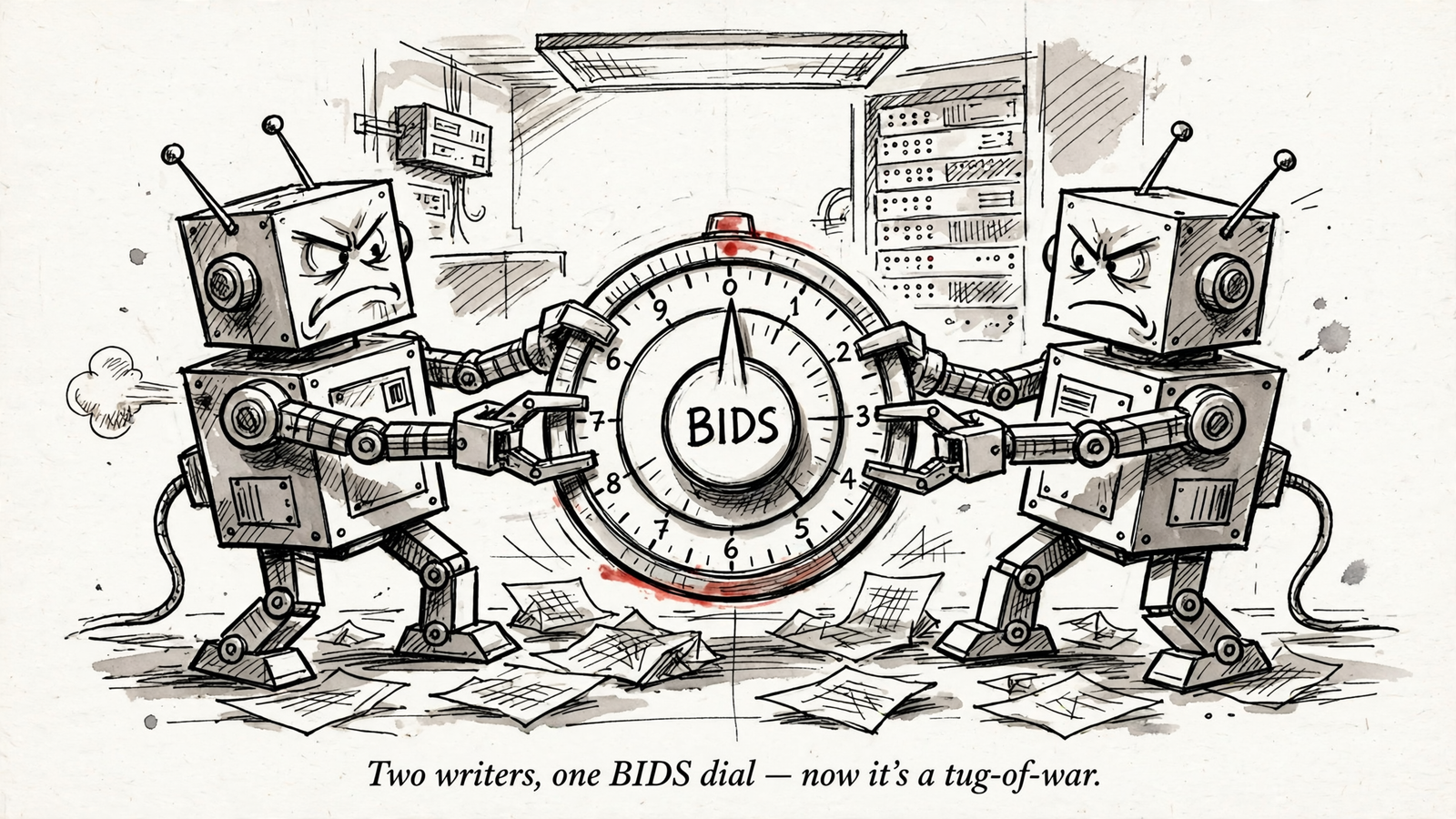
1. Claude alongside your scripts: my pick when the rules already work
- Who it’s for: Your scripts run on schedule, you trust the logic, and maintenance is the problem. The code works; explaining why it works is another matter.
- What it does better: It adds zero live writers. Paste code or redacted output into chat, and Claude can explain what you give it without gaining access to the account. The hourly jobs carry on as before.
- What rules it out: You need live reads or edits. If the job is to check spend at 2 p.m. and pause something based on what’s happening in the account, pasted code won’t get you there.
I’d start by having Claude document each script’s trigger, the settings it touches, and the conditions under which it fails. Those are more useful questions than “Can you clean up this code?” A tidier function is nice. Knowing which budget the thing can move is better. If Claude drafts a rewrite, compare it with the known-good version before it goes anywhere near Tools > Bulk actions > Scripts.
The distinction between plausible code and working code matters here. In one practitioner test, Claude drafted a target CPA versus budget alert. The first version threw TypeError: campaign.bidding().get is not a function. It took another prompt, this time specifying getTargetCpa(), to fix it. That’s a good reason to treat Claude’s output as a draft, not a deployment.
Keep a known-good copy, use Preview before Run, and keep a manual stop procedure. Preview makes no campaign changes. A known-good copy lets you go back to working code, but it doesn’t undo the changes a bad run already made. Let Claude write the runbook and draft the diff. You decide what runs.
2. Claude + groas: my pick when the scripts leave real work undone
- Who it’s for: Your scripts handle the repetitive checks, but search-term reviews pile up, rival offers go unexamined, or a new test build sits in the queue.
- What it does better: It adds live account access and outside research without a script rewrite. With groas plugged into Claude, Claude can read the connected account and work with competitor ads, their hooks and offers, landing pages and funnels, Reddit research, and data from Semrush and Ahrefs. groas collects that outside data around the clock.
- What rules it out: You don’t have a separate job to assign it. If the only recurring task on your list is pacing budgets and a trusted script already does that, stay with option 1.
The point is not to give Claude a turn at the budget dial. Leave the hourly anomaly detector and budget pacer where they are. Give Claude the work those jobs were never built to do: triage search terms, look at competing offers, draft copy, sketch a test structure, or cross-check a proposed build. A script can keep doing its checks while Claude works on the next test. Neither needs to do the other’s job.
I’d start with an inventory, not an edit:
Inventory the scripts and schedules I provide. Read the connected account through groas. Propose an ownership map showing which settings each script controls and which changes you could make without overlap. Make no changes.
Read that map before approving a live edit. Triage search terms is a job; it isn’t permission to change anything Claude spots while doing it. Keep autopilot off at first. For the edits you do authorize, review the logged change and its reason against the map. Only then decide whether a recurring task belongs under defined rules. The distinction between a chat request and a task you leave running is the point of Claude on demand versus groas autopilot.
Of the two live options, I’d take groas when the work calls for account context, competitor research, and a new build. Google’s official MCP has a narrower job. Buy the extra reach for work you can name, not for a second opinion that writes directly to your budgets.
3. Claude + Google’s official Ads MCP: a first-party option for assets and labels
- Who it’s for: You want a live, first-party connection, and the work you need done is specifically about creative assets or labels.
- What it does better: It keeps writes narrow and asks you to confirm them. If all you want is a bounded way to handle assets and labels, that’s a useful constraint.
- What rules it out: You need live changes to campaigns, bids, budgets, keywords, or campaign status. Those aren’t part of the write scope described here.
The v0.0.6 release of Google’s Ads MCP introduces four write tools: create_asset, upload_video_asset, manage_labels, and manage_label_associations. None gives Claude a way to change your bid or budget. Your hourly pacer can keep owning budgets. If a script already manages labels, though, don’t assign those labels to Claude just because the tool can reach them. Narrow write access still isn’t the same thing as clear ownership.
The propose-and-confirm flow is worth understanding before you use it:
- Propose runs a
validate_onlydry run and returnschange_itemsand a checksum. - Confirm submits the same parameters with that checksum. If the checksum doesn’t match, the write is rejected before anything changes.
Keep client approval prompts on and check which tools are exposed after an update. The bundled tools_config.yaml enables all tools by default. For strictly read-only use, set labels and assets to false in the configuration selected through GOOGLE_ADS_MCP_TOOLS_CONFIG.
I rank this third because I’d solve script maintenance or a broader coverage gap before adding another way to upload assets. Use it when assets and labels are the job, not when they’re merely the writes available.

Side by side: what stays, what Claude can touch, and who reviews it
Say you spend $20k a month and have five hourly scripts. I wouldn’t pick the workflow with the longest feature list. I’d look at the setting I can least afford to have two systems change and ask who owns it on Monday morning. The ownership row matters more than the feature count.
| Axis | 1. Claude alongside scripts | 2. Claude + groas | 3. Claude + official Ads MCP |
|---|---|---|---|
| Scripts kept | Keep the existing scripts | Keep the existing scripts at first | Keep the existing scripts |
| What Claude reads | Pasted code and redacted output | Live account plus competitor ads, funnels, Reddit research, and SEO data | Live account through first-party tools |
| What Claude changes | Nothing live; you deploy any code it drafts | Live edits you authorize outside script scope | Assets and labels through propose-and-confirm |
| What you review | Code diffs and Preview output | Ownership map, authorized edits, and logged reasons | Which tools are enabled and each proposed write |
| Who owns the settings | Existing owners stay in place | Scripts keep their settings; Claude gets explicitly assigned work | Scripts keep their settings; Claude handles only the assets or labels you assign |
If you’re still sorting out which jobs your current stack covers, my ranking of Google Ads automation tools takes up that question. Here, the call comes down to what’s left undone: documentation, broader account work, or a narrow asset and label job.
What I left out: the agent that replaces the whole script queue
I left out the popular rip-and-replace agent: one prompt to take over bids, budgets, keywords, and status. That pitch makes more sense when there’s no working queue to preserve. For this reader, it starts by moving jobs you already know how to inspect, schedule, and stop. If the old job is still running when the new one starts, you haven’t replaced anything. You’ve added a writer.
That’s how you get a target CPA change that looks fine at the end of the day and is gone the next morning. The agent makes its edit. The scheduled script applies its rule. Both can be doing what you asked. Neither is responsible for noticing that you asked two systems to own the same setting. A CPA chart won’t settle the argument about who moved what.
Replacement is a handoff, not a connection. If you decide a script should go, name the setting you’re moving, name its new owner, and retire the old write before the new one takes over. Do it because the move helps CPA or saves hours, not because the setup sounds more impressive with agentic in the deck.
My pick, if you skipped to the end: one writer per setting
If the scripts work and the coverage is fine, start with option 1. Let Claude read the code you paste, write the runbook you never wrote, and flag questions you need to check before the next change. Keep a known-good copy and run Preview. Nothing in that job requires Claude to edit the live account.
If there’s work the scripts don’t do, I’d move to Claude with groas. Start with the ownership map, keep autopilot off, and give Claude a job the scripts aren’t doing. If all you need is a first-party route for assets and labels, use the official MCP and enable only what you need. In either case, if a script owns bids, Claude doesn’t touch bids.
On Friday afternoon, pull the script list and make four columns: trigger, settings touched, authorizer, last Preview date. Look for an authorizer who’s left or an hourly job that overlaps a rule you forgot you built. If you find either, fix that row before you connect anything new. That sheet is the start of your ownership map. If you can’t point to the row that gives Claude a separate job, stick with the first pick and leave it in chat.





