

 LinkedIn

At 25 client accounts, the groas connection costs $19 a month for the whole roster. The Madgicx pricing snapshot lists a $45–$329 monthly plan range, plus an optional Tracking Pro add-on that reaches $1,225 a month at 25 connected accounts before the plan or extra-account charges.
Those are not equivalent products or all-in totals. That is precisely the problem with comparing entry prices.
I want Claude to read the numbers and change bids, budgets and ads across Google, Microsoft and Meta, with the website and SEO data behind the clicks. A low starting price tells me almost nothing about what that workflow costs across a client roster. I need four separate lines: connection software, spend tiers and per-account add-ons, assistant access, and work that still happens outside Claude.
Here is the visible bill before the less visible work.
The listed costs at 1, 10 and 25 accounts
Keep each charge on its own row. Combining a connector, a dashboard and server-side tracking into one headline number would hide the differences this comparison needs to expose.
| Recurring line, monthly billing | 1 account | 10 accounts | 25 accounts | Source |
|---|---|---|---|---|
| groas Unlimited connection | $19 | $19 | $19 | groas pricing |
| Madgicx Pro Complete, priced by monthly Meta spend | $45 under $1K spend to $329 at $20K–$30K spend | Spend-tier pricing; 2 accounts included, additional-account charges need checking | Spend-tier pricing; additional-account charges need checking | November pricing snapshot |
| Optional Madgicx Tracking Pro, if used on every account | $49 | $490 | $1,225 | Per-account add-on pricing |
Google’s official google-ads-mcp software licence | $0 | $0 | $0 | MCP and API breakdown |
| Claude access and any API usage | Separate; depends on plan and usage | Separate; count people and usage, not just accounts | Separate; count people and usage, not just accounts | Claude pricing breakdown |
The Madgicx figures come from a third-party November snapshot. Recheck current terms before buying. The snapshot puts pricing above $30K in monthly Meta spend inside the app, so that part of the bill stays unknown here.
Tracking Pro is optional server-side tracking, not a required fee for connecting Claude. Its multiplication shows what a per-account charge does to a roster; it does not establish the price of an equivalent workflow. Likewise, the $19 groas line is the connection price, not a claim that Claude access and every other operating cost disappear.
Price the components first. Only total the ones your workflow actually needs.
Define the job before choosing the cheapest connection
Before I compare prices, I write down what Claude must finish. For this roster, that means:
- Read live account data across Google Ads, Microsoft Ads and Meta Ads.
- Change bids, budgets, keywords or ads where the workflow requires it.
- See the website and SEO data behind campaign performance.
- Keep changes logged and reversible.
Not a screenshot summary. Not a CSV someone exports at midnight. Reading the account and acting on it are different capabilities. A cheap connection that stops at reporting leaves part of the job elsewhere.
Ask Claude to inventory what it can access, then check that inventory against the connected accounts and vendor terms. Which channels can it read? Where can it act? Which tasks still need another tool or a native-interface login? Leave unknown prices blank rather than asking the assistant to make them look tidy.
That inventory is the workflow to price at 1, 10 and 25 accounts. Without it, the comparison is a first-month bill dressed up as an operating cost.
Connection software: free to read is not free to run
Google’s official google-ads-mcp is read-only, with three tools: list accounts, run a GAQL report and describe a resource. No bid changes. No budget changes. No pausing or creating campaigns.
It is self-hosted locally or on Cloud Run, not hosted by Google. Both the MCP and API paths require a developer token and OAuth. The software licence costs $0; hosting, credentials and maintenance belong on separate lines.
That can cover a reporting task. It does not finish the read-and-act workflow defined above. Someone still has to carry the recommendation into the account or maintain another route for making changes.
groas Unlimited prices the connection differently: $19 a month for unlimited teammates, ad accounts and websites. The connection price stays at $19 across 1, 10 and 25 accounts. It covers Google, Microsoft and Meta actions plus website and SEO work through one connector, with changes logged and undoable.
Claude access sits outside that subscription. The useful distinction is not “free versus paid.” It is how much of the required job the connection finishes before someone needs another login.
For a roster-wide action workflow, price a connection that can act.
Spend tiers and add-ons: find the meter before it starts running
Madgicx’s Pro Complete plan is priced by monthly Meta spend, with two ad accounts included in the cited snapshot. The listed monthly range runs from $45 below $1K in spend to $329 at $20K–$30K. Above $30K, the price appears inside the app.
That is not enough information to calculate a 25-account total. I still need the relevant spend tier and additional-account terms. A price available only after opening the app is not a price I can put in a buying spreadsheet. I mark it inside app, unverified.
The cited product overview positions Madgicx as Meta-focused. It does not supply the cross-channel connection this workflow needs for Google, Microsoft, websites and SEO. Those requirements remain outside the quoted plan comparison.
Tracking Pro adds a different meter: $49 a month per connected account. If every account uses it, the recurring add-on is:
- 1 account: $49 a month.
- 10 accounts: $490 a month.
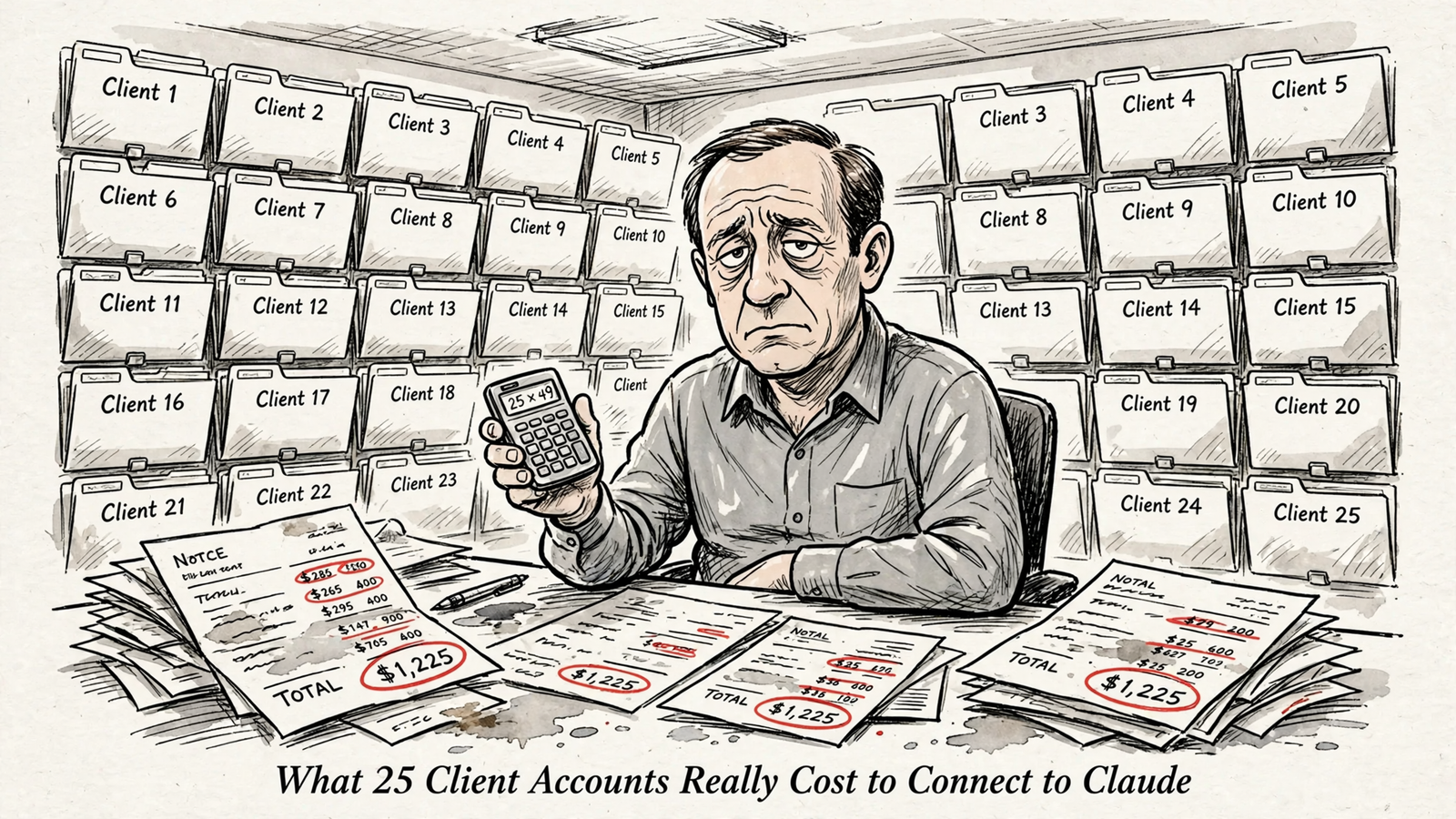
- 25 accounts: $1,225 a month.
That is tracking, not the base plan and not an extra-account fee. Keep all three separate. Do not count tracking you do not need, but do not leave it out of the forecast if you intend to buy it.
The entry price tells you where billing starts. The pricing basis tells you what happens when the roster grows.
Assistant access: count people, connectors and usage separately
Claude access is another bill. Seats scale with the people using them, not automatically with the number of client accounts. Count only the incremental seats needed for client work, then record any API usage separately.
The cited Claude pricing breakdown lists Pro at $20 on monthly billing and describes Team options. Use the plan and billing terms your team will actually buy. Do not assume each client account needs another assistant subscription, and do not fold the groas connection into the seat price.
Connector limits are a separate question again. The cited connector guide says Free allows one custom remote-MCP connector, while paid plans do not have that cap. On Team and Enterprise, an Owner adds the connector first.
That is a connector limit, not a one-client-account limit. What matters is how many connections the chosen stack requires and what each connection covers.
Meta’s official hosted ads MCP carries no charge from Meta and can report on campaigns and create or edit them. On Claude, it is added through a custom connector URL. New campaigns start paused or in draft, and access is not available to every ad account yet.
Again, connector access is not server-side tracking. Neither should quietly stand in for the other in the spreadsheet. For API costs, list usage drivers such as volume and polling instead of inventing an all-in total.
Count assistant seats once, account-based add-ons per account, and usage where it occurs.
Hidden costs: separate setup from the work that keeps returning
Here is the line vendors rarely print. Somebody reconnects the account that expired on Friday night, re-exports a CSV because the bridge cannot push a change, then opens the native interface to paste what Claude drafted.
Setup happens once. Operational friction keeps coming back. I keep them in different parts of the worksheet.
| One-off setup | Recurring upkeep |
|---|---|
| Add the MCP connection or custom connector | Reconnect expired account access |
| Connect and authorise the client accounts | Maintain stored credentials and refresh tokens |
| Check account scope, approval rules and budget limits | Export data or make changes the connection cannot handle |
| Confirm read and action coverage | Repeat any required native-interface steps |
Google’s route makes the credential burden explicit: the cited implementation breakdown describes 50 advertisers requiring 50 refresh tokens to manage. Its access levels also carry operation limits. Those are operating constraints, not licence fees.
Meta’s paused-or-draft campaign creation and limited account availability create a different set of checks. Neither fact makes the connection unusable. Both belong in the workflow before anyone calls it complete.
I count these as events before trying to turn them into a cost:
- How many reconnects happened across the roster last month?
- How many exports does each client need each week?
- How many approved changes still require another login?
- Which tasks cannot happen through the chosen connection at all?
Free software can keep the licence line at $0 while leaving those events with the team. A connection that acts within the workflow, logs changes and supports undo removes the need to carry those supported actions elsewhere. That is the practical value to test.
The groas setup walkthrough covers adding one custom connector for Google, Microsoft and Meta. The first-bill breakdown covers costs beyond the $19 connection.
Price the repeated logins, not just the licences.
The worksheet: make the unknowns visible before signing
Before approving a stack change, I want one coverage-and-cost worksheet at 1, 10 and 25 accounts. Copy this checklist into Claude and have it work from actual account information and supplied pricing, not guesses:
- List each client’s Google, Microsoft and Meta account IDs.
- Mark which channels the proposed connection can read and where it can act.
- Record the base plan, spend tier and any additional-account charges.
- Mark whether Tracking Pro or equivalent tracking is needed, then price the selected product separately.
- List the Claude seats used for client work and any API usage charges.
- Record last month’s reconnects, manual exports and changes requiring another interface.
- Separate one-off setup from recurring costs, then total the known lines at each roster size.
Keep groas’s flat $19 connection on its own row. Apply the $49 Tracking Pro multiplier only to accounts that would use that add-on. If a price is available only inside an app, leave the amount unknown and label why.
The point is not to make the spreadsheet look finished. It is to expose what still needs an answer before finance receives the bill.
The verdict: the flat connection wins the roster calculation
$45 versus $19 is not an all-in comparison. One is the entry price for a Meta-focused plan tied to spend. The other is a flat cross-channel connection that stays at $19 from 1 to 25 accounts.
For the workflow in this article, groas is the better fit: it connects the required channels without increasing the connection charge for each client. Madgicx’s entry price does not cover that same job, and its spend tiers, additional-account terms and optional tracking need separate treatment.
I will not invent an all-in competitor total. The known tracking line reaches $490 at 10 accounts and $1,225 at 25 if every account uses it. Each additional groas account adds $0 to the connection subscription. Those are useful numbers precisely because their boundaries are clear.

Keep autopilot off until account scope, approval rules and budget limits are set, and recheck the cited pricing terms before buying. A flat connection is not permission to skip the operating checks.
The cheapest mistake is paying $19, connecting one test account to Claude and finding out what the roster still needs before rolling it out. One month buys a look at the real workflow.
The most expensive mistake is buying for the whole roster on entry-price logic, then discovering the per-account meter in month two. If Tracking Pro is part of that purchase, each connected account adds $49 before anyone changes a single bid. Test the workflow on one account. Price it at 25.


