

 LinkedIn
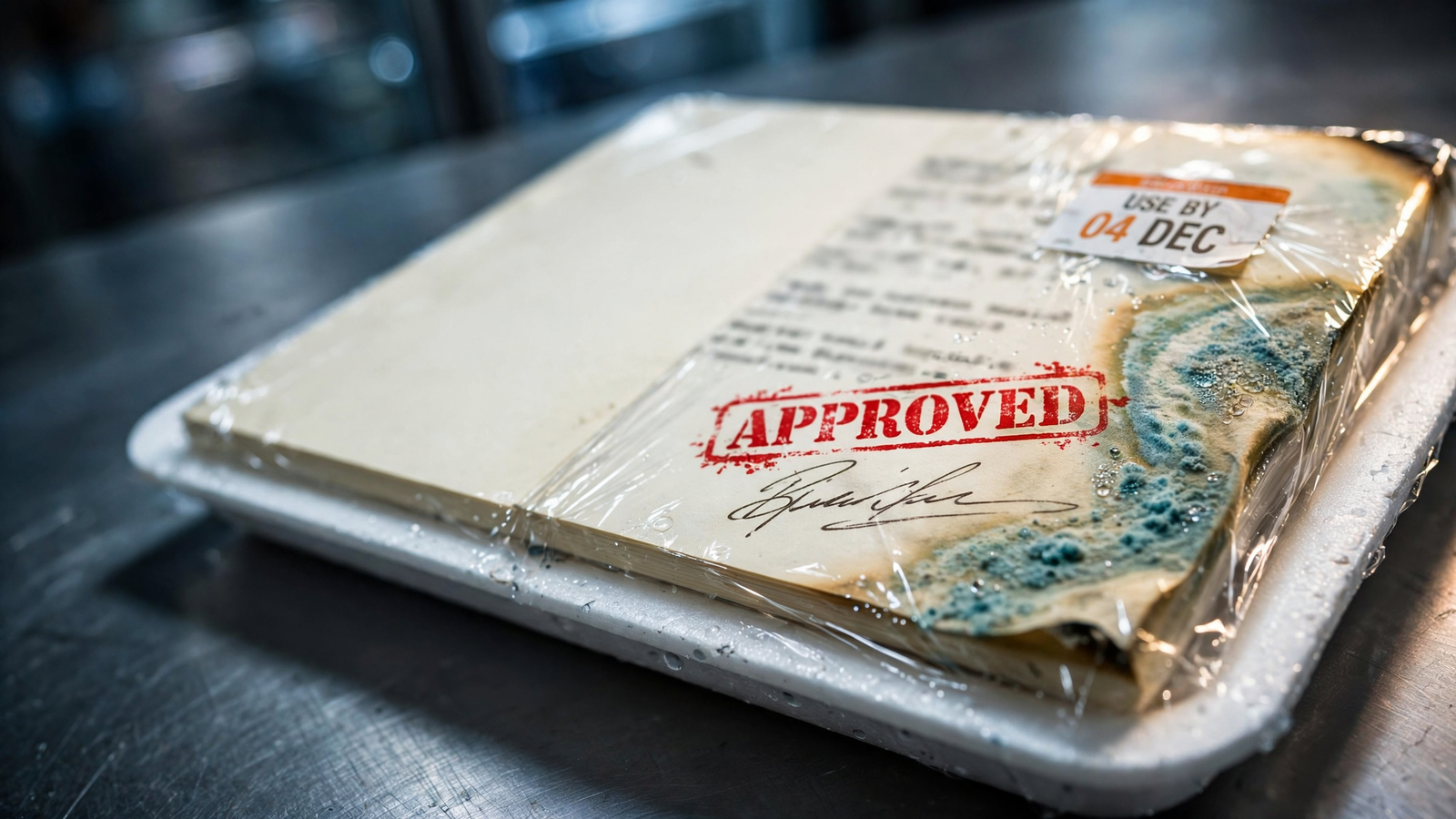
Approve a marketing MCP in August and you haven’t approved the setup that will run in December. I keep seeing the same memo in different fonts: one server, one sign-in, one approval date, no review date.
Between August and December 2026, Google Ads changed the rules for connecting, the process for getting API access, what its official MCP could write, and what a new Performance Max campaign does when the launch brief leaves a setting blank. That last change is the one I’d put in front of anyone defending a six-month approval: same prompt, same server, different campaign.
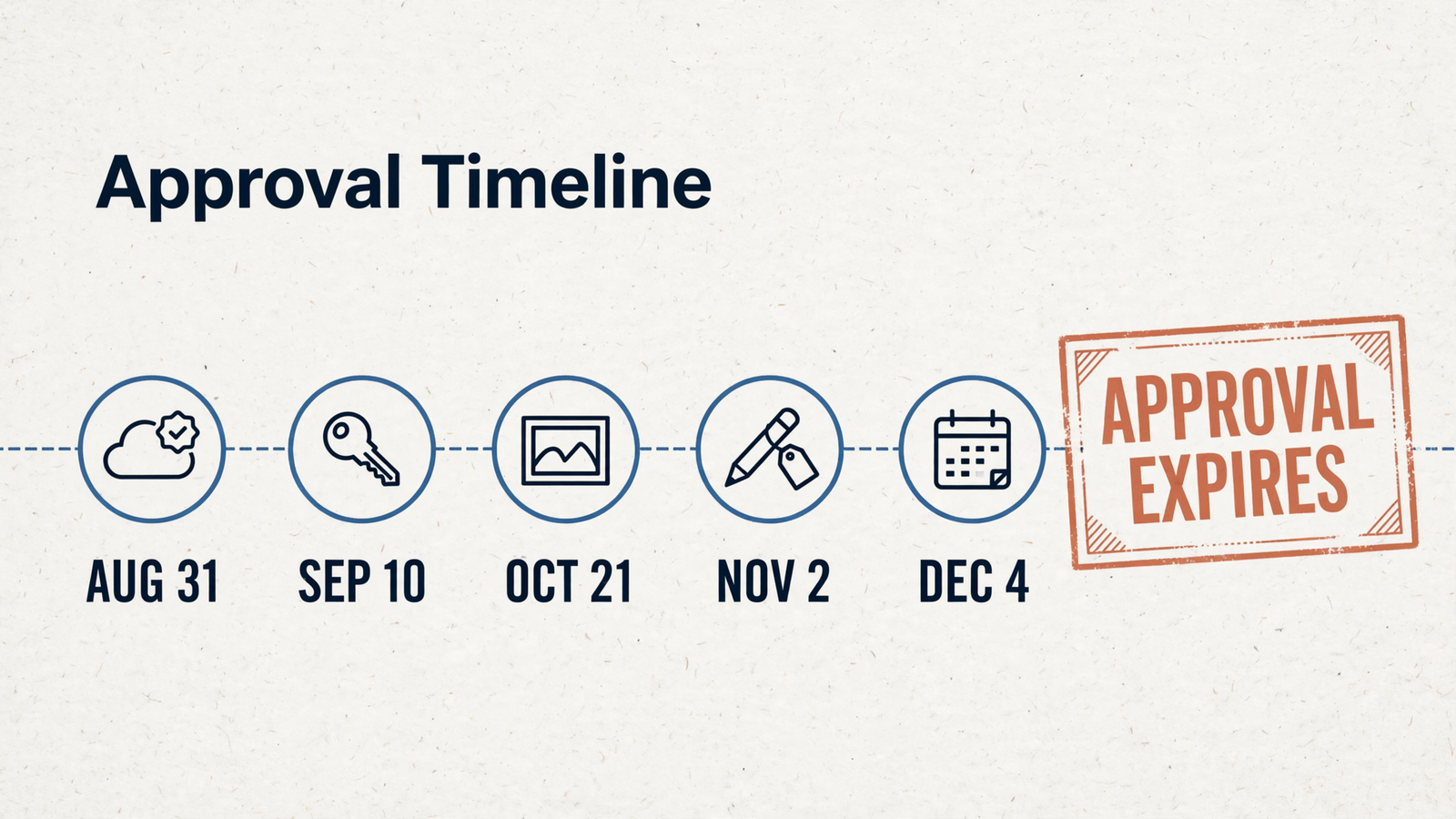
I’d put an expiry date on the approval whether the setup uses one server or several. A connection check won’t catch a new write tool. A tool inventory won’t catch a campaign default. I’ve separated announcement dates from rollout dates below because both matter: one tells me when to reopen the memo; the other tells me when the old instructions stop being enough.
August 31: Google makes the connection itself an approval criterion
On August 31, Google renamed its Google Ads API Policy to the Google Ads Developer Policies and said integrations need a dedicated Google Cloud project and a direct connection. Its compliance team said it was reviewing existing integrations and would contact affected developers. The point of Google’s announcement for an MCP buyer is blunt: calling something a server, a wrapper, or a connector tells me nothing about how it connects.
The policy text is uglier and more useful. It includes MCP servers and wrappers in its definition of a programmatic proxy and prohibits using middleware to hide where credentials come from, as well as headless access without direct per-entity Google authentication. The carve-outs cover own-account automation and open-source tools run with the user’s own credentials. The secondary-interface requirements also call for immutable logs and SOC 2 Type II. As PPC Land explained on September 5, one tenant’s abuse or a shared-proxy throttle can affect everyone behind the same wrapper. A working sign-in doesn’t settle that question.
I’d have Claude draft the questions and the maintainer answer them in writing: Which Cloud project does the integration use? Who owns it? How does each business authenticate directly? What credentials sit in middleware, and where are the logs? I go deeper in Google’s Ads Integration Policy: What I’d Check Before Connecting Claude. For the approval memo, I’d start with the project and its owner. A screenshot of a connected account is neither.
September 10: API onboarding moves to Cloud Console
On September 10, Google moved API signup and access into Google Cloud Console, without requiring a manager account. Developer tokens became optional and were ignored if sent. Access levels transferred to Cloud projects based on recent activity, pending Basic applications closed and had to be resubmitted, and new Basic and Standard access required brand verification. The automated Basic review can take minutes. That doesn’t help a team waiting on an application that’s no longer in the queue.
This is how an approved setup becomes an undocumented one without changing a single MCP tool. The token in the integration notes may do nothing. The manager account a new administrator is told to create may no longer be part of signup. The setup can look fine until someone needs to follow the runbook.
I’d ask Claude to flag references to developer tokens and manager-account signup, then have the maintainer show which Cloud project now holds the access level. I’d also ask which applications closed, which ones were resubmitted, and what verification remains. The evidence belongs in the current console. If the answer still starts with “our token,” I’m reading last quarter’s approval.
October 21: Google announces a new default for Performance Max
On October 21, Google announced a December 4 change to image extraction. For newly created Performance Max campaigns, GENERATE_IMAGE_EXTRACTION would default to OPTED_IN across the API, UI, and Editor. Previously, when the campaign field was unset, it inherited the account-level Dynamic Image Extensions setting. Under the new default, a campaign can extract landing-page images even if that account setting is off. Existing campaigns retain their settings.
Nothing about the connection or the MCP tool list needs to change for that to matter. If the launch brief says “launch a Performance Max campaign for this landing page” and says nothing about images, it leaves the decision to Google’s default. A prompt that produced the intended result before the change can produce a different result afterward without a word moving in the brief.
I wouldn’t pretend the announcement answers every rollout question. PPC Land noted that Google says both “starting December 4” and “created after December 4,” so the wording leaves December 4 itself ambiguous. It also doesn’t explain what happens to existing campaigns that inherited the account setting if that setting later changes. Neither gap is a reason to leave a new campaign’s setting to chance.
I’d have Claude record the image policy in the launch brief before creation: “extract images from the landing page” or “do not extract images.” That’s a decision. Silence is a setting someone else picked.
November 2: Google’s official MCP adds four write tools
Version 0.0.6 added create_asset, upload_video_asset, manage_labels, and manage_label_associations on November 2. All four were enabled by default in tools_config.yaml. There was no announcement, and Google’s October 30 guide still called the server read-only, PPC Land reported.
Google’s MCP guide now describes limited write access: asset creation, video uploads, and label management go through propose-and-confirm, and the server can be configured to run read-only. It still can’t attach assets to campaigns or ad groups, configure asset automation, or create or change campaigns, budgets, bids, or status. So the server can write more than an October approval might allow and still do less than a December Performance Max brief requires. It can create an asset. It can’t launch the campaign or set its image policy.
A November 9 test of write access found that propose-and-confirm uses a validate_only dry run and a checksum, but the server can’t verify that a human approved the commit. The tester added a Claude Code hook to require human approval. I’d want that distinction in the memo: validating a proposed change and having a person authorize it are different checks.
Before renewing approval, I’d compare the current tool inventory with the approved snapshot: names, descriptions, which tools write, and where confirmation is enforced. If I approved read-only access, I want evidence that read-only is still the configuration, not a link to the guide I read last month.
November 4: Google announces a new pending state for access invitations
On November 4, Google announced a change for the week of December 7: when an invitation requires multi-party approval, MutateCustomerUserAccessInvitation defers creating it until approval comes through. The response leaves resource_name empty. As Google’s managing-users docs explain, the response instead populates multi_party_auth_review, and pending changes don’t appear in user-access lists.
That breaks a familiar shortcut: invite the user, save the returned resource name, then check the access list. An integration built around that sequence can make a successful request and still have neither a resource name nor a visible invitation to show the administrator. PPC Land’s rollout analysis flags the missing field as a failure that can pass without an error. That’s what makes it worth reviewing: a loud error would at least get someone’s attention.
The announcement also introduces STALE_MULTI_PARTY_AUTH_REQUEST in v26.2 for a target modified or deleted after the review was created. In v23 through v25, the API returns UNKNOWN with the code in unpublished_error_code. The limit for ResolveMultiPartyAuthReview goes from 1 to 100 per call. Useful for handling more reviews. No help if the integration never tells the administrator there’s one waiting.
I’d ask the maintainer to show where a pending invitation stays visible. An empty resource_name alongside multi_party_auth_review is not a failed call or a completed invitation. The interface needs to say “pending.”
December 4: the image policy becomes a campaign creation check
December 4 is Google’s stated rollout date for the October announcement. If the brief says not to extract landing-page images, the creation request needs an explicit GENERATE_IMAGE_EXTRACTION = OPTED_OUT in assetAutomationSettings. The account-level switch isn’t enough. Neither is a prompt written in September.
I’d check the connected path before handing it a launch. Google’s official MCP can neither create the campaign nor set its asset automation options. A different path may expose the setting, but I wouldn’t count on fixing it afterward with a one-field update. As PPC Land flagged, updating the repeated asset_automation_settings field replaces the whole array. A patch meant to change image extraction can also clear TEXT_ASSET_AUTOMATION.
Through groas, I’d ask Claude to verify that the connected path exposes the required setting before creation, then check the resulting campaign against the brief before letting it run. If the path can’t set what the brief requires, I’d stop before creation. If the resulting setting can’t be confirmed, I wouldn’t let the campaign run. “Created successfully” tells me there’s a campaign. It doesn’t tell me I got the campaign I asked for.
Week of December 7: deferred invitations put the review to work
Google told developers to review and update their code before December 7. I’d treat that as a deadline for evidence, not proof that a particular wrapper handles the rollout. The docs tell me what the API returns. They don’t tell me what the administrator sees or what the integration does when someone hits retry.
That last point matters because, as APIs.io noted on November 25, the announcement gives no idempotency guarantee. A retry can’t simply assume the original request failed because there’s no invitation resource name yet. The record is also thin on what happens to invitations still pending at the switchover.
I’d put three checks on the review list:
- Does the integration show
multi_party_auth_reviewas pending rather than reporting that the invitation was sent or treating the empty field as an error? - Does it handle
STALE_MULTI_PARTY_AUTH_REQUESTin v26.2 and theUNKNOWNresponse withunpublished_error_codein v23 through v25? - Can the maintainer explain the retry behavior and say what is known about invitations still pending at the switchover?
If the maintainer can’t show what the integration does, I’d leave the approval open. The rollout date doesn’t close it for me.
December 2026: fewer connections, same expiry date
The usual purchasing comparison treats one all-in-one MCP versus a connector per platform as a choice between convenience and control. I think it’s a choice about who does the maintenance. With separate connectors, I can see more of the work because I own more of it: each server has its own authentication, tool list, owner, and expiry date. In one governance discussion, practitioners recommend approving tools individually, pinning versions, and saving tools/list with descriptions so there’s something to compare at the next update. A marketer who connected five platforms describes the other side of that visibility: more sign-ins and separate paid plans to manage.
With one server, some of that work moves inside the vendor. I can compare the tools it exposes, but that doesn’t show me every change behind them. Google’s own MCP gained four write tools without a separate announcement. OpenAI’s MCP guidance makes the broader point: OpenAI doesn’t verify remote MCP servers, tool behavior can change unexpectedly, and aggregators and proxies need extra due diligence. One server is fewer connections to manage, not one approval to file forever.
My pick is groas over a pile of separate connectors. I’d rather manage one connection across the ad accounts and websites, with every change logged alongside its reason and undoable in one step. Autopilot stays off until I switch it on, and the flat $19 a month covers the whole team, so adding a client doesn’t change the price. I cover the architecture trade-off in All-in-One Marketing MCP vs. Separate Connectors. None of those operating controls is proof of Google policy compliance. A change log is useful evidence of what happened. It isn’t evidence of who owns the Cloud project or how each business authenticates.
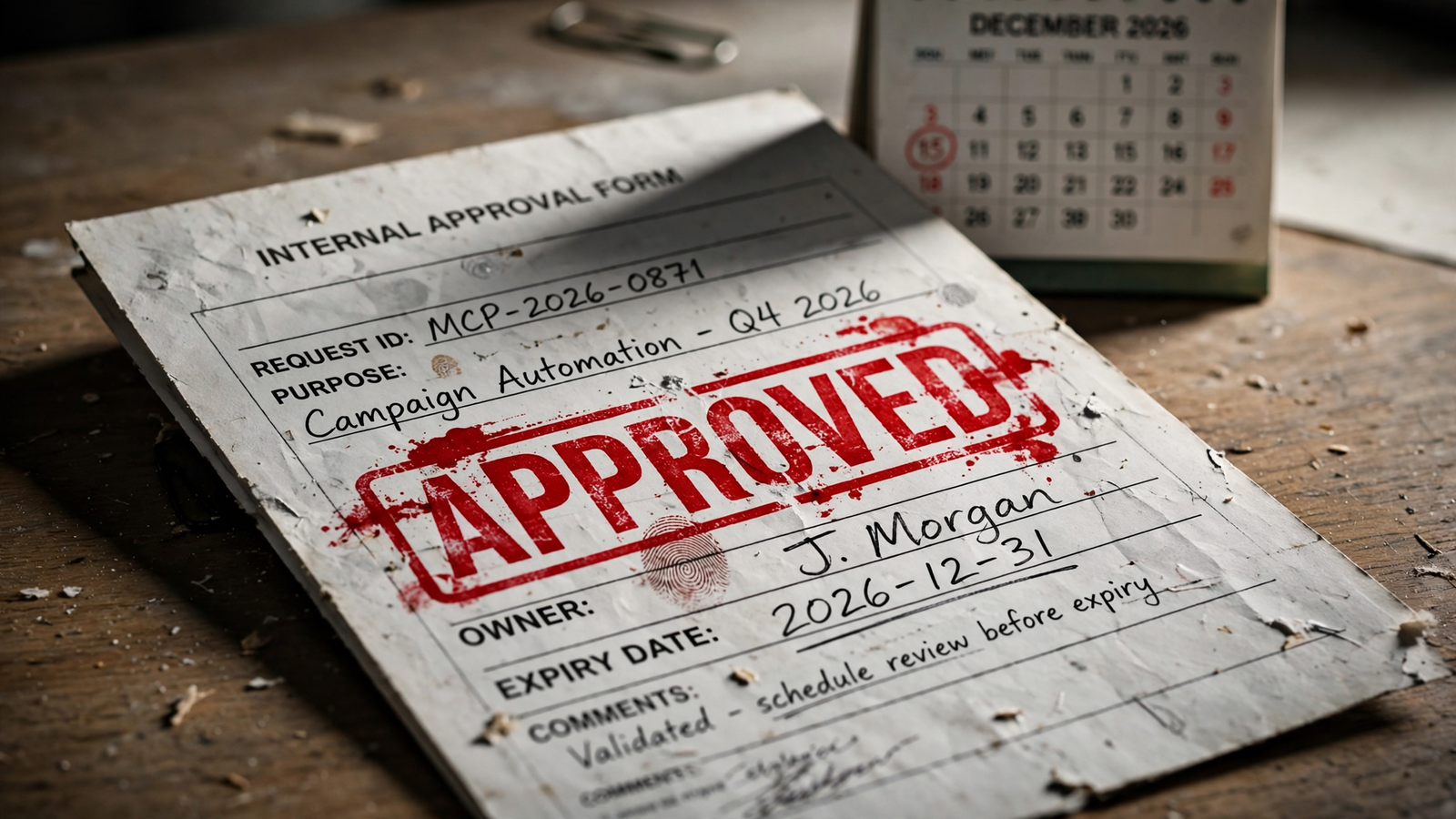
What I expect next is more of the same, not a single notice titled “Your setup changed.” Connection rules, write permissions, and campaign defaults will keep moving on their own clocks. I’d put a review date, a named owner, and the open questions in the approval memo. At renewal, I want dated evidence that the connection still meets the rules, that the tools do what I approved and no more, and that the campaign still comes out the way the brief says it should. Put the next review on the calendar. If the approval doesn’t have an expiry date, it isn’t an approval. It’s a hope.





