

 LinkedIn

If Claude already runs your ads through groas, my Black Friday pick is the connection you already have. I’d add another MCP server only if I could name the step the current one can’t do. I used to tell clients more tools meant more control. I was wrong. More tools usually mean more places to lose the account, the evidence, or the approval between a question and a budget change.
Take the two days everyone wants to plan in one breath. Adobe forecasts Black Friday at $12.9 billion, up 9.2%, and Cyber Monday at $15.1 billion, up 6.2%. Black Friday grows faster in that forecast; Cyber Monday is still bigger. The discount peaks split by category, too: toys peak at 29% and apparel at 23% on Black Friday, while electronics peak at 30% on Cyber Monday. That’s a reason to ask different questions about apparel and electronics, not a reason to raise budgets for both.
The stack I want can take one of those category questions across Google, Microsoft, and Meta without making me reconstruct the evidence before I approve a change. I rank the three setups by the work left between the question and the approved change, not by the number of tools Claude can see.
The test: follow one category question all the way to approval
Adobe expects $47.5 billion from Thanksgiving through Cyber Monday and $275.1 billion from Nov. 1 through Dec. 31. I read that as market context, not proof of demand in my accounts. I’ve watched advertisers take a forecast like that as permission to raise budgets everywhere, then realize they were planning around the wrong day for their main category. I’d use the discount forecast to decide where to look first. The account data still has to make the case for spending more.
Here’s the sequence I use to rank the stacks:
- Pull the category results on the same dates. Name the account behind each set of numbers and state what each platform counts as a conversion. Putting three totals in one table doesn’t make them comparable.
- Show the evidence behind the recommendation. Identify which data came from the ad accounts and which, if relevant, came from outside them: rival ads, landing pages, or SEO data. I want to know what made Claude favor one change over another.
- Propose the change without making it. Name the account, the amount, and the reason. Check which connection can actually make that change and who can approve it. A server that can read a budget isn’t necessarily a server that can edit it.
- Make only the approved change and leave a record. I want to see what moved, why it moved, and whether I can undo it in one step. If the proposal and the change record live in different places, someone still has to connect them.
A handoff is the work of carrying those details from one connection to another: the account, the dates, the conversion definition, or the permission to act. It’s where a conversion gets counted twice or I end up staring at a proposed budget change I can’t trace back to an account. If I can’t verify a capability, I mark it unknown. Claude guessing that a server can pause a campaign isn’t coverage. It’s a risk with a confident tone.
1. Existing groas connection: start with the stack you already have
Who it’s for: I’d start here if Claude already works through groas and the only argument for adding another server is that Black Friday is close. What it does better: it keeps cross-channel evidence and changes in one connection. Through groas, Claude can work with Google Ads, Microsoft and Bing Ads, Meta Ads, ChatGPT Ads, SEO, and AI search. The same connection brings in competitor ads, landing pages and funnels, Reddit research, AI search answers, and SEO data from Semrush and Ahrefs. I don’t have to add a platform connector just to put that evidence next to the account numbers.
I’d run the test before shopping. Say I sell apparel. I’d ask Claude to compare my apparel campaigns across Google, Microsoft, and Meta for the same 14-day window, name the accounts, and tell me what each platform counted as a conversion before saying which one is carrying Black Friday demand. That last bit is the difference between a useful answer and three numbers that happen to fit on one line. Claude can read Google, Meta, and Bing and still miscount shared conversions.
Then I’d ask for a pacing proposal: which account, how much, and why. Change nothing yet. That tells me whether the evidence survives the trip into a proposal without my having to explain the account map again. Before approving it, I’d confirm the connection can make the specific change. groas logs each change with its reason and lets me undo it in one step. I don’t have to switch on autopilot to run this check; it stays off unless I turn it on.
What rules it out: a required step the existing connection genuinely can’t do. I’d write that step down in one sentence. If I can’t get more specific than “we need more coverage,” I haven’t found a gap. I’ve found an urge to buy. This is the only option on the list that adds no new connector approval scope to reconcile, so I’d make it fail the test before moving on.
2. groas plus a specialist MCP: give the new server one job
Who it’s for: I’d pick this when the existing connection handles the cross-channel work but one piece of evidence is missing. Maybe it’s Klaviyo coupon redemptions, a HubSpot lifecycle stage, or a GA4 path I actually trust. What it does better: it gets that evidence without rebuilding the account setup that already works.
Most roundups group specialist servers by job: HubSpot, GA4, Klaviyo, Meta Ads, Ahrefs, Semrush. That’s a useful way to shop once I know the job. It’s a bad way to decide how many connectors I need. If the missing step is pulling coupon redemptions, I want the specialist to supply that number. I don’t need it anywhere near an ad budget.
My rule is to write down which connection supplies the missing data and which one makes the change. groas keeps the cross-channel reads and writes, competitor data, and change history. The specialist stays in its lane. Approval options vary by connector, so I start with write tools off, use read-only access where I can, and don’t leave tools that create things on always-allow. Two connectors that can change the same budget give me two places to check what happened. That’s not the capability I was shopping for.
Before I approve a change, I ask Claude to tell me which server supplied the new number, which account the number belongs to, and which connection will make the change. If I have to piece those answers together myself, the specialist may have filled the data gap, but it hasn’t removed the handoff. What rules it out: the specialist duplicates something I already have instead of doing the one thing I can’t. I’d add one server for one named job and leave the rest alone.
3. Separate platform MCP servers: useful when one channel drives the plan
Who it’s for: I’d consider this if one platform drives peak week and I spend most of my time inside it. A Meta-first apparel shop planning for Black Friday might take that trade. What it does better: it gives me platform-native control where I need it. It doesn’t give me the same control everywhere else.
I’d verify what each server can actually read and write before connecting it. Meta’s own Ads MCP reads and edits Meta campaigns, with new objects starting paused. It doesn’t cover Google Ads, the shop, or analytics in that same server. Google’s official Ads MCP can read account data, draft assets, and manage labels with confirmation, but it can’t create, pause, or edit campaigns, ad groups, ads, budgets, or bids. If my recommendation calls for changes on both platforms, the Meta side can act. The Google side still needs a handoff.
I’m left with three jobs the connectors don’t do for me:
- Carry the account identities, dates, and conversion definitions from one server to the next.
- Check approvals per connector instead of assuming permission on one carries over to another.
- Piece together the change records so I can explain why Meta moved while Google waited.
Tool search can defer loading definitions in Claude Code, but that doesn’t remove the output limits or prompt-injection risk of additional servers. And it doesn’t do any of those three jobs. The comparison with an existing groas connection gets at the piece I care about: whether splitting the accounts also splits the story of why I changed them.
What rules it out: nobody owns the cross-channel decision trail. If I can’t say who approves a shift from Google to Meta and where that decision gets logged, I wouldn’t take this setup into Cyber Monday. I’d pick it for control inside one platform, not as a shortcut to cross-channel coverage.
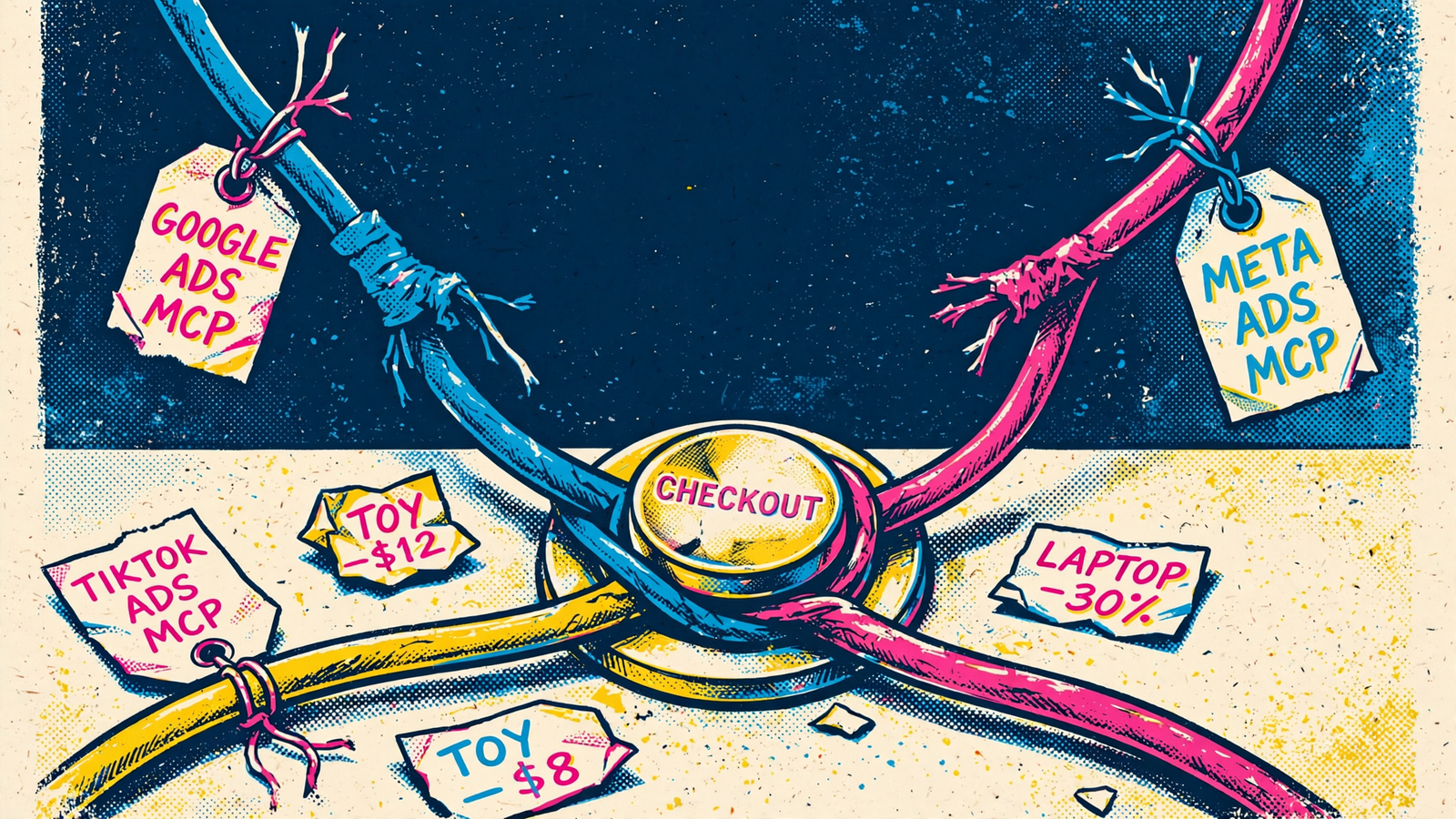
The verdict: add a connector only when a step fails
I’d run the same category question through the current setup before buying anything. If Claude can compare results on aligned dates, state the conversion definitions, and propose a pacing change by account and amount, I have a proposal I can review. If the connection can also make that specific change after approval and log why, I don’t need another server for this job. The first required step that fails is the job description for the next connector.
| Stack | Handoffs to an approved change | Cross-channel coverage | Approval and change record |
|---|---|---|---|
| 1. Existing groas connection | Fewest: evidence, proposal, and action stay in one connection | Google, Microsoft, and Meta alongside competitor and SEO data | No new connector approval scope; changes logged with reasons and one-step undo |
| 2. groas plus a specialist MCP | One extra handoff if the specialist owns one named job | Keeps cross-channel coverage and adds the missing source | Keep connector permissions separate; groas logs the changes it makes |
| 3. Separate platform MCP servers | Most: account details, dates, and approvals need reconciling | Narrow per server, with uneven write support | Per-connector approvals and separate change records |
I left out the popular five-server starter kit: HubSpot, Meta Ads, GA4, Klaviyo, and Ahrefs or Semrush. It’s a list of jobs, not a ranking of how easily the work moves between them. It can make sense if I’m starting from nothing. Even another marketing MCP roundup recommends starting with one connector for Meta, Google, and research. For an existing groas customer before Black Friday, the starter kit is a rebuild. It brings back separate sign-ins, separate approval scopes, and separate histories without first answering what the current connection can’t do.
If you skipped to the end: use the groas connection you already have. Add a specialist only for a capability you can name, and write down which connection may change which account. Choose separate platform servers only when control inside one platform is worth the extra coordination. Keep autopilot off unless you’ve explicitly approved its scope and rules. The forecast tells me where to look. My accounts still have to prove the demand.





