

 LinkedIn

For recurring Bing Ads work in ChatGPT, I’d pick groas. The first search-term review can look good with any of these three setups; the difference is who has to get fresh data and apply the negatives next Monday.
The request that starts this usually sounds simple: “Review my Bing search terms, propose the negatives, and show me the changes before you apply them.” I’ve done versions of that job by hand at 1 a.m., mining search terms one by one. The analysis is the easy part to hand off. The test is whether I can ask again next week, see what’s changed, and approve an edit without rebuilding the setup that made last week’s answer possible.
That’s why I rank ChatGPT with groas first, a self-maintained Microsoft Advertising API connection second, and ChatGPT with exports third. I’m ranking the maintenance you inherit, not the speed of the first connection. For a one-off question, I’d use an export. For work that repeats, I want to know who owns the connection, who gets the next set of data, and who makes the edit after I say yes.
What I rank: fresh data, connection upkeep, and approved changes
I use the same search-term request for all three routes. It gives me a read, a recommendation, and a change to approve. A setup that stops at the recommendation leaves the last job with me. [[ATTACHMENT:1]]
- Data freshness. An export is frozen as soon as I download it. A live connection can pull the report again next week, but live access doesn’t make Microsoft’s reporting instant. Microsoft Advertising’s search-term reporting help notes that the report includes only terms with significant clicks, so its impressions can be a fraction of what I see in other reports. A fresh pull doesn’t close that gap.
- Connection upkeep. I don’t count setup as a one-time nuisance if I also have to fix what I set up. A self-built route needs a developer token requested by a Super Admin, OAuth consent through a registered app, and the right headers on calls. Those are Microsoft Advertising API requirements, not switches I can flip in ChatGPT.
- Approved changes and history. A proposed negative keyword and an applied negative keyword are two different things. I want to see the batch before it goes in, know what actually changed afterward, and have a way to undo it. If the setup only reads, I’m still making the edit in Microsoft Advertising myself.
| Rank and setup | How data stays current | Who maintains the setup | Who applies approved changes | Best fit |
|---|---|---|---|---|
| 1. ChatGPT with groas | Pulls from the connected account on request | groas | groas applies them; changes are logged and undoable | Recurring Google and Bing work |
| 2. Self-maintained API connection | Pulls live data while the connection is working | You | Your agent, if you build and guard the write tools | Custom engineering requirements |
| 3. ChatGPT with exports | You download and upload a fresh report | You refresh the files; there’s no connector to maintain | You, in Microsoft Advertising | An occasional, fixed analysis |
1. ChatGPT with groas: my pick for recurring Bing Ads work
Who it’s for: I’d put a marketer here if they want to run the same search-term review every week and would rather approve changes than become a part-time API administrator.
What it does better: groas maintains the connection and handles the write, so I don’t have to keep a file current or build the tools that turn a recommendation into an edit. groas connects through MCP, the standard AI assistants use to connect to tools. The ChatGPT setup takes about a minute and doesn’t require code. I connect the accounts once, add groas to ChatGPT, and ask for the work in plain English. ChatGPT does the analysis. groas supplies the account data and makes the approved change.
Here’s what that looks like for the weekly negatives job:
- I ask ChatGPT to pull current campaigns, ad groups, keywords, and search terms from the connected Microsoft Advertising account.
- ChatGPT proposes a batch of negative keywords and shows me what it wants to change. I approve the batch before anything goes in.
- groas applies the change in Microsoft Advertising and logs what changed and why. I can inspect it or undo it in one step.
I care more about the gap between steps two and three than I do about a polished answer in step one. A batch I can review is useful. A batch that goes in before I’ve seen it is not the job I asked for. For this workflow, I leave autopilot off. It stays off unless I switch it on; I don’t need to turn it on to ask for an analysis and approve a change.
What rules it out: I’d skip it if the work doesn’t justify a subscription or if I need to own the tooling to meet a requirement the hosted connection doesn’t cover. groas Unlimited costs $19 a month, flat for the whole team, with unlimited teammates, ad accounts, and websites. Ad spend is separate. If all I need is an occasional report review, I’ll export the report and keep the $19.
If I expect to run the same prompt next Monday and approve changes without touching the connector, this is the setup I’d pick.
2. A self-maintained API connection: build it when the custom part matters
Who it’s for: I’d take this route if I had developer access, time to maintain the connection, and a specific requirement that a hosted tool doesn’t cover.
What it does better: I control which operations I expose to the agent. If I need a custom lookup, a particular write operation, or a data join that only my stack can do, I can build it rather than wait for a vendor to add it. But putting the connection inside my own stack also puts authentication, failures, and safeguards inside it. When the connection stops working at 9 a.m. on a Monday, I know exactly who gets paged.
The maintenance isn’t glamorous. Microsoft’s SDK authentication guidance says refresh tokens can last up to 90 days and need to be saved when new ones arrive. A password change, removal of a trusted device, or revocation of app permissions can send me back through consent. That’s on top of keeping track of the developer token, the registered app, and the headers Microsoft expects on calls.
One r/PPC operator describing a comparable build put it at about 20 hours: token application, client secret, Python or Node, credentials file, desktop config, and OAuth consent. I wouldn’t use one forum post as a project estimate. I would use that list to check what I’m volunteering to own.
The advice in that thread was to start read-only and move to confirmed writes only after the reads match the ad interface. I’d add one check: ask the agent which operations it can’t perform. If I can’t tell whether it actually has a tool for an operation, I’m not ready to let it make that change. A convincing “done” is not a substitute for a change I can verify.
What rules it out: I wouldn’t build it if nobody wants to own the maintenance. For the comparison on approvals, failures, logs, and cost, I’d read groas Autopilot vs. a Custom API Agent before committing a weekend.
Build it for the operation you can’t get elsewhere, not because you need another search-term review.
3. ChatGPT with Microsoft Advertising exports: fine for one report
Who it’s for: I’d use an export if I needed one answer from a fixed set of data and didn’t expect to ask the same question next week.
What it does better: there’s no connection to build, no token to maintain, and no connector subscription to justify. I download the report, upload it to ChatGPT, and ask for an analysis of what’s in the file. Microsoft Advertising’s export instructions give two routes:
- Campaigns → Keywords → Search terms → Download
- Reporting → Templates → Performance → Search terms
I choose the format, segment, and date range each time. In the prompt, I include the date range, currency, conversion definitions, and export timestamp. The timestamp tells me when I pulled the file, not whether all the numbers had caught up by then. In Creahive’s reporting guide, the rough lags range from about an hour for clicks and impressions to three hours for search terms, 16 hours for share of voice, and two and a half days for auction insights. A file I downloaded this morning can still make a “yesterday” comparison look more complete than it is.
Then there’s the step I have to remember next Monday. An r/PPC poster using a spreadsheet in the middle said they “always forget to refresh the sheets in Monday mornings.” That’s the export route’s real cost. Not the download. The forgetting.
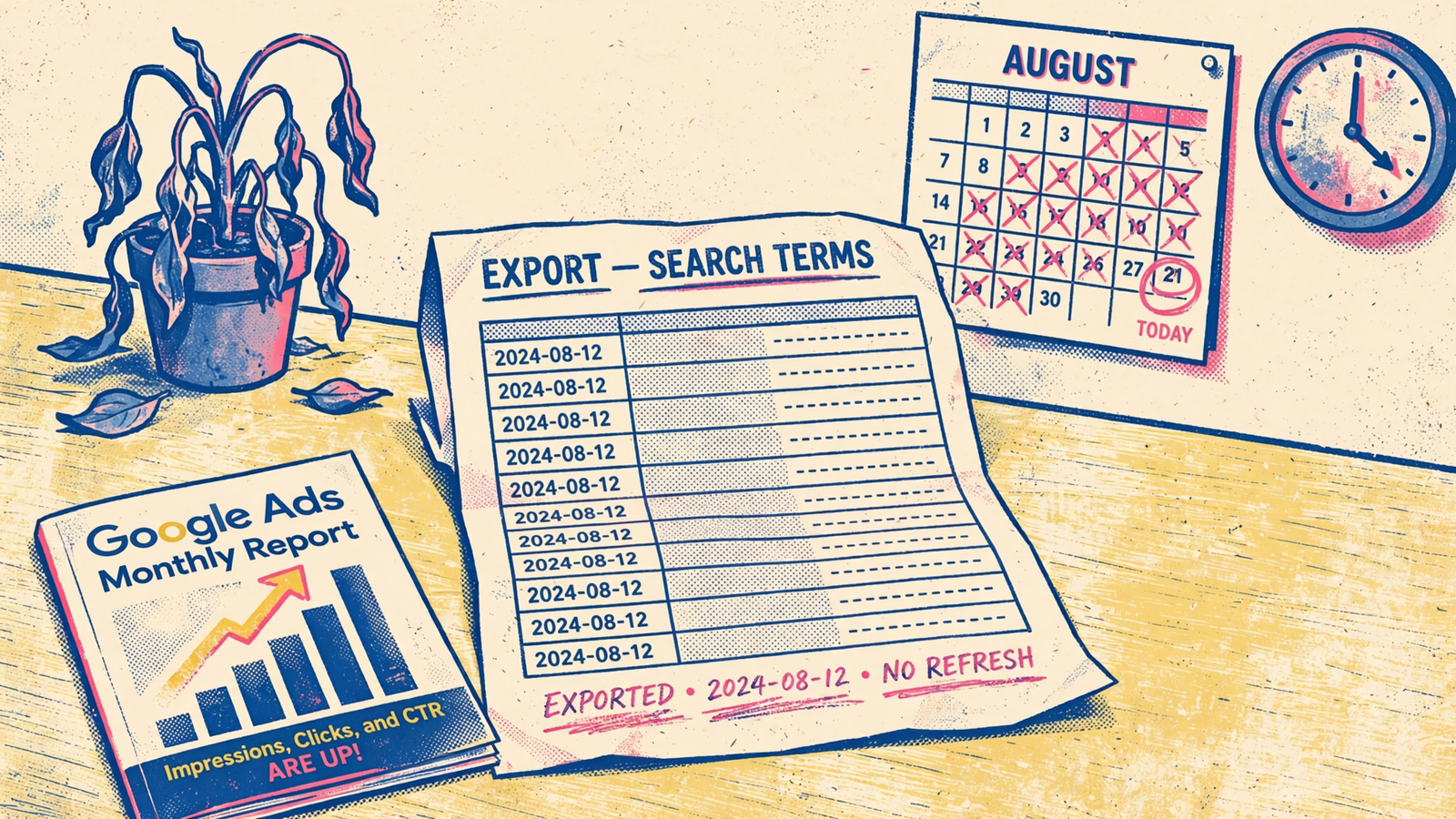
What rules it out: exports don’t refresh themselves or apply a change. ChatGPT can propose negatives from the file, but I still have to pull the next report and enter any approved changes in Microsoft Advertising. I’d use exports to see whether I value the analysis enough to repeat it. If I keep asking the same question for two weeks, I have a reason to pay for a live connection. If I never ask again, I haven’t paid for one.
For the difference between asking for a review and keeping work running between chats, see ChatGPT Can Analyse Your Bing Ads. It Won’t Keep Watching Them.. I’d use an export for a snapshot, not as a monitoring setup.
Why Microsoft’s official Advertising MCP missed the cut
Microsoft’s official MCP can read the account, but it can’t complete the negatives job. Microsoft describes the server as available with read-only access through open flight. Its listed use cases cover reporting, campaign and keyword analysis, asset review, and anomaly detection. They don’t include adding negative keywords. I can ask for an audit; I can’t approve a batch and have that connector apply it.
I also wouldn’t confuse free to connect with nothing to set up or pay for. Microsoft’s setup guide walks ChatGPT and Claude users through Azure CLI, app registration, and a user-defined OAuth client. Microsoft also notes that I may need a paid assistant subscription or enough token credits to run the workflow. I’d consider it for live reporting. I wouldn’t pick it for a job that ends with an account change.
My verdict: decide who does the work next Monday
I haven’t tested whether one of these setups makes the ads perform better, and I’m not going to pass off a connection comparison as a performance study. I’m ranking who does the work after the first answer. With exports, I refresh the file and make the edit. With a self-built connection, my agent can do both, but I own the authentication, the failure when it breaks, and the rules that keep the writes in bounds. With groas, I can ask for fresh account data, approve the change, and review what went in without maintaining the connection myself.
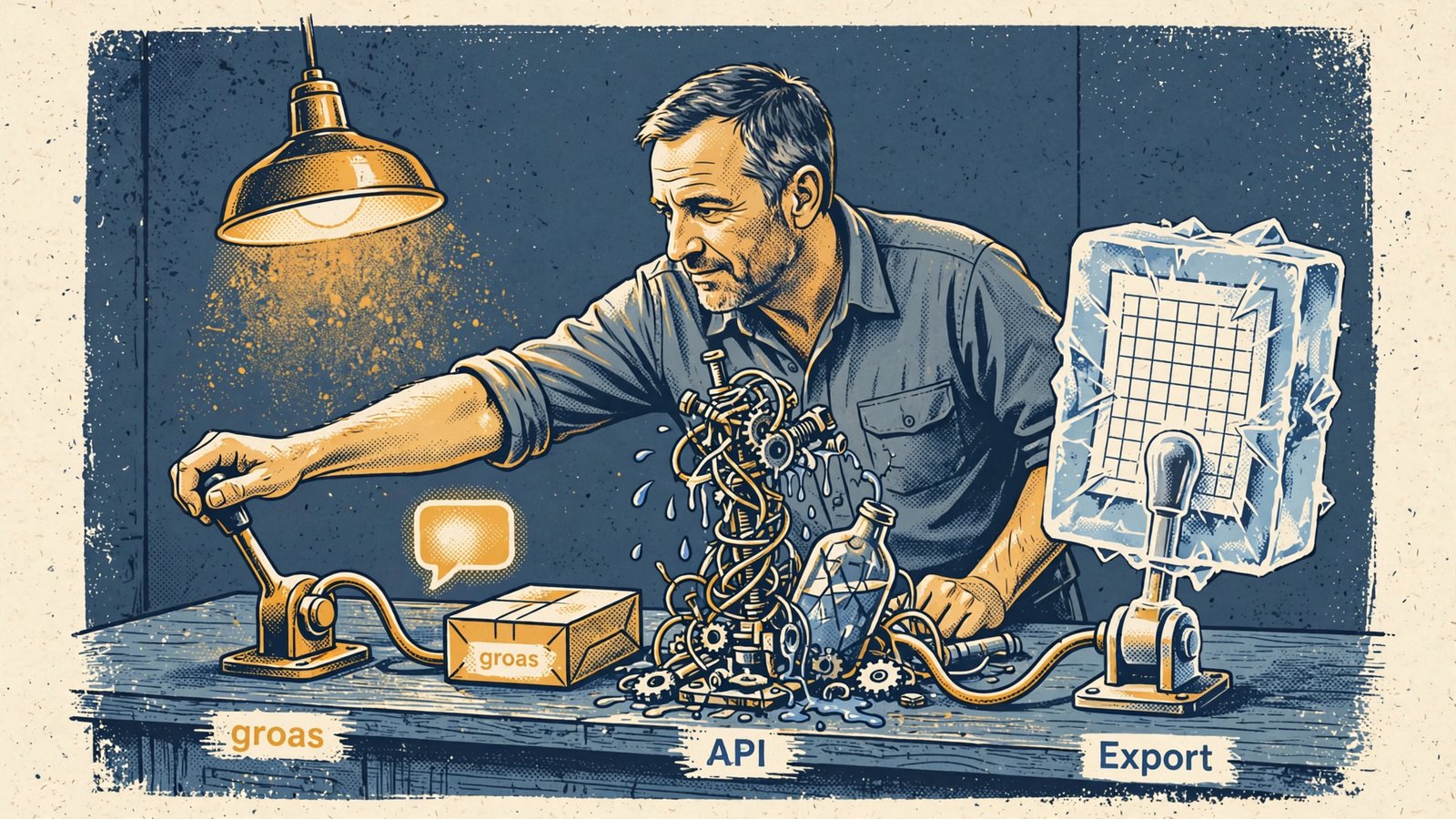
If you skipped to the end: for recurring Google and Bing work, I’d connect groas, approve changes in ChatGPT, and keep the option to undo them. I used to tell clients the connection was the hard part. I was wrong. The job is getting a fresh read next Monday, checking the proposed change, and making sure it actually goes in after I say yes. I’d pick the setup that leaves me with the decision, not the plumbing.





