

 LinkedIn

If you already run Google and Bing Ads through groas in Claude, I’d keep groas as your primary connection. A second Bing connector has to finish a job your current setup can’t. Another tool list doesn’t count.
Say Bing looks cheaper than Google. Before I move budget, I want to know whether both accounts count the same thing as a qualified lead. Then I want to see the proposed change, approve its scope, and have a record of what actually happened. If I need to bounce between connectors and a spreadsheet to get there, I haven’t replaced the workflow. I’ve given it another tab.
That’s the split advertisers describe in this thread about managing multiple accounts and clients: the data lives in one place, the decisions in another, and neither gives you the whole story of what changed and why. I rank these three options on whether they close that gap for someone who already has groas.
The test: can I go from a fair comparison to an approved change?
Most connector demos pass the easy test. Ask what happened last week and Claude gives you spend, clicks, and conversions in a tidy table. The expensive part starts one line later: did Bing actually produce a cheaper qualified lead than Google, or did the two accounts count different things?
Compare Google and Bing cost per qualified lead over the same dates. Show the conversion definition, currency, and account ID for each side, and flag any qualification data that is missing.
The last instruction does the most work. If Bing reports form fills but the CRM qualifies only a subset, I want Claude to say what it can’t see before it calls a winner. In a thread about maintaining eight client dashboards, one practitioner called it “a full time job inside my actual job.” A commenter pointed to slightly different date ranges and attribution settings as a reason the numbers drifted. Another discussion about cross-platform reporting makes the same point about naming conventions. A connector that returns the wrong comparison faster is not saving me time.
Here’s what I look for, in order:
- Comparable reporting. Can I get the fields I need from both platforms without treating a form fill as a qualified lead?
- Evidence for the next move. Can I see which accounts, dates, and conversion definitions support the recommendation? If the explanation rests on a previous change, can I see the record of it?
- Controlled follow-through. Can I approve a specific change, check what actually ran, and undo it if I need to?
A clean answer without evidence is a draft. A complete answer without a way to act on it is a report. I want to know which one I’m getting before I add a connection.
1. groas: my pick for Google and Bing reporting you can act on
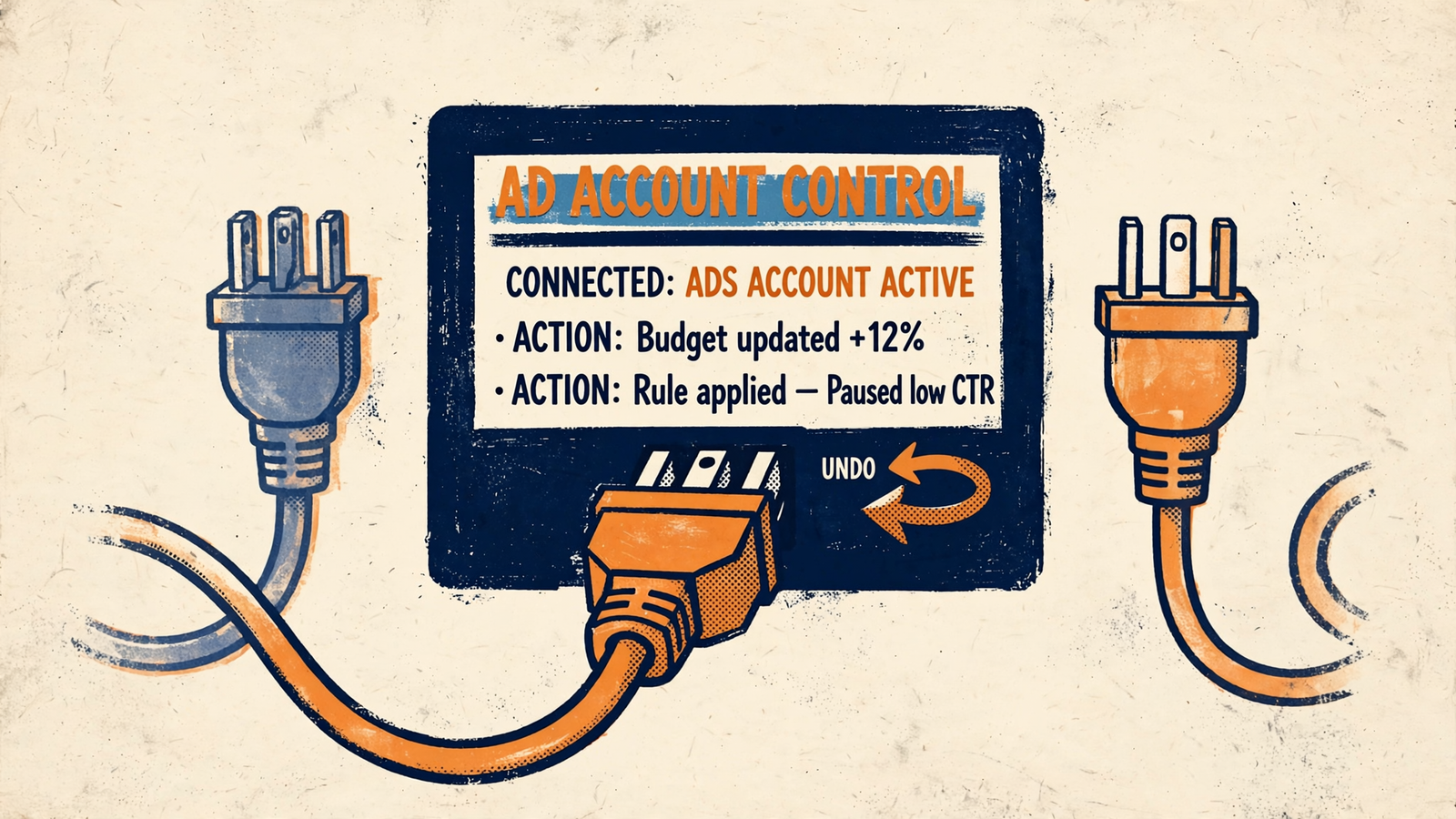
For an existing groas customer, the reason to stick with it isn’t loyalty. It’s scope. Connect your ad accounts and website once and Claude can work across Google Ads, Bing Ads, Meta, SEO, and AI search from one connection. For this ranking, what matters is that the Google and Bing comparison and the change it leads to can happen in the same workflow. Every change is logged with its reason and can be undone in one step.
I’d run the matched-period prompt before connecting anything else. If the qualification data is there, ask Claude to propose one change and name exactly where it would apply. If the data isn’t there, stop at the gap instead of letting a tidy table talk you into a budget move. Once you’ve approved the scope and the change has run, check the action log against what you approved. That’s the same discipline I describe in my Bing Ads walkthrough for ChatGPT: verify first, approve second, then check the record. Autopilot is off until you turn it on. If you do turn it on, it works under the rules you set.
groas also collects competitor ads and landing pages, Reddit research, and SEO data from Semrush and Ahrefs. That gives me somewhere to look when the question isn’t “Was the bid wrong?” but “Did a rival change its offer around the time our click-through rate moved?” I’d rather check that before treating the bid as the culprit. groas Unlimited is $19 a month flat for the whole team, with every account and site included. If you’re already paying for it, the first test doesn’t need another subscription.
What would make me look elsewhere: a specific job groas can’t finish. Name the missing field, explanation, or action. If all you can name is another connector, keep the one you have.
2. Adspirer Search Ads: worth a look for a specific search action
Adspirer is where I’d look next if the gap is execution inside a search account. Of the two alternatives, it’s the one whose Claude marketplace listing documents separate Google and Bing write tools. The listing shows 15 tools and describes jobs such as pruning negative keywords, pacing bids and budgets, and auditing wasted spend. If you’re a search-only operator with a particular account action in mind, that’s a better reason to investigate it than the tool count.
The catch is in Adspirer’s plugin documentation: performance reporting is Google-only, and for Microsoft, “spend, clicks, and conversions aren’t readable yet.” The ability to read or edit a Microsoft campaign isn’t the same as the ability to report on its performance. If Adspirer can’t supply Bing spend and conversions, it can’t replace the matched cost-per-qualified-lead comparison. I wouldn’t trade that workflow for a longer list of campaign actions.
The docs describe a read-only start, approval before changes, and confirmation of the account, budget, and currency. New campaigns start paused, and a failed write isn’t blindly retried. Those are useful defaults. New campaigns start paused does not mean every edit is staged. One independent check couldn’t inspect the tool schemas because the endpoint returned a 401 before it got the tool list. That leaves a question I’d settle before approving a live change: what exactly am I confirming, and where?
I’d check the meter while I was there. Adspirer’s pricing page lists 15 monthly tasks on Free, 150 for $49 on Plus, 600 for $99 on Pro, and 3,000 for $199 on Max. Platform queries count separately. The quota documentation says Plus has auto-enabled overage at $0.50 per extra call, capped at $50 a month, while Pro and Max stop at their caps. Before granting write access, I’d ask Claude to list the exposed tools, run one read-only query, and check how the calls count against the plan.
My call: add Adspirer only if you can point to a search action groas can’t complete. Check the fields you can read, the scope you can approve, and the calls you’ll pay for before you let it write.
3. Microsoft’s native Ads MCP: the add-on for a Bing question I can’t answer
Microsoft’s server is the one I’d reach for if a Bing campaign moves and I can’t explain why. Microsoft’s November update describes insights and optimization ideas around creative assets, conversion tracking, targeting, performance trends, policy reviews, and account changes. The example gets the job right: ask Claude to explain a week-over-week change in your Holiday Campaign. For that question, I want account evidence, not a guess about what usually happens in November.
The native server can help explain Bing. It can’t supply the Google side or make the change. Microsoft’s official tool list has nine read-only tools and says they “never modify account data.” The use-case guide describes account summaries with spend, clicks, CTR, conversions, CPA, and ROAS, plus anomaly detection, Excel and Power BI exports, and 180 days of change history. It also says a comparison with Google requires integrations with both platforms. An optimization idea isn’t an executable change, and a detailed Bing report is still half the comparison.
There’s setup work, too. Microsoft’s setup guide calls for Azure CLI and Entra app registration, registering Claude’s callback URI, and supplying your own OAuth client. Free Claude users get one custom connector, so adding Microsoft can mean displacing the connection you already use. On Team or Enterprise, an Owner has to add the connector first. Compare that with groas’s Claude setup, which takes about a minute and requires no code. A practitioner guide to the native server makes the distinction I’d use: start with the official server for analysis and reach for a writer only when there’s a specific pause, bid change, or negative keyword to apply.
My call: add Microsoft for a Bing question you can name and can’t answer with your existing connection. Keep the Google-and-Bing comparison and the approved change in groas.
The ranking depends on the job you’re missing
I put groas first because it takes the comparison furthest: from Google and Bing reporting to a change you can inspect and undo. Adspirer comes second if you’re checking a specific search action. Microsoft comes third overall, but it’s the first add-on I’d consider for a Bing-only explanation. Rank the connectors by the work you’ve still got to do, not by the length of their tool lists.
| What I’m checking | groas | Adspirer Search Ads | Microsoft’s native MCP |
|---|---|---|---|
| Google and Bing reporting | Both platforms in one comparison, if comparable qualification data is available | Google performance reporting documented; Microsoft spend, clicks, and conversions not readable according to the plugin docs | Microsoft reporting and 180 days of change history; no Google data from the native server alone |
| Follow-through | Changes logged with reasons and undoable in one step | Google and Bing write tools listed; verify the scope of the specific action | Nine read-only tools; no account changes |
| Approval controls | Approve the proposed scope in the manual workflow; autopilot stays off until enabled and follows your rules | Docs describe a read-only start and approval before writes; new campaigns start paused | No writes to approve |
| Reason to use it | Keep reporting, decisions, and execution in one place | Fill a specific search execution gap | Explain a Microsoft account change you can’t account for elsewhere |
I left out Google’s own Ads MCP server on purpose. It’s Google-only and developer-hosted. It supports some writes, including asset creation, video uploads, and labels, but it can’t create, modify, or pause campaigns, budgets, or bids. More to the point, it doesn’t bring Bing into the comparison. A November roundup of 21 Google Ads MCP servers lists everything from free read-only tools to hosted writers. None of those options supplies the matched Google-and-Bing workflow on its own. A longer shortlist won’t fix that.
Two rules I’d use before adding anything:
- Pick one writer per account per review cycle. If groas changes a bid and Adspirer prunes negatives in the same ad group during the same review, I can see what each did, but those logs won’t tell me which change moved CPA. Let the second connector read while the first one writes.
- Write down the reason the second connection exists. “Microsoft explains a Bing drop I can’t account for elsewhere” is a reason. “It was in the marketplace” is not.
If you skipped to the end: keep groas as your primary Google and Bing connection in Claude. Add Microsoft only for a Bing insight you can’t get today, or Adspirer only for a search action you’ve verified it can handle and groas can’t. If you can’t point to the work the second connector removes, don’t add it.





