

 LinkedIn

Catch weakening Meta creative before next season without switching off ads that still work. The first mistake I would remove from the workflow: “frequency crossed 3.0, so pause it.”
Frequency over 3 is not a diagnosis. Rising frequency alongside falling CTR and hook rate on the same creative is evidence consistent with fatigue. Rising CPM across the account, including fresh creative whose response holds, points somewhere else: the auction got more expensive. The useful signal is the trend in frequency and response, not a magic kill number.
Here is the workflow I would build in Claude + groas: compare each creative against its own history, separate delivery cost from response and post-click conversion, then sort ads into keep, investigate and replace queues.
Claude collects evidence and recommends. You make an explicit decision before anything changes. That is the system, not a footnote.
Step 1: Connect the account before CPMs spike
Say you spend $20k a month on Meta and November is your make-or-break month. The week CPMs spike is a terrible time to discover that Claude is reading a CSV from last Tuesday.
Connect through groas MCP while nothing is on fire:
- In Claude, go to Customize > Connectors > Add custom connector.
- Paste
https://mcp.groas.ai/mcpas the URL. - Keep the sign-in defaults, click Connect, then sign in to groas.
- Ask Claude to confirm the account ID, campaign IDs and date range it can see.
I use groas because the workflow needs more than Meta tables. It puts account performance next to competitor ads, landing pages and Reddit context, which becomes useful when it is time to build a replacement rather than merely diagnose the incumbent.
The price is $19 flat per month for the whole team. Start with analysis only and keep autopilot off. For this workflow, a recommendation is not permission to act.
Skip replacement ideas until Claude confirms the right account and dates. A clever diagnosis of the wrong campaign is still the wrong diagnosis.
Step 2: Tell Claude what “bad” means for this offer
Claude cannot judge deterioration against a business target you never supplied. “Watch ROAS” leaves too much unsaid: which conversion, which attribution window, and what acquisition cost can the offer support?
Give it these four inputs before requesting analysis:
- Conversion event:
Purchase, notViewContent, if purchases are the goal. - Attribution window: for example,
7-day click, 1-day view. - Acceptable acquisition cost: say, a $42 CPA ceiling for this offer.
- Review period: the last 14 days versus the prior 14 days.
Treat those numbers as business inputs, not recommendations for every account.
Then add the context that makes the comparison readable: promotions, budget changes, price changes, landing-page edits and tracking changes. Recent conversion data also needs care. Conversions can arrive after the interaction to which Meta attributes them, so early reports can understate performance while conversions are still settling.
Seasonality belongs in the same message. In the cited Lebesgue analysis of $22.6 million in Meta data, median brands paid 84% higher CPM on Black Friday 2025 than in September and 59% higher across Black Friday week. Yet cost per purchase fell 20% that week as conversion rate rose 48% in the seasonal data. More expensive impressions did not automatically mean worse economics.
Never use last season’s best day as the baseline. Choose a compatible period with the same offer and landing page, and label changes inside the window. Same offer, comparable conditions, readable comparison. Different offer and different calendar, much more noise.
Step 3: Build a baseline for each creative
Once the connection and business inputs are confirmed, give Claude a reusable instruction:
Compare each creative against its own prior 14 days and against live creatives in the same campaign. Show spend, impressions, frequency, CPM, CTR, hook rate where available, CPA and ROAS side by side. Flag creatives with under 30 conversions or under $300 spend as sparse data under my review rules. Treat the last 3 days of conversions as provisional, not settled. Identify missing metrics rather than inventing them.
Those sparse-data thresholds and the three-day flag are review rules, not universal guarantees of sufficient or complete data. Adjust them to the account. Passing a threshold does not make a conclusion certain.
The comparison does two jobs. First, it stops Claude from treating a $65 CPA creative as newly fatigued when its baseline was always $60, while ignoring a $38 CPA creative that drifted from $24. Both the business ceiling and the direction of travel matter.
Second, contemporaneous ads provide context. If CPM rises across ad sets, including fresh launches, there may be an account-wide auction explanation rather than a creative-specific one.
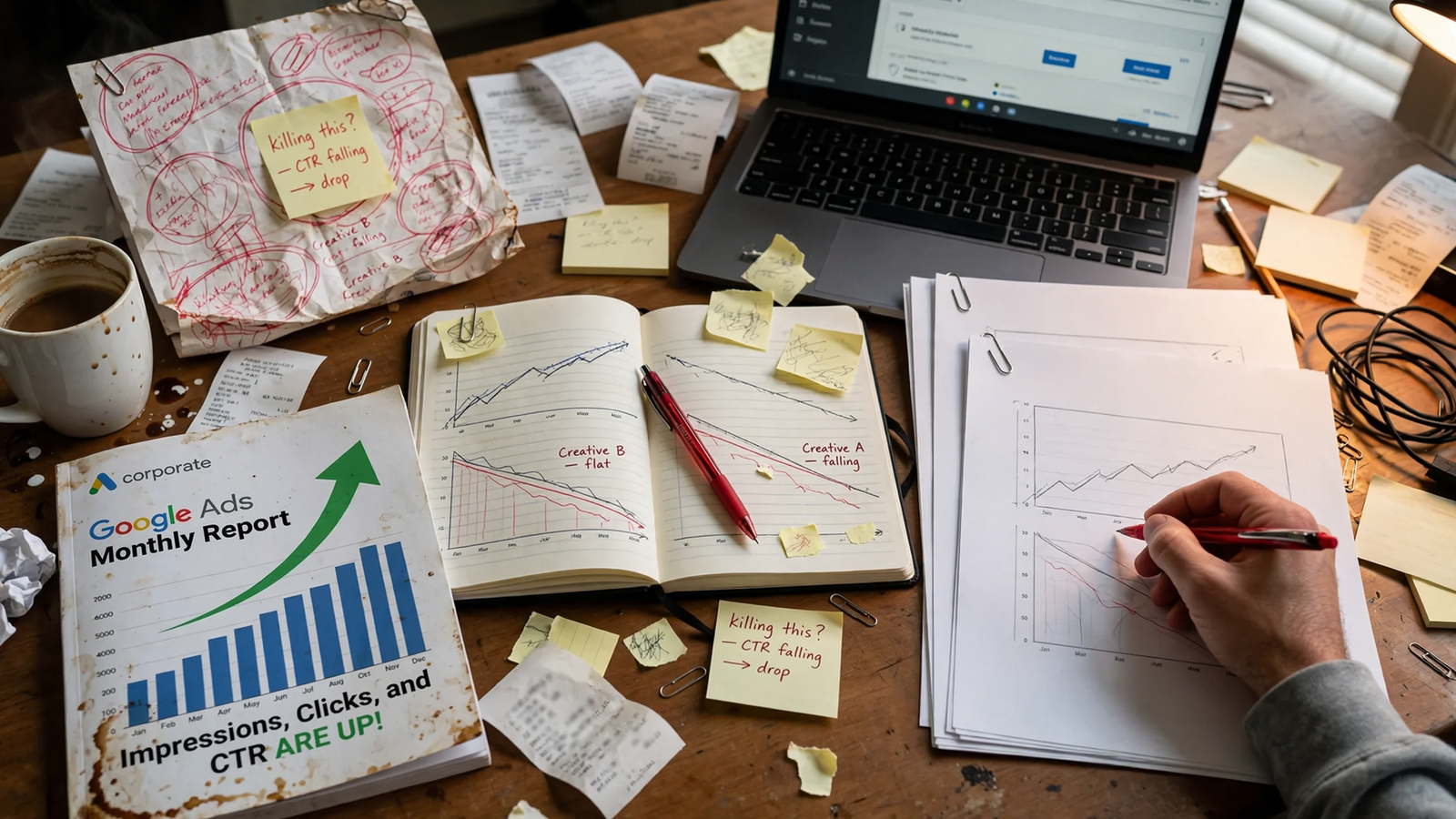
Use impressions, clicks and CTR for early warning because they are recorded on the day they happen. Use conversion outcomes to judge the business result, while acknowledging reporting lag. Neither set replaces the other.
My baseline rule: one creative, one offer, one tracking setup, two compatible periods. Where that comparison breaks, Claude should say so before delivering a verdict.
Step 4: Ask what actually moved CPA
Before Claude uses the word fatigue, make it separate the mechanisms:
Break the CPA change into CPM change, response change using CTR and hook rate where available, and post-click conversion change. Show the numbers for each. Identify which movement best explains the deterioration, what remains uncertain, and two alternative explanations.
CPM tells me what the auction charges. Response tells me whether people still stop and click. Post-click conversion tells me whether the page and offer still close.
A worse CPA is the symptom, not the explanation. If Claude cannot separate those components, it should flag the missing evidence and withhold a fatigue verdict. It should not quietly translate uncertainty into a pause.
Read the CPM pattern across levels, using this CPA-spike diagnostic framework:
- CPM rises in one ad set but stays flat elsewhere: investigate a local delivery or creative issue. The pattern alone does not establish fatigue; check response on the specific ad.
- CPM rises across campaigns, including fresh creative: investigate auction pressure before blaming creative age.
- CPM rises account-wide and against last year: examine seasonal context rather than treating the increase as proof that every ad needs replacing.
Then inspect response. Falling hook rate on the specific creative adds different evidence from rising CPM. It helps distinguish “people respond less” from “the same opportunity costs more.” For a fuller diagnostic pass, use the seven checks Claude should run before calling Meta ads fatigued.
Frequency sits beside those numbers, never above them. Treat 2.5 weekly frequency on prospecting as a planning flag if that is your chosen rule, not a kill switch. Retargeting can tolerate higher frequency, and audience size affects the pattern; there is no universal frequency cutoff.
Finally, require Claude to name alternatives and the evidence needed to assess them: delayed reporting, a page or price change, budget consolidation pushing spend into one ad, or a promotion ending.
Do not ask “Is frequency too high?” Ask what changed, where it changed, and which explanation survives the comparison.
Step 5: Put every creative in a decision queue
Tell Claude how to answer, not just what to analyze. I ask for a table with six columns:
- Creative name and ID.
- Queue.
- Reason in one sentence.
- Confidence: high, medium or low.
- Missing data.
- Next check date.
Define the queues before generating the table:
| Queue | What earns the label | What happens next |
|---|---|---|
| Keep | Response is stable and CPA remains within its baseline and business limits. | Continue monitoring. |
| Investigate | Signals conflict, data is sparse, or a recent change makes the comparison unreliable. | Name the missing evidence and schedule the next review. |
| Replace | Response deteriorates against the creative’s own history, with enough evidence to support the diagnosis. | Prepare a replacement proposal for approval. |
Every numerical trigger must be labeled as your rule. For example: “CPA above $52 for 7 days on at least $200 spend moves an ad to investigate.” That is an escalation trigger, not proof of fatigue or permission to pause. An ad can enter investigate while still failing the stronger evidence standard for replacement.
A queue is a recommendation, not an account action. Even “replace” means prepare the next decision, not switch off the incumbent.
The valuable answer is often “collect more evidence.” But uncertainty is not a reason to ignore the business ceiling either. If performance breaches it, Claude should flag that separately and ask for a decision rather than disguising the problem as either confirmed fatigue or harmless noise.
No confidence note and no missing-data note, no decision.

Step 6: Build the replacement before touching the incumbent
Pausing first and brainstorming second leaves budget with nowhere useful to go. It also turns the replacement brief into “something different, quickly.” Not much of a brief.
Once an ad enters replace, ask Claude to pull competitor Meta ads and the landing pages behind them through groas. The purpose is to form test hypotheses, not declare competitors’ ads winners or copy them.
Look for the hooks, angles and offers running now, then follow the click into the funnel. groas collects competitor creative, funnel, Reddit and SEO data around the clock, so the research need not depend on a screenshot folder from March. Draft from your approved brand and offer.
Work through the refresh ladder in order:
- New hook.
- New format.
- New voice.
- New body angle.
- New concept entirely.
Keep the incumbent running while a materially different version tests beside it, unless you explicitly approve another course. The ladder gives the next brief a starting point; it does not guarantee that a new hook fixes a weak offer.
Set test terms in the same prompt. Name a budget under your rules, say $200 or 15% of the ad set for the first read, and state which actions require approval:
- Uploading new creative.
- Moving budget above your chosen dollar amount.
- Pausing an ad.
- Changing an audience.
Skip ten variants at $5 each and the claim that you have learned something decisive. Plan a cadence your spend can actually read. The cited creative-lifespan analysis reports median shipping rates of about 2.8 new creatives a week below $10k monthly spend, versus 6.7 at $50k–$200k in its account data. Those are context, not quotas.
No incumbent gets paused by this workflow until the replacement has a hook, a budget and an approval line.
Step 7: Approve the exact change and keep the receipt
Before execution, have Claude read back the proposal in plain text:
Proposed action: [action]. Account: [ID]. Campaign and ad: [names and IDs]. Budget moved: [amount]. Reason: [evidence]. Awaiting explicit approval; do not execute yet.
I want that line because account mistakes happen in the ID field, not just in the strategy document. Approve the specific proposal, not a vague instruction to “optimize the losers.”
After execution, open the groas action log and read the reason attached to each change. The log records changes and their reasoning. Keep the distinction between reversing a setting and recovering everything that happened afterward: a deleted creative history or a reset learning phase is not something to assume comes back with a click.
Check that the action matches the approval, including the amount moved and the ads affected. The receipt matters as much as the recommendation.
Claude recommends. You approve. The log shows what happened.
Step 8: Save the workflow, not a magic threshold
Save the review prompt and rerun it with fresh dates and an explicit comparison period. Compare the same offer with the same offer. Carry forward the business limits, seasonal notes and known tracking changes, not last season’s verdicts.
For this workflow, keep approval before account changes. If you later choose a different operating mode with autopilot, define its limits first: which ad sets it may touch, the daily spend cap, and what must escalate to you. Do not let an analysis prompt quietly become permission to run the account.
Judge replacements with the same discipline as incumbents: response, CPA against their own baseline, readable spend and conversion data that has had time to settle. New hooks fail. That is testing, not evidence that the workflow needs a more aggressive pause button.
The first thing to do today: connect groas in Claude, confirm the account and campaign IDs, then send your conversion event, attribution window, acceptable CPA and seasonal notes with the instruction “analysis only; require my approval before changes.” That setup turns the next fatigue scare into a comparison instead of a panic pause.


