

 LinkedIn

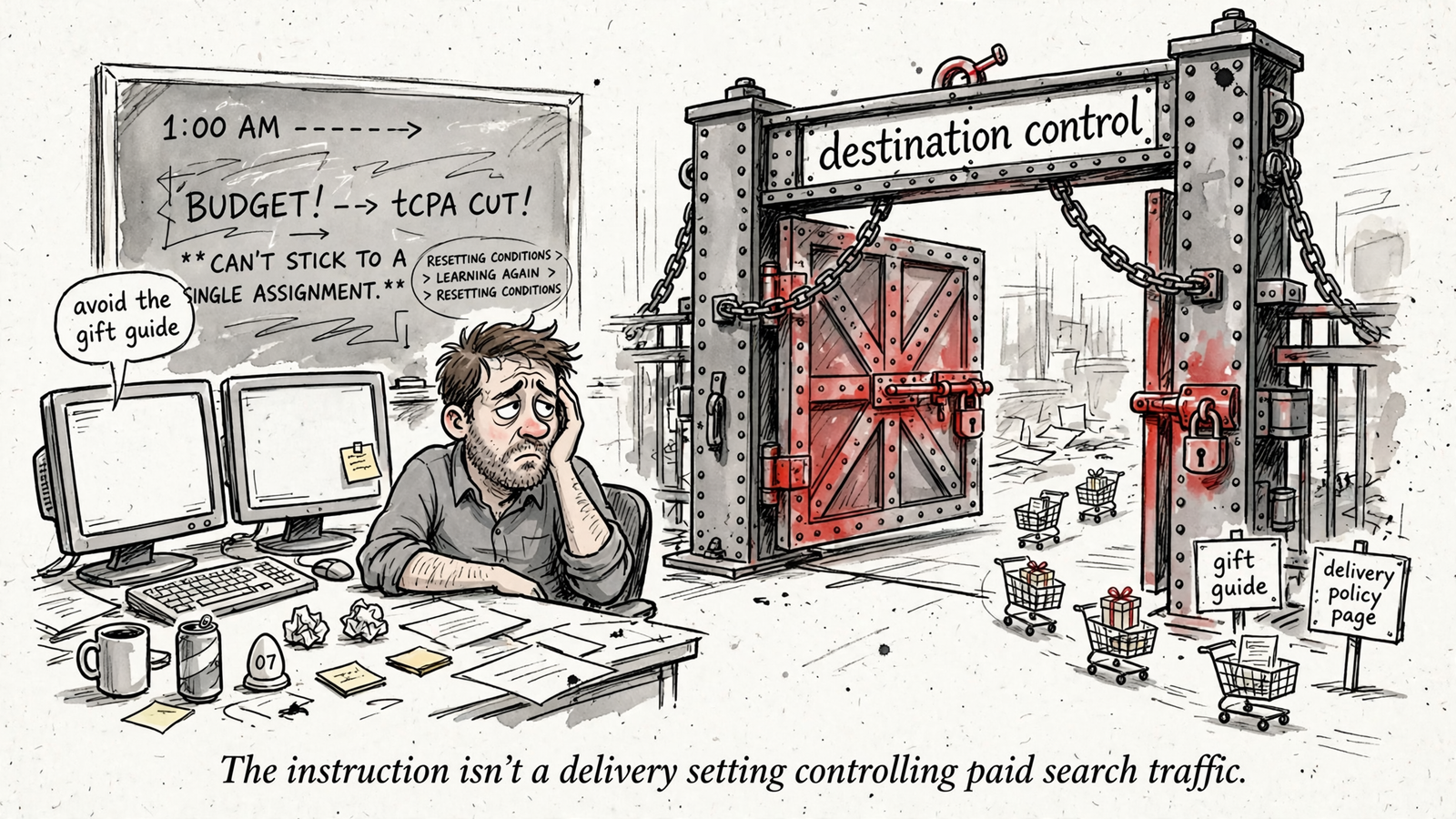
Say you’re spending $20k a month, you’ve imported your search campaigns into Bing, and paid clicks are landing on a delivery page and a two-year-old gift guide that can’t take an order. For that advertiser, here’s my verdict on ChatGPT connected through groas vs. Microsoft Advertising’s native AI: I’d use ChatGPT to investigate and line up a fix, but only a supported Microsoft setting can restrict where AI Max sends the click.
That’s the distinction I care about. A plain-English instruction to avoid certain pages is not a delivery setting. “Don’t send traffic to the gift guide” can be a perfectly good brief for the assistant and make no difference at all to the next click.
I use ChatGPT connected through groas the way I used to use a good junior buyer: pull the facts, show the work, draft the fix, wait for my yes. groas gives the assistant access to the ad accounts and the tools to act where the connection supports it. Microsoft’s native tools sit on both sides of that line: Copilot can explain what’s happening in the account, while AI Max for Search uses campaign settings to make delivery decisions. I’m not grading them like rival bidders. I’m grading them on four decisions I have to make when the wrong page gets the click.
Round 1: Which one shows me what the account actually says?
I start Bing triage the same way I start a Google audit at 1 a.m.: pull what the account says before I believe what anyone says about it. With groas connecting ChatGPT to the ad accounts, I start with one prompt: “Review this Microsoft Advertising campaign’s performance and configured landing pages. State the date range. Separate observed facts from anything you can’t retrieve.”
I want spend, clicks, conversions, and the final URLs it can actually read. I also want it to distinguish a URL configured in the campaign from a page it can show received clicks. One tells me how the campaign is set up. The other tells me what happened. If the assistant can only retrieve the first, I don’t want a paragraph that sounds like it retrieved both.
I pin down the date range and ask it to show the CPA calculation, too. In an Adalysis test across roughly 200 live accounts, assistants usually got the numbers right but sometimes flipped formulas like CPA or used different default date ranges. That’s why I ask for the working, not just a number polished enough to go in an email.
On Microsoft’s side, Copilot’s Performance snapshot explains account performance in plain English, and Ad diagnostics inspects the setup and proposes a next step. The November update describes a broader set of checks in the Microsoft Advertising MCP server, from creative performance and conversions to targeting and policy. But Microsoft’s connector docs say those MCP tools return information and don’t modify account data. That describes the connector, not what I can do in the Microsoft interface.
I give this round to ChatGPT with groas. I can ask for a check that fits the problem, get the facts in a form I can forward, and use the same conversation to draft the next move. Ask for the date range, the calculation, and the gaps before you act on the summary.
Round 2: Which one can keep clicks off the wrong page?
This round goes to Microsoft. In its announcement of URL inclusions for AI Max for Search, Microsoft describes how to specify website sections that AI Max can use with Final URL expansion. Those pages can serve as destinations, give the system material for text customization, and inform search-term matching. Microsoft’s example points a holiday campaign at gift guides. The point isn’t that gift guides are good or bad. It’s whether the pages fit the campaign. For the wider setup, I’d read this alongside AI Max for Search Campaigns: The 2026 Setup Guide.
Here’s the bit I wouldn’t skim: Inclusions steer. Explicit exclusions block. As Search Engine Land notes, adding inclusions does not automatically exclude everything else or guarantee that every click lands on an included page. If I give AI Max a collection section to work with, I haven’t thereby told it to keep traffic off the delivery page. That takes an explicit exclusion.
I learned that distinction the hard way on Performance Max. Final URL expansion could swap the asset group’s URL for another page on the same domain. The campaign could still look healthy while clicks went to blogs, size guides, and delivery pages that couldn’t take an order. One ecommerce team documented that pattern and fixed it with exclusions, not a bid change. Different platform, same mistake: reading a destination preference as a restriction.
That’s why I won’t accept “I’ll avoid those pages” as confirmation from ChatGPT. It tells me the assistant understood the brief. It tells me nothing about what AI Max is allowed to do. Use inclusions for the sections you want AI Max to work with, and set explicit exclusions in Microsoft Advertising for pages you need it to avoid.
Round 3: Can the proposed fix actually be applied?
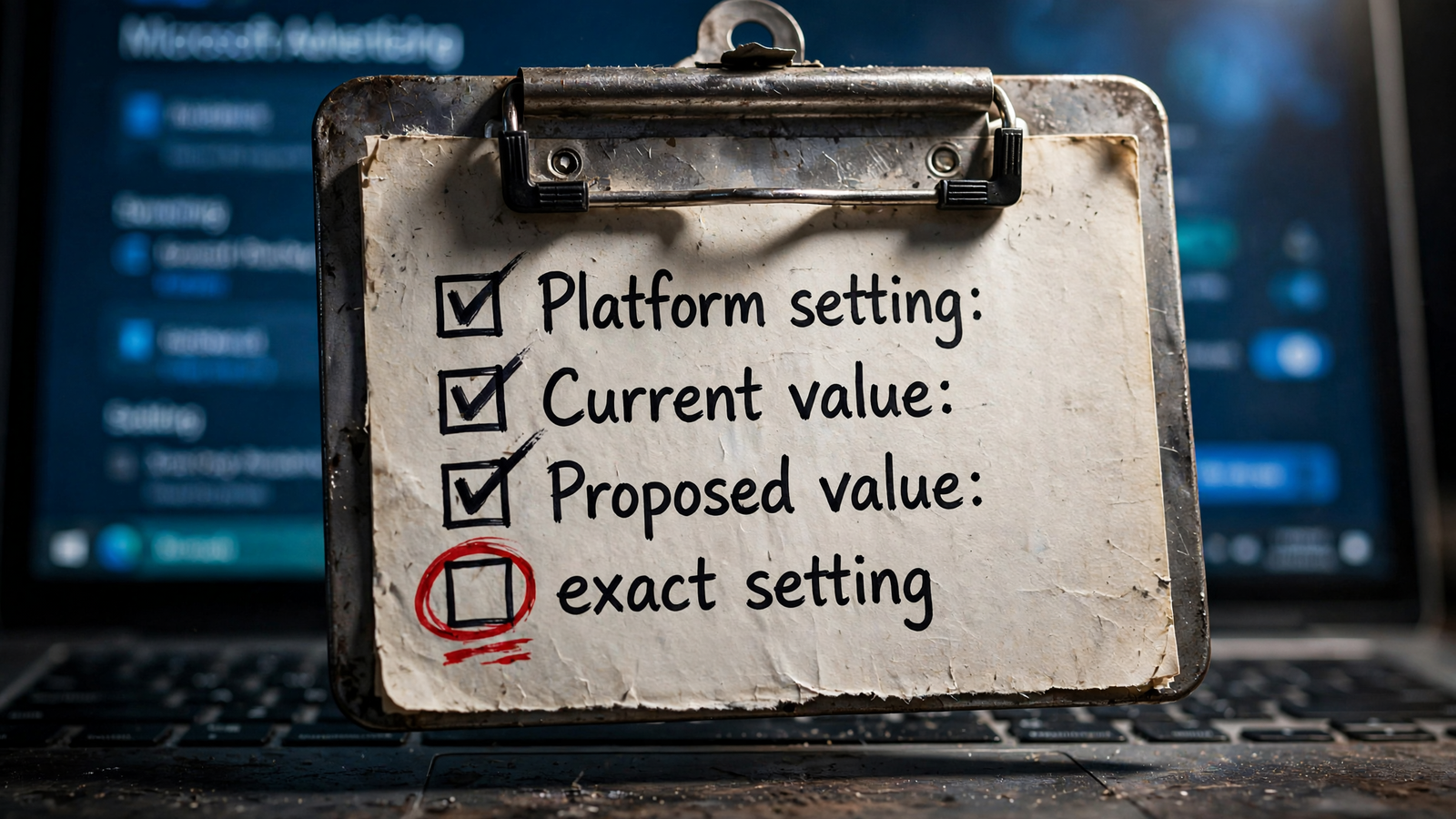
Before I let ChatGPT touch the account, I ask for the same work order I used to demand from a buyer: exact setting, current value, proposed value, and evidence. “Fix the destinations” isn’t a work order. Here’s what a draft might look like, with illustrative numbers:
- Setting: URL inclusions and exclusions for AI Max Final URL expansion.
- Current values: No inclusions or exclusions configured.
- Proposed values: Include
/collections/; explicitly exclude/delivery-info/. - Evidence: In the last 30 days,
/delivery-info/got 412 clicks and no orders.
Notice which part the evidence supports directly. The delivery-page numbers explain why I’d propose blocking that page. They don’t prove /collections/ will perform better. That’s a proposal I review, not a result I put in the client email. And if the assistant can’t read the current values, it needs to say so rather than quietly promote “unknown” to “none configured.” That’s what separates a workflow worth paying for from chat theater: I can inspect the work before I approve it.
If the connection exposes the exact control, I review the proposal, approve it explicitly, and check the groas action log for what changed and why. If I got it wrong, I can undo the logged change in one step. If the connection doesn’t expose that control, I apply it in Microsoft’s own interface. The investigation and the work order still save me effort. They just don’t save me the trip into the platform.
What I won’t accept in either workflow is a negative keyword or an ad copy tweak presented as a destination fix. Those aren’t the changes I asked to approve. ChatGPT with groas wins the coordination round; Microsoft still owns the control. No exact setting and verified current value, no approval.
Round 4: Did changing the destination help?
I give a destination change 10 to 14 days before I judge it, longer if the campaign runs under $500 a day on Bing and conversions arrive in clumps. Then I ask: “Compare the 14 days before and after the destination change. Show spend, conversions, and CPA. List the landing pages you can observe, and label anything you can’t retrieve.” If I’m waiting longer to make the call, I say so rather than letting the assistant pick the window for me.
I use ChatGPT with groas to pull the account data and change history into the same conversation. That gives me a before-and-after I can forward without rebuilding a pivot table. I used to tell clients a rising CTR meant the new pages worked. I was wrong. Getting more clicks, even to the pages I intended, isn’t the result I’m paying for. I grade the change on CPA and qualified orders I can verify.
If Microsoft doesn’t break out conversions by final URL for that campaign, I want the assistant to say so. Here’s an example of the answer I’d accept: “Total conversions rose from 41 to 53 and CPA fell from $48 to $39, but I can’t tie those orders to /gift-guides/ from the data I can retrieve.” That’s a useful comparison. It isn’t proof that the gift guide drove the improvement. A made-up URL split is fiction with formatting.
I check Copilot’s read on trends and account health for the same window. It’s a second read, not proof of which page got the order. ChatGPT with groas wins this round because I can ask it to put the change, the numbers, and the missing report in the same answer. If the data stops at the campaign, the conclusion stops there too.
Verdict: ChatGPT + groas wins when Bing is a real line in the P&L
If Bing is a real line in your P&L, say $5k a month and up, my pick is ChatGPT connected through groas. It wins because I can go from “why is this page getting clicks?” to a change I can review, then use the same workflow to check what happened. Microsoft wins the destination round outright. I want its settings doing the enforcing, not a chat message doing an impression of one.
| Decision | ChatGPT + groas | Microsoft Advertising’s native tools |
|---|---|---|
| Read and explain | Pulls account metrics and available URL data into one review; can label gaps | Copilot explains performance and flags setup issues in the platform; Microsoft’s MCP connector is read-only |
| Choose destinations | Drafts the proposed rules; a chat instruction alone enforces nothing | Controls delivery: inclusions steer, explicit exclusions block |
| Apply the fix | Prepares a work order; supported changes can be approved, logged, and undone | Applies supported controls in the platform when I set them there |
| Review the result | Compares CPA and orders before and after, with URL-level gaps called out | Gives me a second read on platform trends and account health |
I’d pick Microsoft alone for a small test where I don’t need a separate investigation and approval workflow and I’m comfortable checking destinations myself. For the advertiser paying to send people to a delivery page, I’d run it in this order: investigate in ChatGPT, enforce in Microsoft Advertising, verify in ChatGPT. I’d rather approve a fix I understand than keep paying for traffic that looks fine in a snapshot.
Run it Monday: Three prompts that leave a paper trail
I’d run these before touching a bid. The first two establish what’s happening and what I’d change. The third checks whether the change earned its keep.
- Find the destinations. “List the top 10 landing pages by spend in the last 30 days, with conversions and CPA beside each where available. Say which data you couldn’t retrieve.”
- Draft the work order. “Draft the URL inclusion and exclusion change for AI Max. Give me the exact setting names, current values, proposed values, and the evidence for each change. Don’t apply it yet.”
- Check the result after 14 days. “Compare CPA and orders before and after. State the date ranges and tell me what you can’t tie to a URL.”
I want a date range on the comparison, a current value on the proposed change, and a named gap wherever the data runs out. If an answer leaves out what I need to check it, it’s a draft, not a decision.





