

 LinkedIn
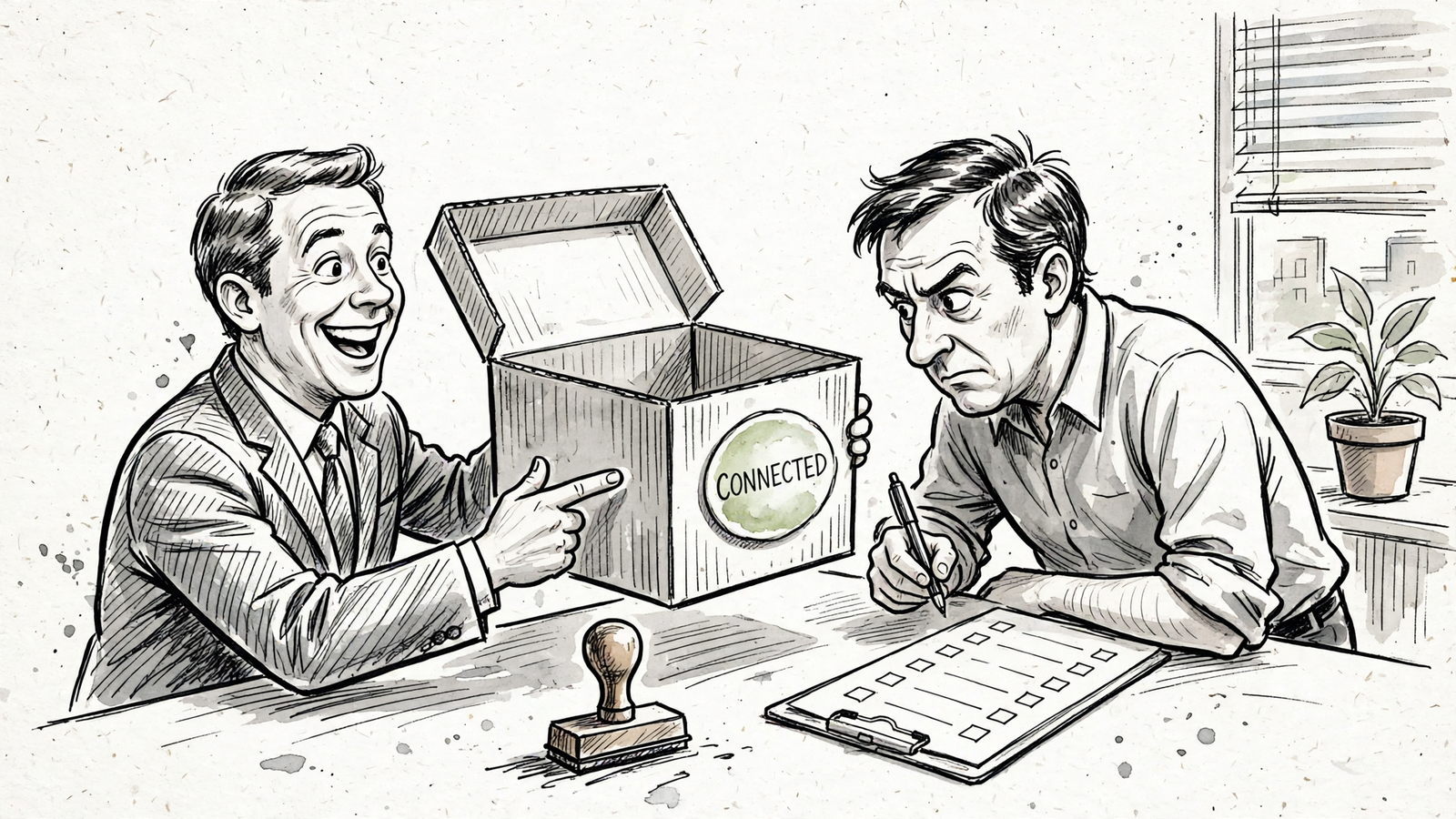
A ChatGPT demo that reads Google Ads proves nothing about Bing. I would not approve a Bing Ads MCP until it produces evidence from the Microsoft Advertising account it is supposed to manage: live reads, useful search-term analysis, supported changes and a traceable record. My rule is simple: no Microsoft account evidence, no approval. Use the ten checks below to build a Microsoft-specific evidence pack, not another recommendation deck. A connection badge is not coverage, and a confident answer is not an account read.
Set the test boundaries before connecting
- Start read-only, with autopilot off. Connect Microsoft Advertising in groas, add groas to ChatGPT, and keep the evaluation in one session so the requests, answers and approvals stay together.
- Record the date, evaluator, connected account and ChatGPT plan. Check which reads and writes that assistant plan and workspace configuration actually permit; an unavailable write is a limit to document, not a reason to improvise around permissions.
- Paste this opening prompt: “Inspect our connected Microsoft Advertising account. Make no changes. Return evidence for the checks below, and mark anything unavailable. Do not substitute Google Ads data or describe a proposed action as a completed one.”
- Keep the transcript and exports as you go. An answer that disappears into a demo call is not something the decision-maker can inspect later.
- Run checks 1–7 without changing anything. Check 8 establishes the reversal route; only check 9 authorizes a narrowly scoped edit. Read-only first does not mean read-only forever. It means writes earn their turn.
Checks 1–4: Prove the connection reaches Microsoft
-
Identify the Microsoft account, not just its display name. Ask: “Return the connected Microsoft Advertising account’s AccountId, CustomerId, AccountNumber, currency and time zone. Mark any unavailable field.” Keep: the returned identifiers and settings beside the account you intend to evaluate. An account name alone is not enough, and a Google Ads customer ID is not a substitute. If the tool cannot return a requested field, have it state that limitation instead of filling the space with a plausible-looking value. Pass only when: the evidence identifies the intended Microsoft account and makes missing identity information explicit. Resolve account ambiguity before reviewing performance; otherwise every later check can be accurate for the wrong account.
-
Retrieve a dated campaign report and reconcile two campaigns. Ask: “Return the last 30 days by Microsoft campaign: impressions, clicks, spend and conversions. Print the exact date range and account time zone.” Keep: the CSV and your initials against the two campaigns you check directly in Microsoft Advertising. Compare the same campaigns, dates and metrics, line for line. Do not accept a screenshot of a total as a replacement for the requested report. Fail when: dates or time zone are missing, or figures differ without an explanation you can verify. The point is not to admire a tidy table. It is to establish that the account read survives comparison with the account itself.
-
Show Microsoft search terms, not a recycled Google keyword report. Ask: “Pull Microsoft Advertising search terms for the last 30 days, with campaign, impressions, clicks, spend and conversions.” Keep: a dated search-term export with the campaign column intact. The report is available through Microsoft Advertising’s search-term reporting routes. Common mistake: treating keywords and queries as interchangeable, then treating a totals gap as automatic proof of a broken connection. Low-volume queries can remain outside the downloadable detail under Other search terms. Require that reporting limitation in the answer. Fail when: the output contains keywords instead of queries, omits campaigns or dates, or silently substitutes Google data. A polished summary does not rescue the wrong report.
-
Separate supported campaign types from supported operations. Ask: “List every campaign type found in this Microsoft account. For each, state what you can read, what you can change and which operations you will refuse.” Keep: a per-type read/write list, with unavailable operations written down. Microsoft’s campaign-type reference names types including Search, Shopping, Audience and PerformanceMax; the acceptance test is what the connector supports in your account, not how many names it can repeat. Fail when: the answer stops at “we support Bing Ads,” or treats the ability to read a campaign as proof it can edit it. Coverage needs boundaries. Get those boundaries before anyone approves work across the account.
Checks 5–7: Demand useful Microsoft-specific work
- Produce a ranked search-term review with usable negative candidates. Ask: “Rank the top 20 Microsoft search terms by spend for the last 30 days. Include campaign, clicks, spend, conversions and CPA. Then propose three negative candidates, each with the exact match type you would use and a reason.” Keep: the ranking, candidates and reporting limitations together. Require the answer to acknowledge the low-volume search-term gap, rather than promising that visible queries reconcile to every total. Fail when: the tool proposes Google broad-match negatives. Microsoft supports phrase and exact negatives, so that recommendation is not a harmless terminology slip. It is a proposed change that does not fit the platform. Keep every candidate as a draft at this stage.

-
Explain one Google-versus-Bing performance difference without assuming identical conversion definitions. Ask: “For one campaign we run on both platforms, explain why CPA differs. Identify the attribution and conversion-counting rules behind the comparison, and mark anything you cannot inspect.” Keep: the explanation and the settings it relies on. Require the mechanism before the conclusion: how conversions are attributed and counted, then what that means for CPA. Fail when: the answer compares CPA or ROAS as though a conversion necessarily means the same thing on both platforms, or confidently assigns a cause without establishing the relevant settings. A Google explanation with “Microsoft” pasted into it is still a Google explanation. The useful answer tells you what is comparable and what remains unverified.
-
Draft one Microsoft-specific change with the affected entities identified. Ask: “Draft, but do not apply, two exact-match negatives for [Ad Group Name] in [Campaign Name]. Include AccountId, the campaign and ad group identifiers, the proposed terms, expected effect and what we should check in 14 days.” Keep: the complete proposed change beside the search-term evidence that supports it. The expected effect is a prediction, not a result; keep that distinction visible. Fail when: the draft omits the account or ad group, uses an unsupported match type, or leaves the target ambiguous. A readable recommendation is not yet an executable instruction. Before approving anything, make sure another person can tell exactly which entities would change and why.
Checks 8–9: Establish the way back, then test one write
-
Show the reversal route before approving the change. Ask: “Before applying anything, show the exact undo path for this proposed change in Microsoft Advertising and in groas. Identify eligible change types, time limits and anything that cannot be restored.” Keep: the reversal instructions alongside the proposed edit, with autopilot still off. Microsoft’s Change History and undo limitations are a reason to check the specific operation, not accept a generic promise that every change is reversible. groas provides one-step undo; have the evaluator identify that route for the proposed edit. Fail when: the answer is merely “we can revert,” with no concrete path or limits. Do not approve the write and investigate recovery afterward.
-
Demonstrate one approved, narrowly scoped change and its reason log. Ask: “Apply only the edit I explicitly approve. Then show its log entry: timestamp, actor, affected entities, before and after values, and reason.” Keep: the approval, completed-action evidence and log together. Read-only defaults and gated writes are useful controls; one community Bing Ads MCP documents that pattern. The control still has to work in the setup you are evaluating. Through groas, every change is logged with its reason and can be undone in one step. Fail when: the tool changes more than approved, cannot show what changed, or produces a log without a reason. Keep autopilot off. One controlled write is the test, not permission to optimize everything.

Check 10: Put the whole bill in writing
- Document total software cost, account coverage and assistant requirements. Ask: “State the monthly software cost for our team, the Microsoft Advertising accounts and users covered, and the ChatGPT plan and workspace permissions needed for reads and writes.” Keep three lines separate: groas Unlimited at $19 per month for the whole team, ad spend, and whatever you pay OpenAI. groas includes unlimited teammates, ad accounts and websites; make the intended Microsoft account coverage explicit rather than settling for “Microsoft included.” Your first marketing MCP bill explains why the connection is only one line. Fail when: the quote obscures a per-account charge, a spend-scaled tier or the assistant requirements behind the demonstration. A price without scope is not a usable approval figure.
Keep one approval sheet, not ten loose answers
- Attach the transcript and both CSV exports: the campaign report and the search-term report. Keep proposed changes, approvals and logs with the same evidence pack.
- Mark unavailable evidence as unavailable. Do not turn “the vendor says it works” into a pass because the rest of the demonstration went smoothly.
- Use the sheet below to record the decision. The person who owns that decision signs it; the person running the demo does not approve it by default.
| Check | Evidence to keep | Pass / Fail |
|---|---|---|
| 1. Microsoft account identity | Account identifiers, currency and time zone; missing fields noted | |
| 2. Reconciled campaign report | Dated CSV, time zone and initials against two checked campaigns | |
| 3. Microsoft search terms | Dated export, campaign column and reporting gap noted | |
| 4. Supported types and operations | Per-type read/write list and explicit unsupported operations | |
| 5. Ranked term review | Top 20 by spend, CPA, three negative candidates and match types | |
| 6. Cross-platform explanation | Attribution and counting explanation, with unknowns marked | |
| 7. Drafted change | Account, campaign and ad group IDs; terms, match types and 14-day check | |
| 8. Reversal route | Specific Microsoft and groas undo paths, eligibility and limits | |
| 9. Approved change and log | Approval, timestamp, actor, affected entities, before/after and reason | |
| 10. Total cost and coverage | groas, ad spend and assistant lines; accounts, users and permissions |
- Approve: all ten checks pass, with the evidence attached rather than promised for later.
- Approve with limits: write the account, campaign types and operations covered by approval. Keep unavailable operations outside that scope.
- Reject until gaps close: identify the failed check and the missing evidence. A good demo does not cancel a failed account reconciliation or an untraceable write.
- Record the decision, decision-owner and date on the sheet. The point is to prove that ChatGPT saw the Microsoft account, did Microsoft-specific work and left a record someone else can inspect.
- Most often skipped: check 10, total cost and coverage. Say the business spends $20k a month across Google and Bing. Approving a $19 connection does not approve an unspecified assistant bill, a per-account fee or a spend-scaled tier elsewhere in the stack. Keep groas’s $19 flat team price, ad spend and the assistant plan on separate lines, with covered accounts and users named. If those lines are missing, the cost of skipping the check is an unknown recurring bill. You do not have approval. You have a trial with a bill attached.


