

 LinkedIn

If I’m a one-person marketing team running paid ads and a website, I pick groas: I can ask Claude what happened this week, then have it make the approved changes across ads and the site. A connector that gives me a sharp answer and three more tabs to open hasn’t finished the job.
Google’s official Ads MCP comes second. I’d pick it if Google Ads were the whole job and I wanted to keep my hands on the account. Windsor.ai comes third, and it’s the one I’d pick if the deliverable were a report. Those are three different jobs, which is why an integration count tells me so little. I rank connectors by the recurring work they leave behind.
I learned to care about that distinction running Google Ads by hand for small ecommerce brands. I’d mine negative keywords at 1 a.m., and a client would swap a landing page without telling me. Another report wouldn’t have helped much. I needed to see what had changed and be able to do something about it.
The ranking rule: count the tabs you open after Claude answers
Say I’m spending $20k a month across Google and Meta and looking after the site too. I give Claude one request: explain this week’s performance, name the next action, and tell me what still needs another tool. The first part gets me a diagnosis. The last part tells me what I’m buying.
The usual Claude connector roundup gives me a wall of familiar logos: HubSpot for CRM, Google and Meta for paid, GA4 for measurement, then Klaviyo, Ahrefs or Semrush, Canva, Zapier and Notion. A read-only versus read-write warning is more useful than another logo. But “read-write” still doesn’t tell me whether Claude can change the thing I need changed. Uploading an image and moving a budget are both writes. They leave me with different Fridays.
I split the test into three questions:
- What can Claude read? Can it see the ad account and the site, or do I still have to bring part of the picture into the chat?
- What can Claude change? Can it carry out the recommendation, or does it hand me a list of things to do in other tabs?
- What keeps moving after I close the laptop? Do I come back to work done under rules I set, or does the next step wait for me?
I used to tell clients reporting was progress. I was wrong about that when the job was to fix performance. Count the handoffs between the answer and the fix. That’s the workload that comes back next week.
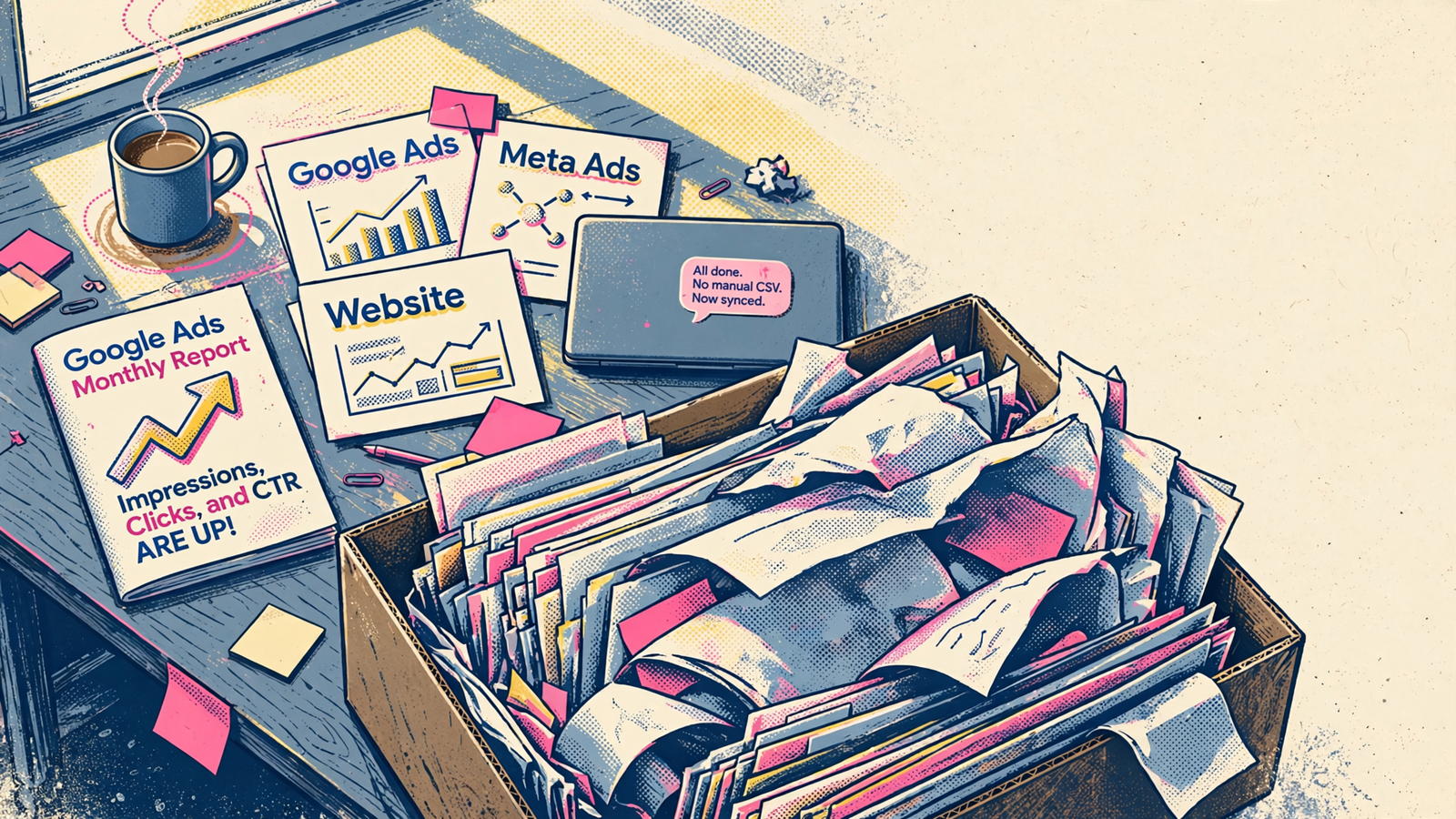
1. groas: My pick when the work crosses channels
Connect Claude to groas over MCP and it can read and act across Google Ads, Microsoft and Bing Ads, Meta Ads, ChatGPT Ads, the website and AI search visibility. It also has context beyond my own accounts: competitor ads on Google and Meta, their hooks and offers, the landing pages and funnels behind them, what customers say on Reddit, how AI answers talk about the brand, and SEO data from Semrush and Ahrefs. groas collects that data around the clock.
The advantage is what happens between the diagnosis and the change. Because Claude sees the spend, the site and what rivals are doing together, it can propose a set of changes that crosses those boundaries: pause this ad set, move $400 to this search term, fix this landing-page headline. Then it can make the changes when I say yes. I don’t have to take the headline from one chat, the budget recommendation from another, and turn both into work in separate tabs.
That doesn’t mean I hand over the budget and hope for the best. Every change is logged with its reason, and I can undo it in one step. Autopilot is off until I switch it on. If I want work to continue after I close the laptop, I can turn it on under rules I set. If I’d rather approve the proposals myself, I can keep doing that. The goals, spending limits, brand voice and approval rules are still mine either way.
groas Unlimited costs $19 a month, flat, for the whole team, with unlimited ad accounts and websites. No per-seat math, no account slots, no percentage of spend. The reason I’d skip it is scope: if my week ends at a report, I’m buying execution I don’t need. But if my week crosses ad channels and includes the site, this is where I start. I want to keep the decisions, not the tab switching.
2. Google’s official Ads MCP: Best when I want to stay the Google Ads operator
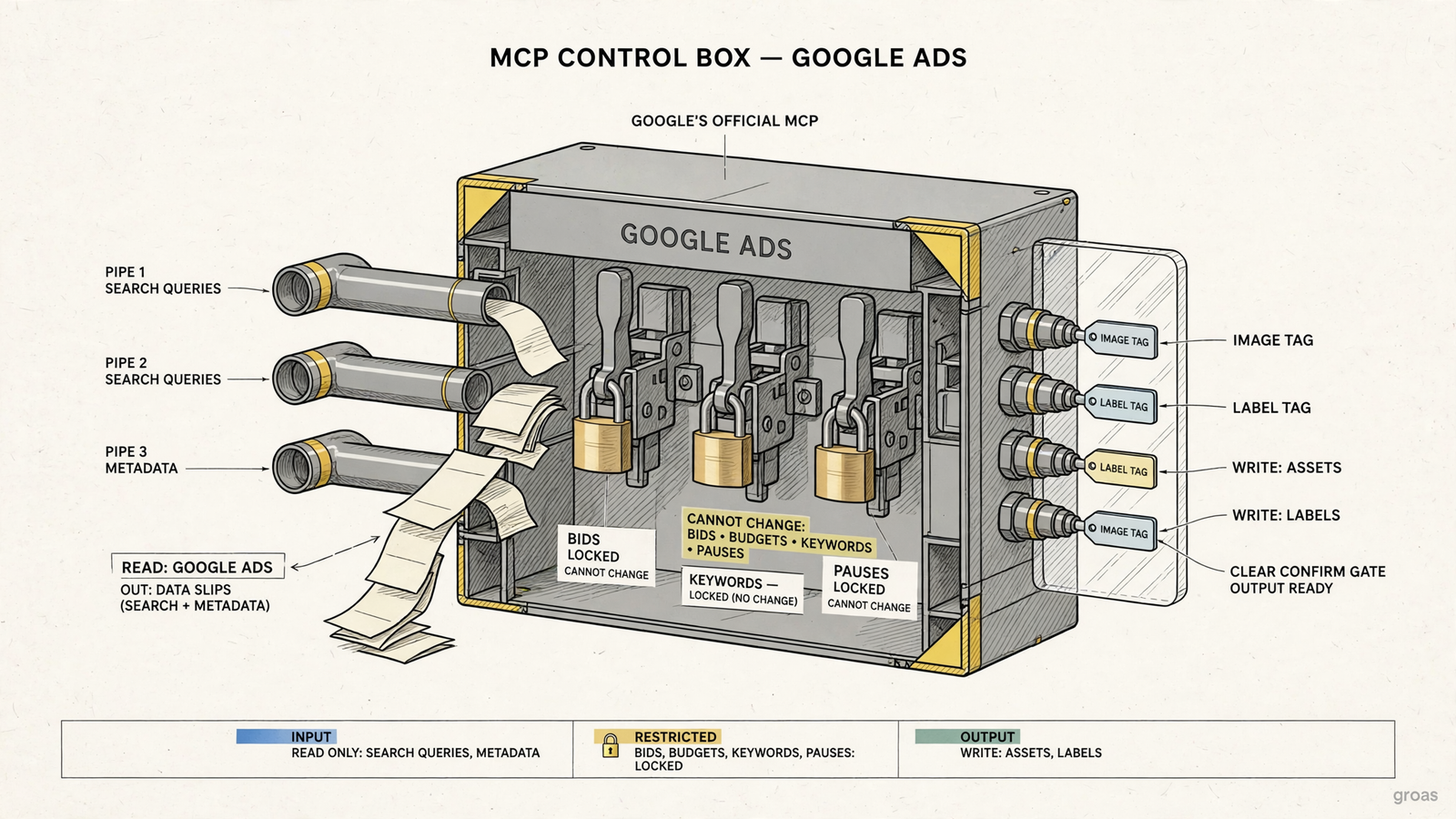
Google’s own connector fits a narrower job: I want Claude to inspect my Google Ads account and help with assets and labels, but I want to make the campaign changes myself. On the read side, it has three tools: list accessible customers, run a GAQL search and fetch resource metadata. Version 0.0.6 adds four write tools for creating assets, uploading video, and managing labels and their associations. Claude can stage an image asset or tidy up labels and ask me to confirm.
That’s useful. It’s also where I’d stop calling it an execution tool for the wider job. The independent rundown lists seven tools and no support for changing bids, budgets or keywords, or pausing campaigns. It can prepare the asset, but it can’t make the spend or status change. If Claude reads the account and tells me a CPA problem calls for a budget move or a pause, I’m still the one who opens Google Ads and does it.
The connector is free under Apache 2.0, with no per-call API charge. It’s also self-run. That means a Google Cloud project with Explorer access, an OAuth login, Python 3.10 and pipx, plus an Explorer cap of 2,880 operations per day against live accounts. Free is the price of the server, not a description of the setup.
I ran accounts by hand for years. If I’m in one Google Ads account and want that level of control, I can make a case for the official connector. The deal falls apart when the next action lives in Meta, Microsoft or on the site. I’d choose it when Google Ads is the whole job and staying the operator is the point, not when I’m trying to stop being the person who does every fix.
3. Windsor.ai: Best when the deliverable is a report
Windsor.ai is the one I’d shortlist if a founder wants a Monday deck and the numbers live in several places. Its Claude connector lists more than 350 business data sources. Setup is straightforward: go to Plugins, search for Windsor and select Add. The pipe is built to move marketing data into BI tools, spreadsheets and AI chats, so I can ask Claude to explain what happened last week without starting by gathering the numbers myself.
Broad data access is the reason to pick it. Windsor.ai isn’t read-only: it supports confirmed writes on Meta, Google, TikTok, LinkedIn and Microsoft Ads. That matters when the next action is a supported ad change. It doesn’t make Windsor.ai the same kind of tool as a connector built to change both ad accounts and web pages. If the report tells me the landing page needs work, I still own that fix outside the reporting workflow. If the deliverable is just the report, that limitation may not matter at all.
Windsor.ai prices by the accounts and sources connected. Its free plan covers one data source, one account and the last 30 days. That’s the scope I’d compare with the report I actually need to produce, not with the full directory. A long source list does me no good if I’m only pulling numbers from one account; a one-account plan doesn’t cover a report that needs several.
I’d choose Windsor.ai when the work I want off my plate is gathering and explaining the numbers. I’d skip it when I’m the same person who has to turn those numbers into fixes across the ads and the site.
At a glance: What still needs me on Friday
The ClickUp roundup separates access from write capability. I’d read one column before either of those: what stays manual. That’s where a good demo can turn into a longer week.
| Connector | Best for | Claude can read | Claude can change | What stays manual |
|---|---|---|---|---|
| groas, $19/month flat | Running ads and the site | Google, Microsoft, Meta and ChatGPT Ads; site and AI search; rival ads, funnels, Reddit and SEO data | Bids, budgets, keywords, creative and pages; changes logged and undoable; optional autopilot | Goals, budget limits, voice and approval rules |
| Google Ads MCP, free and self-run | Staying hands-on in Google Ads | Accessible customers, GAQL search and resource metadata | Assets and labels, with confirmation | Server setup, bids, budgets, keywords, pauses, other channels and the site |
| Windsor.ai, priced by accounts and sources | Reporting across sources | More than 350 business data sources | Supported changes on five ad platforms, with confirmation | Translating findings into fixes, including site changes outside the connector |
The distinction is clearest when the recommendation has two parts: move the budget and fix the page. I don’t score the connector on how well it explains the two changes. I score it on what I have to do after the explanation.
Why I left Supermetrics off the shortlist
Supermetrics shows up in the roundups, and I didn’t leave it out because it can’t write. Its agent can create campaigns, change budgets, pause and reactivate campaigns, and update targeting and creative on seven platforms. New campaigns start paused, and there are four approval modes, up to All live changes. Those are real account changes, not dashboard recommendations dressed up as action.
It still leaves me with the site and the research in other tools. Supermetrics is built around moving data into dashboards and warehouses. For the week I’m ranking here, I still need to handle the site fix, check what customers are saying on Reddit and what rivals are running, and deal with AI search separately. I leave out CRM, helpdesk and design connectors for the same reason. HubSpot, Klaviyo, Canva and Zapier can be useful without closing the paid-plus-website loop. I’m not ranking every tool I’d keep. I’m ranking the ones I’d ask to take work off my plate.
The choice I’d defend to a founder
If a founder asks why I want to spend $19 instead of using a free connector, I’d write down four things before answering:
- The accounts I need to connect and the logins I’ll still use.
- What Claude can read and what it can actually change.
- Who maintains the server and tokens.
- The total cost, including any per-account or per-source charges.
That prices the workflow, not just the connection. If the list starts and ends with Google Ads and I want to make the campaign changes myself, I’d take Google’s MCP. If success means showing up with clean numbers for someone else to act on, I’d take Windsor.ai. For a wider shortlist, I’d use the same test in Marketing MCP Servers for Claude, Ranked by the Work They Leave You. For another look at these three, see 3 Marketing Connectors for Claude, Ranked by What You Still Have to Do.
If you skipped to the end: I’d connect Claude to groas first if I were running ads and the site on my own. For $19 a month, I can go from explain this week to make the approved changes without taking the recommendation back to separate tools. Buy the connector that leaves you decisions, not tasks. Everything else is just a smarter inbox.





