

 LinkedIn

Claude can give you a convincing read on the wrong Meta ad account. I want the account ID and numbers I can match in Ads Manager before I want a budget recommendation. Connecting the account, approving an instruction, and letting it run unattended are three different decisions. Keep them that way. This checklist uses groas: add it to Claude once over MCP, the standard way Claude uses outside tools, then connect your live ad accounts in groas. You’re connecting the account, not uploading a spreadsheet. groas Unlimited is $19 a month flat for the team, with no free plan. If all you want is a free read test, there’s a separate option below. Don’t confuse that test with permission to make changes.

1. Match the business and ad account by ID
- Start with a read-only request. Paste:
Show the connected Meta account names, IDs and currencies. Make no changes. - Check your access before you troubleshoot the prompt. You need a Claude account and access to the Meta ad account itself, not just a Page. Instagram comes through that same Facebook Ads connection.
- Match the business, account ID, and currency with the account you meant to connect. Three accounts can have nearly identical names. A familiar name isn’t a match, and a plausible set of numbers won’t tell you which account Claude read.
- Check who can add the connector. The Claude connector setup notes call out two blockers: the Free plan allows one custom connector, and on Team and Enterprise an Owner has to add it first.
- Stop if the intended account is missing or ambiguous. Once it matches, use the ID in the rest of your requests instead of making Claude infer which account you mean.
2. Split Facebook and Instagram before you judge performance
- Ask:
List the campaigns behind your last answer, with placement breakdowns. Which level is each number from: campaign, ad set, or ad? - Make Claude label the reporting level. The campaign sets the objective, the ad set controls settings such as schedule, bidding, and audience, and the ad carries the creative. An account total doesn’t tell you which ad set you’d change.
- Ask for both Platform and Placement. Use Ads Manager’s breakdowns to separate Facebook from Instagram, then see where the ads actually appeared under Advantage+ placements. Don’t accept a platform split as a placement split.
- Stop if Claude gives you only blended ROAS. A campaign can look healthy in total while an Instagram placement looks nothing like the rest. Get the split before you ask which part of the campaign deserves attention.
3. Put the reporting dates on screen
- Paste:
Show the date range, account time zone and comparison period before interpreting results. - Require explicit start and end dates for the reporting and comparison windows. “Last 30 days” is a rolling window. A Monday read and a Wednesday read can disagree even if you haven’t touched the campaign settings.
- Use the ad account’s time zone, not yours. If you’re looking at numbers in another tab, check that both views use the same dates and time zone before comparing them.
- Keep the dates with the numbers when you move from reporting to a proposal. If the date range, time zone, or comparison window is missing, you don’t have a performance call yet. You have a number with some of its label missing.
4. Name what counts as a result
- Ask:
Which reported result means a purchase, a lead, or another action in each campaign? - Make Claude name the action before it compares costs. Results counts the outcome set by the campaign objective and settings. Two campaigns can show the same column heading and count different actions underneath it.
- Check the denominator. Cost per result is spend divided by results. A $4 lead and a $42 purchase aren’t two prices for the same outcome. The column heading doesn’t make them comparable.
- Stop if Claude treats every result as revenue or ranks campaigns on cost per result without saying what each campaign buys. Ask for the action beside the cost. If Claude can’t name it, don’t ask it to move money toward it.
5. Reconcile spend and results in Ads Manager
- Open Ads Manager in another tab. Match the account ID, start date, end date, time zone, and attribution window before you compare a single number.
- Compare spend first, then compare the result you named in check 4. On the same reporting scope, spend should match to the cent; purchase counts can differ if attribution differs.
- If spend doesn’t match, check the account and time window again. If spend matches but purchases don’t, check attribution before you call either purchase count wrong. Don’t swap in a different result just because that number matches.
- Resolve the mismatch before you ask for a change. Claude reading the last seven days in the account’s time zone while you check a different seven-day window isn’t a performance insight. It’s a calendar error with a budget attached.
6. Check what you’re sending through the connector
- Treat groas as the route Claude uses to call the connected ad account. Connecting the tool and deciding what information to put in the request are separate decisions.
- Know what can travel with a tool call. Claude may send inputs, outputs, and instructions to third-party services to carry out a request. Those services process the data under their own policies.
- Keep card numbers, margins, and customer lists out of the first session. You’re proving that Claude can find an account and explain its reporting. The account ID, reporting dates, spend, and the named result are enough to run that test. Don’t turn a read test into a handoff of data it doesn’t need.
7. Get one specific proposal and approve it separately
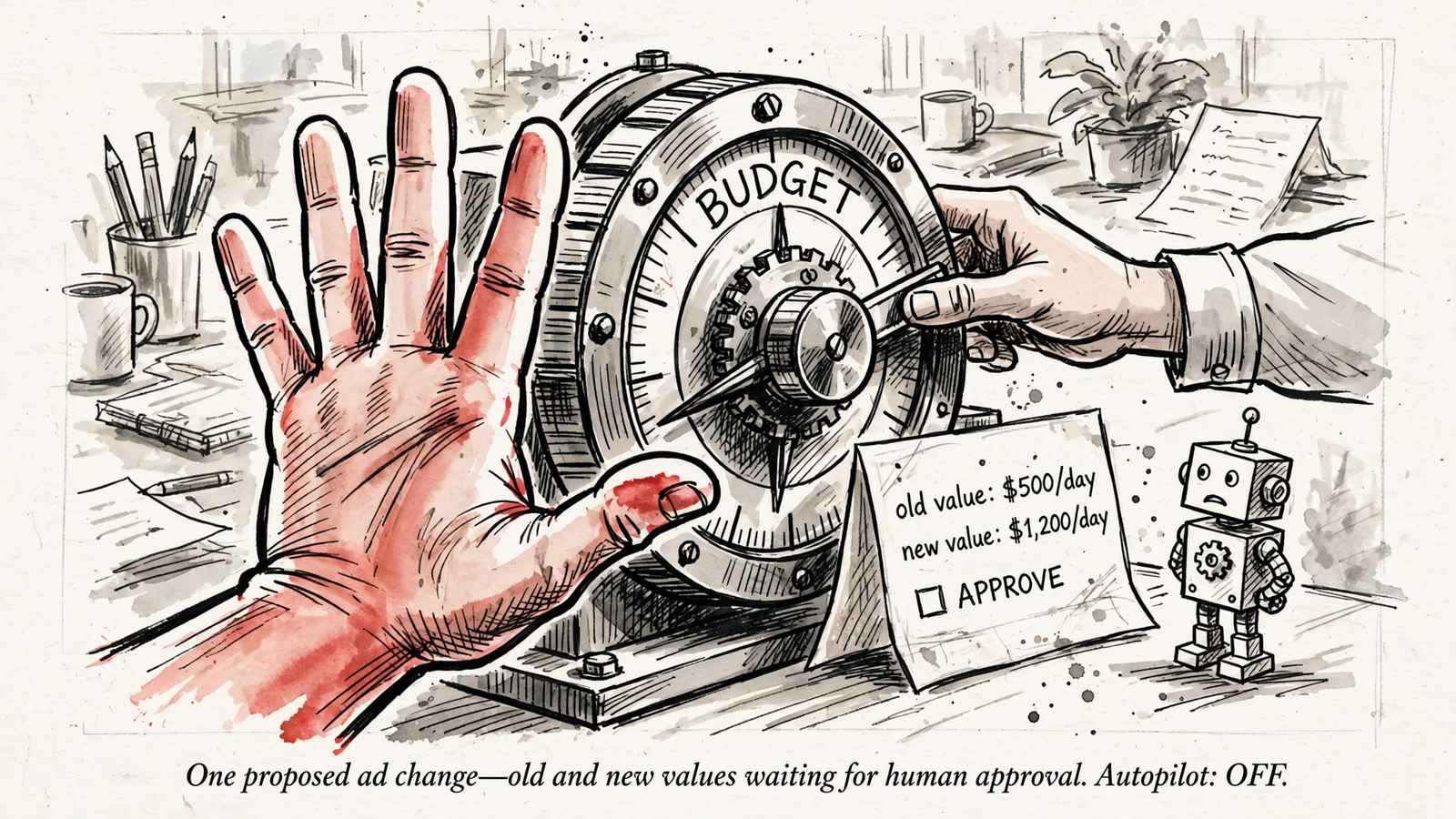
- Keep autopilot off. A successful read doesn’t authorize an edit. Approving one edit doesn’t authorize unattended operation.
- Paste:
Propose one change. Show the account, object, current value, proposed value and reason. Wait for my approval. - Check all five fields. The account and object tell you where the edit will land. The current and proposed values tell you exactly what will move. The reason tells you which evidence Claude is using.
- Insist on a proposal you can check. Say you spend $20k a month and Claude proposes taking an ad set from $150 a day to $200 because it recorded 11 purchases at $31 each in the last seven days. That’s a proposal, not proof that the increase is right. “Optimize the budget” isn’t even a proposal.
- Verify the object and current value in Ads Manager. If you want to proceed, approve that specific edit in a separate message. If anything is missing, ask Claude to fill it in. One change, five fields, no execution until you say so.
8. Match the change log to the approved edit
- After an approved edit, ask:
Show the change log for that edit: what changed, old and new values, and why. - Match the log to the proposal, not to your memory. Check the account ID against check 1 and the object and values against the approved proposal in check 7. The reason should tie back to the result you defined in check 4.
- Know what you can reverse. groas logs changes with their reasons and offers one-step undo where Meta allows reversal. That doesn’t make every Meta action reversible.
- Don’t approve a second edit if you can’t find a log entry with the old value and the reason for the change. If you’re preparing to connect another account, the Best Meta Ads MCP for Claude checklist covers what to look for before you connect it.
Keep this stop rule beside the chat
- Wrong account: stop. A familiar name doesn’t override a missing or mismatched ID.
- Unexplained numbers: stop. If Claude can’t name the reporting level, split the placements, state the dates and time zone, define the result, or match Ads Manager, don’t ask for a change.
- Unclear edit: stop. No object, old value, new value, or reason means no approval. No matching log entry means no second edit.

- Use this as the bar for an optional first edit: account
123456789, ad setProspecting US Broad, daily budget $150 to $200. The proposed reason: 11 purchases at $31 each over the last seven days against a $40 target, with Facebook Feed accounting for eight of them. - Check the account ID, find the ad set, and confirm the old $150 in Ads Manager. If you agree with the proposal, approve it explicitly and confirm the log. If you don’t, stop after the read. The connection has already done the first thing you needed it to do.
- Leave unattended operation off. One clean edit proves you can give an instruction and inspect what happened. It doesn’t make the decision to run unattended for you.
Fix a failed check before moving on
- Account missing or duplicated: Fix access in Business Manager first. Claude can’t guess which “Main - USD” you meant, and no prompt fixes a missing permission.
- Numbers don’t match: Check the account ID, start and end dates, time zone, and attribution window in both views. Reconcile spend first and the selected result second.
- Placement split looks odd: Ask for the last seven days and the prior seven days side by side. Look at the split before you decide whether Advantage+ placements explain the change or whether you’re looking at a trend.
- Proposal is vague: Paste the check 7 request again and add:
If anything is missing, ask me for it instead of guessing.Don’t negotiate over what “optimize” means after the edit has landed.
Use a free connection for the read test, not the edit
- If you only want to test the read, start there. One free connection option is free for 30 days, then stays free for one source or account with access to the last 30 days. That’s enough to try listing accounts and asking what counts as a result.
- Check the account limit if you’re testing another option. A second Claude-only option is free for two connected accounts. That can fit a small read test without fitting the accounts you need to work across.
- Choose groas when the job is live execution with a log you can audit. groas Unlimited is $19 a month flat for the team, with no free plan. A free read can tell you whether Claude sees the right numbers. It can’t tell you whether a live edit will land on the right object and show up in the log.
Copy and paste these four requests in order
Show the connected Meta account names, IDs and currencies. Make no changes.For account [ID], show the start and end dates, account time zone and comparison period. List the campaigns and reporting levels behind the numbers, with Platform and Placement breakdowns for Facebook and Instagram.For each campaign, say what counts as one result and show spend and results for that range. State the attribution window so I can compare the numbers in Ads Manager.- Write down the change before approving it.
Propose one change. Show the account, object, current value, proposed value and reason. Wait for my approval. Keep autopilot off.This is the one people skip. They prove the numbers, then say “go ahead and fix it,” leaving Claude to choose both the object and the size of the move. That’s how a $50 test can turn into a $500 lesson: without the old value written down, you’re reversing the edit from memory while Meta keeps spending. If you want the edit, approve that exact change, then ask for the log entry.





