

 LinkedIn

Your Facebook ad review costs $0–$20 a month in ChatGPT subscriptions with manual exports, or $19 a month for groas plus your ChatGPT plan. Neither total includes your time, and neither gets to count hypothetical avoided ad losses as savings.
I used to tell clients the export route was free. I was wrong. It was free the way doing your own plumbing is free.
For an occasional review, that can still be the economical choice. A paid connection earns its price only when live reads and approved execution remove enough recurring work. Not when the demo looks clever. Not when someone points at your ad spend and calls the subscription a rounding error.
Here is the cost sheet: what you pay, what you repeat, and what you must check before letting an ugly CPA talk you into a bad pause.
The listed bill: subscriptions, connection and ad spend
| Line item | Route A: export + ChatGPT | Route B: ChatGPT + groas | Source |
|---|---|---|---|
| Assistant plan, recurring | $0 Free, $8 Go or $20 Plus per month | Your ChatGPT plan remains a separate cost | ChatGPT pricing |
| Connector, recurring | $0. Export is built into Ads Manager | $19/month flat, with unlimited teammates, ad accounts and websites | Meta export path, groas |
| Setup labour, one-off | Establish the export columns and review instructions | Connect the account and configure access; time depends on permissions | Export walkthrough, connection walkthrough |
| Review labour, recurring | Export, upload, check, analyse, then make changes manually | Scope the request, check the analysis, approve named changes and read the log | Same workflow walkthroughs above; cost depends on your measured time |
| Ad spend, separate | Paid directly to Meta | Paid directly to Meta | Ads Manager costs |
Compare the extra cost, not the biggest number on the invoice. If you already pay for ChatGPT and keep the same plan, that subscription is common to both routes. The connection adds $19. Your media budget does not enter that comparison.
The software case for exports is straightforward. Free can work for an occasional CSV. Its roughly 3-upload daily allowance may be enough; Plus allows roughly 80 files per 3 hours, according to these file-upload limits. If you hit the free allowance, price the plan change separately rather than quietly adding it to “free analysis.”
The trap is stopping at the subscription table. The roundups that list Ads Manager as free leave your labour off the invoice. That is where the comparison gets interesting.
What each route actually buys you
Both routes answer the same question: which Facebook ads deserve a pause? They differ in how the data reaches ChatGPT and how the decision gets back into the account.
Route A: export, analyse, change manually
The workflow is simple enough:
- Open Ads Manager and select the account, reporting level and date range.
- Add a day breakdown if the review needs it.
- Use Reports > Export table data > .csv.
- Upload the file to ChatGPT and specify the columns and attribution window.
- Check the recommendation, then make approved changes yourself in Ads Manager.
The export captures the table you selected. Spend appears as Amount spent; conversions may appear as Results or Purchases. A 30-day ad-level export normally fits, though day-by-day rows can make files more troublesome to handle.
ChatGPT reads a frozen copy, and you execute every change. That is not automatically a problem. For an occasional review, a snapshot may be all you need. Just do not mistake it for the current account after more spend and conversions arrive.
Route B: connect, review, approve
With groas, you connect the ad account, add groas to ChatGPT over MCP and ask in plain English. Your AI reads live account data and can propose specific changes for approval. Executed changes are logged with their reasons, with undo where Meta permits it.
The $19 buys the maintained connection, account scoping and additional market data. For this cost sheet, though, the relevant benefit is narrower: fewer exports and less manual execution. The connection walkthrough covers setup.
A connection removes the CSV shuffle, not the need to check a decision. Price it for the work it removes from your actual review, not every capability you might use someday.
The hidden bill: one-off setup versus recurring work
Vendors put subscription prices in large type. The minutes tend to arrive without a label.
I separate them into two buckets before comparing anything.
One-off: establish a review you can trust
For exports, setup means choosing the right reporting level, columns and instructions. You need to know what counts as a conversion before asking ChatGPT to divide spend by it. “Results” is not a substitute for that decision.
For the connection, setup means connecting the account and confirming permissions and scope. The walkthrough describes a quick connection when permissions are clean. Chasing Business Manager access is a different job, and I would not hide it inside a promise about setup speed.
Record setup separately from the monthly saving. Otherwise, a messy first connection can make a useful recurring workflow look expensive forever, or a slick onboarding can make an expensive recurring workflow look cheap.
Recurring: repeat the review, not just the analysis
With exports, you keep selecting the account and date range, exporting, uploading and checking the file. You also make the changes in Ads Manager. If you need fresh numbers tomorrow, you export again.
Attribution needs particular attention. Meta’s settings can include 7-day click, 1-day view and 1-day non-link engagement windows. Mixing windows makes the CPA comparison unreliable. A clean-looking spreadsheet does not fix mismatched inputs.

With groas, the recurring work shifts to scoping and verification. Name the account, date range, spend, purchases, CPA and attribution window. Ask for proposed actions, check them, approve only the named ads, then read the log.
That work still counts. Measure the whole review on both routes, including approvals, execution and checks. Timing only the export on one side and only the AI response on the other produces a sales slide, not a cost comparison.
The checking bill: a cheap pause can be an expensive decision
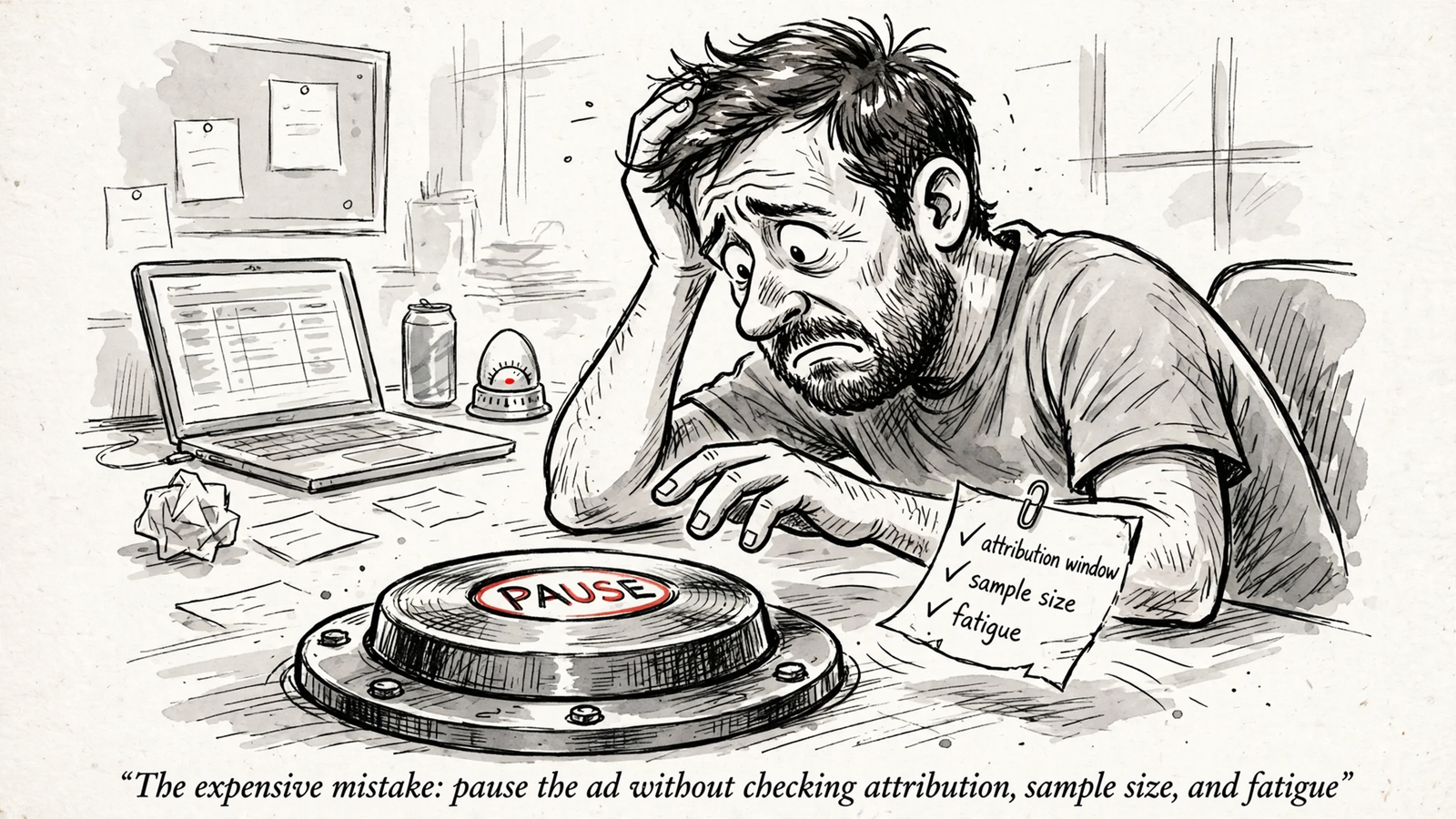
Pausing is easy. Establishing that the pause makes sense is the work.
I have watched advertisers pause the highest CPA on day two, then wonder why the account got worse. One advertiser thread describes losing $300 a day and being told to spend more. Neither “pause the expensive one” nor “keep spending” is a review process.
Before approving a pause, I want the same checklist from either route:
- The right inputs: spend, purchases and CPA for the named ad, with the attribution window stated.
- The spend stage: how much the ad has spent relative to target CPA.
- The sample: how many conversions support the conclusion.
- The recent changes: whether a budget edit or delayed reporting makes the comparison premature.
- The diagnosis: whether the problem looks like tracking uncertainty, a small sample or creative fatigue.
The kill-rule guides offer working thresholds: leave ads alone below 1× target CPA, consider a pause at 2×–3× target with zero conversions, and judge CPA against target only once there are enough conversions to read. They also describe a post-learning cut around 1.5× target CPA and waiting 3–4 days after a 20–30% budget edit.
I treat those as a rule set to choose in advance, not permission to skip the context. The same guides warn about day-one spikes, learning-phase instability and delayed reporting. Copying the threshold while ignoring the warning is a particularly efficient way to automate a mistake.
Tracking uncertainty can make CPA look high because the attribution window is narrow or inconsistent. A small sample can look decisive because the spreadsheet prints it to two decimal places. Rising frequency alongside falling CTR for five or more days can point toward creative fatigue rather than a targeting failure.
With exports, ask ChatGPT to show that reasoning before you return to Ads Manager. With groas, ask for proposed pauses with the spend multiple, conversion count and window attached before approving named ads.
Do not pay for a pause recommendation that cannot show its inputs. Faster execution makes this check more important, not less.
Break-even: $19 buys 38 minutes at $30 an hour
The listed difference is simple: Route A adds $0 on top of ChatGPT; Route B adds $19 on top of ChatGPT. The broader subscription breakdown is in Your First Marketing MCP Bill: The $19 Connection Is Only One Line.
The labour comparison needs one extra step: subtract the work that remains.
At an explicitly illustrative $30 per hour, $19 equals 38 minutes per month:
$19 ÷ $30 × 60 = 38 minutes
That is the required net time saved. It is not the total time you spend reviewing ads.
If groas removes export, upload, re-export and manual execution work, count those minutes. Then subtract the scoping, approval and log-checking time you still spend with the connection. If the remaining monthly saving exceeds 38 minutes at that illustrative rate, the connection clears its subscription price. If it does not, exports cost less.
Use this calculation with your own rate:
Monthly labour saving = (export-route hours − connected-route hours) × your hourly rate
Net recurring saving = monthly labour saving − $19
Time two real reviews. Keep setup outside the recurring comparison, then decide whether the ongoing saving also justifies that initial effort.
Do not book avoided waste or recovered sales as savings. Neither route can honestly claim the value of an ad you might have paused incorrectly without a control group. “This could prevent a costly mistake” is a reason to check carefully. It is not a number for the savings column.
What I would buy this week
For occasional reviews where manual execution is acceptable, I would start with exports. One account, ten active ads, one check a month: export the table, upload it, ask for spend, purchases and CPA by ad with the attribution window stated, then apply the chosen rule and make the changes in Ads Manager.
That is an economical workflow when the measured work is small. The subscription saving is real; the labour is simply yours. If the file is no longer fresh enough for the decision, export again and include that time.
For recurring live-account work, I would run the break-even calculation rather than defend the spreadsheet out of habit. Say you spend $20k a month across three accounts and review twice a week. Repeated exports, uploads, column checks and manual changes become a recurring job. The spend level alone does not justify a connection. The minutes it removes might.
Buy groas when the net recurring time saving clears its $19 price. Live reads and approved execution then replace work you have actually measured, rather than promising savings nobody can verify.
Keep an action record with either route. For manual changes, I keep a one-line note per pause with the date, spend multiple and attribution window. With groas, the log records which ad changed, what changed and why, with one-step undo where Meta permits it.
Undo is not a refund. Reversing a pause or budget edit does not unspend money or resurrect deleted history. Approve only specified ads, read the log the same day and treat deletion as permanent.
Keep the bill equally clean: media goes to Meta, software goes to ChatGPT and groas, and labour goes in hours you timed yourself. Mix those lines and every tool looks either free or expensive.
The cheapest mistake is paying $19 for a month when exports would have done. You cancel and learn what the convenience was worth. The most expensive mistake is pausing a good ad on thin data because the CPA looked ugly on day two, then spending weeks blaming creative for a tracking read. Time the workflow before buying the connection. Check the evidence before buying the pause.


