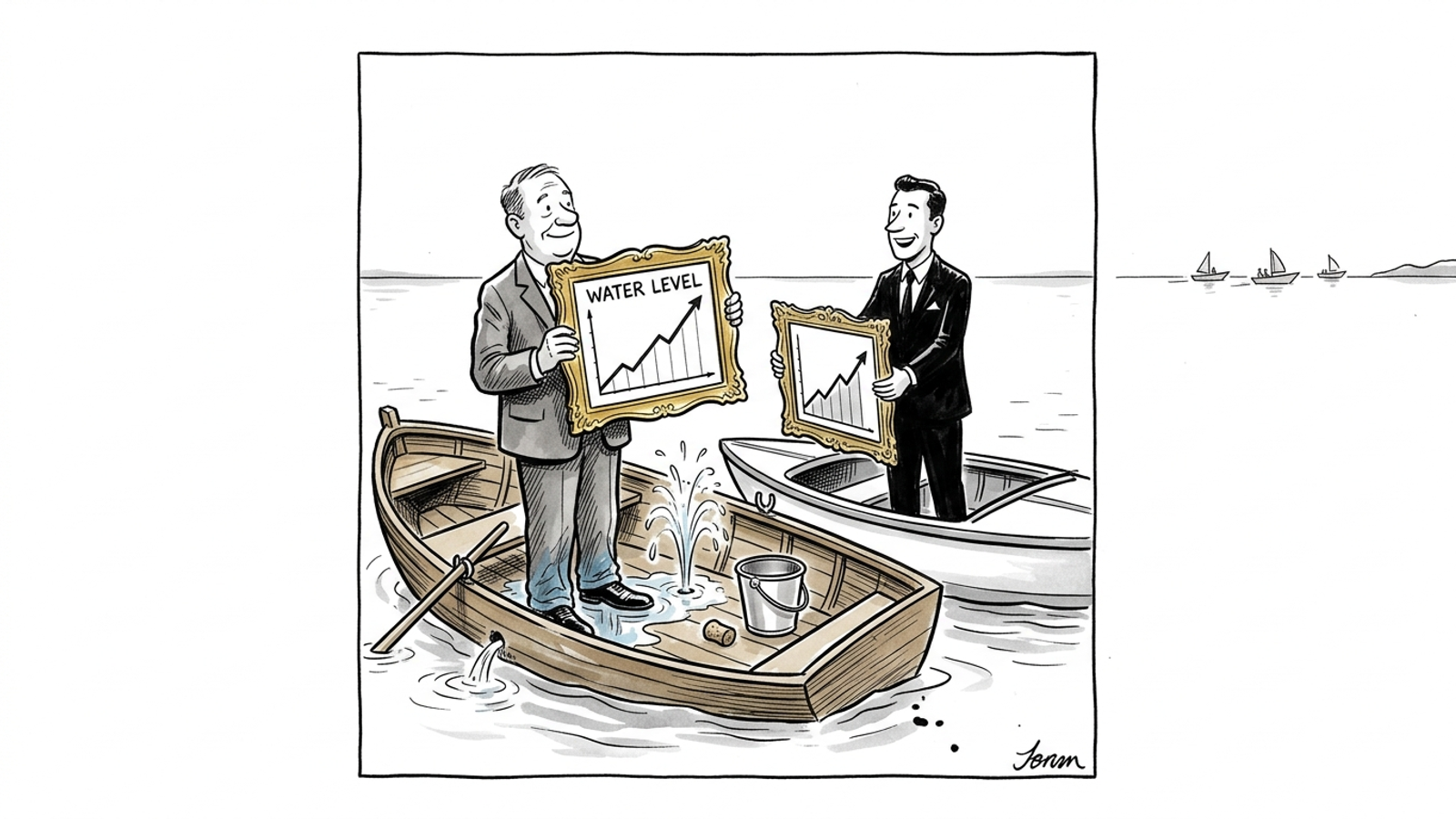

Smart Bidding mistakes are the specific configuration, data, and strategy errors that prevent Google’s automated bid strategies from delivering profitable results, even when your campaigns, keywords, and ads look right on the surface. These seven mistakes block Google Ads performance across accounts of every size, and most advertisers are making at least two of them right now.
Google Ads Smart Bidding in 2026 is powerful. But “powerful” and “autonomous” are not the same thing. The algorithm optimizes within the constraints you give it. If those constraints are wrong, if your conversion data is dirty, if your campaign architecture creates internal conflicts, Smart Bidding will optimize confidently in the wrong direction. This article covers the seven most common Smart Bidding mistakes, why they happen, and what to do about each one. Whether you run accounts in-house or manage clients at an agency, these are the errors worth auditing first.
1. Choosing The Wrong Bid Strategy For Your Conversion Volume
Why Target ROAS Fails Below Certain Conversion Thresholds
Target ROAS and Target CPA are signal-dependent strategies. They need enough conversion data to identify patterns and predict which auctions are worth entering at which price. When a campaign generates fewer than 15 to 30 conversions per month, there is simply not enough signal for the algorithm to optimize reliably. Target ROAS is especially fragile here because it optimizes against conversion value, which adds another variable the system needs to learn.
Maximize Conversions Vs Target CPA: Which To Use And When
The general rule: start with Maximize Conversions (uncapped) or Maximize Conversion Value (uncapped) to build a conversion baseline. Once the campaign consistently delivers 30 or more conversions in a 30-day window, layer on a Target CPA or Target ROAS. This sequencing matters because jumping straight to a target-based strategy on a low-volume campaign forces the algorithm to make predictions from almost no data. The result is either wildly inconsistent CPAs or the algorithm throttling spend to near zero because it cannot confidently bid.
The Conversion Volume Rule Of Thumb Most Accounts Ignore
If your campaign cannot generate roughly one conversion per day sustained, a target-based bid strategy is premature. This is the mistake that causes most “target ROAS not working” problems. The strategy itself is fine. The campaign just does not have the data to support it yet.
2. Setting A Target That Is Statistically Impossible To Hit
How Google Interprets An Overly Aggressive Target ROAS Or CPA
When you set a Target ROAS of 800% but your historical average is 350%, the algorithm does not try harder. It retreats. Google’s Smart Bidding will reduce participation in auctions it cannot confidently win at your target, which means your impression share drops, your spend contracts, and the campaign appears to “stop working.” The algorithm is doing exactly what you told it to do. You told it to only bid when it expects an 8x return, and there are very few auctions where that prediction is plausible.
The Data Gap Between What You Want And What The Algorithm Can Deliver
This is a math problem, not a motivation problem. If your average order value is $80 and your actual cost per conversion is $25, your true ROAS is 320%. Setting a target of 600% means the algorithm needs to find conversions at roughly $13 each, which may not exist in your market at any meaningful volume. Understanding why an aggressive ROAS target limits growth is one of the most important concepts in Google Ads management.
How To Set A Starting Target Based On Historical Performance
Pull your actual 30-day or 60-day ROAS or CPA from the campaign. Set your initial target 10% to 20% looser than that actual number. This gives the algorithm room to explore while staying close to profitable territory. You tighten from there in small increments, no more than 10% to 15% per adjustment, with at least two weeks between changes. Ratcheting too fast or too far is the second most common cause of the “my Smart Bidding stopped spending” problem.
3. Triggering Constant Learning Phase Resets
What Changes Restart The Learning Phase
The Google Ads learning phase is the period where Smart Bidding recalibrates its model after a significant change. Learning phase resets are triggered by changes to bid strategy type, target values, conversion actions, budget (significant shifts, not minor adjustments), and campaign structure. Each reset typically lasts one to two weeks and during that period, performance is volatile and CPAs tend to spike.
The Batching Strategy That Protects Algorithm Stability
Instead of making daily tweaks, batch your changes. Adjust targets and budgets no more than once every two weeks. If you need to change both a target and a budget, do them simultaneously so you trigger one learning phase instead of two back-to-back. Every reset costs you time and money.
How Fragmented Account Structure Multiplies Reset Risk
Accounts with dozens of narrowly segmented campaigns are especially vulnerable. Each campaign runs its own Smart Bidding instance. Each one needs its own conversion volume to learn. And each one resets independently. If you are splitting campaigns too granularly, you are not just starving each one of data. You are also multiplying the number of surfaces where a single change cascades into days or weeks of instability. Fixing structural fragmentation is often the single highest-leverage move an account can make.
4. Mixing Bid Strategies Across Campaigns That Compete For The Same Queries
How Internal Auction Conflicts Corrupt Smart Bidding Signals
When two campaigns target overlapping queries with different bid strategies, they compete against each other in the auction. Campaign A running Maximize Conversions bids aggressively. Campaign B running Target ROAS at 400% bids conservatively on the same query. Google resolves this by giving the impression to whichever campaign bids higher, but the data each campaign’s Smart Bidding model receives becomes corrupted. Campaign B “learns” it cannot win those auctions, and Campaign A inflates your cost because it is bidding against itself.
The Campaign Architecture Fix That Eliminates Cross-Campaign Cannibalization
The fix is query-level exclusivity. Use negative keywords, brand exclusions, and audience exclusions to ensure each campaign owns its queries cleanly. No overlap, no internal bidding wars. This is basic architecture, but a surprising number of accounts running six-figure monthly spend still have campaigns stepping on each other.
Why Performance Max And Search Running Together Without Exclusions Is A Problem
Performance Max and Search campaigns running simultaneously for the same product or service category will cannibalize each other unless you actively manage exclusions. PMax cannibalizes branded search by default in many account configurations. PMax takes priority over standard Shopping, and it competes with Search for many query types. Without brand exclusions at minimum, your Search campaigns lose volume while PMax claims credit for conversions Search would have captured at a lower cost.
5. Feeding The Algorithm Junk Conversion Data
Why Tracking Setup Quality Determines Smart Bidding Quality
Smart Bidding optimizes toward the conversion actions you define. If your conversion tracking is firing on the wrong event, double-counting, or missing conversions entirely, the algorithm is optimizing against a distorted reality. This is the “garbage in, garbage out” principle applied directly to automated bidding. No bid strategy can overcome bad data.
The GA4 Enhanced Conversions Gap And How To Fix It
If you are relying on GA4-imported conversions as your primary conversion action in Google Ads, you are likely underreporting, especially on iOS and Safari traffic where cookie-based tracking drops off. Enhanced Conversions using first-party data (hashed email, phone, address) sent server-side close a significant portion of this gap. If you are running Smart Bidding without Enhanced Conversions configured, your algorithm is making decisions with incomplete information.
Micro-Conversions As A Volume Lever: Using Them Without Poisoning The Signal
For low-volume campaigns, adding micro-conversions (form starts, key page views, engagement events) can give Smart Bidding more signal to work with. But there is a trap. If you set a “Begin Checkout” event as a primary conversion alongside “Purchase,” Smart Bidding will optimize toward the easier, cheaper conversion. The right approach is to use micro-conversions as observation-only or secondary conversion actions so the algorithm can learn from them without targeting them directly.
6. Ignoring The Difference Between Smart Bidding In Search Vs Performance Max
How Learning Phase Duration Differs Between Campaign Types
Standard Search campaigns with adequate volume typically exit the learning phase in 7 to 14 days. Performance Max campaigns often take longer because they are simultaneously learning across Search, Shopping, Display, YouTube, Discovery, and Gmail. The system is optimizing creative combinations, audience segments, and placements all at once. Expect 2 to 4 weeks for PMax to stabilize, and do not make structural changes during that window.
Why PMax Budget Signals Work Differently Than Standard Smart Bidding
In a standard Search campaign, budget primarily controls volume. In Performance Max, budget is also a signal the algorithm uses to determine which channels and placements to prioritize. A budget that is too low forces PMax to concentrate on the cheapest placements (often Display), which may not be where your highest-value conversions come from. Increasing PMax budget does not just increase volume; it can shift the channel mix entirely.
Audience Signals In PMax: The Input Smart Bidding Cannot Replace
Performance Max audience signals are not targeting constraints. They are hints. But they are important hints. PMax without audience signals starts from zero and explores broadly, burning budget on irrelevant placements while it figures out who converts. Providing strong audience signals (customer lists, high-intent custom segments, in-market audiences) gives the algorithm a starting point and reduces the exploration cost. This is one area where Smart Bidding genuinely cannot compensate for a missing strategic input.
7. Treating Smart Bidding As A Replacement For Campaign Strategy
What Smart Bidding Optimizes And What It Cannot See
Smart Bidding optimizes auction-level bids based on the signals it has access to: device, location, time, audience, query context. What it cannot see: your margin structure, your competitive positioning, your inventory constraints, your cash flow, your customer lifetime value, or whether the leads it is generating are actually qualified. It optimizes the bid. It does not optimize the business.
The Strategy Layer That Sits Above Bidding
The decisions that actually determine whether Google Ads is profitable sit above the bid: which campaigns to run, which products to push, what offer to put on the landing page, which audiences to exclude, how to allocate budget across campaign types, when to scale and when to consolidate. These are strategy decisions. Smart Bidding does not make them. If nobody is making them, Smart Bidding optimizes in a vacuum.
Why Autonomous Execution Outperforms Smart Bidding Alone
Smart Bidding is a bid optimizer. It is not an account manager. The accounts that consistently outperform are the ones where a strategic layer sits above bidding, making the decisions Smart Bidding cannot: restructuring campaigns, adjusting offers, managing negative keywords intelligently, fixing landing pages, and reallocating spend based on business outcomes rather than just ROAS targets. The gap between “Smart Bidding is turned on” and “Smart Bidding is running inside a well-managed account” is where most of the money lives.
How groas Approaches This Differently
Every mistake on this list comes down to the same root cause: Smart Bidding needs a human (or something better than a human) making the right decisions above it. The algorithm handles the auction. Everything else requires strategy, data quality, architecture, and continuous adjustment.
This is where groas operates. For agencies running client accounts, the groas engine (a proprietary engine trained on over $500 billion in profitable ad spend) handles execution at a scale no individual media buyer can match. Agencies connect client accounts, keep their brand and margin, and run the engine themselves through the DIY product. Start with a 7-day free trial and see the difference in execution quality within the first week.
For in-house teams that know their accounts and want to stay in control, the DWY (Done With You) product pairs the engine with a senior strategist who works alongside your team. You get the strategy layer that sits above bidding: weekly reports, biweekly strategy calls, and insights from groas’s internal team inside Google HQ. Your team stays in the driver’s seat. The engine handles the execution that bogs down every human operator. Get started through self-serve checkout for smaller accounts, or apply for large accounts.
For businesses that want Google Ads fully handled, the DFY (Done For You) product means a dedicated strategist owns your entire account end-to-end, from bid strategy selection and conversion tracking to landing pages and offers. Nothing to log into. Nothing to manage. Reach the team on Slack or email around the clock. Apply to get access today.
Every groas product is month-to-month with $0 onboarding and no long-term contracts. groas earns the next month by performing.
Smart Bidding Is As Good As The Strategy Surrounding It
These seven mistakes are not edge cases. They show up in accounts spending five figures a month and seven figures a month alike. The pattern is consistent: advertisers turn on Smart Bidding expecting it to solve problems that bidding alone cannot solve. Wrong strategy selection starves the algorithm. Impossible targets cause it to retreat. Constant resets destroy its ability to learn. Internal conflicts corrupt its signals. Bad data sends it in the wrong direction. And the absence of a strategy layer above bidding leaves the most important decisions unmade.
Fix these seven mistakes and Smart Bidding starts working the way it is supposed to. Or put a system in place that prevents them from happening in the first place. Whether you are an agency looking to scale client accounts without adding headcount, an in-house team that wants better tooling and senior advisory, or a business that wants Google Ads handled entirely, groas is built to make the decisions Smart Bidding cannot, around the clock, backed by an engine trained on hundreds of billions in profitable spend. The gap shows up in the numbers inside the first few weeks.