

 LinkedIn

You can get a Google and Bing report for every client out of one Claude chat, with the account ID, dates, and conversion definition next to every claim. The first mistake most people make is asking Claude to blend it all into one impressive portfolio ROAS.
I used to think the hard part was getting all the CSVs into one sheet. The hard part is keeping the total from hiding what matters. One client’s Bing account can stop spending, another client’s Google numbers can include modeled conversions, and the blended result can still look fine. The total doesn’t tell you which account to open or whether the numbers mean the same thing in the first place.
The useful unit is a client-specific evidence record. That’s the report I’d build first: separate Google and Bing results, with the inputs beside each conclusion and the gaps in plain sight. Skip the portfolio summary until those records hold up on their own. A cleaner chart won’t fix a missing account.
1. Which connection should I use for Google and Bing?
Start with the report you need, not the connector that looks best in a demo. I’d choose between three setups:
- Export: Use it for one client, one date range, and one question you don’t expect to ask again next week. You control exactly what Claude sees, so it’s also a quick way to check whether it can reason about your numbers.
- Reporting connector: Use it if you already work in Looker Studio, a warehouse, or a sheet and need the same pull to refresh on schedule. That’s useful infrastructure. On its own, it isn’t a way to ask a live question across accounts or stage a follow-up for approval.
- groas MCP connection: Use it if you want to work across Google and Bing accounts in Claude, pull each platform’s results for comparable windows, and act on the findings later if you choose. The connection takes about a minute to add, with no code. groas Unlimited is $19 a month flat for the whole team, with unlimited teammates, ad accounts, and websites. The price doesn’t climb with the client roster.
Verify Microsoft Advertising coverage before you commit. A Google Ads connection doesn’t imply Bing coverage. Microsoft’s official Advertising MCP server requires its own OAuth setup and app registration. Its tools are read-only: most need both a CustomerId and an AccountId, and performance metrics require a date range. Read-only is fine if the job ends with a report. If you want to execute an approved change from the same setup, I’d use groas.
Before you settle on a connection, make sure it can return a separate record for each platform and client. A blended chart isn’t a test of coverage.
2. Which accounts can Claude actually see?
In Claude, open Customize → Connectors, add a custom connector named groas, paste the MCP URL from the groas Claude setup page, and sign in. Make the first request read-only and boring on purpose:
List accessible Google and Microsoft Advertising accounts with platform, account ID, currency, and reporting timezone. Make no changes.
Now you have something to check against your roster before Claude starts explaining performance. Build a map that assigns each Google and Bing account ID to its client. Record the currency, timezone, and who owns access. Check the map against your Google Ads manager account and the corresponding Microsoft accounts, then approve it before you ask for analysis. This is the admin step I wouldn’t skip. It’s what keeps someone else’s campaign out of a client’s report.
Access can vary even when you use the same login. On Google, permissions depend on the manager hierarchy and the access path; a list of directly accessible customers isn’t necessarily the full roster. On Microsoft, one login can be a Viewer on one account and a Super Admin on another. Seeing an account and being able to change it are two different things.
Flag missing accounts instead of dropping them. If the map says a client should have a Bing account but the inventory doesn’t show it, write “No Bing account returned” in that client’s section. Don’t call it dormant or treat it as zero spend. If an account is visible but read-only, say so. Fix the map or flag the gap before you compare a single number.
3. What counts as a conversion for this client?
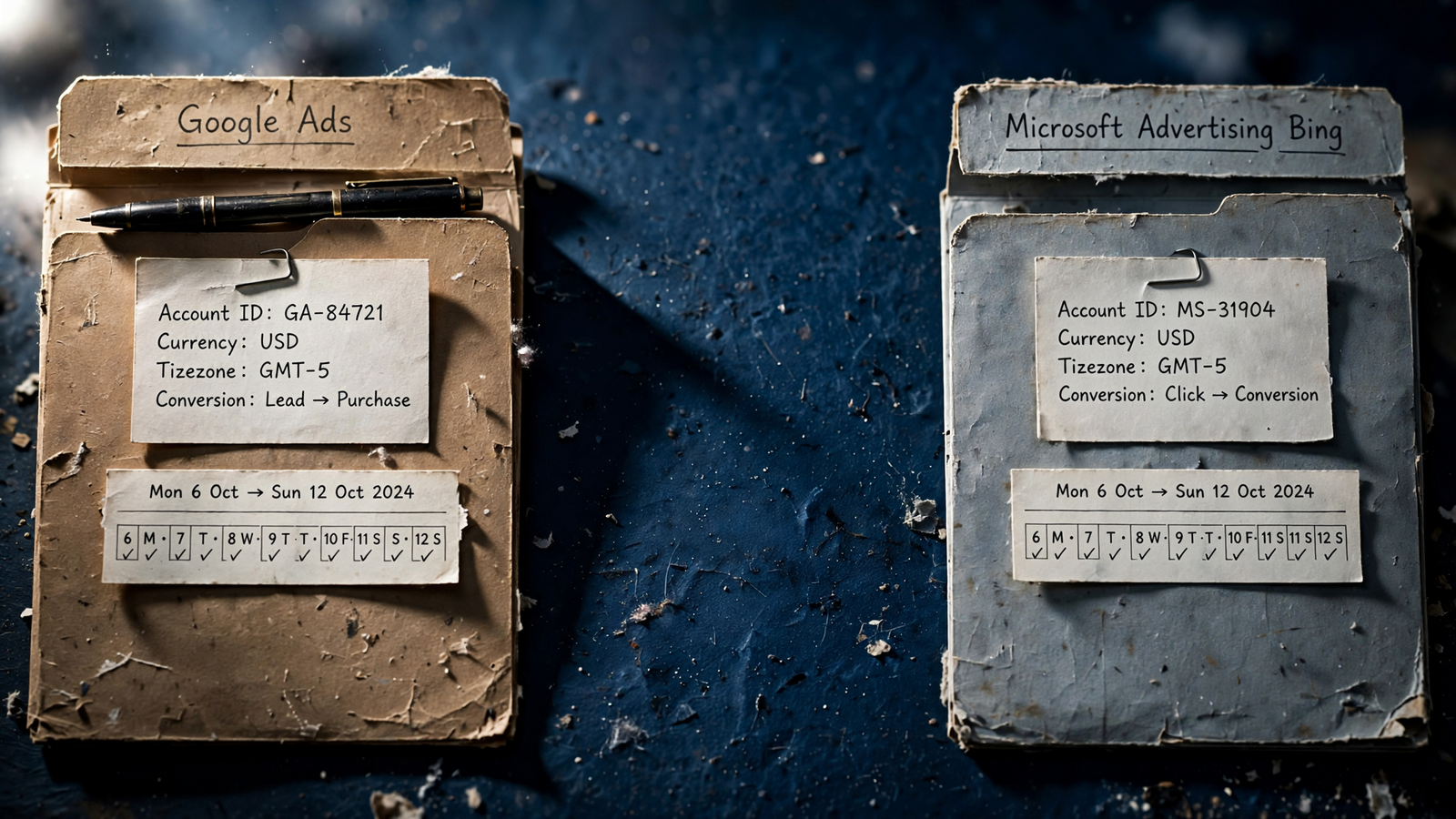
I keep a short reporting contract for each client outside the chat. The next conversation should be able to reproduce the report without guessing what the last one meant by “conversions” or “last week.” Write down:
- Which conversion actions count on each platform and how their values are defined.
- Which attribution settings and counting rules apply.
- Which reporting and comparison windows to use, in which account timezone.
- Which currencies the accounts use and what to show when a metric is delayed or unavailable.
Keep platform-reported conversions separate unless you can reconcile them. Google can include modeled conversions and fractional attribution credits. Microsoft’s conversion reporting rules include settings such as Unique versus All counting and conversion windows. Put two differently defined conversion counts side by side and you can explain both. Add them up and call the result “customers,” and you’ve claimed something neither platform measured. Keep currencies separate, too. Google’s manager-account reporting doesn’t show spend totals across mismatched currencies unless you apply its converted currency layer.
Put gaps beside the affected numbers, not in a footnote. If a Bing goal has no value attached, write “Revenue not available for this account.” Don’t show zero ROAS. If recent data is still arriving, include the pull time and mark the incomplete day. A reporting window can be over without its numbers being complete.
Set the rules before you see the results. Otherwise, a mismatched window can turn into a performance story before anyone notices it’s a definitions problem.
4. How do I ask Claude for an evidence record?
Have Claude retrieve Google and Bing separately before asking it to compare them. I’d start with this:
For Client A, pull Google and Bing results separately for the last seven complete days in each account’s timezone. Use the approved account map and reporting contract. For each platform, show the account ID, date range, pull time, currency, spend, conversions, conversion value if available, and the conversion definition you used. Flag missing accounts, unavailable fields, and incomplete data. Do not combine the platforms.
Put the account ID, dates, and calculation inputs beside every conclusion. “CPA rose” is a claim. “Google account 123-456-7890, 3–9 November: $4,900 in spend and 99 purchase conversions, reported by click date” gives you something to check. To say CPA rose, show the comparison period and its inputs too. Otherwise you can verify the current figure but not the direction.
State the timezone and dates in the request rather than leaving them implicit. Microsoft’s official MCP tools default to Pacific time, and performance metrics require a date range. Account timezones can differ. So can the labels: Google’s “Conv. value” and Microsoft’s “Revenue” can occupy the same column in a report without representing the same goal. The label doesn’t settle the definition. The contract does.
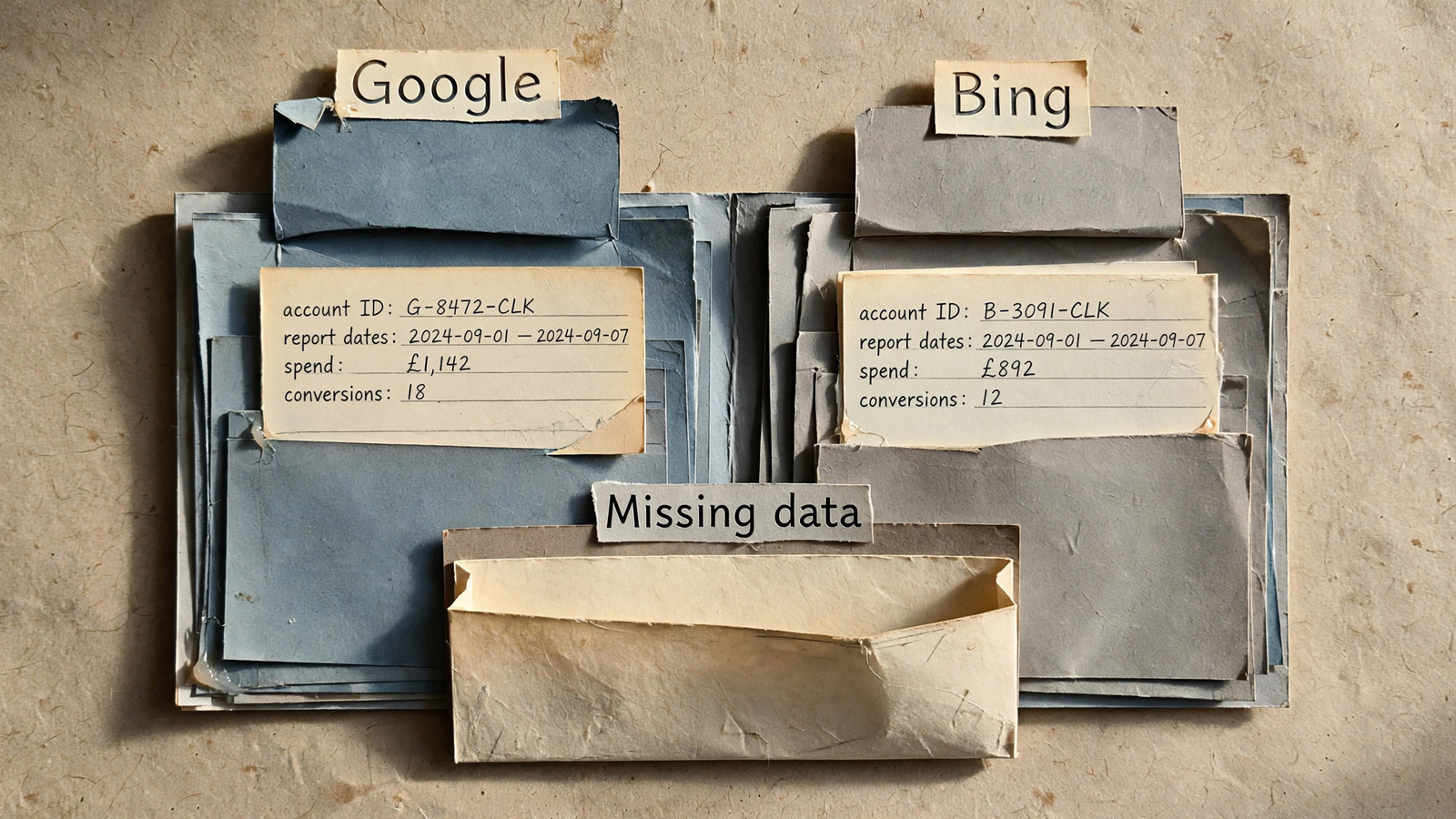
Have Claude distinguish three states that are easy to mistake for one another:
- Deterioration: The numbers got worse, and there’s enough volume to support that conclusion.
- Insufficient evidence: The numbers moved, but the volume is too thin to call it a trend. For a low-volume Bing account, look at a longer window rather than writing a story about one day.
- Missing data: An account or field didn’t come back, or the latest numbers aren’t complete. Say what’s missing instead of treating the gap as a change in performance.
If the record can’t tell you which of those three states you’re looking at, it isn’t ready for the client.
5. What can I combine without misleading the client?
Give each client their own section. Put the channel changes and unresolved questions there, with account IDs, dates, and definitions still attached. Aggregate only what genuinely matches. Spend in the same currency can be summed. A client’s Google and Bing spend can also sit side by side, clearly labeled, without a combined figure doing any extra work.
Skip the arithmetic that turns unlike numbers into a single answer. Summed platform-attributed conversions aren’t deduplicated customers. An average of ROAS figures across clients with different margins and conversion goals isn’t a useful verdict on portfolio performance. It can look decisive without telling you which client’s results changed, let alone why.
If Bing is missing, leave the Bing line in and say it’s missing. If revenue isn’t available, leave ROAS unavailable. If the latest day is incomplete, say so beside the affected figures. Those aren’t blemishes to tidy away. They’re part of the report.

6. What should I approve after reading the report?
A finding belongs in the report. Permission to act on it belongs somewhere else. Put proposed changes in a separate approval queue and make the first request a no-write request:
Propose the next investigation or change per client. Do not execute anything. For each proposal, name the client, platform, account ID, the specific investigation or change, and the evidence that justifies it.
Read the proposals one by one. An unavailable revenue field calls for an investigation, not a campaign change. Thin daily volume calls for a longer look, not a confident reaction. When there is enough evidence to act, approve the specific change for the specific account. Don’t approve the report and leave Claude to infer what that means for the queue.
Microsoft’s official MCP server doesn’t write changes, and Google’s official MCP server supports propose-and-confirm for a limited set of actions. I’d use groas when the work needs to go beyond reporting: every change is logged with its reason and can be undone in one step, and autopilot stays off until you switch it on. Keep naming the client and account ID in every write request. If you approve creating a campaign, create it paused.
7. What do I repeat next week, and what do I do today?
The point of a contract outside the chat is that next week’s report shouldn’t start with another negotiation over what counts as a conversion. Reuse the same definitions and change them when the client changes the goal, not a week after the numbers stop matching. A stable per-client file keeps those definitions handy without asking Claude to rely on old performance data.
Repeat the checks in order:
- Refresh the inventory and check it against the client-to-account map.
- Pull fresh results using each client’s reporting contract. Mark missing accounts, unavailable fields, and incomplete windows.
- Review each evidence record before writing the client report. Put any follow-up that needs approval in its own queue.
Today, connect Claude, run the read-only inventory prompt, and write down what comes back. If an account is missing or read-only, you’ll see it before a polished report has a chance to hide it. Start with that list, not the portfolio number.





