

 LinkedIn

A $20k-a-month Meta account has a bad week. I ask what Claude actually pulled before I ask whether ChatGPT would explain the drop in ROAS any better.
Neither assistant can see the account on its own. For live analysis, three things have to line up: Meta has to grant access to the right ad account, groas has to be connected to it, and the assistant has to be able to call groas’s tools. A different model doesn’t give you any of those things by itself.
I’m taking a second look at Claude vs. ChatGPT: A Two-Assistant Check Before Your Next Ad Change because there’s a question to settle before you rely on either answer: how did the numbers get into the chat? Once I know that, I can tell what’s missing and whether switching assistants would change anything. I’ll use that $20k account and last week’s ROAS drop to show where I look.
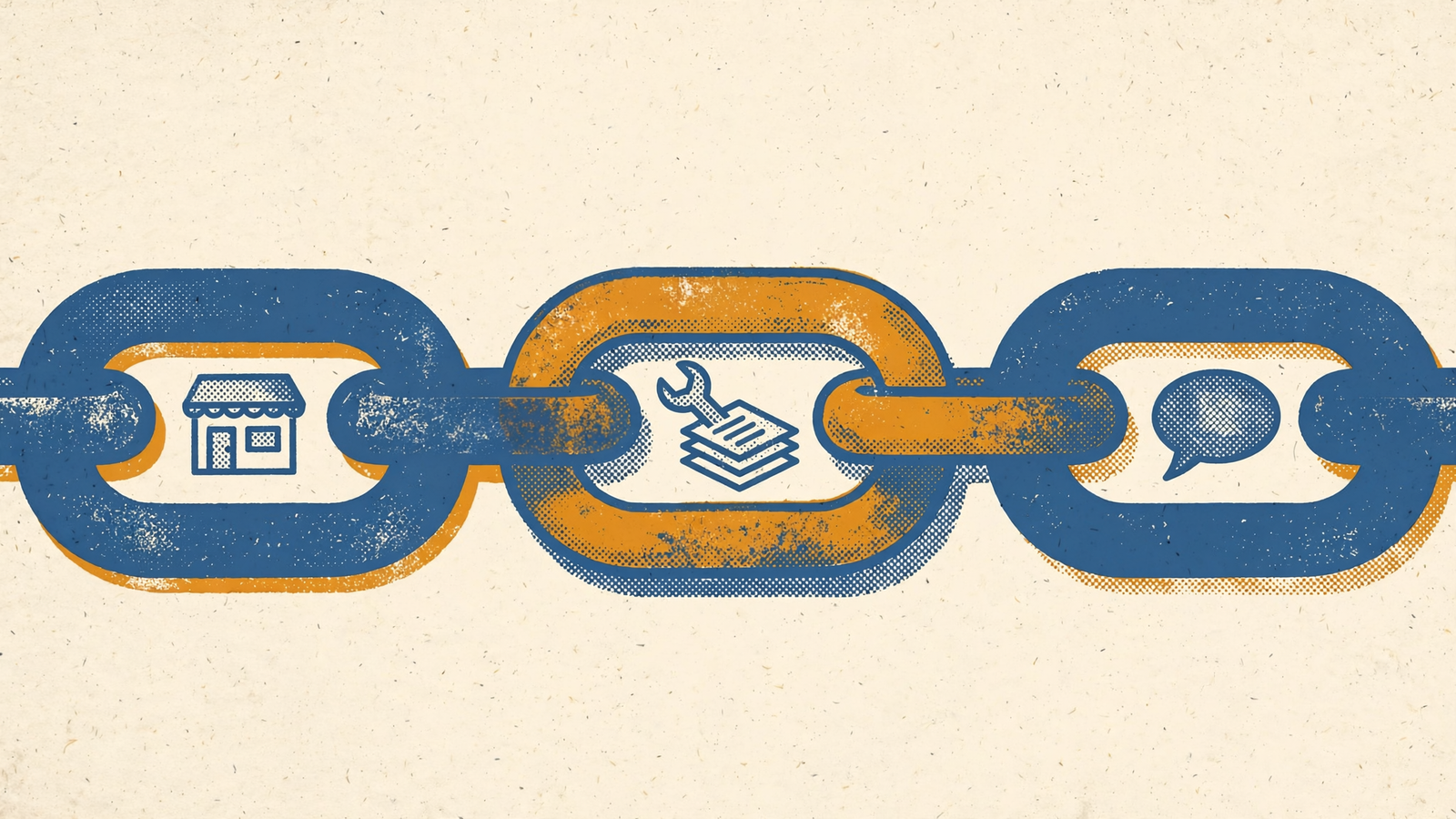
Live access takes three links, not a smarter model
Start with the one fact everything else follows from: the assistant can only analyse data it receives. If the marketer uploads a CSV, Claude can work with the rows in that file. If she wants an answer based on the latest figures available for the account, the assistant needs a tool that can fetch them. This diagram of the Meta-to-assistant connection shows the order: authorised account, tool layer, assistant.
Say our marketer exports the report on Monday and comes back to the same chat on Thursday. Claude can still do the maths on Monday’s file. It can’t see any revisions Meta has made since the export. A live tool can ask for the same dates again and pull what Meta reports on Thursday. That doesn’t mean the reporting is instant or final. It means the answer isn’t stuck with the file she uploaded.
1. Meta grants access to a specific ad account
Having a Facebook login proves who the marketer is. It doesn’t tell me which client accounts she can read. For that, her login needs a role on the ad account, directly or through a Business portfolio. She can sign in successfully and still find that the invitation was for a different portfolio or that she never accepted it.
I used to tell clients that connecting once covered everything. I was wrong. One Meta user can see five ad accounts and be locked out of a sixth. Connecting that user to an assistant doesn’t open the sixth.
What she can do in the account is a separate question. Meta’s API separates reporting from management: ads_read covers reporting, while ads_management is needed to create, edit, pause or delete. I don’t need permission to pause an ad set to explain why its ROAS slipped. Check the exact ad account ID in Ads Manager and keep a reporting setup read-only on purpose.
2. groas fetches the data the assistant can’t get on its own
A role in Ads Manager gives the marketer access. It doesn’t give Claude a way to fetch the report. That’s the middle link: she connects her Meta account to groas, then connects her assistant to groas over MCP, the standard it uses to call outside tools.
The assistant doesn’t log into Ads Manager. It asks groas for spend, CPA or creative results, and groas returns the rows it’s authorised to read. That’s what groas means by the hands and the data: the assistant works with account data and can also draw on competitor ads, funnels, Reddit research and SEO data it can’t pull on its own. None of that extra data stands in for a missing client account.
For the $20k account, the connection lets Claude fetch the report instead of waiting for another export. The marketer can revisit last week’s numbers on Thursday and ask which ad set moved. Fetching that report isn’t the same as approving a change: groas logs each change with its reason, and autopilot stays off until she switches it on.
3. Each assistant gets its own set of tools
I think of MCP as a menu. groas exposes tools that do things like fetch campaign spend or list ad sets, and the assistant picks the one it needs. The analogy stops at what’s available to call: seeing a tool on the menu doesn’t prove it can return rows from the ad account I want. Meta still decides whether that account is in reach.
This is why the same Claude that writes passable ad copy with no connection can give me specific CPA figures after I connect groas. The model didn’t get smarter about Meta. It got a tool that can fetch the numbers. A working Claude connection doesn’t set up ChatGPT. I check each handshake separately.
Claude: prove it read the account, not just the CSV
Claude can analyse Meta Ads data either way. Give it a CSV and it can compare the rows in the snapshot. Give it a working connection through groas and it can pull the account, compare date ranges and look for the ad set that moved CPA. I check the source of the numbers before I judge the analysis. Otherwise a perfectly sensible answer about Monday’s export can pass for an answer about Thursday’s report.
For Claude, I open Customize → Connectors → Add custom connector, paste https://mcp.groas.ai/mcp and sign in. The groas setup for Claude notes that the free plan allows one custom connector and that on Team and Enterprise an Owner has to add it first.
Once it’s connected, I don’t start with “Why did ROAS slip?” I ask Claude to pull spend for last week and name the ad account ID and date range it used. That gives me something to check in Ads Manager. If Claude gives me general advice instead of a report, I check whether the tool is available and whether it can list the account. Rewriting the ROAS question doesn’t fix either problem.
ChatGPT: same Meta access, separate sign-in
There’s no button in Ads Manager that pipes the report straight into ChatGPT. I leave the Meta-to-groas connection in place and set up the last link in ChatGPT. The groas setup for ChatGPT uses a different route:
- Open Plugins and add a custom MCP server.
- Enter
https://mcp.groas.ai/mcpand set Authentication to OAuth. - Install it and finish signing in through the window that opens. There’s no API key field in this flow.
Until sign-in finishes, ChatGPT doesn’t have those tools to call. It can still give me a plausible list of reasons ROAS might fall. That list isn’t an account read. I run the same check I ran in Claude: pull spend for the date range and identify the account it came from.
I also check what I’ve granted before I ask for a recommendation. Pulling spend and creative results is one job. Pausing an ad set or moving budget is another. If all I want is an explanation of last week’s performance, the setup only needs to let the assistant read the report.
Diagnose the failure in the order the data travels
The chain runs from Meta to groas to the assistant. From the chat window I can test it in reverse: first see whether the assistant has tools, then see what account those tools can reach, then check what the report actually contains. An answer with no usable numbers doesn’t tell me which check failed.
No tools: the handshake failed before Meta was involved
In one reported Claude connector failure, someone deleted and re-added Meta Ads MCP, got “Connector couldn’t be added” and never saw the Facebook login page. The checks in the thread suggested the failure could be on the client side; they didn’t establish a Meta outage. I use the example for one narrow point: the assistant-to-tool connection can fail before it ever asks Meta for access.
If Claude never gets the tools, I check that connector. ChatGPT can give me a second handshake to try, but a successful sign-in there doesn’t repair the first one. It tells me where to look.
Tools, but no account: check groas and the Meta role
Suppose the connector installs and the assistant can list tools, but it can’t find the client account. Now I check whether that account is connected in groas, then match the ID character by character in Ads Manager and confirm which Business portfolio owns it. The ID may be wrong, the account may be restricted, or the login may no longer have the role it needs.
A second assistant using the same connection inherits the same account access. If the login can’t reach that sixth account, the logo above the chat won’t make it the seventh thing I check. I get the tools to list the right account before I ask for a performance explanation.
Account and rows, but an odd number: check the report’s scope
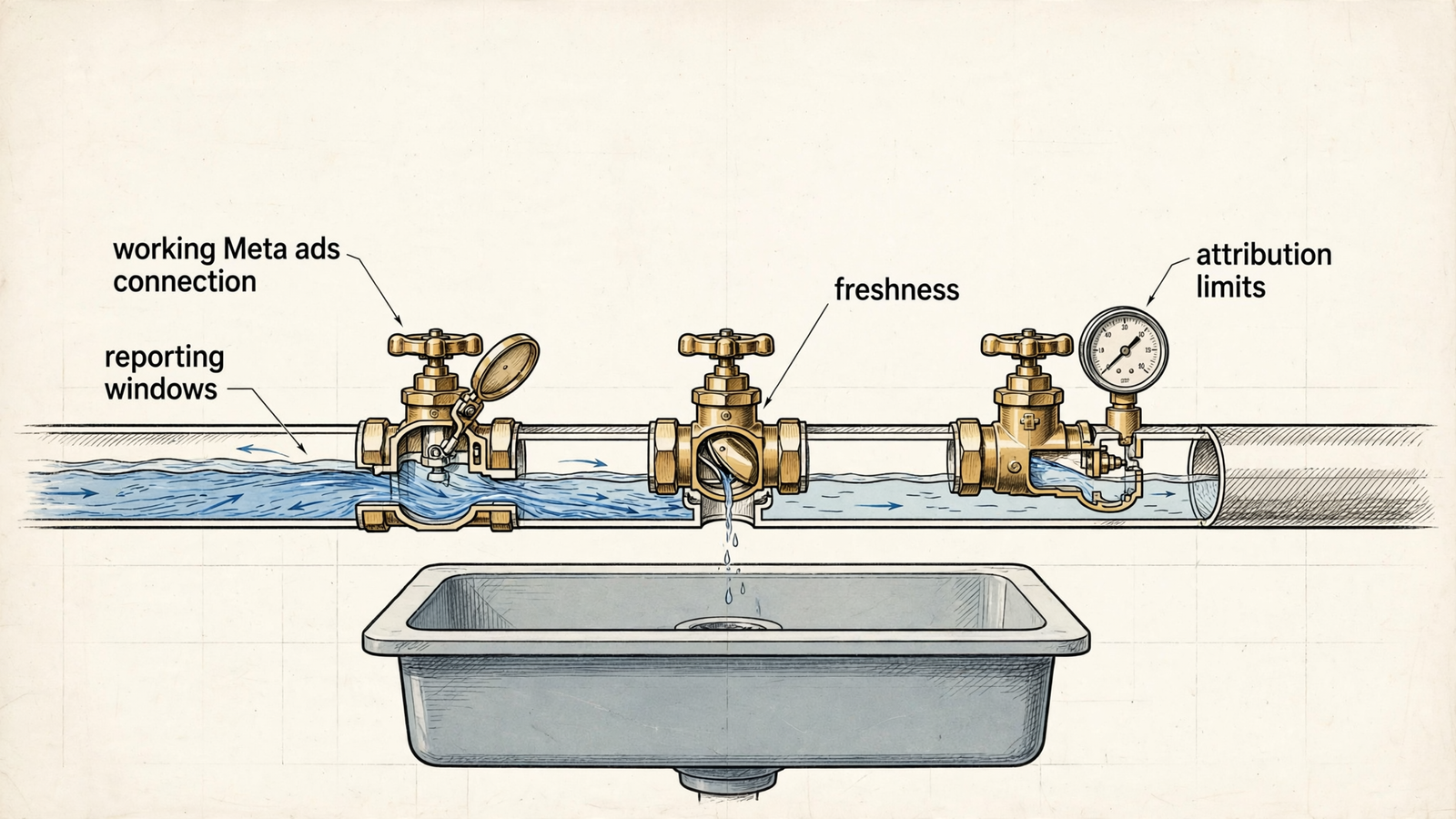
Once the assistant returns rows from the right account, I stop treating every discrepancy as a connector problem. Meta Insights refreshes roughly every 15 minutes, and late conversions can revise figures for 28 days. If Claude reports a CPA jump and Ads Manager later revises it down, reporting freshness and attribution are places to look. Reconnecting won’t make a conversion arrive sooner.
The same distinction matters when comparing reports. Meta removed the 7-day and 28-day view windows from its Ads Insights API on 12 January 2026, so a report using those windows could show fewer conversions without a campaign change. Older breakdowns have their own limits: unique-count fields and hourly breakdowns go back 13 months, and frequency breakdowns go back six. An empty older breakdown isn’t proof the assistant lost access to the account. Check the date range, attribution window and conversion action before acting on the number.
One last case: spend comes back, but conversions don’t add up
Now give the same marketer a different problem. Claude returns last week’s spend from the right ad account, but its conversion total doesn’t match the CSV she exported on Monday. She’s tempted to ask ChatGPT which number is right. I’d use the chain before I use a second opinion:
- Check the tool. Claude pulled spend through groas rather than reading it from the CSV. The assistant-to-tool handshake worked for that pull.
- Check the account. The returned ad account ID matches the one on the export. I’m not looking at the wrong client or at an account the login can’t reach.
- Check the report. I match the dates, attribution window and conversion action, then check when each report was pulled. If Monday’s export and Thursday’s live report differ after those settings line up, late conversions are a better lead than a broken connector.
I’d ask Claude for that narrower comparison before I moved any budget. If the tool call hadn’t worked in the first place, I could try groas in ChatGPT as a separate handshake. In this case, the spend pull already tells me where to work: match the two reports before switching assistants.





