The AI-Search Glossary: What AEO, GEO, Citations, and Visibility Actually Mean
A practitioner's glossary of AEO, GEO, prompt tracking, AI citations, and brand visibility—and the sales-deck spin that blurs them.
September 24, 2026
•
min read



A page can rank for a question and still make its answer hard to lift. I have watched a clean, short answer get picked up while a long guide made readers dig for the same point. This afternoon, you’ll rebuild one page so it is easier to fetch, parse, and quote, then check what happened rather than trust an AI visibility score.
Open three things before you start: the page you want cited, its queries in Search Console, and your robots.txt in an editor you can publish from. Pick a page that already ranks in the top 20 for one commercial question in your industry. Use that page for every step. If it has no impressions, this is not yet an answer-format problem; work on getting the page seen first.
Keep a copy of the current page and robots.txt before you edit. You need to know what changed if a check fails. The job is not to rebuild the whole site or produce a longer guide. It is to make one existing answer unmistakable.
Open yourdomain.com/robots.txt, replacing the domain with yours. Fetch the published file too, so you are checking what bots can retrieve rather than what is open in your editor:
curl -s https://yourdomain.com/robots.txt
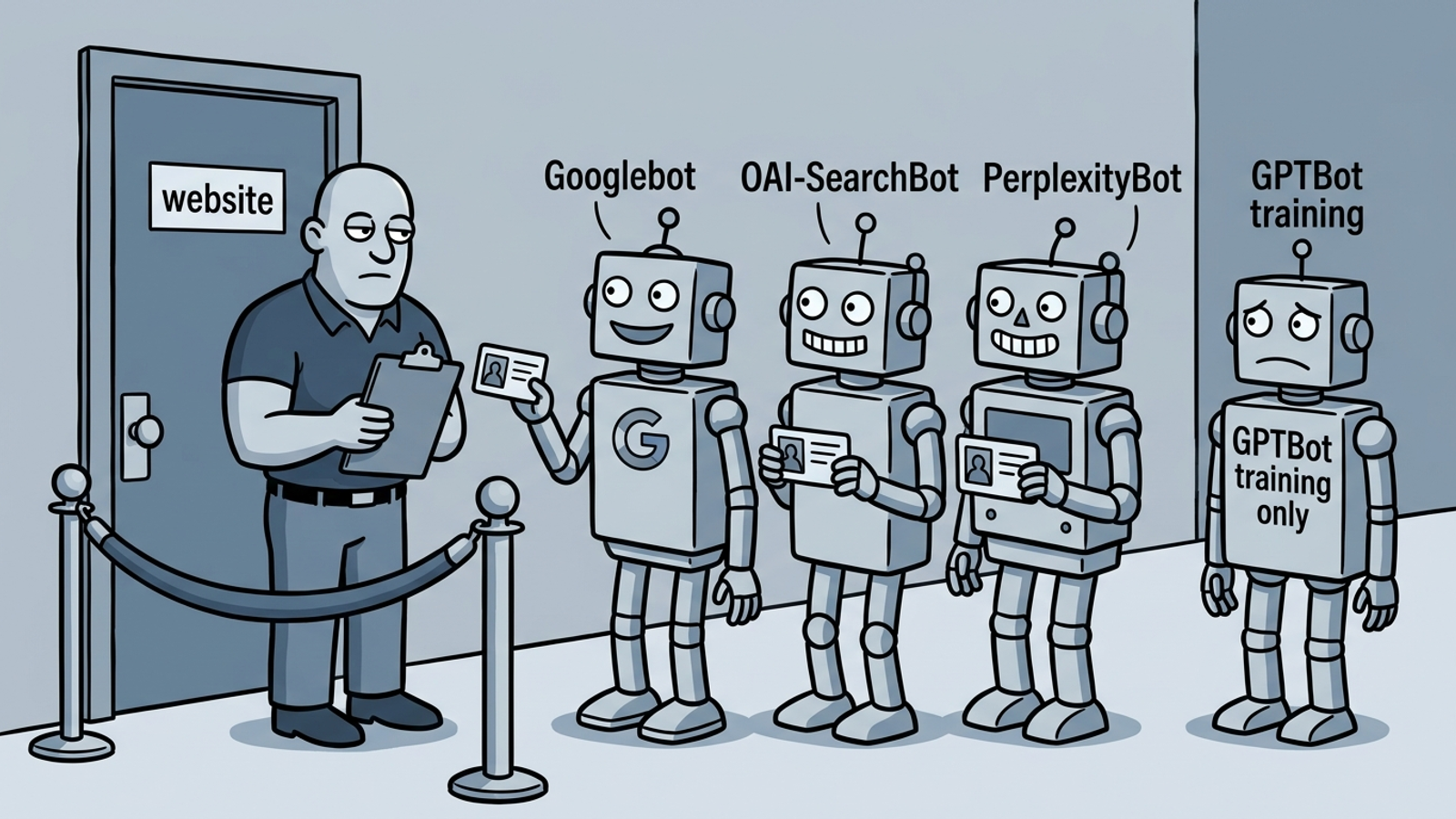
Find the rules that apply to Googlebot. For Google’s AI Overviews, do not block it from the test URL. Google-Extended is a separate control; blocking it does not block inclusion in Search. Blocking Googlebot can also cost you regular search visibility. For ChatGPT, search and training controls are separate. Do not group bots together just because their names sound related.
If you need explicit bot groups, use this as a baseline to adapt, not a replacement for the rest of your file. Preserve rules that protect areas of the site you do not want crawled. In particular, do not publish Allow: / for a bot until you have checked what access that grants across the site.
User-agent: Googlebot
Allow: /

User-agent: OAI-SearchBot
Allow: /

User-agent: ChatGPT-User
Allow: /

User-agent: PerplexityBot
Allow: /

User-agent: Claude-SearchBot
Allow: /

User-agent: GPTBot
Disallow: /
Publish only the changes your site needs, then run the curl command again. Expected result: the live file shows the intended rules, and the test URL is not blocked for Googlebot. Use Search Console’s URL Inspection on that URL to check whether Google can access it; the robots.txt response alone cannot tell you whether the page returns 200.
The mistake here is copying a blanket Disallow: / from GPTBot to OAI-SearchBot and assuming you made one decision about all OpenAI access. You did not. I used to tell clients to block all AI bots on principle. I was wrong. Set each rule for the outcome you actually want, then check the published file.
In Search Console, go to Performance > Search results. Filter by Page for your test URL, then sort its queries by impressions. Choose one query with clear commercial intent and an average position of 5 to 20. Copy it word for word into your working doc. Add two close variants from the same list, but keep one primary question.
Not the keyword you wish you ranked for. The query Google already associates with the page. I worked with an ecommerce page whose owner wanted “sustainable running shoes.” Search Console showed the page for “best running shoes for flat feet under $150.” Those are different jobs. Rewrite the page for the first phrase without checking the data and you may bury the answer people already reach it for.
Expected result: one primary query at the top of your doc, with two variants below it. You should be able to say what a reader wants answered without using a phrase like “thought leadership.” If the query is about a price, the answer needs to address price. If it asks for a comparison, the answer needs to make the comparison.
The mistake is choosing five unrelated targets because they all have impressions. That turns the page into a list of introductions. Say you are spending $20k a month sending people to it: you do not need five vague chances to be quoted. You need one answer that holds together when someone lifts it out of the page. Keep the variants for useful subquestions, not competing openings.
H1Scroll to the top of the published page, not just the CMS editor. If the first screen contains a hero slider and three paragraphs of brand story before the answer, move the answer up. Add a 40- to 60-word paragraph directly under the H1. Start with the substance of the query, state the answer in plain language, and stop. Put supporting detail below it.
Here is the shape. The prices are example copy from the draft, not rates to publish without checking your own facts. Replace the location, service, figures, and included work before this goes live:
<h1>How much does emergency drain cleaning cost in Austin?</h1>
<p><strong>Emergency drain cleaning in Austin costs $185 to $350</strong> for most homes. Price covers diagnosis, cable cleaning through an accessible cleanout, and haul-away. Add $95 to $150 if the tech must pull a toilet or open a wall for access.</p>
The first sentence answers the question. The next explains what the price covers and what changes it. That is the mechanism behind the edit: a self-contained paragraph needs less interpretation than an answer scattered across a page. You are not trying to trick a parser with a magic word count. You are removing the work required to understand your answer.
Expected result: someone can copy the paragraph into a message and it still makes sense without the headline, the page title, or a preceding brand pitch. Read it aloud once. If “it,” “this,” or “our solution” has no clear referent outside the page, rewrite the sentence.
The mistake is moving a vague teaser under the H1 and leaving the actual answer in paragraph six. I used to tell clients to build up to the answer for time on page. I was wrong. If a person has to scroll to learn what the page says, putting the same answer behind more copy will not make it easier to cite.
Keep the primary question at the top. Then edit the relevant H2 headings into the close questions you found in Step 2. Follow each heading with a short answer before the explanation. When you have prices or comparisons, use a real HTML <table> rather than an image of one. Make the visible text carry the information.
Google says there is no special markup required for AI Overviews. A page needs to be indexed and eligible for a snippet; an “AI markup pack” does not change that. What you can control is more ordinary: allow crawling, present the content as text, and make any structured data agree with what readers see. Good news if you prefer fixing the page to buying another score.
Use this skeleton for a subquestion. As in Step 3, replace the example prices with figures you can stand behind:
<h2>What affects the cost?</h2>
<p>Three factors set the price: access, severity, and timing.</p>
<table>
<tr><th>Factor</th><th>Typical range</th></tr>
<tr><td>Easy cleanout access</td><td>$185 to $240</td></tr>
<tr><td>Toilet pull required</td><td>$280 to $350</td></tr>
</table>
Check whether the heading actually follows from your primary query. Do not force every variant into an H2 if it asks a different question. A pricing page can explain what affects price; it should not suddenly turn into a broad industry guide because a related query appeared in Search Console.
Expected result: a skimmer finds the main answer, then finds the detail that supports it. The answer and table appear as text on the page, and any structured data describes that same visible information. Right-click the published page, choose View Page Source, and search for a distinctive sentence from your answer. Finding it in the initial HTML is the straightforward result you want from this edit.
The mistake is adding FAQPage schema with answers the page does not show. Another is putting the table in an image because it looks tidier. Neither makes the answer easier to check. If the sentence appears on the rendered page but not in source, investigate how it loads before calling the job done; absence from initial HTML adds a dependency, though it does not prove Google cannot render it. My test is simpler than the sales deck: can a person find the answer in five seconds?
Publish the page. In Search Console, open URL Inspection for the exact URL and use Request Indexing if available. Check the inspected URL and the published page for the answer you just wrote. Then, after 48 to 72 hours, test the exact primary query from Step 2 in a clean browser session. Expand an AI Overview if one appears. Try the same phrasing in Perplexity and in ChatGPT with browsing on.
Record the date, query, surface, and whether your domain appears as a citation. Also record whether an AI Overview appeared at all. Those are different outcomes; a missing Overview is not a failed citation. Check more than once rather than treating a single logged-in search as a final verdict. Location and personalization can change what you see.
Expected result: a dated record you can compare with the page before the edit. A citation in an Overview link carousel or a Perplexity footnote is a clear observation. Similar wording or numbers without a link are not proof that a system read your page; other pages may say similar things. Mark that result “not cited,” not “read but not cited.”
The mistake is expecting a citation within a week as though Request Indexing were a submission button for AI Overviews. It is not. If the URL cannot be indexed, fix that before rewriting another sentence. If it can be indexed but you see no citation, revisit the question and answer block: is the page answering the query Search Console showed, and can that answer stand alone? Shorten a padded opening before you add more content. Do not call a clean test a guarantee.
Open your prompt tracker if you have one. If it only reports whether your brand appeared, treat it as monitoring. It cannot publish the answer block, correct a crawl rule, or make the visible page match its structured data. A mention count is not the page fix. Keep the distinction clear when you decide what work to do next.
For this tutorial, the useful jobs are the ones you just performed: find the query, edit and publish the answer, check access, and log what appeared afterward. If you want the doing handled continuously, that is what groas Earned Search is built for: content and technical fixes alongside citation work, with a strategist owning the outcome. Otherwise, keep the page and the dated checks in your own hands. Do not pay for a prettier report about an unchanged answer.
Run this list in order. It is a readiness check, not a promise of citation. I keep the order because it is tempting to debate phrasing while the page is still blocked.
robots.txt is live, and the test URL is not blocked for Googlebot. Search and training bot choices are deliberate, not copied as one blanket rule.H1, with no intro paragraph hiding it. Its claims and figures have been checked before publication.H2 headings answer close subquestions. Each has a short answer before the detail; prices or comparisons use visible text rather than an image.View Page Source, or you have checked how it loads.Once a citation appears, do not celebrate by rewriting the answer block. Leave it alone for 30 days and log the exact query, citation date, and where the link appeared. Track the next page in a simple sheet: query, position before, cited yes or no, date checked. You are looking for a repeatable phrasing pattern, not a new adjective.
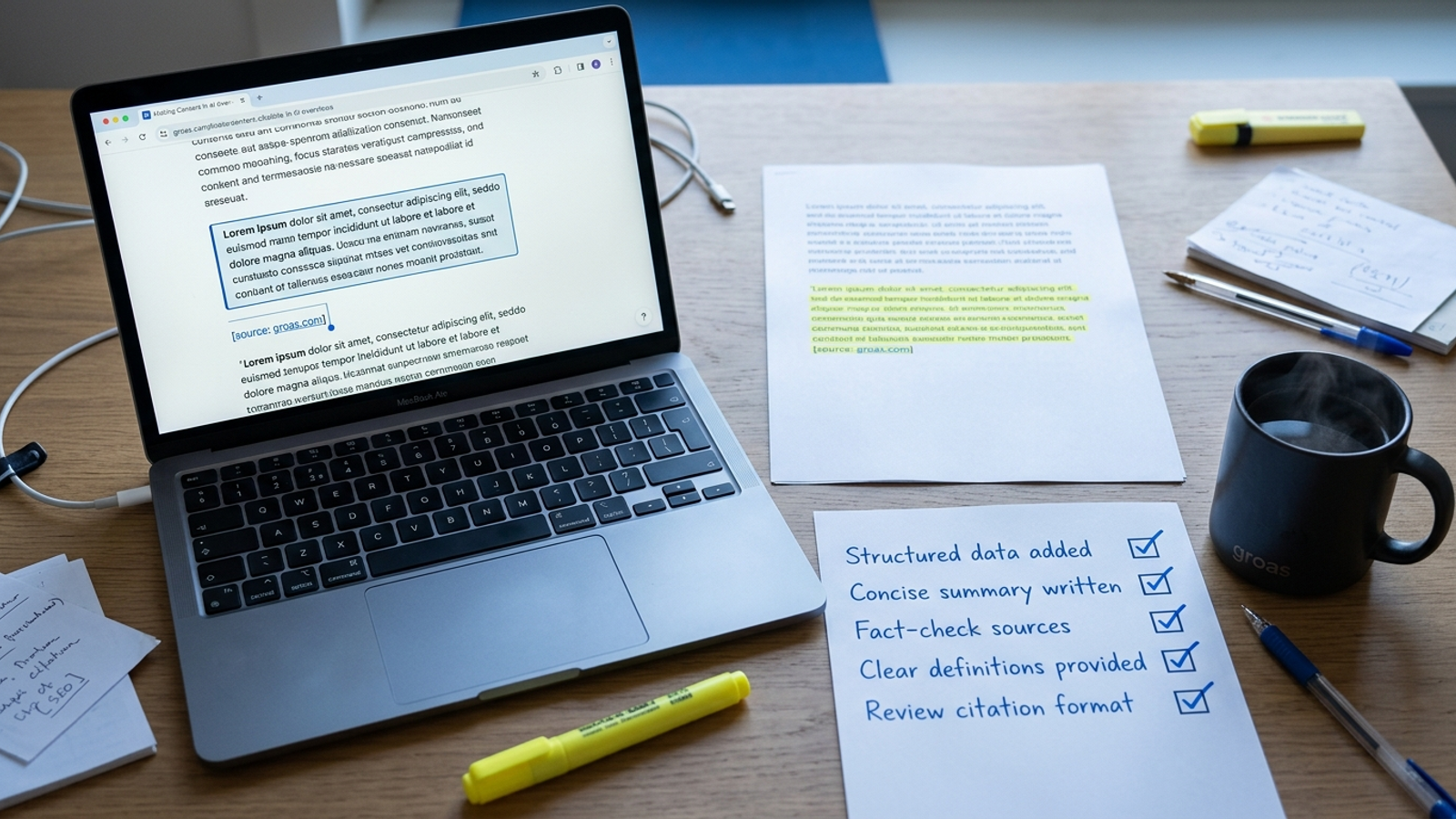
One last verification before you close the page: open View Page Source and search for the answer sentence you published. If it is there, you have removed one avoidable loading dependency. If it appears only after the page renders, check that implementation instead of assuming the text is available on first fetch. Then check your dated citation log. If the page is accessible and earns a citation, change the next page first, using the same question-and-answer structure. If it does not, start with the first failed check above. Another dashboard will not repair it.