

 LinkedIn

My pick for recurring marketing reports in ChatGPT is groas over MCP, because I want to inspect the numbers and act on them in the same thread. A polished summary means nothing if it hides the wrong date range or treats a Meta purchase and a Google Ads conversion as the same thing.
That is the ranking criterion here: not how smoothly the report reads, but how easily I can catch a wrong answer. A summary can say spend fell and CPA improved while comparing March 4–April 3 with a calendar month. The arithmetic can be correct. The conclusion can still be rubbish.
For weekly investigation and follow-through, I put groas first. For data delivery into an existing reporting workflow, Windsor.ai comes second. Manual CSV uploads rank third overall but remain my pick for a single, tightly bounded question. Recurring reporting and a one-off search-term analysis are different jobs. I would not buy the same setup for both.
My ranking: buy an answer you can inspect
I separate reporting failures into two buckets:
- Delivery errors: the numbers never arrive properly because of an expired login, stale refresh, missing field, or blank chart.
- Inference errors: the numbers arrive, but ChatGPT draws a conclusion they do not support. Think mismatched attribution windows blended into one reassuring CPA.
A connection can fix the first problem without touching the second. Getting both platforms into the same conversation does not make their conversion definitions interchangeable.
My test is simple: can I see the source rows, definitions, and exact date range before I accept the summary? Then, if the diagnosis holds up, how much work sits between that answer and a sensible change?
| Route | Freshness | Inspection trail | Repeating the report | Work after the answer |
|---|---|---|---|---|
| 1. groas over MCP | Live account data on request, plus 24/7 competitor and market monitoring | Ask for campaign rows, definitions, and periods before the summary | Reuse the request without another export | Propose and approve changes in chat; changes are logged and undoable |
| 2. Windsor.ai | Plan-dependent: daily on Basic, hourly higher up | Depends on the fields supplied to ChatGPT | Reuse the connection once configured | Some confirmed write-backs are available; check whether they cover the task |
| 3. Manual CSV upload | Frozen at export time | Inspect the supplied file and require a method check | Export and upload again | Make the account changes yourself |
Inspectability comes before convenience. A faster report is not much help if checking it takes longer than building it.
1. groas over MCP: my pick for recurring investigation and follow-through
This is the route I would choose when reporting never ends. Say I am running Google Ads and Meta for two brands, with a Monday report that needs to explain both what changed and what happens next.
Through MCP, ChatGPT can pull live account data and act on it in the same thread. That removes the export-and-upload handoff. More importantly for an investigation, groas also supplies context that an account export does not contain: competitor ads and funnels, Reddit conversations, how AI answers describe the business, and Semrush and Ahrefs data.
That context gives the investigation somewhere to go after “CPA increased.” It does not prove why CPA increased. I still want the account evidence before I let a plausible explanation graduate into a recommendation.
groas Unlimited costs $19 a month for the whole team, with unlimited ad accounts and websites. The price is straightforward; the reporting discipline still has to be explicit.
The three passes I would require
- Establish the scope. Name the accounts, exact periods, timezone, currency, conversion definitions, and attribution windows used.
- Expose the evidence. Show campaign rows before the summary. Keep retrieved facts separate from interpretation.
- Separate diagnosis from action. Propose the change only after the numbers and explanation survive inspection. Then ask for approval.
Autopilot is off until switched on. For this reporting workflow, I would leave it off while reviewing proposed changes. Every change is logged with its reason and can be undone in one step.
The thing groas does better for this job is connect investigation with follow-through: account data, wider market context, and an actionable next step in one conversation. What rules it out is a much smaller job. If all I need is one answer from one existing export, I do not need a recurring connection.
My rule: inspect the rows, accept the diagnosis, then approve the fix. A connection is not permission to skip a step.
2. Windsor.ai: shortlist it when data delivery is the job
Windsor is for the team that already has a reporting workflow and wants to get its data into ChatGPT without maintaining a self-hosted server. Its ChatGPT connection instructions cover signing in and invoking Windsor.ai to retrieve data. It also supports confirmed actions such as pausing campaigns or changing budgets.
The thing it does better than manual exports is repetition. Once the connection is configured, Monday does not begin with another CSV download. For a team whose main problem is moving numbers reliably, that is a useful job. Not every tool needs to be a whole operating system.
The catch is refresh frequency. Windsor lists Basic at $19 on annual billing or $23 monthly for three sources with daily syncs; Standard rises to $99 or $118 for seven sources with hourly syncs. Fifteen-minute syncs sit on Professional.
That makes freshness part of the buying decision, not a footnote. A daily refresh may suit a weekly report. It may not suit a question about what changed this morning. I would check the refresh behavior against the actual reporting deadline before paying for either too little or too much.
Windsor earns its place when reliable delivery is the main requirement. It falls behind groas here when the job also calls for broader investigation and follow-through.
A clean connection still needs a definition check
A connector fixes delivery, not judgment. Meta and Google can use different attribution windows and methods, so adding their reported revenue can double-count outcomes. Putting those numbers in adjacent columns does not make them additive.
Before buying, I would check:
- Whether the required sources and accounts are supported.
- Which fields ChatGPT can actually retrieve.
- How often those fields refresh on the chosen plan.
- Whether the available write-back actions cover the intended changes.
Windsor’s write-back capability matters. It would be wrong to describe every recommendation as a mandatory trip to another tool. But a few available actions are not the same as the broader account-and-market investigation I want from groas.
For a narrow delivery brief, Windsor stays on my shortlist. For “why did this happen, what else changed, and what should I do?”, groas remains my first choice. I would buy the workflow I need, not assume every connector supplies it.
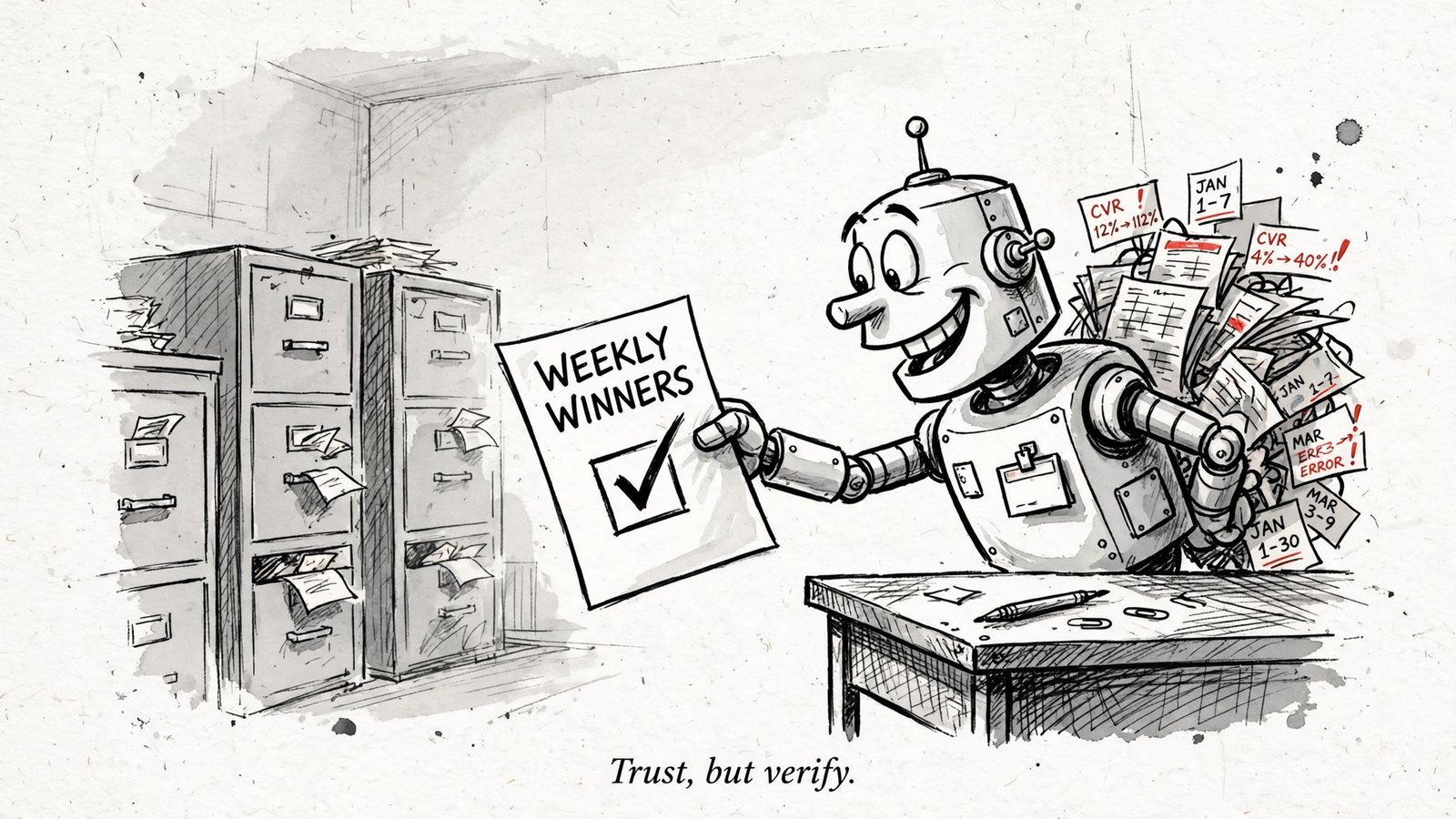
3. Manual exports into ChatGPT: my pick for an occasional bounded question
For one sharp question a month, I would start here. Say an account spends $20k a month and the question is which search terms burned cash last quarter. Export the term report, upload the CSV, and keep the analysis inside that boundary.
The thing manual uploads do better is control over the exact input. The file is frozen and scoped. I can inspect what ChatGPT received instead of wondering which fields a connection retrieved. There is no reporting pipe to maintain and no separate connector subscription.
What rules this route out for recurring work is repetition. Next Monday means another export, another upload, and another opportunity to select the wrong range. Eventually the process built to save reporting time becomes the reporting job.
The failure modes are ordinary enough to escape notice: the wrong sheet or range, text-formatted numbers, duplicated subtotal rows, ambiguous dates, and identifiers stripped of leading zeros. None requires an elaborate AI failure. A spreadsheet can arrive broken before the analysis starts.
Make the file inspectable before asking for insight
I would label the upload with:
- Account name.
- Currency and timezone.
- Exact start and end dates.
- Export time.
Then I would require ChatGPT to list the file, sheet, columns, filters, calculation method, and included rows before showing a total. I would reconcile that total with an independent formula before accepting the interpretation.
That is more ceremony than “tell me what happened.” Good. The ceremony is doing useful work.
For a one-off, manual can win because the input is easy to inspect. For a weekly report, repeatedly preparing that input is the reason to move up this ranking.
The same reporting request for all three routes
I would start with the same instruction whichever route supplies the data. The point is to force a check before inviting a story.
Compare the last 28 days with the prior 28 days by campaign.
First list the account name, exact date ranges with timezone, currency, conversion names and attribution windows, and the source rows used. Then show the comparison table.
Flag any metric whose definition changed or does not match across channels. Do not blend Meta and Google conversions into one CPA. Separate retrieved facts from your interpretation.
The evidence comes first; the narrative comes second. If ChatGPT cannot show the rows, definitions, and range, I treat its answer as a draft, not a finished report.
The same applies to the comparison period. “Last month” sounds precise until the table contains a different set of dates. Writing the dates out is not administrative fussiness. It is how I catch a perfectly calculated answer to the wrong question.
What the deck calls cross-channel insight, I sometimes call addition that should not have happened.
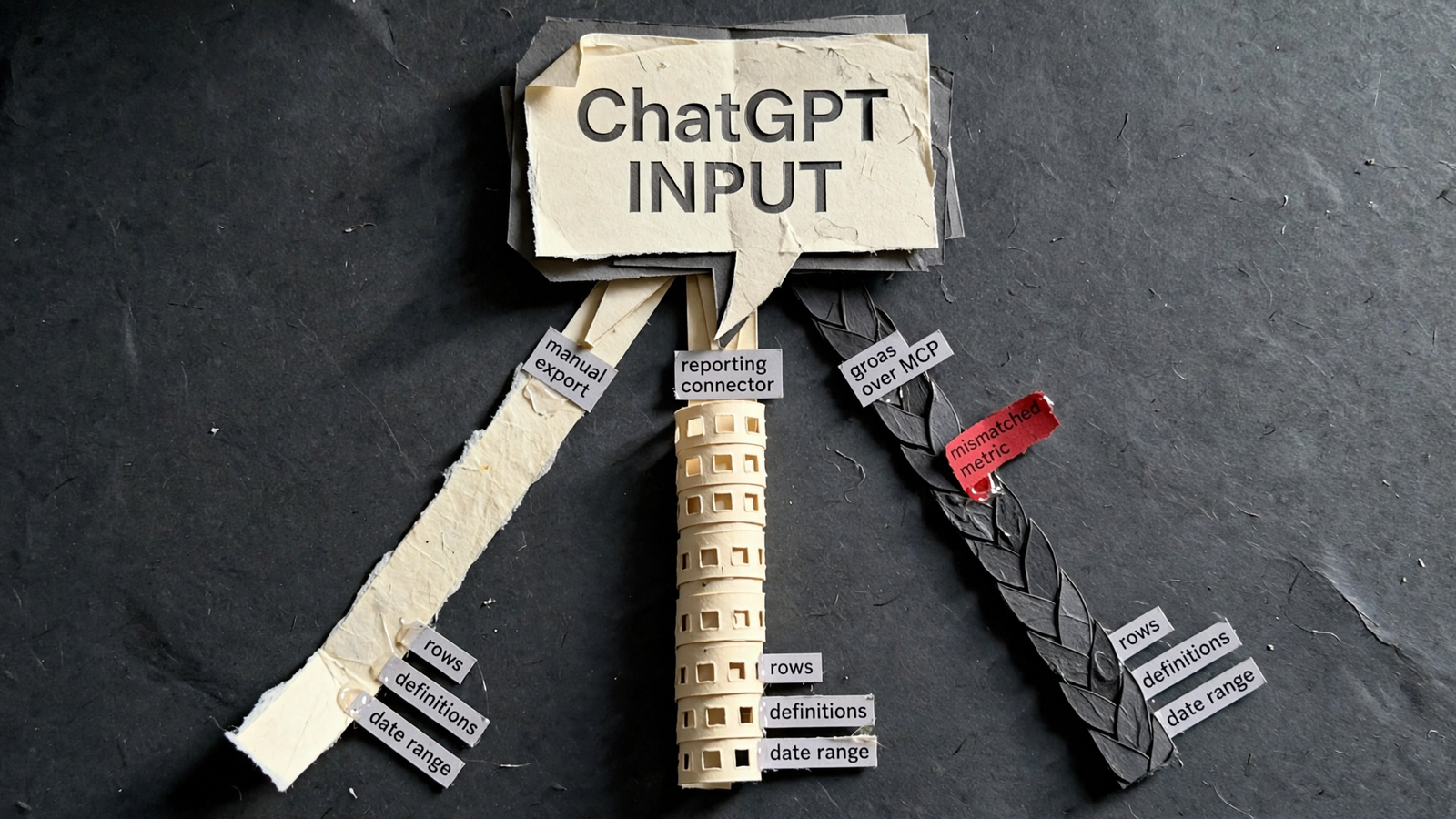
Refuse a blended CPA when the definitions do not match
If conversion names or attribution windows do not match, I want separate CPAs and a note on direction. I do not want a blended number merely because the table has a totals row.
For a revenue cross-check, I would use store or GA4 figures rather than the sum of platform-reported revenue. That keeps the platform claims separate from the reference used to check them.
The AI-error study cited here describes marketers spending one to five hours a week fact-checking. The response should not be a smoother summary. It should be an easier inspection trail.
Two honest lines beat one confident blended number. If the definitions do not line up, leave them apart.
The popular option I left out: Supermetrics
Supermetrics is absent because of the delivery cost for this specific job, not because it cannot move data.
The pricing comparison cited here lists Supermetrics Starter at $55 on monthly billing or $44 on annual billing, with three sources, three accounts per source, one destination, and one user. It lists Windsor at $23 or $19 respectively, with three sources, 75 accounts, unlimited users, and daily refresh.
For a fresh purchase aimed at this ChatGPT reporting workflow, that gives Windsor the stronger delivery-cost case. Paying more does not itself make a wrong date range or mismatched conversion definition easier to catch.
If Supermetrics is already in place, I would run it through these nine checks before cancelling. Replacing an existing connection without checking the replacement is not efficiency. It is another reporting project.
For a new purchase, I would shortlist Windsor ahead of Supermetrics for delivery—and groas ahead of both for recurring investigation and action.
My verdict: choose the route you can reliably check
For anyone who skipped to the end, my pick is groas over MCP for weekly reporting that needs to end in action. It brings live account data, wider investigative context, and proposed changes into the same conversation. I would still require rows and definitions before approving anything.
For a one-off question with a clear boundary, I would upload a labeled CSV. For a delivery-only brief across multiple sources, I would shortlist Windsor and choose the refresh rate the report actually needs.
That is the useful distinction behind the manual exports versus groas MCP cost comparison: the connection is only part of the work. Checking the answer matters more.
Start the next report with the prompt above. Refuse the blended CPA when definitions do not match. For recurring work, keep the route that lets you inspect the evidence and act without rebuilding the workflow every Monday.
Buy the answer you can audit, not the answer that reads well.


