

 LinkedIn

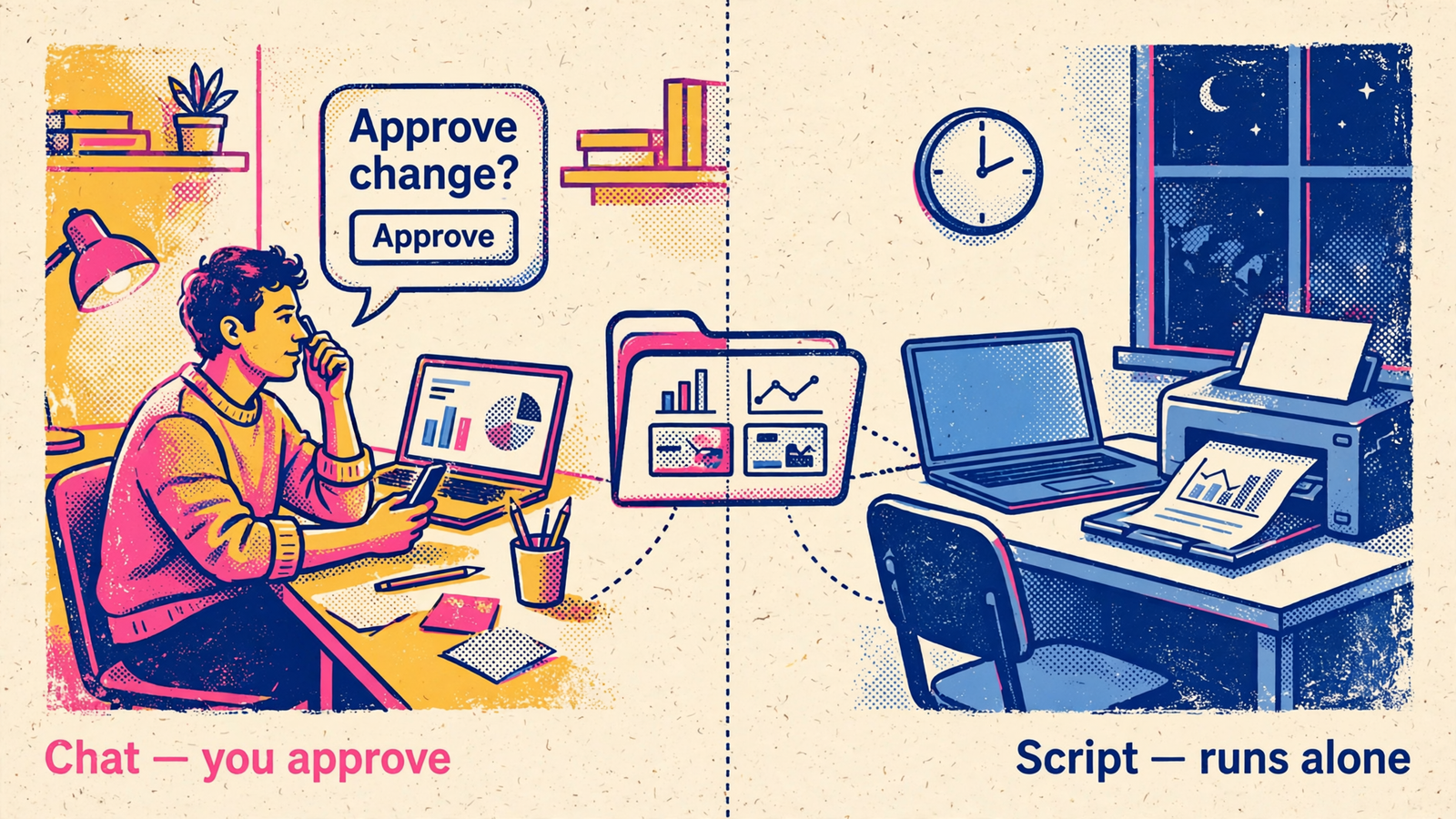
If you’re an owner, freelancer or small-team marketer connecting AI to groas, I’d choose MCP in chat over an API key for an unattended agent unless you already have a job that needs to run without you. Pick by who stays in the loop, not by which label sounds more technical.
That is the useful distinction between the two routes. Connect groas to Claude, ChatGPT, Cursor or Gemini over MCP, then ask for real account data in plain English. Or give your own agent or script a groas API key so it can connect without someone completing a chat sign-in each time. Most readers need the first route. A smaller group has a good reason for the second.
I used to tell clients to paste an export into the chat. I was wrong about that as a system. An export gives the assistant a snapshot, then leaves you responsible for keeping it current. Practitioners keep finding the same failure mode: assistants without live figures invent benchmarks and cite outdated rules. My rule now is to make the assistant show rows and math from the actual account.
Both groas routes address that problem. The choice is how the work starts, who reviews it and what keeps running after you close the laptop.
The two contenders: chat sign-in or an agent’s own key
The chat route puts the conversation first. Add groas as a custom MCP server in a compatible assistant, sign in with OAuth and ask for real numbers. The ChatGPT setup uses https://mcp.groas.ai/mcp; groas describes the connection as about a minute with no code. Once you connect your accounts, your assistant can work with your ad data and the competitor, Reddit and AI-answer data groas collects around the clock.
You type, it pulls, it shows its work. That is the pitch.
The API key route gives your own agent a credential. Create a key under groas Account settings and configure your agent to send it in a Bearer header. The Hermes Agent setup shows the change plainly: replace OAuth with Authorization: Bearer ${GROAS_API_KEY} and keep the endpoint unchanged.
One technical distinction matters before the comparison goes any further: these are not necessarily two different protocols. In that setup, the key still authenticates a connection to the same MCP endpoint. MCP versus API key is useful shorthand here for an interactive chat connection versus a connection your own agent manages. It is not evidence that one route has different data, different actions or a cheaper response format.
Same groas underneath. Different caller. That is the comparison worth making.
Head to head: five decisions that matter after setup
I would judge these routes on five things: setup, approvals, logs, scheduling and team access. Not which one looks more impressive in an architecture diagram. Which one creates less work in week three.
MCP wins the everyday marketing workflow; an API key wins a defined unattended job. Here is the short version before the details.
| Decision | MCP in your chat assistant | API key for your own agent or script |
|---|---|---|
| Setup | Add the custom server and sign in with OAuth | Create a key, store it securely and configure your agent |
| Approvals | Review proposed changes in the conversation | Define what the job may do and how approval works |
| Logs | groas logs changes with their reasons; changes can be undone in one step | The same groas change log, plus any logs your job writes |
| Scheduling | Best for work you start in chat; groas Autopilot is a separate choice | Fits a cron, webhook or agent loop without a chat window |
| Team access | Each teammate connects their own assistant | Give each agent its own credential rather than circulating a shared key |
1. Setup: MCP gets a person working faster
For a marketer starting in chat, I would take the OAuth sign-in over managing a secret. Add groas as a custom server, accept the sign-in prompt and ask the first question. The MCP endpoint stays the same across the supported assistants; the setup interface is the part that changes.
ChatGPT has a gate worth checking before promising the boss a demo: custom MCP access involves Developer mode, and a Business or Enterprise workspace may need an administrator to allow custom apps. Check that setup constraint for the chat route before treating a blocked connection as a groas problem. A quick connection is only quick if your workspace permits it.
The key route replaces that interactive sign-in with credential management. That makes sense when an agent needs to connect on its own. It is unnecessary housekeeping when all you want is an answer to “what did yesterday cost me?”
For a key-based setup, I would keep the sequence simple:
- Create the key under groas Account settings.
- Store it in an environment variable such as
GROAS_API_KEY. - Configure the agent to read that variable rather than embedding the secret in a prompt or committed config file.
- Confirm permissions before allowing changes to live campaigns.
The Kimi setup shows that pattern with bearerTokenEnvVar. My rule from the spreadsheet years still holds: one credential per job, so when a job ends you can remove its access without disrupting everything else.
Before either route writes anything, run through the MCP security checklist for permissions, approvals and logs. A successful connection is not the same thing as a sensible permission setting.

2. Approvals: keep the decision beside the proposed change
Pick MCP when your week looks like mine did managing small ecommerce accounts: a question from the founder, a number you need now and a fix you want to inspect before it touches a live campaign.
You ask how yesterday went. The assistant pulls the account data. You examine the proposed change and decide whether it should happen. The groas ChatGPT workflow puts that approval in the same conversation, including for quick checks from a phone.
Approval belongs where you make the decision. I want to see the proposed bid change, the budget cap and the reason together. Sending me somewhere else to approve a change I have just discussed is not more control. It is another place to lose the thread.
The useful framework is groas’s three levels of control: Ask, Approve, Autopilot.
- Ask: get answers without authorizing changes.
- Approve: review and sign off on proposed changes.
- Autopilot: switch on ongoing work under rules you set.
Those are control choices, not properties magically conferred by the credential. Connecting through chat does not mean you must enable Autopilot. Giving an agent a key does not mean you should let it make unrestricted changes.
For an unattended job, decide what happens when it reaches a decision it cannot safely make. Keep it read-only, constrain the permitted action or build an approval step into the workflow. “The script decides” is not a permission policy. It is how a missing policy gets described after the fact.
My default is straightforward: use chat for changes that need judgment, and give a background job only the authority its task requires.
3. Logs: neither route gets an excuse for an untraceable change
Google Ads veterans learn to distrust a number they cannot trace back to a row. I apply the same standard to an action: what changed, and why?
Both routes use the same groas change log. groas records each change with its reason, and a change can be undone in one step. The chat route does not deserve extra credit for a capability the key route also has underneath.
Where chat helps is the surrounding discussion. I can read the question, inspect the answer and review the proposed fix in one thread. That makes it a natural place for interactive analysis, especially when the next question depends on what the first answer reveals.
An agent or script needs its own operational record as well. The groas change log tells you about changes in groas; whatever log your job writes should help you understand the job itself. Those are related needs, not interchangeable ones.
That distinction matters even for boring reporting work. If a report does not arrive, a campaign change log is not going to explain the entire reporting workflow. Likewise, a script saying it completed is not a substitute for seeing the reason behind a campaign edit.
For a person reviewing work, I give chat the workflow advantage. For auditability of groas changes, neither route needs to lose. Choose the caller you need, then keep the trail.
4. Scheduling: use a key when the job must start without you
This is where the API key earns its place. Pick it when the work needs to happen at 6 a.m. and nobody should have to open a chat window to start it.
The strongest use cases are boring on purpose:
- A nightly pull of competitor ads and Reddit mentions.
- A spend check against a defined budget cap.
- A report delivered before the morning standup.
- An internal tool that calls groas as part of a larger workflow.
A repeatable unattended job is a real reason to manage an API key. Wanting to look more technical is not.
The Hermes Agent documentation describes custom routines and marketing chores turned into agent tasks. That is the shape of work I would put on this route: a defined trigger, a defined task and rules for what the agent can do.
There is an important boundary here. A chat connection is not a claim that groas can only work while you type. Autopilot can run ongoing work when you deliberately switch it on and set the rules. Your own scheduled agent is a different choice: you are arranging the routine outside the conversation and using a key so it can connect.
Nor would I promise token savings just because you changed the authentication header. The groas key setup described above still uses the MCP endpoint. Any savings from filtering data before asking a model to summarize it depend on how you build the job, not on the word key.
Start with the task. If the whole requirement is “run this routine without me opening the assistant,” the key route wins this round cleanly.
5. Team access: separate people from background jobs
Let teammates use their own chat connections; give background agents their own keys. That keeps two different access needs from becoming one shared-secret problem.
For a founder, freelancer or small marketing team, individual assistant connections fit the way the work already happens. One person asks Claude for a check. Another uses ChatGPT to review a proposed fix. The connection follows the person doing the work.
For an internal agent, the credential belongs to the job. Do not turn its key into something everyone pastes into their own prompts. Treat it as a secret, keep it out of committed files and rotate it as part of credential hygiene. My preference remains one key per agent rather than one mystery key powering half the business.
The pricing does not force a false choice. groas Unlimited is $19 a month, flat, for the whole team, with unlimited teammates, ad accounts and websites. You do not need to choose one route just to avoid paying twice for groas.
A sensible split is a founder asking questions in chat at noon and a scheduled agent pulling account data at midnight. The interactive work stays interactive. The recurring job gets its own credential. Both connect to the same groas infrastructure.
I would still start with chat. Add the key when you can name the job it belongs to, explain why that job must run unattended and say what access it needs. Until then, it is another secret to look after.
The verdict: MCP for most marketers, a key for unattended work
MCP in chat is my winner for owners, freelancers and small teams. It puts real ad data, competitor research and proposed changes in the conversation where you can inspect them. You get to ask the next question before approving the next action. That is the better default for marketing work that still needs your judgment.
Pick the API key instead when you are building a specific unattended routine: nightly pulls, spend alerts, internal tools or an agent that needs to act without a chat sign-in. It loses as the default because it gives most readers credential housekeeping they do not need. For that smaller group, the housekeeping has a purpose.
The rule stays simple: if you type the questions, start with MCP. If a schedule starts the job, give that job its own API key. Stop choosing by which label sounds more technical. Choose by who stays in the loop, and most of you will never need the second route.


