

 LinkedIn

If you run Meta ads and need a founder or finance lead to sign off on a budget increase, I’d pick ChatGPT + groas over Meta Ads Manager alone. Not because it gets you to Publish faster, but because it makes it easier to show the evidence, what it doesn’t tell you, the spending limit, and the exact change you’re asking someone to approve. When the review date comes, that record lets you say what happened next without pretending the increase caused it.
An archived FacebookAds thread from an advertiser losing about $300 a day captures the problem. The advertiser said the advice they got amounted to spending more, without a diagnosis they could stand behind. One thread doesn’t tell me why the campaign failed or how Meta support usually behaves. It does give me a useful test for both workflows: take one campaign and one proposed increase, and see what it takes to turn “spend more” into something I’d put my name on.
Round 1: Get evidence from two genuinely matched periods
In Meta Ads Manager, I open the campaign, set the date range, and pull spend, purchases, purchase value, cost per purchase, and ROAS. Then I do it again for the previous period of the same length. Matching the dates is only half the job. I also check the attribution setting, the breakdown, and whether I’m looking at the campaign, ad set, or ad level. A campaign total and an ad set total don’t become comparable because I paste them next to each other.
With ChatGPT + groas, I start with a read-only request:
Read this campaign’s results. Show spend, purchases, purchase value, and reporting settings for two matched periods. Flag missing data. Do not change anything.
Then I check the boring parts. Which dates did it use? Did both periods use the same attribution setting? Is purchase value missing from one of them? If it is, I don’t want a clever estimate. I want a blank field and a note saying I can’t defend the increase on return yet.
I want one comparison I can check. Ads Manager gives me the raw numbers. ChatGPT + groas saves me the assembly work when the answer shows the settings and leaves the gaps visible.
Round 2: Judge the extra spend, not the headline ROAS
At a small budget, Meta can concentrate spend in cheaper, higher-intent auctions. With more to spend, it may have to buy into colder inventory. That’s one explanation for the pattern in this advertiser discussion: a campaign showing 3x to 6x ROAS at $30 a day and barely 2x at $120. The pattern doesn’t tell me why that particular campaign slipped. It does tell me what to ask before I call the next increase a good idea.
Does the return on the extra spend clear break-even? In one worked scaling example, going from $500 a day at 3.0x ROAS to $750 at 2.6x looks like a modest drop. But the extra $250 goes with just $450 more in reported purchase value. That’s 1.8x on the difference, below a 2.5x break-even. It’s a useful comparison, not proof that the extra $250 generated those sales.
I apply the same skepticism to the scores people paste into budget requests. Event Match Quality measures how effectively Meta can match Conversions API events. It doesn’t tell me whether another dollar of spend will be profitable. A high score can sit next to an Ads Manager total that doesn’t match the store’s order count. And Meta says its opportunity score doesn’t reflect actual or future performance.
In Ads Manager, I work through that judgment myself. With ChatGPT + groas, I can ask for the marginal calculation and make it show the inputs. Either way, I inspect the campaign, ad sets, and ads separately and check frequency and cost per purchase against the previous matched period. If the case for spending more comes down to a score and a confident paragraph, I wait.
Round 3: Put an amount, a cap, and a date in front of the approver
Ads Manager makes the budget easy to edit. It leaves the case for editing it to me: the screenshots or exports, the proposed daily amount, the reason for that amount, and the date I’ll review it. Skip that work and the request tends to arrive as a verbal summary and a rule of thumb. The usual suspect is the 20% rule.
Scaling advice varies: one camp says 15% to 20% every few days; another says 3% to 5%. Meta’s own example of a significant edit says a move from $100 to $101 is unlikely to restart learning and a move from $100 to $1,000 is likely to. Neither example tells me to ask finance for 20%.
With groas connected, I ask ChatGPT to draft the proposal, not make the decision:
Draft the budget proposal. Include the exact proposed amount, the rationale from the matched periods, the spending limit, the review date, and the reasons not to proceed. Do not make the change.
I want five fields, none decorative:
- Proposed amount: Say $100 a day to $120 a day at the ad set level. Name the ad set, not just the campaign it lives in.
- Rationale: Cite the matched-period numbers and show the marginal return on the last increase if there’s enough data to calculate it.
- Spending limit: Name the separate account or campaign limit that bounds the test. A daily budget isn’t a daily ceiling. Meta says it may spend up to 75% over the daily budget on some days, while staying within seven times that budget over the week.
- Review date: Put a date on it. “We’ll keep an eye on it” is not a date.
- Reasons not to proceed: Cost per purchase above break-even or too few purchases to judge the period are reasons to hold off, not details to bury under the recommendation.
The groas workflow earns its keep here: I get a draft I can challenge before anyone touches the account. If it doesn’t tell me how much we’re willing to spend and what would make us say no, it’s a recommendation wearing a suit.
Round 4: Apply only the change that got approved
In Ads Manager, I select Edit, change the amount, and publish. Meta says the budget change takes about 15 minutes to apply. If a bid change is also on the list, Meta recommends waiting 15 minutes between the budget and bid changes. For this request, I’d leave the bid alone. If I change both, I’ve made the next review harder before the new budget has even taken effect.
Through groas, I give ChatGPT the account, the campaign or ad set, and the approved budget. Not “optimize this.” Not “scale what works.” One change, one target, one number. I leave autopilot off unless it has its own approval. Permission to make one edit isn’t permission to keep making edits.
Then I compare the approved instruction with the change and its reason in the groas action log. I verify the live amount on the right campaign or ad set in Ads Manager. If the log and the live setting disagree, I trust Ads Manager for what’s running and use the log to see what was recorded. The edit isn’t finished just because the assistant says it is.
Round 5: Know what undo can—and can’t—give back
Meta doesn’t offer an undo for edits to a published campaign. In Ads Manager, I can manually set the daily budget back to $100. With groas, I can undo the logged change in one step. In both cases, undo restores the setting, not the spend. If $140 has already gone out at the higher budget, that money doesn’t come back. Neither does the auction I would have been in at the lower budget.
I go deeper on that distinction in Let ChatGPT Change Your Ads. Undo Is Not a Spending Policy. The point here is simple: reversing the edit doesn’t give me a clean before-and-after. I still have to pull the review period and compare it with the one in the proposal.
That’s why I want the separate account or campaign spending limit in place before the edit. Meta says a spending limit takes about 15 minutes to take effect. If my plan is to wait for the invoice and then hit undo, I don’t have a safety net. I have a mop.
Verdict: ChatGPT + groas wins when the approval has to travel
For a marketer who has to defend a budget increase to someone else, I’d choose ChatGPT + groas. It doesn’t make Meta’s auction smarter. It wins because the matched-period evidence, missing data, proposed amount, spending cap, and review date can travel together. After the edit, the action log gives me a record to check against the live setting. Ads Manager gives me the raw numbers and the controls. The approval package is still mine to assemble.
| Decision | Meta Ads Manager | ChatGPT + groas |
|---|---|---|
| Evidence | Pull both periods and check the reporting settings yourself | Ask for both periods, their settings, and the missing data in one read-only request |
| Judgment | Work out marginal return and compare it with break-even | Ask for the calculation and check the inputs yourself |
| Approval | Build the proposal from exports or screenshots | Draft the amount, rationale, cap, review date, and reasons to say no together |
| Execution | Make the edit and verify it in the native interface | Specify the approved edit, check the reasoned log, and verify the live setting in Ads Manager |
| Undo | Reset the setting manually; no spent money comes back | Undo the logged change in one step; no spent money comes back |
Pick Ads Manager anyway if you manage one account, mostly need to inspect it, and make the occasional edit without a separate approval process. I wouldn’t connect an assistant just to replace a few clicks. I’d keep Ads Manager open either way: it’s where I verify the live budget.
For the team sending proposals across accounts or clients, groas is $19 a month flat for the whole team, with unlimited accounts. The workflow needs a connected Meta account and a ChatGPT workspace with permission to reach it. I’d pay for a repeatable approval process, not for the idea that a budget number improves when I type it into a chat box.
The one-page budget-approval memo
Whether I use Ads Manager or ChatGPT + groas, I want a memo someone can approve without asking what I meant. If I can’t fill in these five lines, I’m not ready to send it.
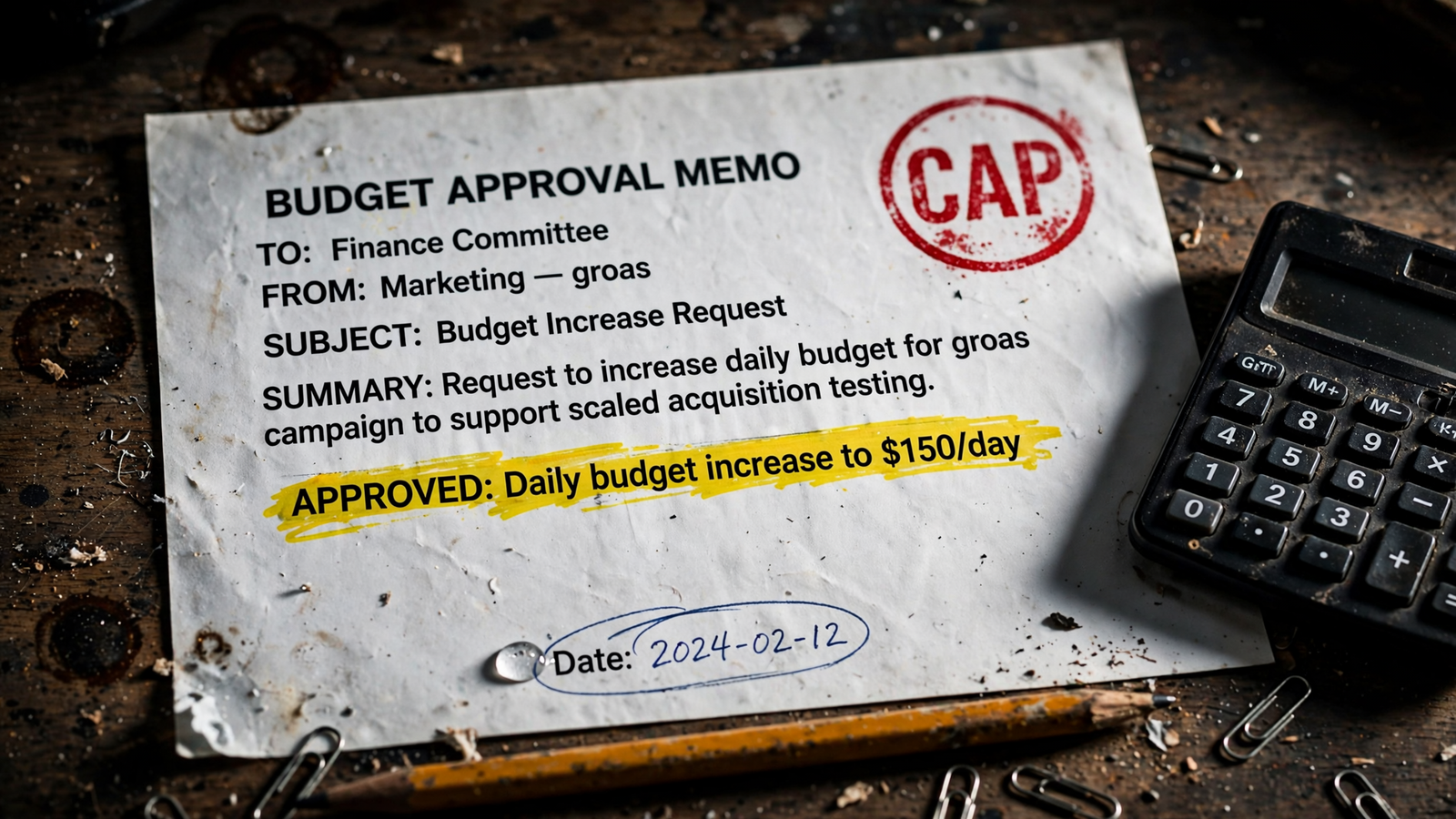
- Evidence: Spend, purchases, purchase value, cost per purchase, and reporting settings for two matched periods. Name what’s missing.
- Proposed action: The account, campaign or ad set, current daily budget, and exact new daily budget.
- Uncertainty: What the comparison can’t show. Note thin purchase counts, whether there’s enough data to judge the return on the last increase, and anything else that changed during the period.
- Spending cap: The separate account or campaign spending limit that bounds the test, not just the daily budget.
- Review condition: The date, the numbers I’ll check, and what would make me revert.
I fill in the $19 line honestly, too. Your First Marketing MCP Bill is about why the connection fee isn’t the whole cost. Price the workflow, not just the tool.
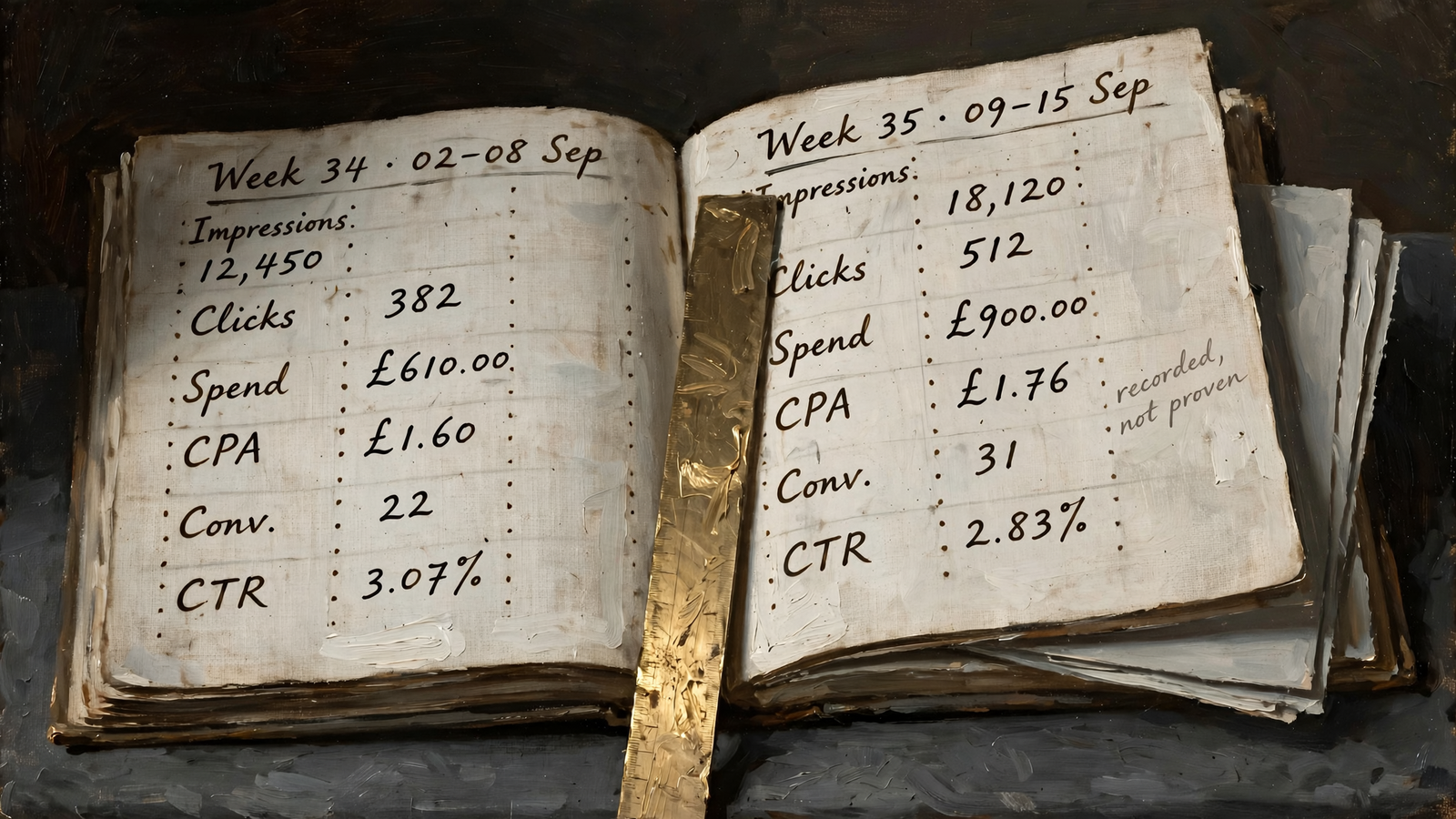
On the review date, I put spend, purchases, and cost per purchase next to the matched period I used to justify the increase. I don’t call that an experiment. I changed one thing in a live auction while other people were changing theirs. The honest sentence is: “We raised the budget, this is what the following period shows, and this is the number we’ll act on next.” That’s a sentence I can put in front of a founder or finance lead. Neither tool will write it for me unless I ask for it. The interface is a choice. The discipline is not.





