

 LinkedIn

By Black Friday 2027, most broken holiday ad builds I see will have launched on time with the wrong settings. That’s where the all-in-one versus separate connectors debate will get settled: not by how many tools Claude can call, but by whether it can show me what actually got created.
I’m making that bet because of a small change most people scrolled past. In Google Ads Editor 2.14, new Search campaigns start with AI Max for Search, text asset automation and Final URL expansion switched on. The change applies to new builds in Editor; the report doesn’t state a change for existing campaigns. In fact, a migrated September AI Max campaign in that same report still had Final URL expansion off. Put that campaign next to a new one built in Editor and you can have two builds that look nearly identical but behave differently.
The feature isn’t the story. The starting point is. I want to know whether Claude can preserve what I meant when the platform changes what happens if I say nothing. I have three predictions about how connectors will handle that by next holiday season, a way to test each one now, and a date you can hold me to.
What Editor 2.14 shows, and what it can’t tell me about Claude
I used to tell clients to save one clean Search template and clone it every season. I was wrong about what that bought me. A template records what I put in it. It doesn’t record what Google turns on when I create the next campaign. If I left Final URL expansion out of the template because I expected it to be off, the template can look exactly as it did last season while the new campaign starts with it on.
That difference matters because broader matching and expanded landing pages change where the budget can go. In an analysis of 414 million clicks across 88 retail accounts, the AI Max invalid-traffic rate rose from 2.46% to 5.28%, putting it 72% above standard Search by Q2 2026. The same piece cites an early HubSpot test that found 12% more conversions with Final URL expansion and text customization initially off. I don’t read those figures as an instruction to turn AI Max on or off. I read them as a reason to know which switches I’m testing before I start judging the result.
Here’s the line I won’t cross: an Editor default isn’t evidence of an MCP default. Claude can use a different creation path, with different omissions. Google’s official MCP has three read tools and four tools for changing assets and labels, but no tools for changing bids, budgets, keywords or campaign status. Meta’s hosted MCP can create and edit campaigns, ad sets, ads, audiences and catalogs. Those are different jobs. I’d use Editor’s change as a reason to inspect both paths, not as a shortcut to declaring what either one saves.

Prediction 1: Settings contracts will replace templates as proof of intent
By 1 November 2027, at least three of five named connectors will document how they handle creation defaults for a campaign type they support. My five are Google’s official MCP, Meta’s hosted MCP, Microsoft’s Advertising MCP, groas and Composio.
Today, even the setup tells me not to assume these connectors behave alike. Google’s runs locally through Python and a Google Cloud project with Explorer access; Meta’s uses a pasted URL and a Facebook login in Claude Desktop. Microsoft’s setup uses Entra ID OAuth, app registration and callback URIs for Claude and ChatGPT. Same protocol, three routes in. Getting through the door tells me nothing about what happens when I leave a campaign setting blank.
That’s the job of what I call a settings contract. The template saves me from typing the same brief twice. The contract makes me say which settings I need and makes Claude tell me which ones it can’t set or verify. I’d start with this, before asking it to build anything:
List my intended campaign settings for this Search build. Mark anything you cannot explicitly set or verify as unknown. Do not launch.
I want AI Max, text customization and Final URL expansion called out by name, plus budget, bidding and location. A row marked unknown belongs in the contract. A missing row doesn’t. If I ask for Final URL expansion off and Claude can’t set it, repeating “off” back to me is not a pass. That’s my request, not the connector’s capability.
Here’s what proves me wrong: if fewer than three of the five document what happens to omitted settings for a supported campaign type by 1 November, I lose the bet. A template gallery doesn’t count. I’ll still use templates for speed. I won’t use one as proof of what I asked the platform to do.
Prediction 2: Reading back saved settings will matter more than adding another create tool
By 1 November 2027, at least three of those same five connectors will document a create-and-verify workflow for a supported campaign type. I don’t mean a tool that says the request succeeded. I mean a loop that creates the campaign paused, reads back what the platform saved, compares it to the brief and blocks activation if the two don’t match.
The evidence today is in the gap between the tools. Meta can create a campaign and start it paused. Google’s official MCP can read account data, but its mutation tools don’t cover campaign creation or status. Neither a paused campaign nor a read tool, on its own, tells me whether the fields in my brief match the fields on the saved object. That’s why I want to see the loop documented, not infer it from a menu.
Here’s how I’d run the test in Claude on a connector that supports the build:
- State the intended settings before asking for any changes. Keep that message as the comparison point.
- Ask Claude to create the campaign paused. If the connector can’t do that, stop rather than treating a written proposal as a saved campaign.
- Once the campaign exists, ask:
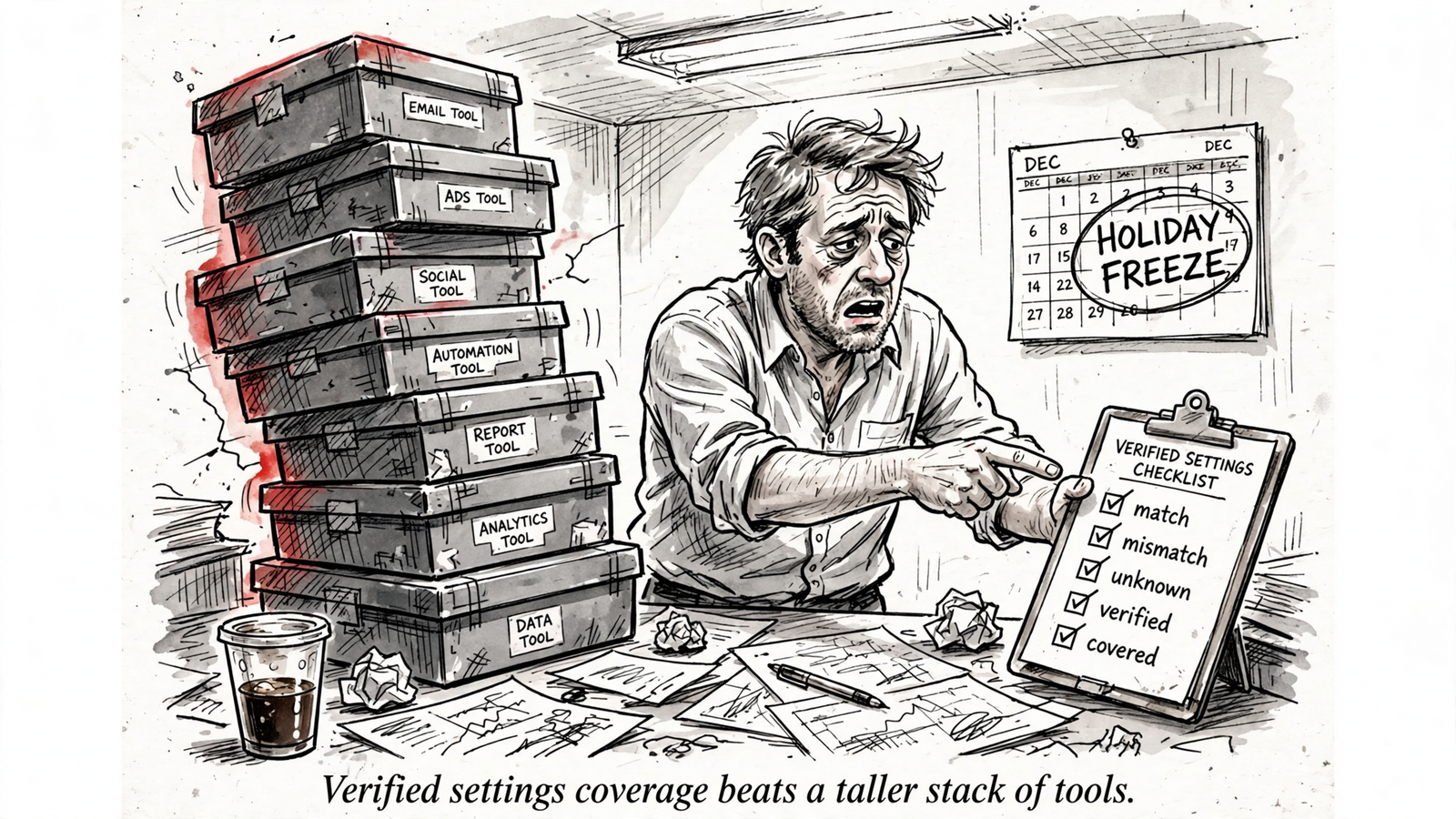
Compare the saved campaign to my intended settings. List each field as match, mismatch, or unknown. Do not activate until every mismatch is resolved. - Treat an unknown on a required field as a no, not as a match you’ll check later.
I learned to care about the distinction watching Exact-match builds broaden when I didn’t expect them to. What I wanted wasn’t another copy of the build brief. I wanted to know what was there. If a connector can’t read a field back, it can’t promise what that field contains. And if it can read a mismatch but can’t fix it, I want Claude to say that too.
If fewer than three of the five document that loop by the review date, I’m wrong. In the meantime, I’d rather verify one saved campaign than watch a demo create a dozen.
Prediction 3: One connection won’t erase platform-specific approvals
By 1 November 2027, I expect cross-platform connectors to still document separate launch checks for Google, Meta and Microsoft, not one universal launch flow. The platforms don’t put the same gate in the same place today.
Google’s official MCP requires a proposal and checksum confirmation before a change, and the confirmation doesn’t give the connector access to bids or budgets. Meta allows a wider set of changes, but new campaigns start paused and tools ask for approval by default. Microsoft adds its own identity requirements at setup. Those aren’t three names for the same thing. Signing in, authorizing a change and activating a campaign are different steps.
I have no objection to one screen. I object to one green light that doesn’t tell me what it cleared. Here’s what I’d ask Claude to show me:
Separate the launch requirements for Google, Microsoft and Meta. Do not copy Search settings to the other platforms. List what stays paused, what needs human approval, and what you cannot verify.
If Claude lists the checks separately, I can see where I still have a decision to make. If all I get back is “approved,” I don’t know if that means the change is authorized, the campaign is ready to activate or the connector has simply run out of questions.
What proves me wrong is a single documented launch flow that Google, Meta and Microsoft all recognize as valid in their own docs by the review date. A connector showing the same button for all three doesn’t count. Until then, I want the platform checks spelled out before I approve the launch.
All-in-one or separate connectors: Buy coverage you can verify
I’ve made the tool-count mistake concrete before: I looked at a Bing MCP with 43 tools that still couldn’t finish a campaign. A long menu tells me what Claude can attempt. It doesn’t tell me whether I can get from a brief to a launch I’m willing to sign off on. The same distinction drove how I ranked three Claude workflows for launch review.
My first choice is one groas connection, as long as it can verify the settings that control spend for the builds I’m running. I’d make that call field by field, not platform by platform. A connector can be perfectly useful for most of a build and still leave me with one setting I won’t sign off on blind.
Say I’m spending $20k a month across Search and Meta for holiday. If my all-in-one can create the Meta ad set but can’t read back a required brand-safety exclusion, I don’t have verified coverage for that build. I have a demo. I’ll check that field in the ads manager or through a specialist connector if it can verify it, and keep the all-in-one where it passes. I’m not paying for 40 tools just to find out the one field I needed wasn’t on the list.
What I’d test now in Claude with groas
I’d connect only the accounts needed for the next launch to Claude through groas. For the Search and Meta example, that means one account of each, not the whole portfolio. I’d leave autopilot off and approve one bounded change. groas leaves autopilot off until I switch it on, logs each change and its reason, and lets me undo a change in one step. That’s the setup I want while I’m testing, not after I’ve decided everything works.
I’d ask for the launch proposal in plain language, then check the action log against it after the change. Did Claude name AI Max, text customization and Final URL expansion? Did it mark anything it couldn’t verify as unknown? Most importantly, did the saved campaign match the proposal? The log tells me what action groas took and why. The saved settings are what I’m signing off on. groas Unlimited is $19 a month flat for unlimited teammates, ad accounts and websites, so I can run the check without starting with the whole portfolio connected.
Here’s the public scorecard for 1 November 2027. The comparison set stays fixed: Google’s official MCP, Meta’s hosted MCP, Microsoft’s Advertising MCP, groas and Composio. I’ll score the bets separately:
- Defaults: At least three of five document what happens to omitted settings for a supported campaign type.
- Verification: At least three of five document the paused-create, read-back, compare and block loop for a supported campaign type.
- Approvals: The platforms still have separate launch checks. One documented flow that all three platforms accept proves me wrong.
I wouldn’t wait for the scorecard to change how I buy. I’d buy the connector that proves what got created and skip the one that counts its tools. After the test, I’d save Claude’s verified settings list next to the campaign ID in the launch doc. When CPA moves in December, I want to know whether AI Max, text automation or Final URL expansion were on from the start, not guess after the spend. That page is the contract my template never was.





