

 LinkedIn

One marketer, two channels, seven days: give Claude the budget-pacing chore, not permission to move money between Google and Meta. Keep your existing Claude setup, add groas at $19 a month, and buy, build, or delegate nothing else this week.
The job is deliberately boring: retrieve spend, show the arithmetic, flag exceptions, and propose exact corrections inside fixed channel allocations. You approve or reject each edit. The cheapest useful AI setup should remove a recurring task before it tries to run the business.
I used to tell clients pacing was a five-minute check. I was wrong. An Optmyzr change-log study of 72,358 Google Ads accounts found 130,800 budget-editing sessions across 20,141 accounts in six months. That is a sensible first delegation: repetitive work with numbers you can verify and limits you can write down.
Everything that sounds like strategy gets cut this week. No new campaigns, no creative testing, no cross-channel reallocation. If you want Claude to pick a winning channel from seven days of pacing data, skip this plan. Incomparable CPAs can make a pointless budget transfer look impressively analytical.
1. Set the spending constraint before connecting anything
Cost: $19 a month for groas, plus your unchanged Claude subscription and existing media spend. Buys: one operating loop, not another software project.
Keep those three lines separate:
- groas: $19 a month for the subscription used to connect Claude to your accounts and carry out approved work.
- Claude: whatever you already pay, unchanged.
- Media: your existing Google and Meta allocations, unchanged.
Nothing in this plan calls for another tool or a bigger advertising budget. groas has no free plan, so this is a paid workflow from the start. For the receipt-level split, read how the $19 subscription sits beside assistant and media costs.
I would judge that purchase against the task it removes, not the number of features available. This week, the subscription earns its place only if checking and correcting pacing becomes less work. Leave everything else alone.
2. Day 1: write the policy before Claude touches a budget
Cost: 40 minutes. Buys: a written boundary for every later proposal.
Keep autopilot off. Record the policy before asking Claude to inspect performance:
- Google account ID, currency, timezone, period allocation, and hard stop.
- Meta account ID, currency, timezone, period allocation, and hard stop.
- Remaining-period limits for each channel.
- The numerical threshold that makes an exception worth flagging.
- What Claude may propose, what it may never change, and who approves edits.
- An explicit ban on transfers between Google and Meta.
Then give Claude the policy alongside the groas connection:
Read this policy back to me. Identify ambiguities. Make no changes. Google and Meta allocations are fixed; transfers between them are out of scope.
If Claude cannot repeat your limits cleanly, your limits are not clean enough. Fix the wording now, while the cost of ambiguity is another sentence rather than an account change.
The policy should distinguish a proposal from permission. “Tell me how to correct this” does not mean “apply the correction.” Keep that boundary intact for all seven days.
3. Day 2: get arithmetic you can check with a calculator
Cost: 30 minutes. Buys: a separate pacing calculation for each channel.
Ask Claude through groas:
For Google and Meta separately, pull actual spend, remaining allocation, and remaining days in this period. Show the arithmetic and source dates. Make no changes. No status colors without the underlying numbers.
For each platform, ask for four pacing measures:
- Ideal spend to date.
- Pacing percentage.
- Projected period-end spend.
- Remaining daily allowance.
Have Claude label the projection assumptions, too. A projection based on the average spend so far is not a promise about what happens next. It is a calculation to inspect.
A pacing read inside 95–105% feels tidy, but that band is convention, not law. Learning phases and seasonal spikes can push spend outside it for honest reasons. Your Day 1 policy decides what deserves attention; a red cell does not.
Account for how the platforms actually spend
Google and Meta do not spend in neat daily slices. On Google, actual daily spend may reach twice the average daily budget, subject to a monthly charging limit of 30.4 times that budget. A daily budget is not a hard daily spending cap.
On Meta, daily budgets work as a weekly average and can run up to 75% above the daily figure on high-demand days, with weekly spend held to seven times the daily budget. Account for that weekly pattern; use lifetime budgets or account spending limits where you need a hard stop.
Do not mistake an instruction to Claude for a platform spending limit. Claude watches the burn; the platforms determine how that burn lands. Demand the source period behind every spend figure before trusting the projection.
4. Day 3: build an exception queue, not another dashboard
Cost: 20 minutes. Buys: a short list of decisions instead of another place to stare at charts.
Ask Claude:
Which accounts are projected to exceed or materially underspend their allocation under my policy? Show the assumptions and uncertainty. Do not recommend transfers between channels. Make no changes.
Each exception needs three fields:
- Size: the projected amount over or under the allocation.
- Arithmetic: the figures and calculation behind it.
- Uncertainty: the assumption most likely to change the projection.
No new dashboard. No chart pack. No Google-versus-Meta winner. If neither channel crosses your threshold, the queue should say so and stop.
This is where trust becomes practical rather than philosophical. In a linked poll of 64 PPC professionals, 40% said they did not trust automation with client budgets. I read that as rational. A bounded queue you can audit is a better response than a promise that the AI knows what it is doing.
Keep the queue narrow enough to check quickly. If every normal spending swing becomes an alert, you have automated the production of noise, not removed a chore.
If an exception cannot show its arithmetic, it is not ready for a decision.
5. Day 4: approve one correction and inspect the result
Cost: 15 minutes. Buys: a test of the full proposal-to-change loop.
Pick one genuine exception from Day 3. Have Claude propose an exact edit, not “optimize the budget.” The proposal must name:
- The campaign and account.
- The current budget.
- The proposed budget.
- The fixed channel allocation the edit stays inside.
- The reason for the correction.
Approve that specific change in plain words. Then inspect the setting inside the ad account and the action log groas keeps. Check that the applied edit matches the proposal, not merely that something changed.
Autopilot stays off. groas logs changes with their reasons and lets you undo them in one step, so the workflow includes a paper trail without unattended execution.
If there is no genuine exception, do not manufacture one to complete the exercise. Review the proposal format and leave the account alone. A quiet account does not owe your new tool a demonstration.
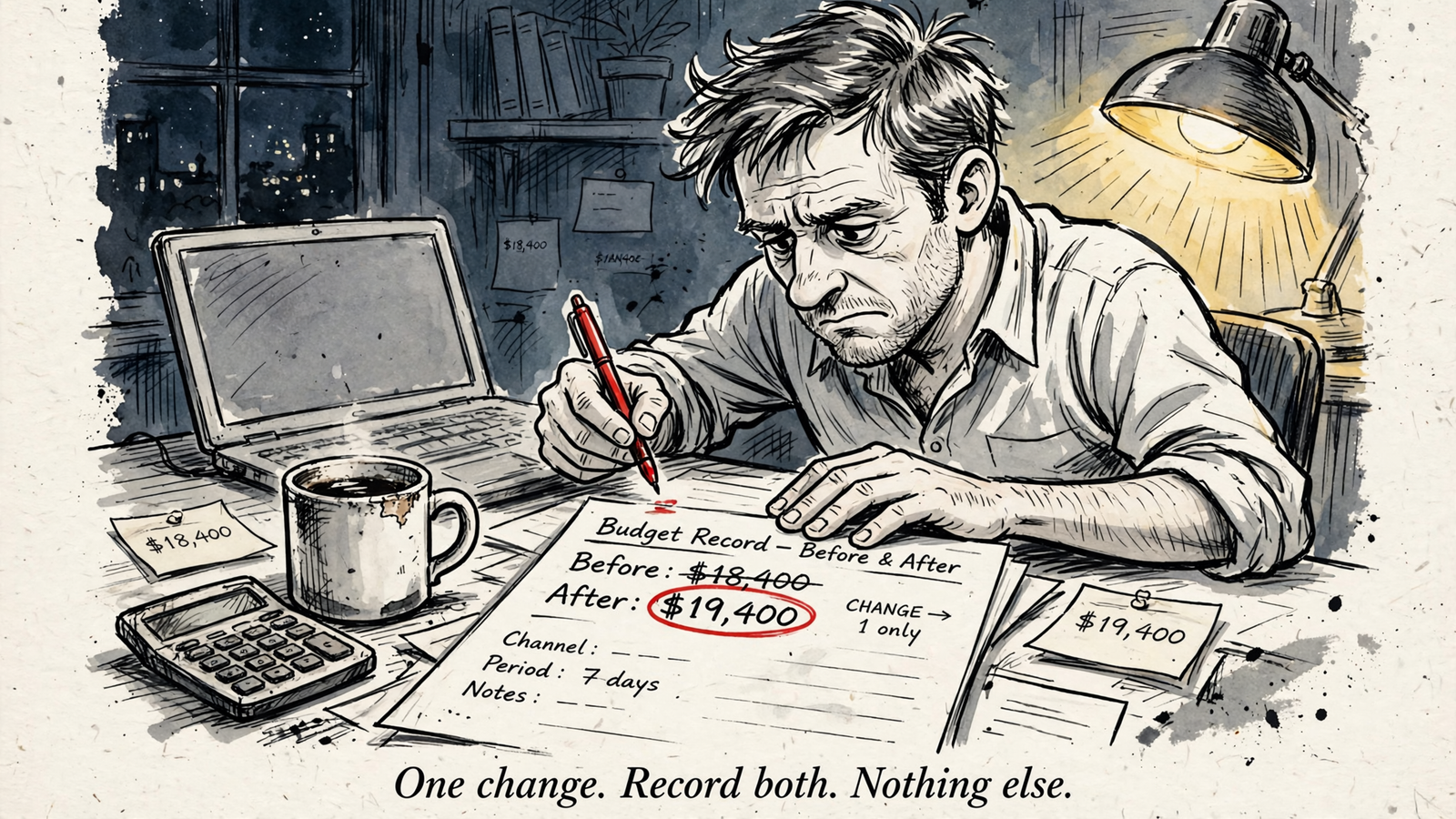
One named correction with a before-and-after record beats ten suggestions.
6. Day 5: reject the cheaper-CPA shortcut
Cost: no additional spend. Buys: protection against turning a pacing check into an allocation decision.
If Claude notices that Google CPA and Meta CPA differ and suggests moving money to the cheaper channel, stop there. Ask:
Explain the conversion definitions and attribution windows behind each CPA before comparing them. Propose no transfers and make no changes.
The problem sits underneath the division. Google Ads, GA4, Meta, and your CRM do not necessarily count or date conversions the same way. Meta has its own click and view windows; your CRM counts people or orders. That is why platform totals do not match and one person can be claimed by both systems.
A lower reported CPA can reflect a different definition rather than better efficiency. The comparison looks precise because both columns contain currency symbols. That does not make the denominators equivalent.
This week does not include reconciling attribution or downstream customer quality. Those are allocation questions, and you have explicitly cut them from scope.
Correct the spend trajectory inside each allocation. Do not use the correction as an excuse to rewrite the allocation.
7. Day 6: write the automation boundary; leave autopilot off
Cost: 30 minutes. Buys: a clear account of what could eventually run unattended.
Do not switch autopilot on this week. Use Day 6 to decide whether any part of the loop is repeatable enough to deserve that permission later.
Write four lines:
- Which campaigns an automated correction may touch.
- The maximum budget change per edit.
- The period cap the workflow must respect.
- Everything that still requires your approval.
Keep the prohibition on cross-channel transfers alongside them. If you cannot write these limits clearly, retain the approval loop from Day 4. There is no prize for graduating to unattended changes.
An autopilot operating under rules you set, logging each change and its reason, and allowing a one-step undo can be useful. An autopilot running on vibes is just spend with extra steps.
The sequence matters: first establish which checks you trust, then define which actions might follow from them. Do not write broad permissions and hope the exceptions teach you where the boundary belongs.
Automate the pacing check you already trust, not the judgment call you have not made.
8. Day 7: decide whether the loop earned its place
Cost: 20 minutes. Buys: a keep, narrow, or stop decision.
Count what the week actually produced:
- Exceptions caught.
- Corrections approved and verified.
- Minutes spent reviewing Claude versus checking budgets yourself.
- Manual work that remains.
- Flags that turned out to be ordinary platform spending behavior.
Then choose one outcome:
- Keep it if pacing checks became faster without surprises.
- Narrow it to one channel if Meta weekly swings or Google overdelivery made too many flags noise.
- Stop it if checking Claude took more time than checking the budgets.
Do not score the week on how much Claude said or how polished its summaries looked. Score the work you no longer had to do and the corrections you could verify.
The evidence behind this starting point describes a recurring chore, not an investment strategy. In the Optmyzr study, budgets represented only 1% of manual change volume but generated 130,800 repeat editing sessions. The study measured Google Ads; it does not establish equivalent Meta behavior. Judge the Meta side against its spending rules and the variance you actually see.
Seven days gives you evidence about this workflow. It does not prove a CPA improvement, and it does not guarantee the loop will remain dependable. Keep the routine only if it reduces work without obscuring control.
9. When the constraint lifts, expand the queue—not the mandate
Cost: no additional purchase required by this plan. Buys: a controlled next step, after the first loop earns it.
Keep the pacing loop for a second week before widening it. When it holds without daily babysitting, expand exception handling inside one channel: Claude drafts exact budget edits, and you retain the approval click. If you tested one correction in week one, make the next job a dependable queue of those proposals, not broader discretion.
After that, add creative checks and search-term reviews as separate queues with their own limits. Do not bolt them onto the pacing prompt and call the resulting pile strategy.
Automatic reallocation between Google and Meta still stays out. That decision remains yours until conversion definitions, attribution windows, and downstream quality are reconciled in one system. Seven days of pacing will not do that work for you.
For the wider execution picture, read how real-time optimization across Google and beyond connects budget and bid changes. groas fits this sequence because the same subscription used to retrieve spend can apply and log an approved edit. It does not leave you with another recommendation to paste somewhere yourself.
Seven days, two channels, one operator, one loop that earns its keep or gets cut. I keep the plan narrow because buying more tools and connecting more channels is not the same as removing work. Start with the recurring task, hold allocations fixed, and make Claude show its math. The cheapest useful setup is not a demo of everything AI might do. It is one boring job you no longer do by hand.
Pacing first. Strategy stays yours.


