

 LinkedIn

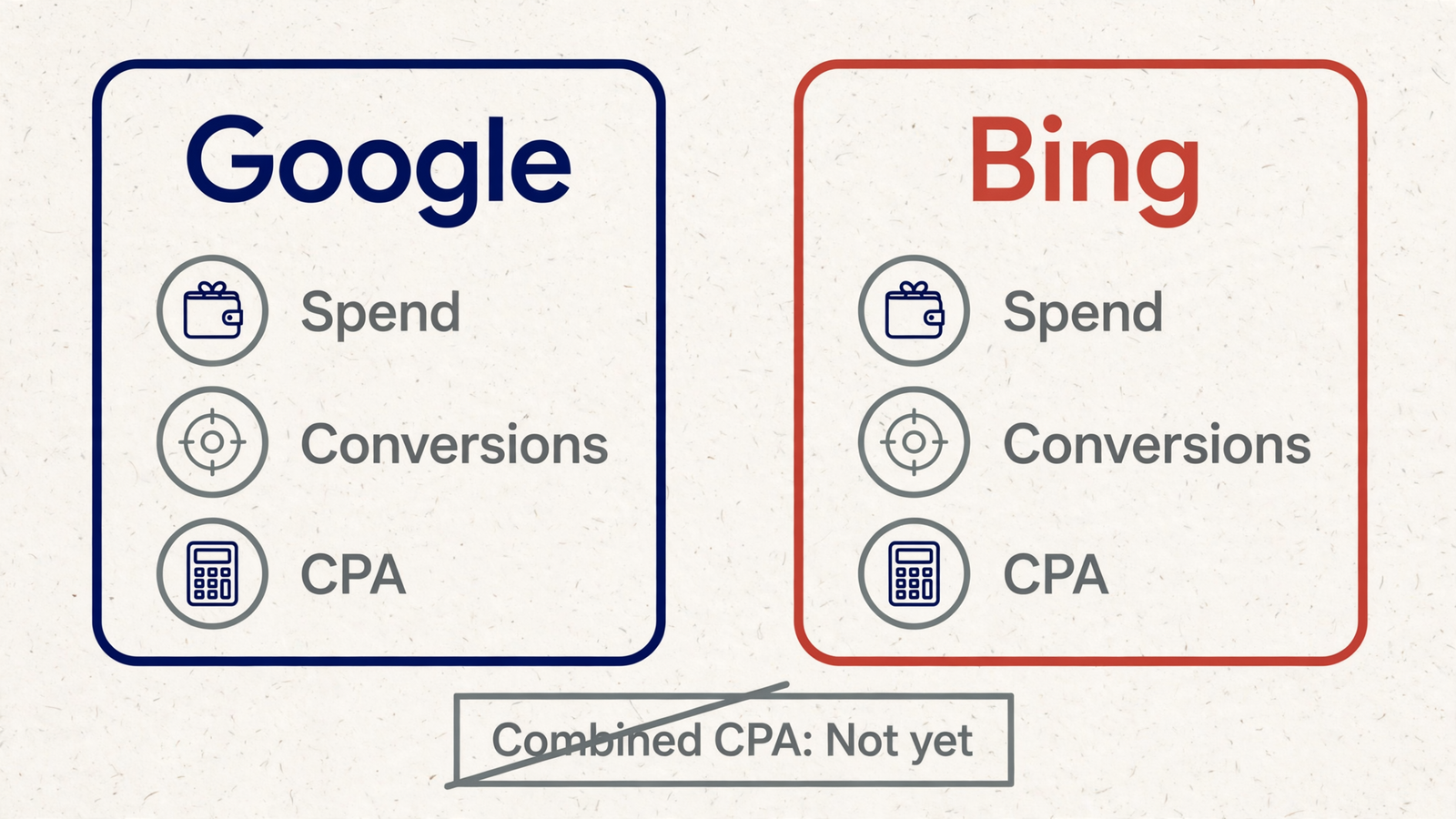
Monday morning: two ad accounts, two exports, and a client waiting for one answer. Should I give them one PPC scorecard in Claude or keep Google and Bing separate? Smart operators disagree because one scorecard cuts the reporting work, while separate channel results stop a tidy CPA from hiding what each platform actually counts. The real dispute is what to combine: the reporting work or the results.
Say Google records a conversion called “Lead” when someone submits an enquiry form. Bing has a goal with the same name, but it fires when the thank-you page loads, including when someone loads it again. That’s an illustration, not a client result. The column headers match. The events don’t. I used to take matching headers as permission to add the numbers in a spreadsheet. I was wrong. The maths still worked, which is what made the mistake so easy to miss.
The case for one scorecard: give Bing the same scrutiny as Google
The strongest argument for consolidation is my calendar. Two exports, two date pickers, currency cleanup and a manual join on Date: do that often enough and the smaller account gets a glance instead of a review. Bing might be sending cheaper clicks, but nobody gets around to asking what those clicks produce. That isn’t a decision about the channel. It’s a decision about how much spreadsheet work anyone wants to do on Monday.
With Claude connected through groas, I connect the accounts once and ask for both platforms in the same answer. One request puts both channels in front of me for the same review. I can see Bing’s spend, reported conversions and CPA next to Google’s, then ask a follow-up without exporting either account again. Across several clients, the time I don’t spend rebuilding the report is time I can spend looking at what it says.
I’d start with a read-only request:
Read our connected Google and Microsoft Advertising accounts. Show spend, conversion actions and reported conversions side by side for the last complete month. Make no changes.
That gives me one place to review both accounts and one place to ask the next question. If Bing’s reported CPA is lower, I can ask which goals contributed to it while the numbers are still in front of me. The best argument for one scorecard isn’t that I get a headline number. It’s that I’m more likely to look properly at both channels in the first place.
The case for separate reports: the same column can count different things
The strongest argument for separation comes from Microsoft’s guide to conversion discrepancies. Microsoft Advertising reports conversions by the date of the ad click, while another tool may report them by the date the conversion happened. Microsoft’s checklist calls for matching goal criteria, conversion windows, counting methods and reporting time zones. The same date range on screen doesn’t mean the same events went into it.
Google has its own ways to make two things called “Lead” mean something different. A conversion action can count Every conversion or One per ad click. Repeat form fills can therefore change one total without changing the other. Then there’s the choice of column: Google’s Conversions column reports primary actions, while All conversions can also include secondary and view-through actions. Google provides a conversion-time column for comparisons with third-party systems. Blend Google’s primary-action count with an unfiltered Bing total and you have a category error with a nice font.
Time zones are the boring part nobody puts in the sales deck. Microsoft’s reporting guide explains that reports default to Pacific time unless a report time zone is set. So “yesterday” can cover different hours in two exports. Putting both totals under the same date label doesn’t fix that any more than changing a currency symbol converts the spend.
Keeping the numbers separate forces me to show what goes into each one. Before I compare the CPAs, I ask Claude to show its work:
Before comparing CPA, list differences in conversion definitions, counting rules, attribution, currencies, time zones and reporting windows. Mark unavailable settings as unknown.
If Claude can’t tell whether Bing counts All or Unique, or which Google actions feed the reported total, I want to see unknown in the report. Matching headers tell me the data fits in a table. They don’t tell me it belongs in the same denominator.
Cross-examination: what would make the numbers comparable?
Check the action, not the goal name
Start with what makes the conversion fire. A form submission and a thank-you page load don’t become the same event because both teams call them “Lead”. Even when the trigger matches, the count can still differ. Microsoft lets advertisers set a window from 1 minute to 90 days, with 30 days as the default, and choose All or Unique counting for each goal. Its API documents per-goal fields for the attribution model, window and counting method. Those are settings to ask for, not blanks to fill with guesses.
Then I check whether I’m comparing the actions the accounts actually optimise for. Google’s primary and secondary action settings distinguish actions used for bidding from actions tracked for observation. A report can put those numbers side by side without showing that one is a target and the other is something the advertiser just wants to watch. I want the event, the counting rule and the reporting column before I put much weight on either CPA.
Don’t call platform claims unique leads
Matching settings won’t deduplicate a customer. Someone clicks a Google ad on Monday, clicks a Bing ad on Tuesday and sends one enquiry. Both platforms can claim it. Add their reported conversions and the denominator can contain two claims for one lead. That might be a total of platform-attributed conversions. It isn’t a count of unique enquiries.
In an r/PPC discussion about reporting and automation, practitioners describe keeping platform conversions separate from Salesforce counts and tracking spend, new leads, qualified leads and customers won by location and week. That split answers two different questions: what did the ad platforms credit, and what turned up in the business? If I can’t supply or check the CRM or sales records, I won’t ask Claude to give me a deduplicated cost per qualified lead. The ad accounts alone don’t support it.
Check whether the recent numbers are still moving
A date range can be over before the conversions are done coming in. Google lets advertisers set windows by conversion action. Its conversion window documentation lists defaults of 30 days for click-through, 3 days for engaged-view and 1 day for view-through, and explains that changes apply going forward. Even within one account, I don’t treat a period that spans a window change as a clean comparison with the period before it.
There’s also processing lag. Microsoft’s reporting guide puts click processing at up to 2 hours and conversion processing at up to 3, while invalid-traffic adjustments can take a week or more. The practitioners in that same r/PPC thread describe ending conversion reports about 3 days back, checking spend daily and reviewing conversions weekly. The point isn’t that 3 days makes every figure final. It’s that if spend is already in the report and some conversions aren’t, the slower-reporting channel can look more expensive than it is. I wouldn’t move money on that comparison.
Which setup leaves me with less reporting work?
Manual CSVs work for a one-off. The problem is doing the same export, cleanup and upload every time I want a fresh answer. Bing is the tell: without a native Looker Studio connector from Google or Microsoft, that side of the dashboard still needs a third-party connector or a CSV-to-Sheets step. The first report is a task. The second is the start of a standing appointment.

A reporting connector takes the exports off my plate, but I still have to check the account limits and tell the report what counts. Supermetrics lists its Starter plan at $44 a month billed yearly, with 1 core destination, 3 data sources, 3 accounts per data source and 1 user. Bing is supported, but for an agency running several accounts on both platforms, the per-source cap matters before anyone gets to the blended CPA. And a connector that puts spend and conversions in matching columns has made the data easier to read, not made the conversions equivalent.
I’d use groas here because the same connection can report now and act later. I connect Google Ads and Microsoft Advertising, plug Claude in through MCP and ask for the side-by-side report. Autopilot stays off until I switch it on. When I do ask for a change, it’s logged and undoable. The platform-native route leaves more setup with me: Google’s MCP server requires Python, a Google Cloud project with the API enabled and local credentials; Microsoft’s setup requires an Azure AD app registration, Claude’s callback URI and an OAuth client. Free server, expensive if I’m the one maintaining it.
groas Unlimited is $19 a month flat for unlimited teammates, ad accounts and websites, with every feature and all the data included. For this job, I’d take that over an export routine, a reporting-only plan with per-source caps or two platform-native setups. I want to spend the review checking what the accounts counted, not getting both accounts into the room.
Verdict: one Claude conversation, two channel tables
For anyone managing Google and Bing together and using CPA to make budget decisions, I’d consolidate the workflow now and keep the channel results separate. One consideration decides it: can I explain what the denominator counts? If I can’t show that the conversion definitions and reporting windows are comparable, I can’t defend a blended CPA to a client. Saving the time it takes to assemble the report doesn’t change that.
I’d make this the standing request. There’s a worked example of the same approach in the Google and Bing reporting walkthrough, even if you never use ChatGPT:
Produce a shared executive summary, retain separate Google and Bing performance tables, and explain whether a combined CPA is defensible. Do not move budgets.
That last sentence stays. I want Claude to show me what the accounts count before I ask it to act on what they report. A logged, undoable change is useful. It’s not a reason to act on a number I can’t explain.
I’d put a blended platform CPA on the page only when all four checks pass:
- Same event, same counting rule. Both actions fire on the same event and handle repeats in the same way. Check Every versus One and All versus Unique rather than assuming the labels line up.
- Comparable attribution and windows. Check the attribution model, whether the report uses click or conversion dates, and how long each action can earn credit. If a difference remains, spell it out and say why it doesn’t defeat the comparison. An unknown doesn’t pass.
- Same currency and reporting boundaries. Use one currency and time zone, the same complete-month boundary and data that isn’t still filling in enough to change the comparison.
- Channel CPAs stay visible. Put the blend beside the two figures it came from. Label it as platform-attributed; don’t sell it as a deduplicated cost per lead.
This week, I’d connect the accounts through groas, run the side-by-side report and let the definitions check decide whether a blended CPA makes the page. Until it earns its place: one conversation, two tables.





