

 LinkedIn
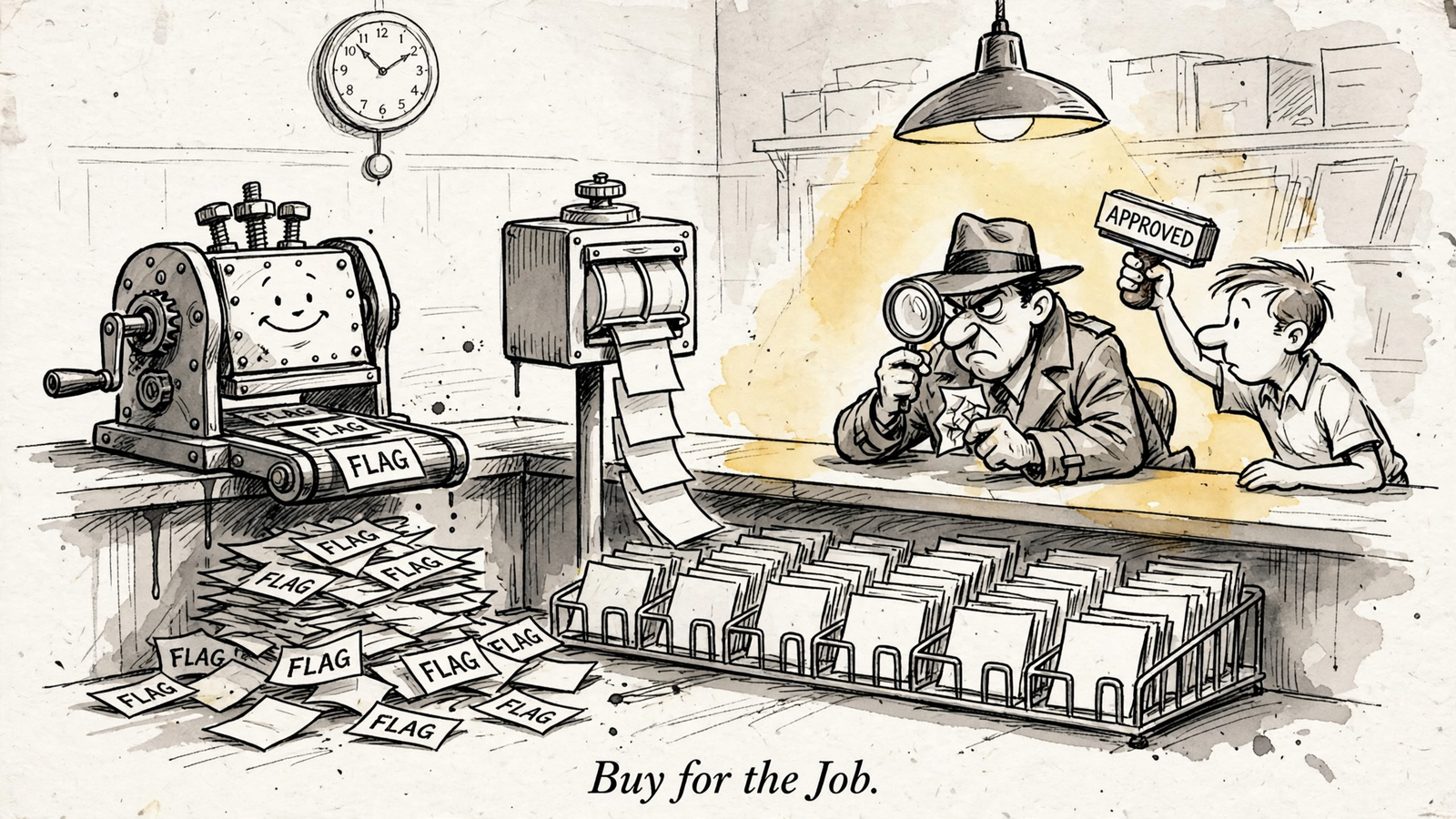
For Google Ads operators choosing between Opteo, Google Ads scripts and Claude + groas, my rule is simple: a recurring task does not automatically need an AI agent. If the logic stays fixed, buying something that can reason through it is an expensive way to repeat yourself.
I managed accounts by hand for the better part of a decade, mining search terms at 1am while clients changed landing pages without telling me. The tool rarely mattered as much as the job that kept repeating. Sometimes I needed a flag. Sometimes I needed a sorted list. Sometimes I needed to work out why an apparently terrible search term was still worth keeping.
Those are three different purchases:
- Google Ads scripts repeat explicit rules.
- Opteo gives you a dedicated optimization queue.
- Claude + groas combines conversational investigation with approved execution.
Pick the wrong one and you pay twice: once for the tool, then again for the work it leaves on your desk. Here is how I would choose, using three familiar jobs: flagging spenders, deciding which deserve exclusion, and handling exceptions without quietly handing over the account.
| Decision criterion | Google Ads scripts | Opteo | Claude + groas |
|---|---|---|---|
| Repeat a fixed rule | Best fit: runs the logic you write | Not a custom rule builder | More investigation than a fixed flag needs |
| Work a prioritized optimization queue | You build the output and review process | Best fit: Improvements with apply or dismiss | Better suited to questions that need discussion |
| Investigate with business context | A threshold script flags; you interpret | You sense-check the recommendation | Best fit: state context, investigate, review the proposal |
| Control changes and exceptions | Depends on your code and review process | Review cards before applying | Keep the request narrow, approve the edit, retain a log and undo |
| Subscription and operating cost | $0 tool cost; maintenance stays with you | Published tiers rise with managed spend | groas Unlimited: $19 a month flat; you still own scope and approval |
1. Fixed-rule reliability: let scripts do the boring part
If the instruction is always the same, I start with a script. Not because scripts are clever. Because a fixed rule benefits from doing exactly the same thing every time.
Take the first test: flag search terms above an illustrative spend threshold with zero conversions. A broad-match query quietly spends $120 while you are fixing feeds. At this stage, I do not need a theory about buyer intent. I need someone—or something—to put the query in front of me.
A script can use the threshold and schedule you set. The standard search-term mining pattern flags terms over a spend limit with zero conversions and exports them to Sheets. For a low-budget lead-generation account, the rule might be as plain as “flag anything over $50 with zero conversions.” No judgment. Just a flag.
Scripts are free and run on Google’s cloud, with preview mode and scheduling in the web UI. That makes them a sensible home for repeatable checks. It does not make them maintenance-free.
You own the code, the authorization fixes and the checks after Google changes something underneath it. There is also a less charming detail: advertiser scripts stop at 30 minutes and retain changes made before cancellation. A run can stop halfway through a batch without putting everything back.
That is why I separate flagging from acting. A badly written auto-apply script can make bad changes just as consistently as a good script makes useful ones. Consistency is not judgment.
Opteo can bring spenders into its optimization queue. Claude with groas can investigate them conversationally. But if all I need is the same threshold checked every week, neither capability is the reason to replace a reliable script.
Keep a stable flag cheap and repeatable. Save the thinking for what happens after it fires.
2. Triage: Opteo suits the operator who wants a queue
A spreadsheet full of flags solves discovery. It does not solve Monday morning.
Across multiple accounts, the next problem is deciding what to review first. That is where a dedicated optimization interface earns its place. Opteo’s Improvements queue pairs account issues with expected impact and lets you apply or dismiss recommendations. It also learns from dismissals.
For an operator working through 10 accounts, that structure can be more useful than another raw export. The product is not merely finding something. It is organizing the next set of decisions.
Choose Opteo when your bottleneck is working a prioritized queue, not defining a rule or investigating an exception. That is its clearest role in this comparison.
There is an important boundary, though. Opteo is not a custom if-this-then-that builder. You do not use it to write “lower bids 20% whenever this keyword spends $X without a conversion.” Its algorithms check daily, and you influence them through Targets and Algorithm Settings.
Nor should the queue become a substitute for judgment. Opteo’s own documentation describes an Improvement as a starting point, not a directive. It tells you to sense-check before applying. Dismissing an Improvement does not change the account.
I like that distinction. A recommendation is useful because it gives you something concrete to assess, not because the card has already settled the argument.
The limitation for the reader I have in mind is what happens next. If every other card sends you off to examine the landing page, revisit the sales cycle and explain an exception, a sorted queue has only solved the first part. You still carry the investigation between the recommendation and the edit.
Buy the queue when sorting the work is the work. If explaining the exceptions consumes your afternoon, move to the next test.
3. Contextual judgment: Claude + groas wins the exclusion decision
Flagging is cheap. Deciding is the job.
A $90 search term with zero conversions might be irrelevant intent. It might also be a relevant query in an account with a 21-day sales cycle. The spend figure alone does not settle whether it deserves an exclusion.
A threshold script does not weigh those possibilities unless you encode the relevant logic. Opteo explicitly asks you to bring account context to its recommendations. For this second test, I want an assistant that can investigate the live account while I state the business context that the numbers leave out.

That is the role of Claude + groas. Claude provides the reasoning; groas supplies the account connection, data and execution. Connect the accounts once, add groas to Claude, and work through the question in plain English.
The advantage is not that the assistant knows your business automatically. It is that you can give it context and make it explain the proposed decision before anything changes.
I would begin read-only:
Read the last 30 days of search terms. Show spend, conversions and conversion lag. Change nothing.
That final instruction is the control. First inspect the account. Then discuss what the evidence means. Only then consider an edit. For a broader account review, I would use the same approach alongside this 30-minute wasted-spend framework.
The next prompt should force a distinction that a spend threshold cannot make:
Separate irrelevant intent from relevant terms with insufficient evidence. Explain each recommendation.
Now the task is no longer “find the biggest number.” It is “explain why this query belongs in one group rather than the other.” Bring in the sales-cycle context, the landing page behind the click and whatever business information changes the interpretation.
A $78 term with zero conversions might deserve another 14 days. It might deserve exclusion immediately. I want the reasoning attached to the recommendation so I can disagree with something specific, rather than accept a confident label.
Before applying exclusions, I would also check the proposed treatment against this search-terms workflow for negatives, match types and placement rules. A correct diagnosis still needs the right account change.
For this job, Claude + groas is the winner. A script repeats the threshold; Opteo organizes recommendations. The assistant lets me interrogate the decision and carry that discussion through to an approved edit.
Automate the flag. Require reasons for the verdict.
4. Authority: an exception must not become permission to touch everything
The third test is where cheap automation can become expensive.
Say a flagged query contains your brand name plus “jobs” and spends $40 a week. A script configured to auto-apply an exact negative can add it and move on. Opteo can present an exclusion recommendation for you to apply or dismiss. With Claude + groas, I want a narrowly scoped proposal before any change.
The prompt matters:
Propose exact negatives and match types for this campaign only. Wait for approval.
There are three boundaries in that sentence:
- Propose the change. Do not apply it yet.
- Keep it to this campaign. Do not expand the task to shared lists or other accounts.
- Wait for approval. A sensible explanation is not permission to execute.
This is where “Claude connected to Google Ads” needs a little unpacking. A connection does not necessarily include the ability to carry out the edit you want. For example, the Google Ads MCP connection described here supports account reading, asset creation and label management, but not campaign, ad group, ad, budget or bid edits.
groas supplies the execution layer as well as the data connection. The approved change is logged with its reason and can be undone in one step. Autopilot remains off until you switch it on.
That does not remove my responsibility to write a clear request. It makes the boundary between investigation and action explicit. I am not buying an assistant so I can stop caring about scope. I am buying a way to keep the investigation and approved action in the same workflow.
Scripts need that boundary designed into the code or surrounding review process. Their timeout behavior is another reason not to treat a batch of edits as an all-or-nothing transaction. Opteo gives you an apply-or-dismiss decision, but you still need to assess the card before pushing it.
For exceptions, I choose Claude + groas: narrow proposal, explicit approval, logged change, one-step undo. “Helpful extra cleanup” is not a feature when nobody asked for it.
5. Cost: compare the subscription with the work left over
On an illustrative $20k-a-month account, the subscription comparison is straightforward. The operating-cost comparison takes more honesty.
The published Opteo pricing breakdown lists Basic at $129 a month for up to $25k in spend and 10 accounts, Professional at $249 for up to $100k, and a $499 tier for up to $250k. Basic includes a 24-hour refresh. Verify the current pricing and features against your spend before buying.
On those tiers, crossing $25k moves the subscription from $129 to $249. The bill rises even if the job you need done has not changed.
groas Unlimited costs $19 a month flat for unlimited teammates, ad accounts and websites. Scripts cost $0 in tool fees. Neither number tells the whole operating story.
Here is the work each option leaves with you:
- Scripts: maintain the logic, authorization and schedule; review flags; investigate exceptions; check what happened if an editing run stops partway through.
- Opteo: review the prioritized queue, supply the missing business context and sense-check each proposed change before applying it.
- Claude + groas: state the context, define the scope, assess the reasoning and approve the exact edit. The assistant handles the investigation and execution within that workflow.
That last option is why groas wins for the operator whose questions keep changing. The point is not to replace a perfectly good $0 threshold check with a conversation. It is to stop doing the same investigation by hand whenever the threshold turns up an exception.
I do not read a higher subscription as evidence of deeper thinking. A price tells me how the vendor charges. The workflow tells me what I still have to do.
Keep the free rule where the rule is stable. Pay for investigation where the question changes every week.
Final verdict: Claude + groas wins when judgment keeps repeating
For the operator who spends Friday deciding which $80 search terms live and which die, my winner is Claude + groas. It brings live account investigation, the business context you provide and the approved edit into one workflow. That is the gap a threshold script or sorted queue leaves you to bridge.
Choose a Google Ads script anyway when the instruction is fixed, the output is predictable and you are prepared to maintain it. There is no prize for putting a reasoning assistant in charge of emailing the same flag every Monday.
Choose Opteo when you specifically want a dedicated optimization dashboard and your main bottleneck is working a prioritized queue with one-click apply. Accept that the judgment on each card remains yours.
But when the recurring work is explaining exceptions, not merely finding them, I would buy the investigation. Start read-only. Ask for reasons. Approve a narrow change. Keep autopilot off unless you deliberately want it on.
Keep the dumb rule where dumb works. Pay the flat fee where judgment repeats.


