

 LinkedIn

A cheap AI workflow should be allowed to say “not enough data,” not manufacture a daily list of Meta ads to kill. I want Claude to earn every pause recommendation: check reporting delay, compare delivery, apply the business’s economics, and respect an explicitly chosen loss limit before anything changes. On a $30-a-day account, a tidy kill list can look like discipline while throwing away the little evidence the budget bought. This is the checklist I would put between that list and the pause button.
1. Choose an input route you can maintain
- Choose manual exports for occasional reviews. An Ads Manager export pasted into Claude avoids an extra connector fee and keeps Claude away from account controls. The export-versus-live-connection decision is about access and workflow, not which route produces a more confident-sounding answer.
- Test file analysis before building the workflow around it. Confirm Claude can read your file and identify its columns. File types, upload limits, and usage allowances can affect the review; check the file-upload and usage restrictions rather than assuming a failed upload needs a cleverer prompt.
- Export ad-level spend, results, cost per result, dates, ad IDs, and the campaign or ad-set context needed for the comparison. If a required field is absent, have Claude name it as missing rather than reconstruct it from a campaign total.
- Choose groas when the workflow needs live reads and approved changes. groas Unlimited costs $19 a month, with assistant charges separate. It provides the connection and logged actions; Claude still has to pass the evidence checks. Paying for access does not buy a verdict.
- Start read-only. Keep the review separate from execution until you can inspect the inputs, understand each recommendation, and approve its scope. A useful first run ends with a table, not a changed account.
2. Give Claude the economics before the metrics
- Confirm the account, campaign objective, reporting window, and attribution setting. Put all four in the prompt. An ad reviewed against the wrong objective or window can look broken when the review itself is wrong. Use the account’s actual settings, not an assumed default.
- Keep attribution consistent across the comparison. A 7-day click and 1-day view setting is not interchangeable with a different window; the attribution and reporting-delay explanation matters because recent and older results may not yet be equally complete. Label the basis beside the numbers.
- Supply the break-even number, not a generic ROAS target. Break-even ROAS is 1 divided by contribution margin after COGS, shipping, fees, packaging, and returns. At 40% margin, that is 2.5x, using the break-even ROAS formula. Claude should not substitute an industry benchmark for your economics.
- Translate those economics into the metric being judged. With an $80 average order value and 51.25% contribution margin, break-even CPA is about $41. Keep that ceiling beside the reported CPA on the same attribution basis; a cheap click does not settle whether a purchase is profitable.
- Distinguish break-even CPA from the target CPA used in the account. If you supply both, label both and tell Claude which governs the recommendation. “Above target” and “losing money” are not interchangeable descriptions.
- State the maximum additional loss you will accept before the next review. A break-even number describes the economics; a loss limit controls the next decision. Do not let Claude quietly turn a $41 CPA ceiling into permission to spend indefinitely while waiting for certainty.
3. Check whether the evidence can support a pause
- Exclude an incomplete day from pause calculations. Today’s spend and today’s reported purchases do not necessarily describe a finished comparison. Keep the partial day visible if useful, but do not mix it into settled performance and call the result decisive.
- Re-read recent results for conversion delay. Reload a rolling 30 days on the same
action_report_timebasis so late-reported conversions can update the picture. A 7-day click and 1-day view window can leave recent ROAS incomplete; it does not mean Meta withholds every conversion until the window closes. - Compare periods with comparable reporting maturity. If the recent window is still open, mark that limitation explicitly. Excluding today helps, but yesterday does not automatically become settled just because the calendar moved on.
- Compare spend and delivery opportunity, not purchase counts alone. An ad with $4 spend and zero sales has not had the same test as an ad with $96 spend. Put the spend, results, and share of ad-set delivery beside one another before assigning a verdict.
- Treat starved delivery as insufficient evidence, not proof of a bad ad. A low-budget pause rule may flag spend beyond 1x target CPA or very low delivery for review. Neither flag, by itself, proves the creative failed or overrides the chosen loss limit.
- Record learning status without using it as a substitute for judgment. The commonly cited learning threshold is around 50 conversion events in 7 days, but “after learning” does not supply missing economics, comparable delivery, or a completed reporting window. Keep those checks separate.
- Treat frequency and falling CTR as clues. Common fatigue thresholds can flag an investigation, not deliver a verdict. Run them through the fatigue check that separates frequency noise from real fatigue. High frequency with stable CPA is not an automatic pause.
- Check tracking and the landing page before declaring the creative guilty. If clicks hold but purchases vanish, inspect the pixel, Conversions API, URL parameters, and destination page. Name the suspected measurement or page problem; do not relabel it “creative fatigue” because that makes the table easier to finish.
- Separate an account problem from an ad verdict. A tracking concern can make the evidence unreliable without proving the ad deserves a pause. If stopping spend is proposed while the issue is investigated, state that reason and request approval explicitly.
4. Require three verdicts and a readable evidence table
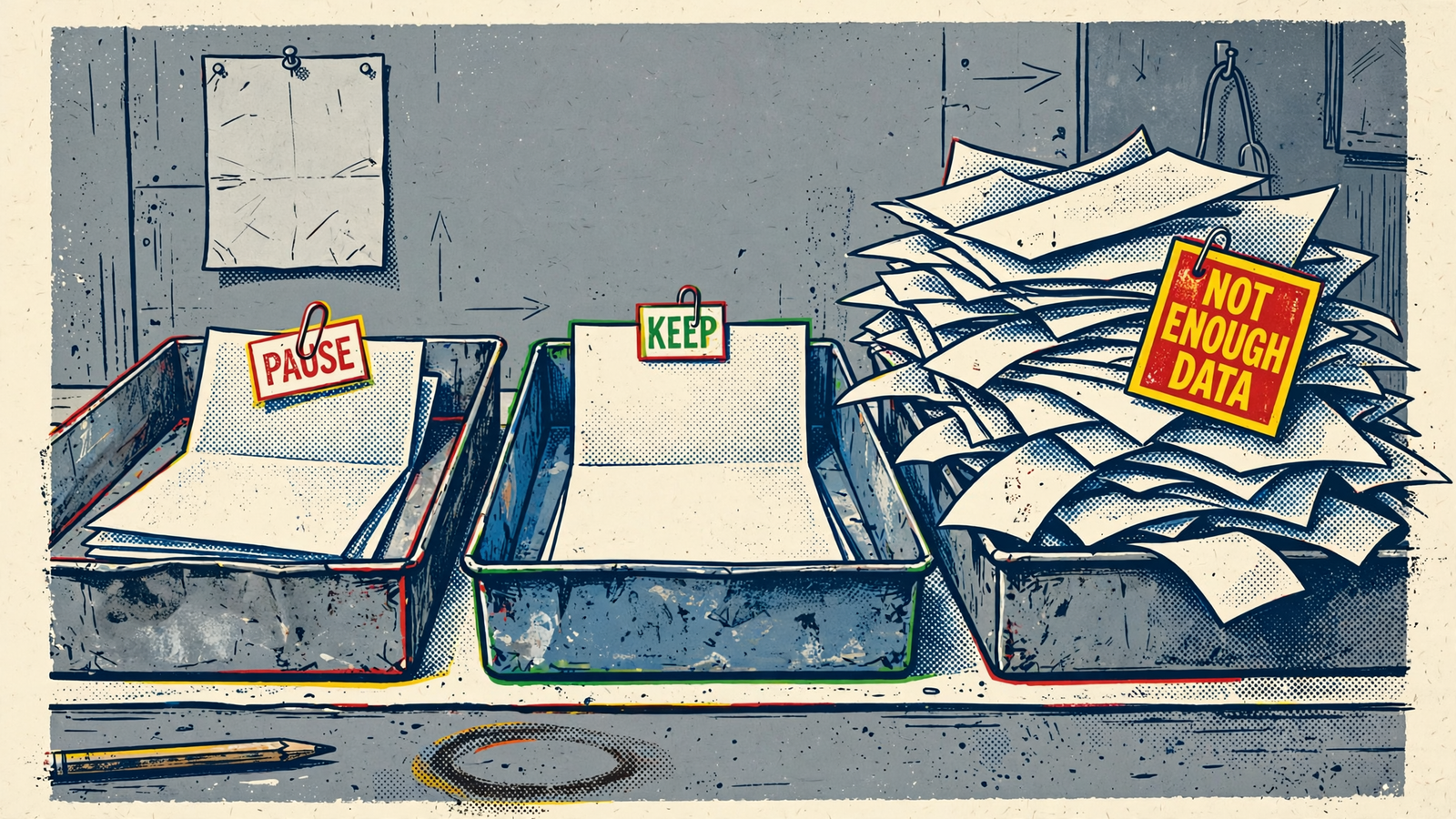
- Allow exactly three verdicts: pause, keep, or insufficient evidence. The third is not an apology. On low spend, it is often the only defensible answer. Claude should not promote uncertainty into confidence merely because the prompt asks for recommendations.
- Request one row per ad. Include ad ID, spend, results, cost per result, share of ad-set delivery, reporting window, attribution setting, verdict, supporting evidence, and missing information. Keep the source metrics visible enough that you can challenge the recommendation without reopening the whole conversation.
- Make every pause recommendation explain its mechanism. “Above break-even CPA after allowing for reporting delay” is a reason you can inspect. “Poor performer” is a label. Require Claude to identify the relevant economics and evidence, not decorate the verdict with optimization jargon.
- Mark missing fields as missing. Do not allow invented delivery shares, inferred attribution settings, or a campaign budget presented as an individual ad’s daily spend. No source metric, no confident claim about that metric.
- Show spend at risk without disguising a projection as a result. Ask for current spending and a 7-day projection only where the available allocation supports them. Under a campaign budget, the full daily budget is not automatically the amount one weak ad will waste.
- Give every insufficient-evidence row a next step. State what is missing, what additional spend is permitted, and when to review again. Insufficient evidence must not become a polite label for “leave this running forever.”
5. Control the next dollar before approving a change
- Set a maximum additional test spend for each uncertain ad. With $18 spent, zero purchases, and a $41 break-even CPA, you might approve another $23 before review. That is a chosen test cap, not a universal rule that every ad must pause at exactly 1x CPA.
- Have Claude propose the cap and wait for approval. State whether an existing cap has already been reached; do not quietly reset it at each review. More time for reporting and more permission to spend are different decisions.
- Run the conversion-lag-aware, report-only checks before authorizing execution. If results may still arrive, Claude should distinguish waiting for the report from buying more traffic. “Let the window settle” is not an instruction to keep spending without a limit.
- Approve exact ad IDs and scope. Require campaign names, ad IDs, and the proposed action for each item. A verdict of insufficient evidence means hold for review under the approved limit; it is not a new instruction to pause, duplicate, or increase anything.
- Keep pause and budget actions behind an approval gate. Use the connector permission controls to require confirmation for changes, and inspect the tools actually exposed in your setup. Follow the scoped MCP review approach rather than granting broad permission for convenience.
- Do not automatically raise other budgets after a pause. Removing one ad does not authorize a second budget decision. Keep the approved action narrow enough that the eventual change log can be checked against it line by line.
- Record the previous state before execution. Note what will change and how it can be restored where the platform permits. Do not assume a native one-click undo exists in Meta, and do not confuse an assistant’s stated intention with a completed action.

6. Paste the rules before asking for recommendations
- Put the decision rules ahead of the request for a pause list. Paste this beneath the export or into the live-read conversation, then fill in the account, objective, reporting window, attribution setting, break-even economics, and approved loss limits.
Classify each ad as pause, keep, or insufficient evidence. Cite the source metrics and name missing information. Check reporting delay, comparable delivery, tracking concerns, and business economics before recommending a pause. Do not infer missing values or treat low delivery as proof of failure. For uncertain ads, propose a maximum additional test spend and a review point. Propose changes only; wait for my approval of exact ad IDs and actions. Do not raise budgets. After any approved change, re-read the status and report the matching change-log entry.
- Reject a table that breaks the prompt. If Claude supplies only pause and keep, omits attribution, or recommends spending without a cap, send it back for correction. A polished explanation does not excuse a missing gate.
7. Check the logic against a $30-a-day example
- Use this as an illustrative read, not a promised outcome: one campaign budget, four ads, $30 a day, $80 average order value, $41 break-even CPA, and a 7-day click window. The four ads spend $210 in total. Recent results still need the reporting checks above.
- Ad A: keep. It has $96 spend, 3 purchases, and a $32 CPA. That sits below the supplied $41 break-even ceiling. Keep the reporting basis and tracking checks attached to the verdict rather than treating three purchases as permanent proof.
- Ad B: recommend pause, subject to approval. It has $84 spend and 1 purchase, with an $84 CPA after allowing for the attribution window. That exceeds the supplied break-even ceiling. Do not call the whole $30 campaign budget this ad’s daily waste.
- Ad C: insufficient evidence. It has $22 spend, zero purchases, and an open reporting window. A proposed $19 additional test cap brings total spend to $41, but only if approved. Reaching that cap triggers a review, not a fabricated certainty about the creative.
- Ad D: insufficient evidence. It has $8 spend and no reported purchase evidence to support a confident verdict. Low spend is not an acquittal or a conviction. Record the missing evidence and agree on the next review rather than killing it on appearance.
- Preserve the result: two holds, one keep, one proposed pause. Do not invent a savings figure from those observations. Future allocation and later conversions are not supplied by the example, however tempting a neat before-and-after number looks.
8. Finish with the check most often skipped
- Run the performance review weekly rather than manufacturing a daily kill list on low spend. Use the same attribution basis and refresh recent results. A weekly cadence does not make every conversion window complete, and an approved loss limit still matters between reviews.
- Let a review end with no pauses. Three holds and no confident pause can be the correct output. The checklist exists to control decisions under uncertainty, not to guarantee Claude finds something to switch off.
- Verify final status and the change log after every approved action. Re-read the exact ad ID and match its status to the Meta activity history: item changed, old value, new value, author, and date. If the author or action differs from what you expected, investigate before judging the next period. groas logs each change with its reason, making the approved action easier to check against execution. This is the item most often skipped, and the cost is concrete: an ad you thought was paused that keeps spending $12 a day burns $84 a week. No log line, no confidence. No re-check, no checklist.


