

 LinkedIn

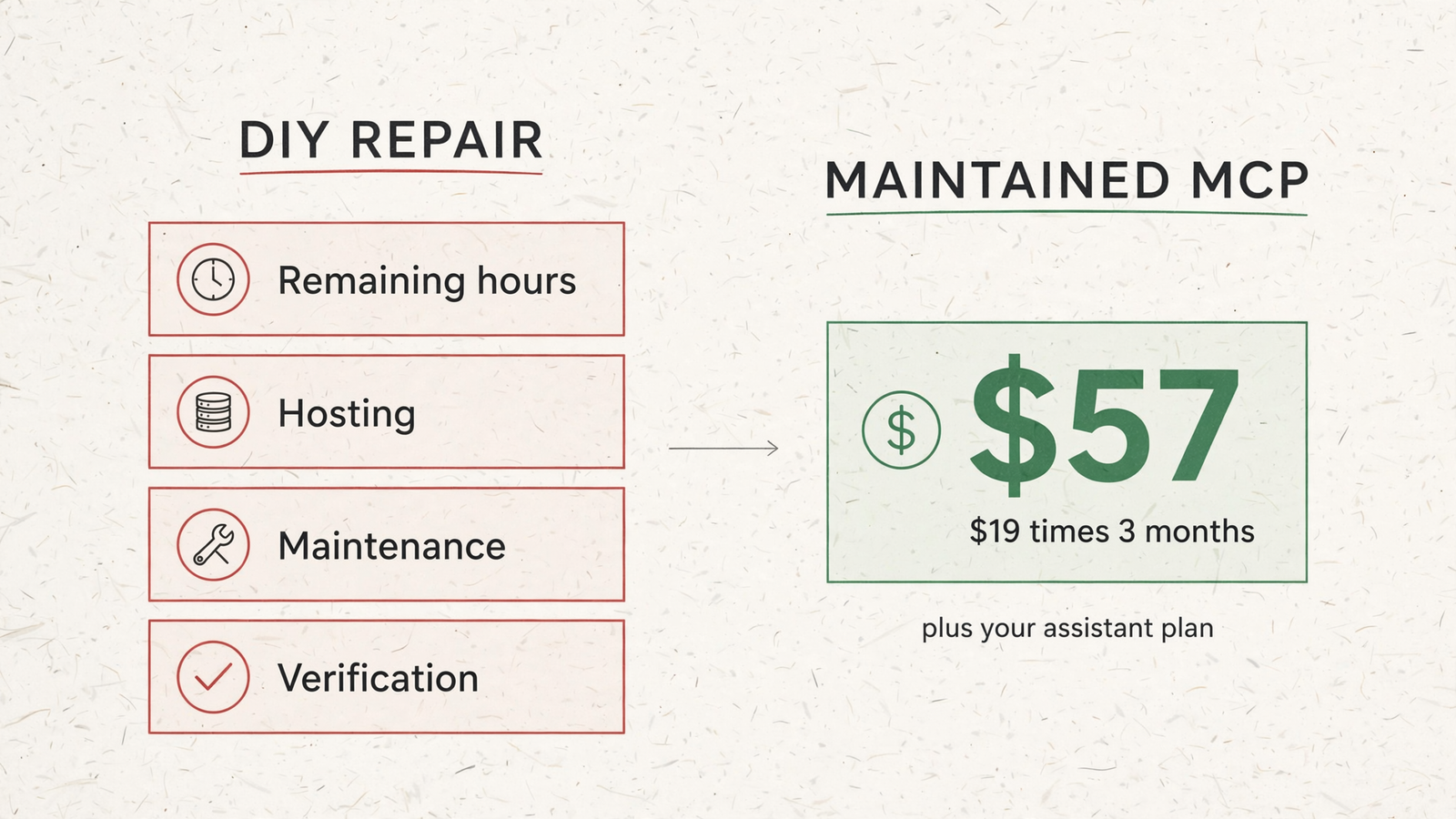
The next 90 days on a maintained ChatGPT connection for Google and Meta ads start at $57 in groas subscription fees. If you value your time at $50 an hour, 10 to 40 hours left on a DIY repair means $500 to $2,000 in labor alone, before hosting, maintenance, or verification. That’s an illustration, not a market range. Your repair bill starts with what’s left in your repo, not what someone else spent building theirs.
I know the impulse to defend a setup that works well enough to keep and badly enough to have you fixing it at 1 a.m. I’ve done it with a Google Ads structure. The hours I’d already spent explained why I wanted to keep going. They didn’t tell me whether the next six would pay. Start the clock today. Yesterday’s debugging is sunk, and your ad spend belongs in neither column. The campaigns buy media. The connector gets you into the account. Those are different bills.
The 90-day ledger: one-off, recurring, and easy to miss
| Cost line | DIY repair | Maintained MCP | Where the figure comes from |
|---|---|---|---|
| One-off: implementation and setup | Remaining build hours × your hourly value | Time to connect and check your accounts | Your remaining-work inventory; CData’s DIY estimates are a reference, not a quote |
| Recurring: access or subscription | No Google Ads API access charge at Explorer, Basic, or Standard | $19 a month × 3 = $57 | Google Ads API access levels; groas Unlimited |
| Recurring: hosting, storage, monitoring | Any extra cloud charges, plus time to keep things running | No separate hosting line for the groas connection | Your cloud bill and what you’re actually running |
| Recurring: assistant usage | Count any extra model usage the build requires | Count any additional assistant cost the connection requires | Your current bill and ChatGPT pricing |
| Hidden: maintenance and repairs | Your low-to-high estimate for repairs, API changes, and credential upkeep | groas maintains the connection | Your maintenance estimate; the groas subscription price above |
| Hidden: verification and approvals | Time to check reports and approve writes if you use them | Still your time | Your minutes per report or approval |
The listed price I can put straight into the comparison is $57 for three months of groas Unlimited. It’s not the whole cost of using the connection. The DIY side doesn’t have an honest fixed total, and a free API doesn’t make the work around it free. Put a figure on each line that changes between the two routes. If you’re already paying for an assistant and neither route changes that bill, leave it out of the comparison.
Line 1: Price the job you haven’t finished
“Connected to ChatGPT” can mean three different jobs. I wouldn’t put an hour against the build until I knew which one I was buying:
- Read-only reporting: Return spend, clicks, conversions, and currency for named accounts and dates.
- Drafting: Prepare a campaign or budget change, then stop for approval.
- Execution: Write to the account. That means handling approvals, keeping a record of each action, and having a way to undo it.
Even a read-only job can stall between a query that works in a terminal and a connection that works in ChatGPT. Google’s Ads MCP server documentation covers local and hosted setups. For the hosted route, the redirect, credentials, and hosted URL are all part of the job. “The query runs” and “I can use it from ChatGPT” aren’t the same milestone. Price the distance between them.
I use an inventory before I argue about hours. Answer it from the repo, the cloud console, and the OAuth app, not from memory. Leave secrets, tokens, and customer data out of the chat.
Inventory my Google Ads and Meta connector. List what works today, the exact step that fails, the credential types and redirect setup, the accounts and permissions granted, the hosting and storage in place, and what I still don’t know. Don’t ask for secrets. Give me a line-by-line list of the work left to finish read-only reporting so I can estimate it in hours.
One advertiser in r/PPC reported spending about 20 hours piecing together the tools, token, and OAuth setup, only to get raw GAQL output that overloaded the context. That’s one person’s bill, not a standard. The useful part is where the time went: getting data back wasn’t the same as getting an answer they could use.
CData’s estimates put a read-only prototype at 24 to 40 hours and testing, hardening, and deployment at 120 to 200 hours. Those are estimates for different pieces of work, not hours to add to your half-built connector. Use them to spot jobs you may have left off the list. Then estimate what’s left for authentication, account access, retrieval, and error handling. Add approval handling and action records only if you’re going to write to the account. Multiply the hours by a rate you’d actually use to value the work. “A weekend” isn’t a price.
Line 2: Separate the free API from the recurring bill
Google doesn’t charge per call at the access levels in the table, and its onboarding documentation covers setting up a Cloud project and OAuth credentials. That’s the price of getting access, not the price of running the connector. Cloud Run or BigQuery can add charges beyond the free tier if you use them to host the connection or store data. Monitoring, log retention, and credential rotation belong on the ledger too, whether they show up on an invoice or take time out of your week.
Meta makes the same distinction visible from the other direction. Its hosted ads MCP server is free from Meta and doesn’t require developer credentials or code. The DIY route puts the developer app, login redirects, permissions, and token upkeep back on your list. For Google and Meta together, I’d price the whole workflow I need, not treat the free Meta line as the price of maintaining both connections.
Count the assistant cost that changes. If you keep the same ChatGPT plan either way, it doesn’t make the case for building or buying. If the DIY setup calls for separate model usage through an API key, put that extra usage on the DIY side. If switching adds an assistant cost, put it on the maintained side. When a vendor says free, I want to know which line is free. Usually it’s not the one that takes my evening.
Line 3: Give maintenance and verification separate rows
Maintenance keeps the connector running. Verification tells you whether to trust what it returns. Give each its own range. On the DIY side, budget for credential upkeep, API changes, and repairs. Check whether you’re building for internal use or offering the tool beyond your own team. That distinction matters: Google’s non-compliance fee policy lists a $1,000 minimum per billing period after a 30-day fix window for applicable violations. Internal-use-only tools are exempt from that audit. Don’t drop the fee into every DIY estimate, and don’t assume it can’t apply to yours.
Verification stays on both sides. I want someone to check four things before a report informs a budget decision:
- Account scope: Did it read the accounts I named?
- Date range: Did it use the period I asked for?
- Currency: Is that €12,000 still €12,000?
- Totals: Do spend and conversions match what the platform shows?
Put a name and a schedule against that work. If the name is yours, price the minutes the way you priced the build. There’s no need to add a fictional charge for ad losses that haven’t happened. The cost you can estimate is the time it takes to check the answer.
Line 4: What $57 takes off your plate
groas Unlimited is $19 a month flat for the whole team, with unlimited teammates, ad accounts, and websites. Agencies pay the same for every client. Three months is $57. There’s no free plan hiding behind that headline. You still have to connect your ad accounts, check reports, and spend time approving changes if you use the connection to make them.
What I wouldn’t have to do is host the bridge myself, rotate its tokens, or debug its redirects. ChatGPT connects through MCP with a sign-in window, without code or an API key field. groas logs every change with its reason and lets you undo it in one step. That’s what I’m buying when I put $57 in the maintained column. I’m not buying better ROAS. Anyone promising ROAS from a cable is selling a forecast, not a tool.
For a Google and Meta workflow, I’d pick groas over stitching together separate platform connections. It also brings in competitor ads and funnels, Reddit, and AI answer data collected around the clock, and its autopilot stays off until you switch it on. Those are reasons to pick it if they fit the work. They aren’t reasons to pay for a workflow you don’t need.
Run the break-even on costs that actually differ
Here are the two totals I use:
- DIY repair: Remaining build labor + incremental infrastructure and assistant usage + maintenance + verification and any approvals.
- Maintained MCP: $57 + any incremental assistant costs + setup, verification, and any approvals.
At $50 an hour, $57 buys 1.14 hours of labor. That’s a useful benchmark for the subscription line, not an all-in break-even. If the remaining repair takes under an hour, adds no hosting, and leaves no meaningful maintenance work, I’d finish the repair rather than pay to replace it. If the list says 10 hours, 40 hours, or “depends what breaks next,” put that beside the time to set up and check the maintained connection. Don’t make the decision on the $57 alone, and definitely don’t make it on how long you’ve been trying to get a redirect to work.
Keep ad spend, expected revenue lift, and hypothetical losses out of both totals. Otherwise a $57 tool gets blamed for a $5,000 campaign, or a free connector gets credit for revenue it didn’t produce. I want the cheaper way to run the workflow, not a new way to account for the campaign.
Finish one read-only workflow before you touch budget
Whichever total wins, finish a smaller job than the one that stalled. Start with one set of accounts, one date range, and one currency. Keep attribution separate by platform. Once the connection is live, give ChatGPT a job you can check:
Read spend and conversions from these named Google and Meta accounts for this date range. Keep platform attribution separate. Make no changes.
If I can’t check the answer against the platform interface in under a minute, I don’t call that workflow finished. The code can be lovely. I still need to know whether the number is right.
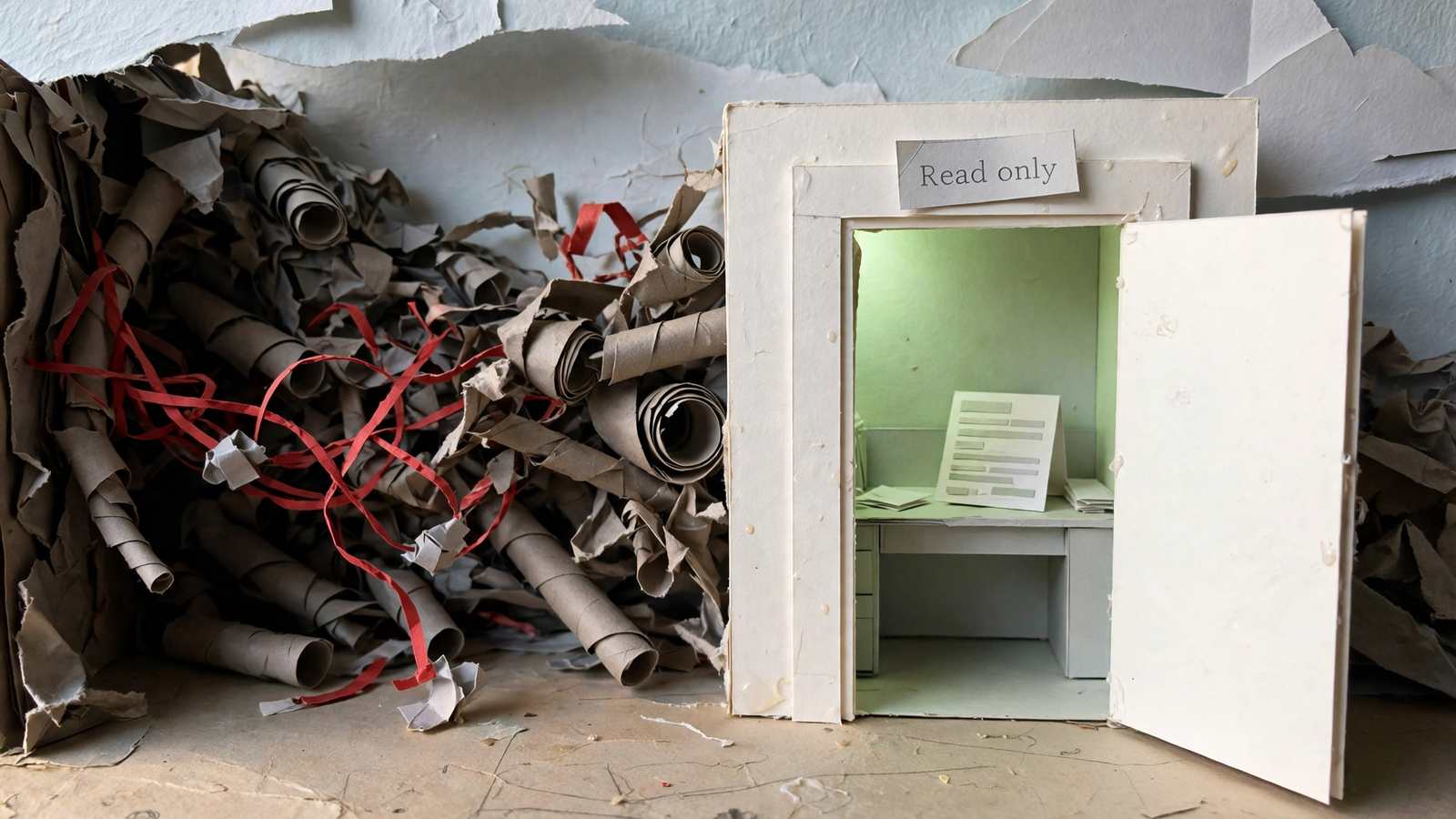
Before moving to writes, check that a paused campaign stays paused and a draft stays a draft. Test the approval and undo path before you let the connection move budget. If you’re switching, the ChatGPT connection steps cover sign-in and MCP setup, and the first-bill breakdown separates the subscription from the other costs. If you’re staying DIY, name the remaining requirement in one sentence, put hours against it, and make sure there’s a maintenance owner who’ll still be around in 90 days.
Either way, read spend and conversions from your real accounts before you approve a change. The cheapest mistake is overbuilding a connector for workflows you don’t run weekly. The most expensive one is letting an unvalidated connector move budget. The first wastes an evening. The second turns a tooling problem into a media problem.





