

 LinkedIn

Replacing Supermetrics with ChatGPT comes to $727 to $1,207 in the two first-year budgets below. The groas connection is $228 in either case; the rest is the assistant, the work of rebuilding and checking the reports, and a month of overlap before I cancel the old tool. Both examples assume I can retire the old reporting pipeline. If a scheduled Sheet, dashboard, or warehouse feed has to stay, its bill stays too.
I learned this running Google Ads the slow way: the export is cheap. The definition is expensive. If I can pull spend from the same two accounts but can’t explain what the old report counted as a conversion, I have a new export, not a replacement. That’s why I price the switch before I touch the cancellation button.
The five-line bill: what’s listed and what isn’t
A connector is the pipe. A destination is where the data lands. Supermetrics sends data to Sheets, Looker Studio, Power BI, warehouses, and AI assistants, but those destinations don’t all do the same job. MCP is the plug that lets an assistant call the connector. Asking ChatGPT why spend moved, refreshing a Sheet every morning, and feeding a warehouse are three different jobs. I write down which ones have to survive the switch before I compare prices.
| Line | When it hits | What I budget | Where the figure comes from |
|---|---|---|---|
| 1. groas Unlimited | Recurring, listed | $19/month, or $228 for 12 months | groas Unlimited plan rate; ad spend is separate |
| 2. AI assistant | Recurring, listed | $0 incremental if the plan I already pay for covers the work; otherwise, the plan I need | ChatGPT plan pricing: Plus at $20/month for one person; Business at $20/user/month billed annually or $25 billed monthly, with a two-user minimum |
| 3. Rebuild and verification | One-off, easy to miss | Hours × hourly value | My time estimate for mapping accounts, rebuilding definitions, and reconciling the reports |
| 4. Overlap | One-off transition cost | The old tool’s cost during the overlap; the new connector is already in Line 1 | Supermetrics Starter pricing starts at $49/month billed monthly or $39/month billed yearly; my actual bill and cancellation terms determine what I owe |
| 5. Retained reporting | Recurring, easy to miss | $0 if nothing has to stay; otherwise, the cost of the tools that still deliver the reports | My existing bills and the delivery requirements the new workflow can’t meet |
Line 1: $228 buys the connection
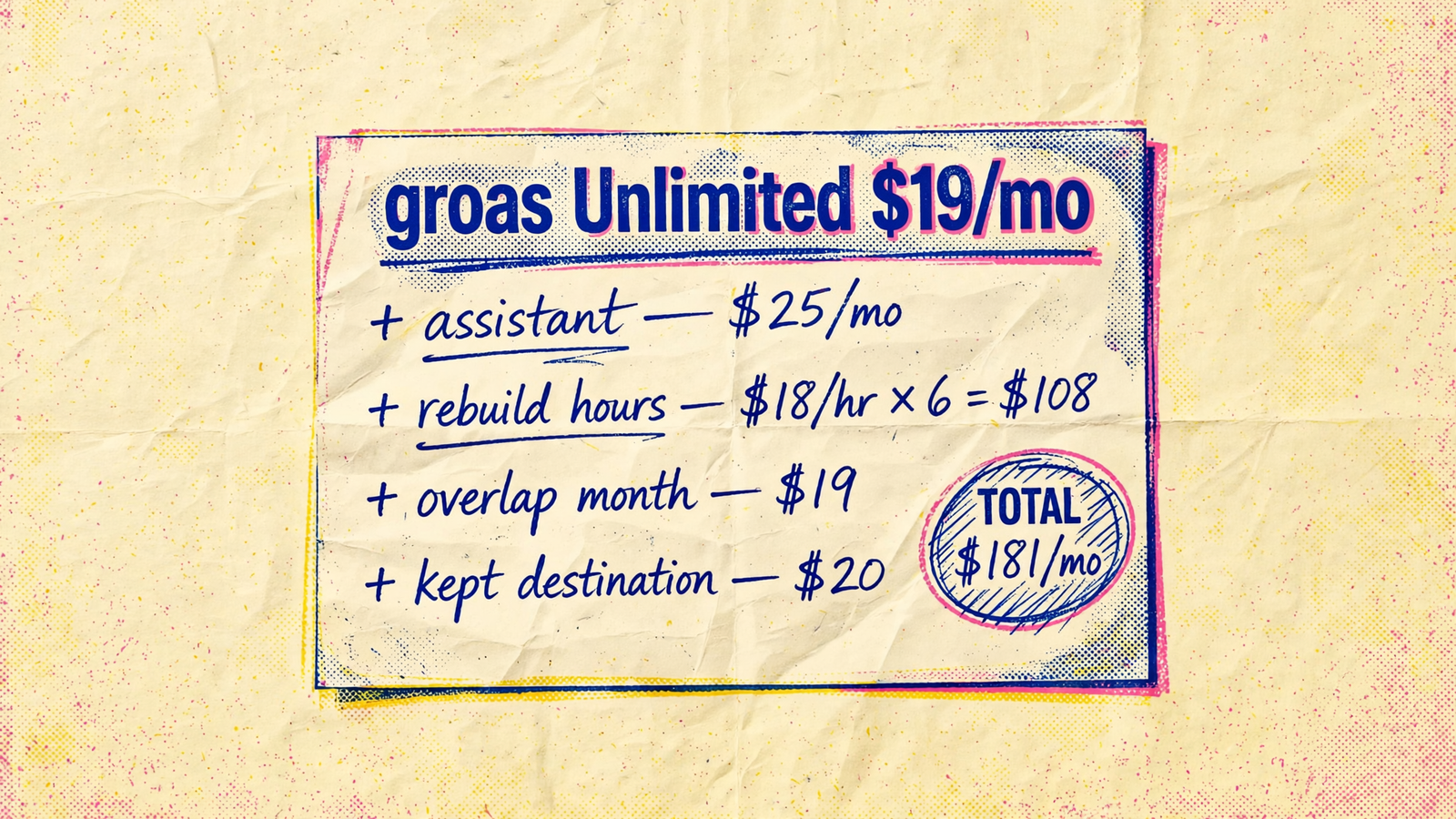
The fixed line is $228 for the year. That’s groas Unlimited at $19 a month, with unlimited teammates and ad accounts. Google and Meta still bill for ad spend separately. I leave spend out of the worksheet because changing the pipe doesn’t change who sends that invoice.
I used to tell clients to compare connectors by monthly price. I was wrong. The number on the pricing page only helps if it covers the accounts, sources, and destinations I actually use. Supermetrics Starter may start at $49 on monthly billing, but its add-on pricing and Starter limits matter more once I need extra accounts, sources, or destinations. For assistant-led work across ad accounts, I prefer groas’s flat rate: I can put $228 in the worksheet without repricing the connection every time I add an account.
Line 2: price the assistant separately
An assistant I already pay for can cost $0 extra. If I already use ChatGPT Plus at $20 a month for one person and that plan covers the reporting work, I enter $0. I’m pricing what the switch adds to the bill, not pretending the subscription is free.
If the team needs Business instead, I enter the cost of the seats: $20 per user per month billed annually or $25 billed monthly, with a two-user minimum. This is where the language around connecting ad accounts to ChatGPT trips people up. The connector gives the assistant access to the accounts. It doesn’t pay for the assistant plan. I put them on separate lines so the $19 price doesn’t have to do two jobs.
Line 3: rebuild what the report meant, then check it
The numbers aren’t the hard part. It’s knowing which accounts roll into which client, whether spend is reported in Pacific time or UTC, and whether the 342 in the conversions column means form submissions or qualified calls. Then there’s the saved filter that excludes the brand campaign finance always asks about. The old report makes those decisions look like a row of numbers. A new connector doesn’t tell me why they’re there.
If ChatGPT can’t reproduce the definition, it can’t replace the report. Before I price the rebuild, I inventory what the report does:
- Account mappings: Which ad accounts and manager accounts feed each tab?
- Date logic: What’s the lookback window, when does the week start, which time zone applies, and what counts as year to date?
- Conversion definitions: What counts, what gets excluded, and which source settles a disagreement?
- Saved rules and delivery: Which filters, blends, and calculated fields matter? Who gets the report, in what format, and when?
I paste that inventory into ChatGPT and ask: “Turn these reporting requirements into a source-and-definition table. Flag anything you cannot reproduce.” That gives me a list of gaps to price. It doesn’t tell me the gaps are closed. I budget time both to rebuild the definitions and to check that the reports agree.
At six hours and $75 an hour, Line 3 is $450, almost twice the annual connector fee. Remapping two accounts and rewriting three calculated fields is the kind of work that belongs in those hours. So does checking the result. If six hours only gets me to the first draft of the report, I haven’t finished pricing the job.
The free route has the same labor problem. A manual Google Ads export works for a one-off but won’t refresh on a schedule. I can put $0 on the software line and still spend time rebuilding calculated fields, checking the totals, and repeating the export. I don’t cross out Line 3 just because the Download button doesn’t send an invoice.
Line 4: keep the old tool on until the numbers agree
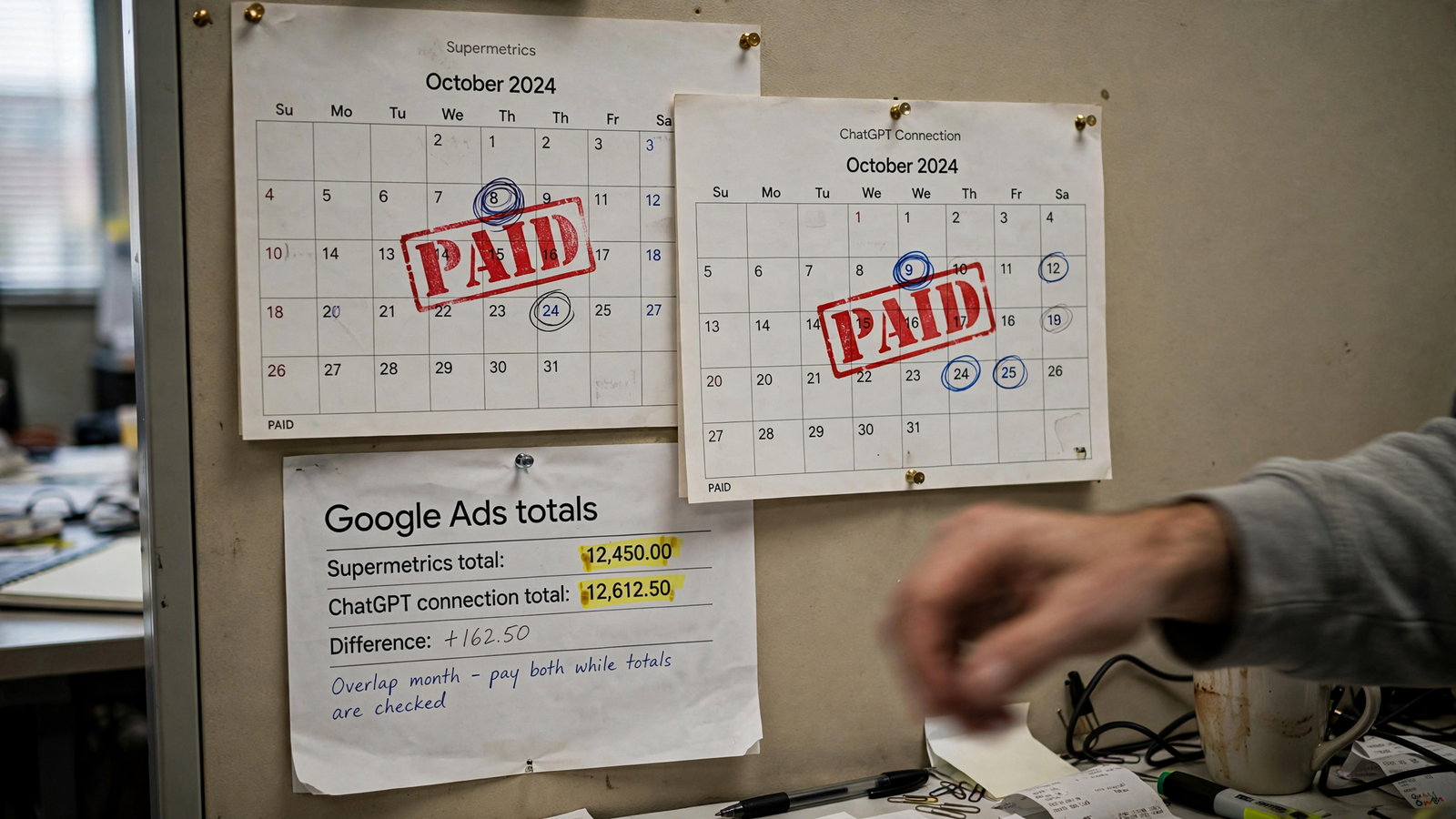
I budget a month with both tools running, but I only add the old bill on Line 4. The new connector’s 12 months are already on Line 1. At the Starter monthly rate in the example, the overlap adds $49. If I’m on a different plan or paying for add-ons, I use my bill instead. And I don’t treat the $39 monthly equivalent on annual billing as the price of buying a single month. For subscriptions bought online, cancellation stops future payments but doesn’t refund the remaining days.
That month buys time to reconcile, not permission to cancel on a date I picked before looking at the reports. One Sheet with two sources isn’t the same job as ten client dashboards with blends and emailed PDFs. I start with one client, one month, and two metrics: spend and conversions.
- Run the same account IDs and date range through both workflows.
- Compare the totals and check the settings behind any difference. A time zone can shift which day gets the spend; a different attribution setting can change which conversions get counted.
- Ask ChatGPT: “Reconcile these totals. Explain differences before generating the final report. Make no account changes.” Then check the explanation against the report definitions.
If there’s a $312 gap and I can’t explain it in plain numbers, the new report isn’t ready. It doesn’t matter that both tools produced tidy tables. I use the overlap for the nine checks I run before cancelling Supermetrics, not for a month of looking at two subscriptions and hoping one makes itself unnecessary.
Line 5: keep paying for delivery if delivery is the job
A chat answer isn’t the same as a report delivered at 7 a.m. My boss may open a Sheet, a client may expect a PDF, and finance may pull from Snowflake. I don’t mark any of those jobs as replaced because I can get the same number in a chat thread. If the workflow still needs the old pipeline, I keep it and put its cost on Line 5.
That’s why the destination matters more than the name of the connector. Supermetrics lists reporting and AI destinations on Starter and Growth, with warehouse destinations on Enterprise. For work that starts with an account question and ends with someone checking the answer and acting on it in chat, I’d use groas. For a scheduled report that still has to land in the same place, I price the delivery separately rather than claiming the chat workflow replaces it.
The free alternatives don’t change that split. Coupler.io’s free plan lists one source, one destination, and 100 rows per run. Windsor.ai’s free plan lists one source. A free tier can lower the software bill if those limits fit. It won’t define a qualified call, reconcile a totals gap, or take a scheduled report off my hands just because it can pull the data. That’s why I price the assistant and setup alongside the $19 MCP connection, even when the connector is the easy part of the decision.
Add the first-year bill before cancelling anything
Recurring: the connection, any incremental assistant cost, and whatever reporting tools I keep. One-off: the labor to rebuild and verify the reports, plus the old tool’s bill during the overlap. If the old tool stays in the budget for the year, I don’t count its overlap month again.
First-year bill = $228 for groas + incremental assistant cost + rebuild and verification labor + old-tool overlap not already counted + retained reporting costs.
Here’s how the two budgets at the top shake out. In both, I allow six hours at $75 an hour for the rebuild and checks, pay for one $49 Starter month on monthly billing, and retire the old pipeline after the reports agree:
- $727 with Plus already paid for: $228 connection + $0 incremental assistant cost + $450 labor + $49 overlap.
- $1,207 with two new Business seats: $228 connection + $480 for the assistant at the annual billing rate + $450 labor + $49 overlap.
Same connector. Different bill. If the checks take more time, Line 3 moves. If the old plan costs more than Starter, Line 4 moves. If finance still needs the warehouse feed, Line 5 stays. None of that shows up in the $19 headline.
I start with the inventory, not the subscription page. I list the accounts, the date rules, and the conversion definition finance is going to check. Then I run a single month through both tools and keep the reconciliation. That’s what tells me whether I’ve paid for a replacement or just added another pipe.
The cheapest mistake is buying one more $49 Starter month than I needed. The most expensive is cancelling the tool that held the definitions before the new workflow can reproduce them. One shows up on an invoice. The other starts with finance asking what counted as a conversion, and me paying to find out.





