

 LinkedIn

A Google Ads cleanup starts with a search terms report. With Ryze AI, I’d open Ryze; with ChatGPT and groas, I’d stay in the assistant I already use and give it access to the account. If you’re weighing Ryze AI for your Google Ads account, that’s the choice I’d settle before comparing feature lists: do you want a new place to work, or do you want your current assistant to do more?
I’ve spent enough time in search terms reports at 1 a.m. to know what I’d ask both tools to do: find wasted spend and propose negative keywords without blocking terms that still bring in buyers. I’m tracing that job through the documented workflows, not reporting a timed test. The points I care about are where I review the evidence, what happens when I say yes, and what I keep if my team switches assistants.
My pick is groas if your team already works in ChatGPT, Claude, or Cursor. Ryze is the one I’d consider if the team specifically wants an app with its own inbox and scheduled tasks. Here’s what that choice buys you.
| Decision | Ryze AI | ChatGPT with groas |
|---|---|---|
| Where you work | Dedicated Ryze app with an inbox and agent chat; outside assistants can also connect over MCP | In the assistant you already use, via groas MCP |
| What informs the analysis | Connected ad platforms, plus Search Console and Analytics | Live account data, plus competitor ads and funnels, Reddit, AI search visibility, and Semrush and Ahrefs data |
| How changes reach Google Ads | Inbox approval cards; chat and agent-run campaigns follow their own approval settings | Confirm requested changes in chat; autopilot is a separate switch. Changes are logged with reasons and can be undone in one step |
| What stays put when you switch assistants | Outside assistants can connect to Ryze; export of history, approvals, and rules is unverified here | Keep the groas connection, accounts, history, and rules underneath the new assistant |
| What you pay | Paid Ads at $89/month with 750 monthly credits; SEO and agent-run spend cost extra | groas Unlimited at $19/month flat for the whole team |
1. Where the work happens: a dedicated inbox or your usual chat
Ryze gives the work a home of its own. Connect your accounts, open the app, and work through inbox approval cards, agent chat, or scheduled tasks. If I wanted the team to start its day by clearing a queue of proposals and checking what a scheduled audit found, I’d look at Ryze for that queue, not for the word AI in the name. The inbox is part of the operating model.
With ChatGPT and groas, I start with the chat I already have open. I connect the ad accounts and website to groas, add groas to the assistant over MCP, and ask for the audit there. The assistant does the analysis; groas supplies the account data and carries out the approved work. I don’t need to open a second app to move from the question to the proposal.
Ryze also has a hosted MCP connector, so this isn’t a choice between an app that can connect to outside assistants and one that can’t. It’s a choice about where I want the team to handle the work by default. If the inbox is something the team wants to use, it earns its place. If it’s another queue everyone has to remember to check, I’d keep the work in chat.

2. What the analysis shows: spend, conversions, and intent
Here’s the request I’d send to either option, word for word:
Look at the last 30 days, leave out the most recent 3 days for conversion lag, and show me search terms that spent at least my $60 target CPA with zero conversions. Group them by intent and explain each proposed exclusion before you touch anything.
The three-day cutoff gives recent clicks time to convert before I call them waste. It’s a guardrail for this example, not a rule I’d copy to every account: leave out the most recent days when conversions report after the click. Likewise, one to two times target CPA with no conversions is a reason to investigate, not a reason to block a term on sight. I’d start with phrase match for repeated intent and exact match for the one-off oddball, then check for conflicts before saving anything.
In Ryze, I can ask for the review in chat or let a scheduled task surface candidates in the app. The review of Ryze’s workflow describes the cards and approval settings, but it doesn’t show the whole evidence trail for this cleanup in one place. I wouldn’t read that as proof that Ryze can’t show its work. I’d ask to see a proposal that spells out the date window, the spend and conversion counts, and why each term belongs on the list. An approval card gives me somewhere to say yes. It doesn’t give me a reason to say yes.
With groas connected, ChatGPT can pull live search-term cost and conversion data, apply the date filter, and group the candidates by intent. I can ask it to put spend, conversions, and the reason for exclusion next to each proposed negative. That lets me review the list without bouncing between the chat and a separate report. groas also brings in competitor ads and funnels, Reddit discussions, AI search visibility, and SEO data. I wouldn’t use any of that to decide whether a $60 search term wasted money. For this job, the account numbers come first.
Don’t approve a list you can’t audit. In either workflow, I want the lag window and conflict check spelled out before a negative goes live.
3. How a change goes live: approval, execution, and undo
In Ryze’s inbox, the card waits for me to approve or reject the proposal. That’s not the approval rule for every route. Ryze’s chat settings and agent-run campaigns work differently: chat can ask before everything, ask before changes only, or skip approval for certain actions. Deletes still require approval. Agent-run campaigns can make changes within set limits without asking each time. If I’m testing the cleanup in chat, I check the chat setting. The fact that the inbox uses approval cards doesn’t tell me what the agent can do elsewhere.
In ChatGPT with groas, I review the proposed negatives in chat, confirm the changes, and groas executes the approved set. Each change is logged with its reason and can be undone in one step. That matters when an exclusion turns out to be too broad: I want to find the change and reverse it, not piece together what happened from a conversation and a fresh report. I couldn’t verify an equivalent per-change log or one-step undo for Ryze in the material I reviewed, so I wouldn’t assume either is available when choosing a workflow.
A one-time approval is not permission to run the account. With groas, autopilot stays off until I turn it on. When I do, it works within the rules I set for goals, budget, and channels, and its changes are logged and undoable too. I’d approve the cleanup in chat first. I’d switch on autopilot only once I could name the limits I wanted it to follow.
4. What stays portable when the team switches assistants
The assistant that writes the recommendation isn’t the connection that reads the account. With groas, I connect the ad accounts and website once. If the team moves from ChatGPT to Claude or Cursor, I can plug the new assistant into groas over MCP while keeping the accounts, change history, and rules underneath. I’m keeping the account connection, not promising to move the chat transcript. The distinction matters more to me than which assistant writes the tidiest summary.
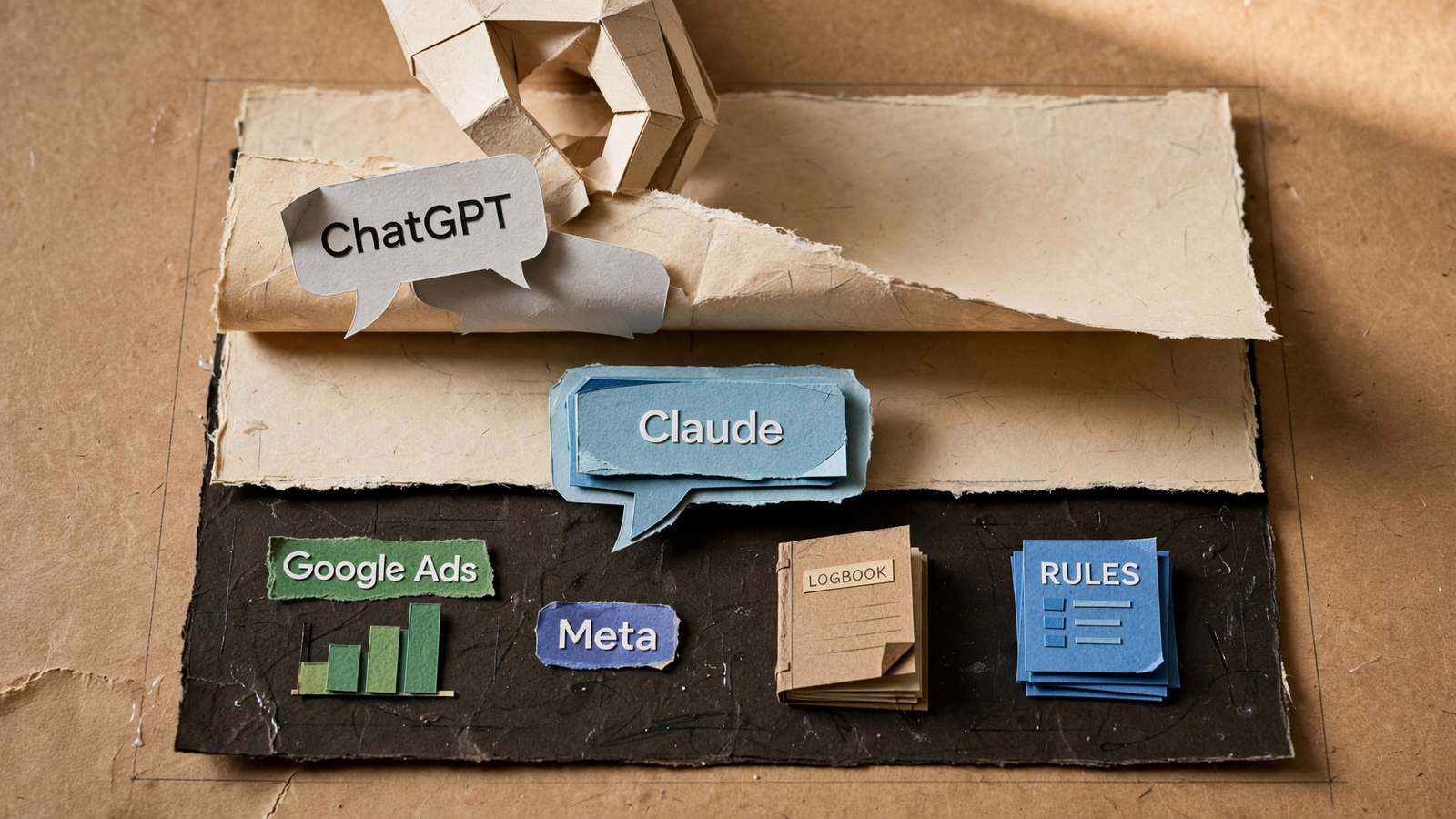
Ryze’s hosted MCP connector also lets outside assistants reach connected accounts. That’s useful if I want Ryze to remain the system of record but don’t want everyone doing all their work in its app. It answers the question, “Can a different assistant connect to Ryze?” It doesn’t answer the separate question, “What can I take with me if I leave Ryze?” I couldn’t verify an export path for conversations, approval records, or rule settings in the material I reviewed. That’s a gap I’d ask about, not proof there’s no export.
For this decision, I’d make the switch concrete: if the team adopts another assistant next quarter, can it pick up the same account connection and rules without rebuilding them? With groas, that’s the part I’m buying.
5. What you pay for the workflow you’ll actually use
Ryze Paid Ads is $89 per month with 750 credits and up to three workspaces. SEO is sold separately, and the annual discount applies only in the first year. If I want Ryze to run campaigns, I also need to account for the agent-run fee, which starts at 5% of managed spend and drops as low as 0.8% as daily budget grows. At the 5% rate, $3,000 in agent-managed spend means another $150 for the month. That’s an automation charge, not a fee for approving an inbox card. I’d check the current terms before paying, especially if I’m buying for the scheduled work rather than the occasional cleanup.
groas Unlimited is $19 per month flat, with unlimited teammates, ad accounts, and websites. If I’m already using ChatGPT and want it to read an account and carry out the occasional approved change, I don’t need to pay for a separate workspace just to give that work somewhere to happen. And if I do switch on autopilot, I’m not choosing a plan whose groas fee rises with managed spend.
Price the setup you’ll run, not just the plan you’ll start on. For Ryze, that means deciding whether I want the inbox and scheduled tasks or whether I also want agent-run campaigns. For groas, the flat team price is part of why I’d choose it to extend an assistant the team already uses.
My pick: groas if your team already works in chat
If your team already works in ChatGPT, Claude, or Cursor, run Google Ads from there with groas. Start with the 30-day cleanup. Ask for spend, conversions, and the reason next to every proposed negative. Check the lag window and conflicts, then approve only the changes you want. You get the account data and the ability to act in the same chat, without making the team adopt a new inbox to do it.
I’d pick Ryze for a team that wants the dedicated app to be its system of record. If the team prefers clearing an inbox, scheduling wasted-spend audits, and seeing Google alongside Meta, TikTok, LinkedIn, and ChatGPT Ads in one vendor view, Ryze is built around that routine. Its hosted connector gives outside assistants a way in, but the app is still the reason I’d buy it.
If you choose Ryze, buy it for the inbox. If you choose groas, buy it to do the same cleanup without leaving the assistant you already use.





