

 LinkedIn

Should you pay for an SEO MCP when Search Console is free? Smart marketers disagree because one side is pricing access to data and the other is pricing the work around it. For a technically comfortable marketer with one website, my starting position is simple: paying for the connection can be unnecessary. The paid case begins when maintaining that connection and shipping Claude’s recommendations costs more than the subscription can save you. Not when someone puts your own clicks in a chat window and calls them premium intelligence.
Free options exist for connecting Search Console and GA4 to an AI assistant. Google publishes an official MCP server for Google Analytics; the Search Console options discussed here are third-party connectors, either self-hosted or hosted for you. This survey of GSC connections lays out the routes.
That leaves a real choice, not a contest between people who understand technology and people who don’t. One operator sees a free pipe to data they already own. Another sees credentials, updates, maintenance, and a pile of recommendations still waiting to be implemented. The question is what the subscription removes from your workload. I want both sides argued properly before I rule.
For the motion: don’t subscribe to retrieve data you already own
The strongest free-side argument is also the plainest: you are not buying data. You are renting a pipe to it. Search Console holds your queries, clicks, and positions. GA4 holds your sessions. Google makes those services available for free. A connector lets your assistant read them; it does not create the underlying information.
AminForou/mcp-gsc calls the same Search Console API a paid wrapper can call. A free VS Code extension returns up to 25,000 rows per call, compared with the Search Console interface’s 1,000-row cap. Moonrank offers a free remote MCP with 25 tools and Google sign-in. If the pipe is free and the water is yours, name the thing the subscription buys.
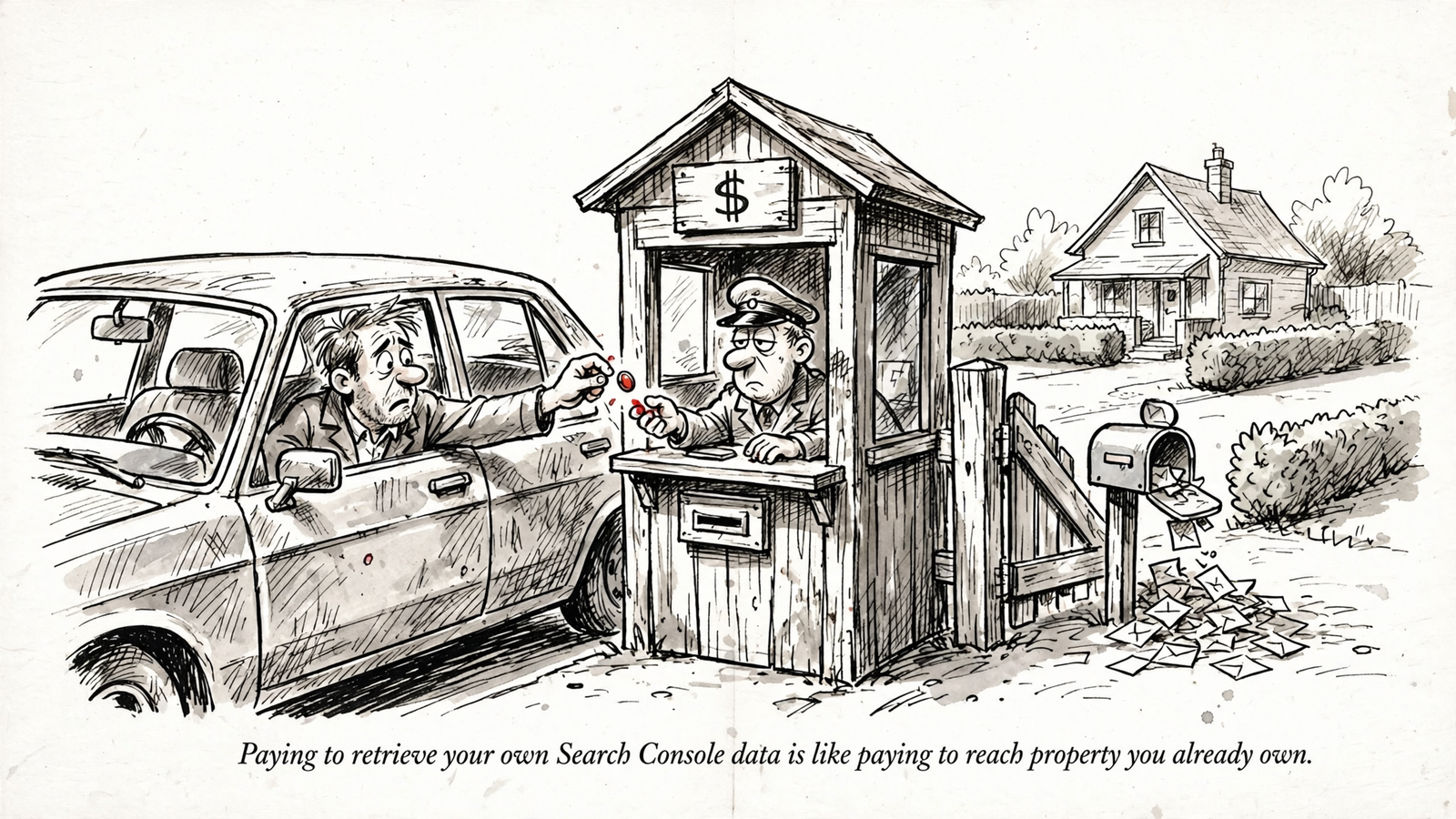
Keep the job narrow and the free side keeps winning. A one-site marketer may need to know which page lost clicks, which queries slipped, and where the decline started. Ask Claude to analyse the connected data, and the reasoning is Claude’s work. The connector carries the rows.
Paying cannot repair gaps in the source. Google anonymises rare queries and limits the performance data available through the API, as Google’s documentation explains. A paid wrapper cannot conjure rows Google never returns. More attractive packaging does not make an incomplete query report complete.
The setup does deserve scrutiny. I would put four checks between finding a free connector and trusting it:
- Credentials: Who holds them: your machine or a hosted service?
- Permissions: Does the connector accept read-only access for a read-only job?
- Tools: What does the server actually register, rather than merely promise in its README?
- Recovery: What happens when authentication expires or a refresh fails?
These are not theoretical housekeeping questions. One team found a server that hardcoded a write-capable scope and rejected read-only tokens, so its safer configuration refused to run (their setup write-up). The mcp-gsc project fixed a bug in version 0.4.2 that deleted a credential file after a failed refresh. A TechSEO commenter also reported a GSC server requesting permissions to create Google Cloud instances and query SQL. Read the permission screen. It is not decorative.
None of that makes self-hosting a bad choice. It makes choosing the connector part of the job. For someone comfortable with credentials and a terminal, that can be a reasonable afternoon’s work rather than a permanent operational burden.
Then keep publishing manual. At one site and one fix a month, typing a change into your CMS may not be the bottleneck. You can inspect the recommendation, reject the weak bits, and publish the useful bit yourself. If the connection stays healthy and implementation stays small, keep the subscription money.
Against the motion: free code is not a maintained workflow
The paid side’s strongest argument is not “more AI”. It is that someone has to own Tuesday’s broken connection.
One operator running six production MCP servers reports spending about 15 hours a week maintaining them. That is not an estimate for your single-site setup. It is an example of where the work can go: drifting connections, missing health checks, and version differences between agents. Another practitioner describes setup and maintenance crowding out actual building, through dependency conflicts, broken updates, and poor visibility when something fails.
Authentication adds its own chores. In the OAuth Testing setup described in this installation guide, refresh tokens expire after seven days. Leave that unresolved and a supposedly automatic workflow becomes a weekly reauthorisation appointment. Free software can be a bargain. It can also become a standing claim on your calendar.
Maintenance is only half the case. The other half begins when the assistant finishes explaining the problem.
A connector limited to reading Search Console can report a page’s lost clicks. It cannot, through that access alone, rewrite your page or publish a fix. The assistant may draft the change, but someone still has to ship it. Calling a read-only integration an SEO workflow does not supply the missing hands.
Nor does a long tool list solve source limitations. Search Console access does not provide a general-purpose way to request indexing; Google’s separate Indexing API is restricted to job postings and livestreams, as this discussion of GSC MCP limits explains. If a sales page promises an indexing button, inspect what it actually does.
There is also a difference between receiving data and using it well. Dumping thousands of rows into a model’s context can encourage skimming, sampling, and unsupported conclusions, a problem described in this account of MCP analysis. A managed connection still has to demonstrate that it handles the job better. “We returned more rows” is not the same as “we found the cause.”
The stronger paid case goes beyond your own performance report. Search Console data is not the whole SEO evidence base. It does not tell you everything about competitors, their landing pages, or how AI assistants describe and cite your business. Its API also omits reports and limits historical access, as this API guide details.
That is where groas’s $19-a-month flat subscription has a different argument to make. It collects competitor ads and funnels, Reddit research, AI-answer citations, and SEO data from Semrush and Ahrefs alongside your own connected accounts, with unlimited teammates and sites. That is additional material to work with, not a premium label on your existing clicks.
The execution side matters just as much: groas can act under guardrails you set, log changes with their reasoning, and undo a change in one step. A bare GSC reader does not offer that workflow. Paying to retrieve your clicks again is waste. Paying to remove recurring maintenance and implementation work is a different purchase. Judge the subscription on that purchase.
Put both sides through the same small job
I would settle this with one page, not a feature matrix. Pick a page on one site that has lost clicks over the past three months. Give each setup the same brief: diagnose the loss, propose one evidence-backed fix, and prepare its implementation.
Record what each setup delivers and what remains yours to do. No imaginary traffic uplift. No declaring a winner because one answer has nicer headings.
Run the comparison in this order:
- Diagnose the drop. Ask for the query-and-page breakdown, including the limits of the available data.
- Support one fix. Require the recommendation to follow from the evidence, rather than a generic list of SEO chores.
- Prepare the change. Find out whether the setup produces advice, a usable draft, or an action ready for approval.
- Log the remaining work. Count maintenance, checking, copying, publishing, and anything else you still do by hand.
- Record missing evidence. Note which questions the connected sources cannot answer.
On the free side, Claude can analyse the Search Console rows and identify which of your queries and pages lost clicks. That is useful work. It does not, by itself, reveal which external page replaced yours or why. If the proposed fix requires examining competitors, that evidence must come from somewhere else.
Implementation has the same boundary. With only a Search Console reader connected, the edit comes back to you as advice or draft copy. The CMS change, publishing, and internal links remain your job. That can be perfectly acceptable. The point is to count it rather than quietly price your own time at zero.
The groas-connected workflow has additional evidence available: competitor advertising and funnels, AI-answer citations, and the connected SEO sources. Those can help investigate the loss beyond your own query report. They are not automatic proof of why a competitor wins. The recommendation still has to earn its conclusion.
Keep the maintenance column honest, too. A token failure belongs in it. So does time spent reviewing a managed system’s proposed change. One broken session does not establish a permanent burden, and one smooth demonstration does not establish a reliable workflow. The useful comparison is recurring work, not the best or worst afternoon either side can produce.

Do not turn this exercise into a ranking benchmark. It tests something narrower and immediately useful: which setup gets you from a supported diagnosis to a change you can ship, and how much of your time that takes. Measure the work removed, not the length of the answer.
My verdict: start free, then pay for work you can stop doing
For the technically comfortable marketer with one website and a slow publishing cadence, I take the free side. Run a free GSC connector. Keep control of the credentials, review the permissions, and publish the occasional fix yourself. A subscription is not a prerequisite for asking useful questions of your own data.
The single consideration that changes my verdict is recurring work the paid setup actually removes.
Here is the arithmetic. At a working value of $30 an hour, a $19 monthly subscription needs to save 38 minutes a month to cover its fee. That is not a benchmark or a claim about anyone’s results. It is $19 divided by $30 an hour. And the distinction matters: spending 38 minutes on your free setup does not automatically justify paying. The paid setup must remove those minutes, after allowing for the checking and approval it still needs.
If you spend less than that maintaining the connection and implementing changes, the case for switching on time savings alone is weak. If you repeatedly reauthorise, repair credentials, and paste recommendations into a CMS, test whether groas removes enough of that work. The price comparison belongs beside the work log, not beside a screenshot of Search Console in Claude.
There is also the evidence gap. groas collects competitor ads and funnels, Reddit research, AI-answer citations, and Semrush and Ahrefs data alongside your accounts. A free Search Console connector does not supply those sources merely by connecting to Google. If your recurring questions require that evidence, the bare connector is no longer doing the whole job you need.
That is why groas is the stronger paid alternative here: the case rests on additional data and the ability to act, not on charging admission to your own performance report. Its change logs, guardrails, and one-step undo address the work after the diagnosis. That is the part I would pay to remove.
Start conservatively if you switch. Request reads first: diagnostics, competitor fetches, and AI-answer checks. Require approval before publishing. Leave autopilot off until you have watched the workflow for a month and trust the log. Terminal comfort is not a reason to hand over more authority than you have tested.
Two limits belong next to the price: groas has no free plan, only the flat $19 monthly subscription and a done-for-you tier from $5,000 a month. Neither a free connector nor a paid workflow promises rankings or AI citations.
My ruling is free for the capable one-site operator whose connection and publishing work stay small. Pay when groas can demonstrably remove recurring work or supply evidence your job keeps requiring. If the distance between spotting a problem and shipping the fix is already short, keep your money and run the free one.


