

 LinkedIn

Do not buy a connector just to find out whether your first wasted-spend audit is useful. I start with platform exports and Claude access I already have: $0 in new spending, no live connection, and no permission to change an account. The test is whether the evidence supports a defensible shortlist, not whether a chatbot can label every non-converting dollar waste. Pay for live access when repeated exports or approved execution become the bottleneck. Until then, make the files earn the connection.
1. Keep the first audit at $0 in new spending
- Confirm your existing Claude access can handle the files. Here, $0 incremental cost means no new subscription, connector or API bill to test the audit. It does not mean Claude is universally free, or that every existing plan accepts everything you want to upload.
- Check file limits before pulling a giant export. Claude upload limits can require splitting files; a raw 90-day export from two platforms may need smaller date ranges or a filter for rows with spend. Trim the file before buying a bigger plan.
- Export only data you are allowed to share, and remove personal information from the working copy. Strip customer names, emails and other identifiers before upload. Follow data-minimization guidance for AI uploads: keep the smallest file that still answers the audit question.
- Check whether this audit is worth doing at your volume. If you spend under $2k a month across both platforms, prioritize fixing tracking and one landing page over grading 400 search terms. A longer spreadsheet does not automatically give you a better decision.
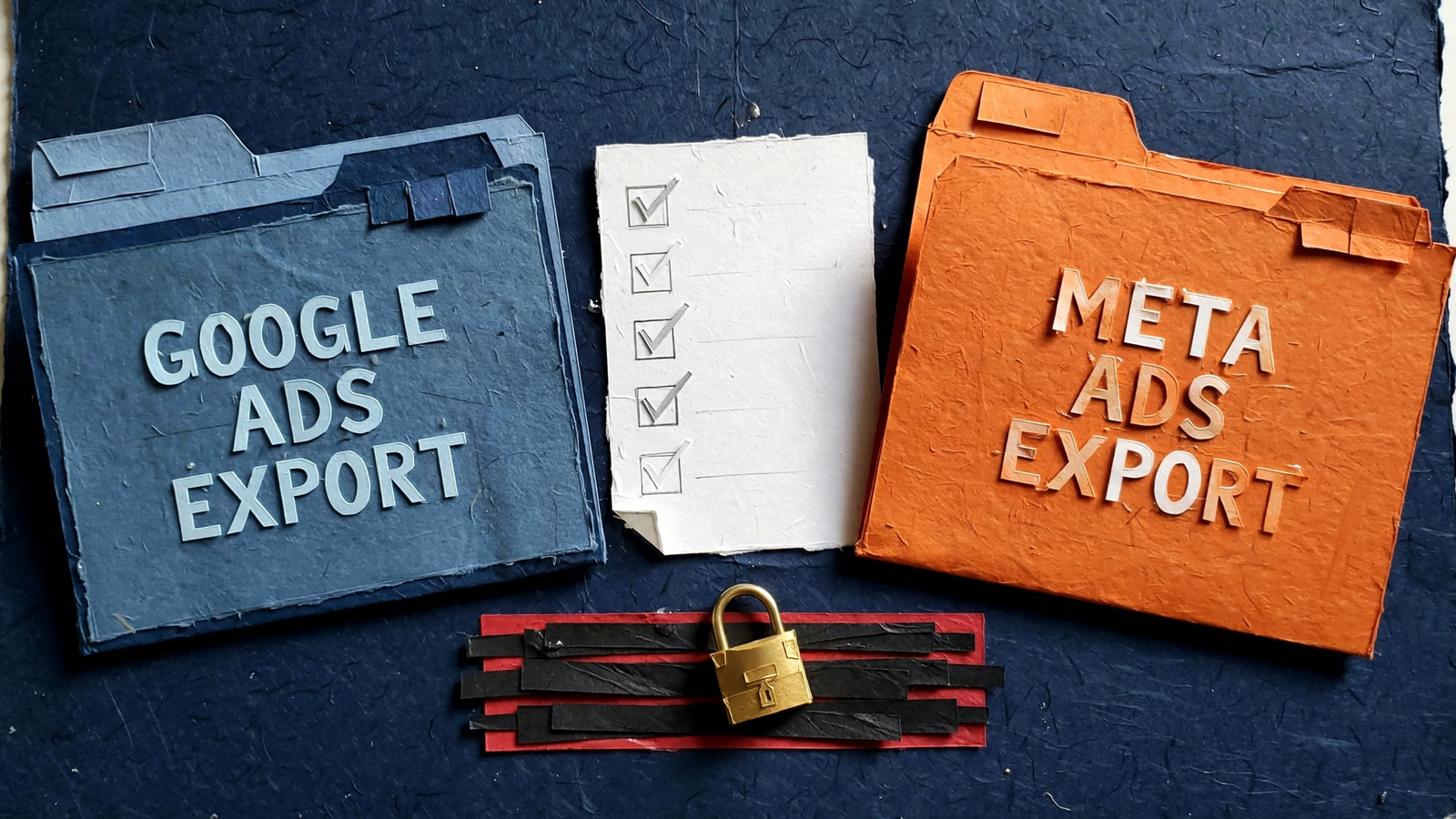
2. Export evidence Claude can actually compare
- Include account ID, currency, time zone, date range and export timestamp with every file. Put them in the file or the opening message. A $400 week in USD is not a €400 week, and a window ending yesterday is not one ending last month.
- Export the Google search-terms report with Cost, Clicks, Conversions and Conv. value. Go to
Campaigns > Insights and reports > Search terms, choose the last 30 or 90 days, add the columns, then use Download > CSV. Spend and clicks alone cannot support the verdict. - Export Meta data at the Ads tab level, not just campaign totals. Include Campaign, Ad set, Ad name, Amount spent, Impressions, Reach, Frequency, Link clicks and Purchases/purchase value, then use Reports > Export table data > CSV. Campaign totals hide the individual ad eating the budget.
- State the attribution window alongside the conversion columns. Claude needs to know what the reported result represents before comparing performance. A purchase count without its window looks precise in a table; it still leaves a basic part of the judgment unstated.
- Supply the target CPA before asking Claude to screen spend against it. If that target is missing, have Claude flag the gap rather than invent a threshold. A recommendation cannot defend “too expensive” without stating what it is measuring against.
- Ask Claude to list missing fields before analyzing anything. If conversion value, attribution window or account context is absent, the response should name the gap first. Do not let a polished table turn incomplete evidence into a confident recommendation.
3. Stop a neat table becoming a fake waste total
- Keep Google and Meta attribution separate; never add their attributed conversions as unique customers. One buyer can click a Meta ad and later search your brand on Google, with both systems claiming credit. Judge each platform within its own reporting window, not a blended customer count.
- Make the attribution mismatch explicit. Meta’s click-and-view windows and GA4’s cross-channel attribution describe different reporting approaches. Adding those outputs does not reconcile them. Shared order IDs can support deduplication; summing the conversion columns cannot. Keep that distinction visible in the review.
- Exclude incomplete days and check conversion lag before calling anything zero. Drop today and yesterday from the initial screen, then check whether older rows are mature enough to judge. Reporting delays and click-date attribution mean that removing two days is not proof that every remaining conversion has arrived.
- Treat a high-spend, zero-conversion row as a screen, not a sentence. One practitioner screen uses spend above 3x target CPA, 100+ clicks and activity outside learning, with exclusions for brand and assisted terms. Passing that screen earns investigation, not an automatic pause.
- Keep brand demand, prospecting and retargeting judgments distinct. Brand search harvesting existing demand is not the same job as prospecting, and retargeting closing Meta demand is not evidence that search failed. Do not grade different jobs as though they were interchangeable rows.
- Separate zero recorded conversions from proven commercial irrelevance. A zero is what the export records inside its reporting window. It is not, by itself, proof that the spend contributed nothing. Keep uncertain rows on the watchlist instead of forcing them into the waste column.
- Reject a single grand total labeled wasted spend. Require the shortlist to stand on its individual rows. If Claude’s main finding is a dramatic number at the bottom, send it back to account, entity, dates and evidence. Confidence is not a column you can sum.
4. Buy live access only when the files become the problem
- Keep using exports while they support the decision. A live connection refreshes evidence; it does not repair a thin audit. Do not connect everything because the first table looks impressive, or because Claude announces that $4,200 was wasted without defending the rows behind it.
- Connect when repeated exports or stale evidence block the same review. Re-exporting every two days to check the same five search terms is a useful signal. So are pause decisions stalled by outdated data and copy-paste changes that start introducing errors. Pay to remove that bottleneck.
- Connect the accounts to Claude through groas MCP, then rerun the same shortlist. Keep the account IDs and review windows consistent so the comparison remains useful. The point is continuity: current spend and conversions replacing last Tuesday’s CSV, not a new audit with different rules.
- State the price before connecting: groas is $19 a month, flat, for unlimited teammates, ad accounts and websites. There is no free groas plan, and your Claude subscription is separate. Read Your First Marketing MCP Bill: The $19 Connection Is Only One Line before treating the whole workflow as a $19 bill.
- Refresh the shortlist from live data before proposing a change. Old losers can recover; new ones can appear. A proposal still citing the export timestamp goes back in the queue. For the distinction between export review and live execution, read Claude Skill vs groas MCP: Defend the Negative, Not the List.

5. Approve five explicit changes, not “cut waste”
- Cap the first action list at five small, reversible changes. Through groas MCP, Claude can change bids, budgets, keywords and ads across accounts. That makes a vague instruction like “cut waste” an execution risk, not just an imprecise prompt. A shortlist is not permission.
- State account, entity, proposed change and reason in one line before execution. Include the account ID, campaign or ad name, the pause, negative or budget change, and the supporting evidence row. If Claude cannot state all four, it does not act. No room for “you know what I meant.”
- Keep approval tied to the exact proposal reviewed. If the account, entity or proposed action changes after approval, review it again. Permission to pause one ad is not permission to pause the ad set around it.
- Check the execution route before approving the list. Manual copy-paste, API work and MCP involve different handoffs; the audit is not finished just because analysis is cheap. What 100 Ad Changes From ChatGPT Actually Cost: Manual vs. API vs. MCP lays out that distinction before changes reach the account.
- Default to pause, never delete. On Meta, deletion is permanent while pausing is reversible. A paused ad can run again; a deleted ad cannot. Do not turn an uncertain audit judgment into a permanent action when a reversible one answers the immediate need.
- Review the action log after every change and verify reversibility. groas logs each change with its reason and supports one-step undo, but platform limits still apply. Check what actually changed against what you approved. A logged mistake remains a mistake; the log makes it visible.
- Leave autopilot off unless you separately configure and enable it. It runs around the clock under rules you set and stays off until you switch it on. An audit does not authorize it. Saving $400 through three approved pauses and letting a rule rewrite budgets overnight are separate decisions.
6. Paste the rules before attaching the exports
- Give Claude the review order before it sees the files. Use the prompt below, then attach the trimmed exports. It puts missing-field checks ahead of conclusions and keeps the first pass focused on proposals rather than execution. Do not let the order reverse because the model starts producing tables quickly.
You are reviewing Google Ads and Meta spend for waste. First list missing fields: account ID, currency, time zone, date range, export timestamp, conversion columns and attribution window. Identify those gaps before analyzing, and state which judgments they prevent. If screening against target CPA, confirm that I supplied it; do not invent one.
Keep Google and Meta separate. Exclude today and yesterday as partial, then check whether older rows still need more time for conversion lag. Separate zero recorded conversions from proven waste. Keep brand, prospecting and retargeting judgments distinct.
Propose no more than five pauses. Each proposal needs one evidence row: account, entity, spend, clicks, conversions, reporting window, lag check, reason and confidence limit. Keep unsupported proposals on a watchlist. Do not produce a total wasted-spend number. No deletes. Proposals are not permission to execute.
- Stop the review if Claude still produces a blended waste total. Ask it to separate the platforms and defend each proposed pause with its evidence row. Do not move to live access to solve an instruction problem. A faster version of the same bad judgment is not an upgrade.
- Keep the same rules after connecting groas. Live data changes freshness, not the standard of proof. Refresh the shortlist, approve the specific changes and check the log. Leave autopilot off until its rules are ones you would trust overnight. The connection should remove repetitive work, not scrutiny.
7. Finish with the check most teams skip
- Reject equal treatment of unequal evidence. A search term with 40 clicks and $180 in spend does not support the same judgment as one with 400 clicks and $1,800. A clean table can make them look equally settled. Require the confidence limit to show where the evidence stops.
- Require one evidence row for every proposed pause: spend, clicks, conversions, window, lag check, reason and confidence limit. This is the most-skipped check because it slows down the satisfying part: approving the table. Skip it, and a supposed saving can remove demand that another campaign later closes. Say you spend $20k a month: three wrong pauses can “save” $600 on paper while cutting the queries that started those searches. No row, no action. Waste is not every dollar without a conversion attached; it is spend you can name, date and defend before making a change you can reverse.


