

 LinkedIn

The monthly software bill for a Meta ads pause workflow can run from $0 to $39 in the three setups I’m pricing here. What I actually want to know is whether the cheapest setup still wins after I pay someone to pull the numbers, approve the exact list, pause the ads, and check that they stopped.
That range is the sticker price, not the total. At the low end, I’m using ChatGPT Free or tools I already pay for. At the high end, I’m buying Claude Pro at $20 a month in the US and adding groas at $19 a month. Team plans sit outside that range. The full bill is software I add for the job, operator time, and media spend while a bad ad keeps running. Vendors quote the first line. I’d like to see the other two before I call anything free.
The cost ledger: three routes, one completed job
I’m holding the account, review window, and decision standard constant. Say I look at the last seven days and judge cost per result against the ad set’s break-even, with enough spend for the number to mean something. The job is done when someone has reviewed the evidence, approved the exact ads, paused them, and verified that they stopped. A rule firing is not the same thing as a person approving a pause. I price the native route accordingly.
| Cost line | ChatGPT from exports | Meta-native rules | Claude + groas MCP |
|---|---|---|---|
| Listed: recurring software | $0 on Free if the export fits the limits; $20/month for Plus if needed. API use is separate. ChatGPT plan details | No extra Meta charge for the rule itself. Add an assistant plan only if buying one for logic review. Meta’s rules overview | $19/month flat for groas, plus any Claude plan cost. Pro adds $20/month in the US if bought for this job; API use is separate. groas pricing · Claude Pro pricing |
| Hidden: one-off setup | No account connection; check the export’s dates and columns before using it. | Set the scope, conditions, schedule, and subscriber. Meta’s rule setup | Connect the account through groas MCP. |
| Hidden: recurring review and maintenance | Export, clean, upload, check freshness, and review the proposed list. | Inspect what the rule flags, approve the exact list, and revisit the logic when the business changes. | Read the proposal from the connected account and approve the exact list. Claude plan limits can constrain how much account data a batch uses. |
| Hidden: recurring execution and verification | Pause the approved ads in Ads Manager and confirm they stopped. | For a reviewed pause, use the rule as a tripwire, then make and verify the approved change in Meta. | Have Claude execute the approved list, then verify the result. The change and its reason are logged; undo applies where Meta permits reactivation. |
| Hidden: delay and errors | Stale exports, wrong date ranges, and ads missed while reviewing a static file. | Spend between scheduled checks and while someone reviews the flag. Meta’s rule timing | Spend while the proposal waits for approval. A connected account doesn’t make the reviewer any faster. |
Read the last row before the first. In Meta’s own rule timing example, an ad crosses a $10 spend alert at 12:10 p.m. and can keep spending until 12:30 p.m. or later. That delay belongs in the ledger even though the rule costs nothing extra. So does the time it takes to notice that yesterday’s clean export is still yesterday’s data. I won’t put a dollar total on either delay without the account’s numbers.
Route 1: ChatGPT reads the export; I make the change
I used to defend this as the free route. For an occasional review, I still would. If the file fits ChatGPT Free’s message and upload limits, or I already pay for Plus, the incremental software cost can be zero. That is not the same as saying a team gets one flat bill: ChatGPT Business pricing is per seat. Price the plan you actually need, not the one that makes the spreadsheet look good.
The time ledger is where this route bleeds. The chat may write the recommendation, but it doesn’t pull a fresh export or go back into Ads Manager and click Pause. I count the work in this order:
- Pull the export, confirm the date range, and fix or remove columns the chat can’t read.
- Upload the file and ask for a bounded proposal. Check the numbers behind the proposed pauses, starting with the ads I know best.
- Approve the exact ads, pause them in Ads Manager, and refresh or re-export to confirm each one stopped.
I ask for a proposal, not a verdict: This is my Meta export for the last seven days. The columns are ad name, spend, results, and cost per result. Propose a pause list with supporting numbers for each ad. Flag anything incomplete. Do not assume live access.
That last sentence matters. If the date range is wrong, a tidy explanation won’t make it right. I’d use this route for an occasional, low-spend review where the cost of a wrong pause is small. Once the export, upload, and recheck cycle starts eating the time I set aside for creative, I’d pay to get rid of it. I’ve laid out that comparison in Free Exports or a $19 Meta Connection?.
Route 2: Meta-native rules flag the ads; I approve the list
Meta lets me choose the trigger, action, and ads or ad sets it affects. Its rules overview still tells me to monitor performance against my goals. That’s the right way to think about a rule: it’s a tripwire, not a reviewer. If I let it pause ads on its own, I’ve approved the logic in advance. I haven’t approved the exact ads before they stop. For this comparison, I use the flag to start the review, not to skip it.
There’s a setup bill even without a software bill. Someone has to pick the scope, action, conditions, time range, and schedule, add a subscriber with the required access, then test the rule against a known bad ad. That’s the one-off work. Checking the flags and reviewing the rule after a change to the offer, margin, or creative rotation is the recurring work. I keep those lines separate so the first month doesn’t masquerade as every month, and maintenance doesn’t disappear after launch.
An assistant earns its keep here by picking holes in the specification: What does this rule assume? What can it not see about margin, creative fatigue, or landing-page changes? Where could it flag a good ad or miss a bad one? Meta’s multi-condition example makes the limitation plain: pause only when cost per website conversion exceeds $10 and conversions exceed 500. The rule can check both numbers. It can’t tell me why they moved.
I keep native rules for stable calls I can write in one sentence. If I’m rewriting the rule every time the offer changes, I haven’t eliminated the review. I’ve added a maintenance job to it.
Route 3: Claude proposes and executes through groas MCP
groas is $19 a month flat for the whole team, with unlimited teammates, ad accounts, and websites. There’s no free plan. I put any Claude cost on a separate line: Claude Pro is $20 a month in the US, excluding API or Console use, and Claude Team adds per-seat costs and per-member limits. If a vendor folds the assistant into the media bill, I ask for the two numbers separately. I can’t compare a subscription I can cancel with ad spend I can adjust if they’re hidden in the same line.
I connect the account once. For each review, I ask Claude to read the selected account, propose pauses with evidence, and make no changes until I approve the exact list. Once I approve it, Claude executes that list through groas. I still check that the ads show as paused. The logged reason gives me something to read later besides the old export, and I can undo the change in one step where Meta allows reactivation.
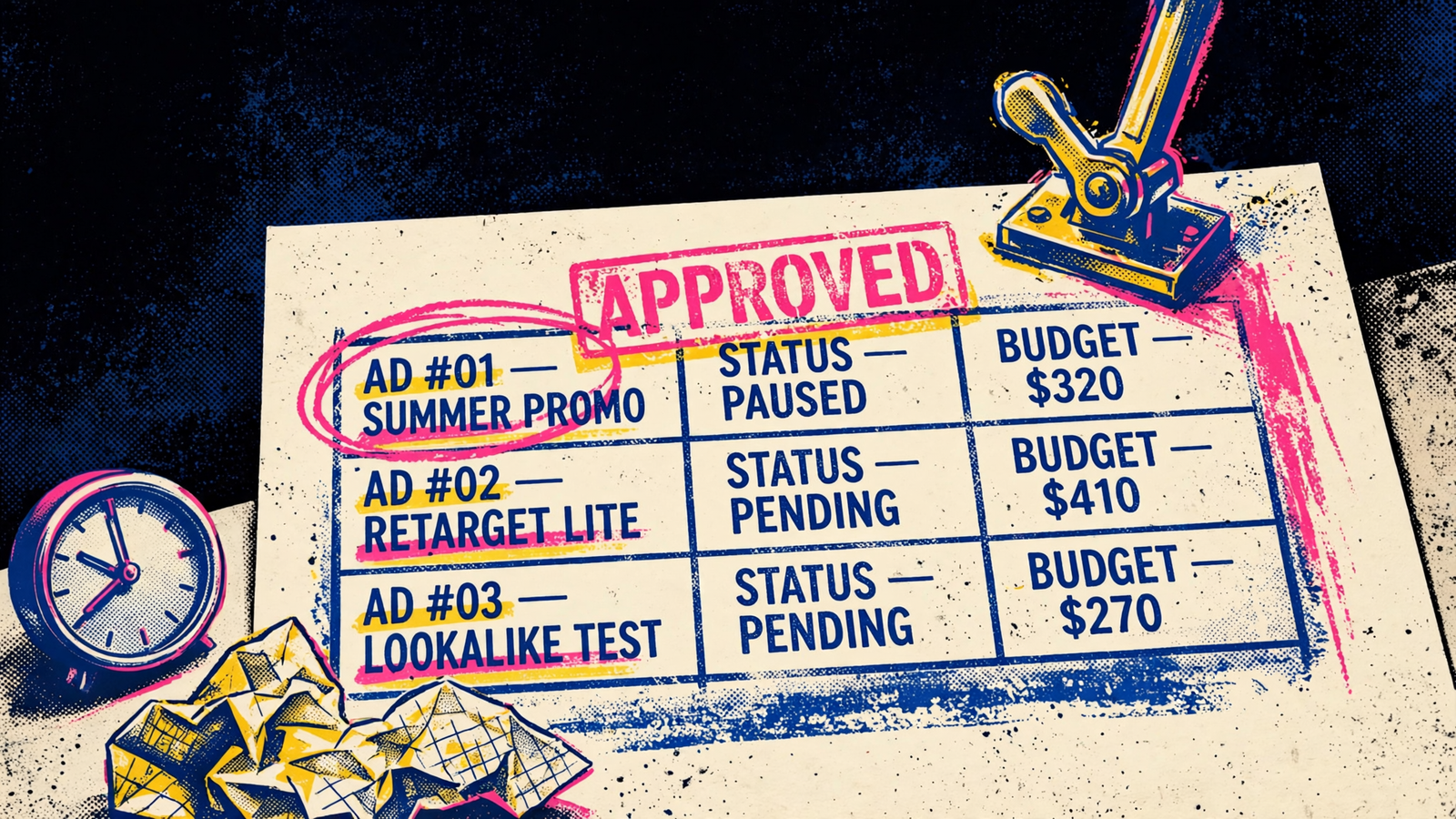
I don’t treat a sentence in a prompt as a permissions boundary. Meta’s MCP security guidance recommends read-only access unless changes are needed and warns that an agent can use the permissions it’s granted without asking first. groas autopilot is off until I switch it on. For this job, I’m pricing a reviewed list, not unattended execution. Claude, Google Ads and One Bad Pause shows what a mistaken pause and its undo record look like in a composite week.
Approval is a cost in all three columns
In an Alter Agents and Smartly survey of 500 US and UK marketing professionals, 77% said they were comfortable with AI in advertising when a human had final approval. That tells me something about comfort. It tells me nothing about whether an approved list improves CPA. I count approval because it takes time, not because it guarantees a good decision.
- Per-ad approval: I read the numbers and the reason for each ad, then decide on that ad. It takes longer, but it’s easier to catch the one that breaks the pattern.
- Bounded batch approval: I set the evidence standard once, then approve or reject the exact list. It can cost less per pause, but a bad threshold can spoil the whole batch.
I use three. That’s small enough to read properly and large enough to make opening the account worthwhile. Whatever size I choose, I use the same approval standard across all three routes. Otherwise I’m timing a quick glance in one column and a proper review in another.
The $19 break-even test
Dividing the subscription by the number of pauses tells me what I paid for software per pause. It doesn’t tell me what I paid for a completed, approved pause. I add the monthly software I actually buy for the job, the cost of the minutes I work, and the spend during delays I can measure. I divide that total by completed, verified pauses, not suggestions generated or rules fired. I put one-off setup on its own line so I can see the first-month bill and the recurring bill separately.
For a stopwatch test, I time an export review and a connected review end to end, including approval and verification. For the rules route, I record setup separately, then time the recurring inspection, approval, and execution. I use the same review cadence across the comparison. If that’s two reviews a week, I carry two reviews a week into each monthly estimate, not just the route I’m trying to sell.
At an illustrative $50 an hour, $19 buys 22.8 minutes. If I already pay for Claude, groas has to save more than about 23 minutes a month to pay for the connection on labor alone. If I need to buy Claude Pro as well, I run the comparison against the full $39, not $19. And if I run five accounts on groas, I measure the time saved across all five against the same flat connection bill. That’s where the flat price does real work.
There’s another sticker price worth making explicit: Meta’s own Ads MCP Server is free from Meta, though the AI tool’s subscription still applies. Meta’s write-tool documentation describes creating entities paused by default for review before activation. I wouldn’t buy a connection just to say I have one. I’d choose groas MCP when the decision needs the competitor, Reddit, or AI-search data groas collects, or when the same team needs the connection across Google, Bing, Meta, SEO, and AI search. Meta’s free connector doesn’t cover that wider job.
Where I’d spend the money
I’d keep exports for occasional reviews, rules for stable tripwires, and groas for recurring decisions that need context. On a growing account, I don’t want to buy the same export prep and manual clicks every week. Across several accounts, I’d rather put that time into checking the evidence and keep the approved list and logged reason in the same workflow. For the broader cost breakdown, see Your First Marketing MCP Bill. To price this job on your own account, apply for the free trial and time one review all the way through verification.
The cheapest mistake in this ledger is a good ad paused on a stale export or a blind threshold. It still costs you. The most expensive one is a bad ad left to spend for another day because the review never happened. Price both. Then buy the workflow that gets the reviewed decision made, not the one that makes the software line look best.





