

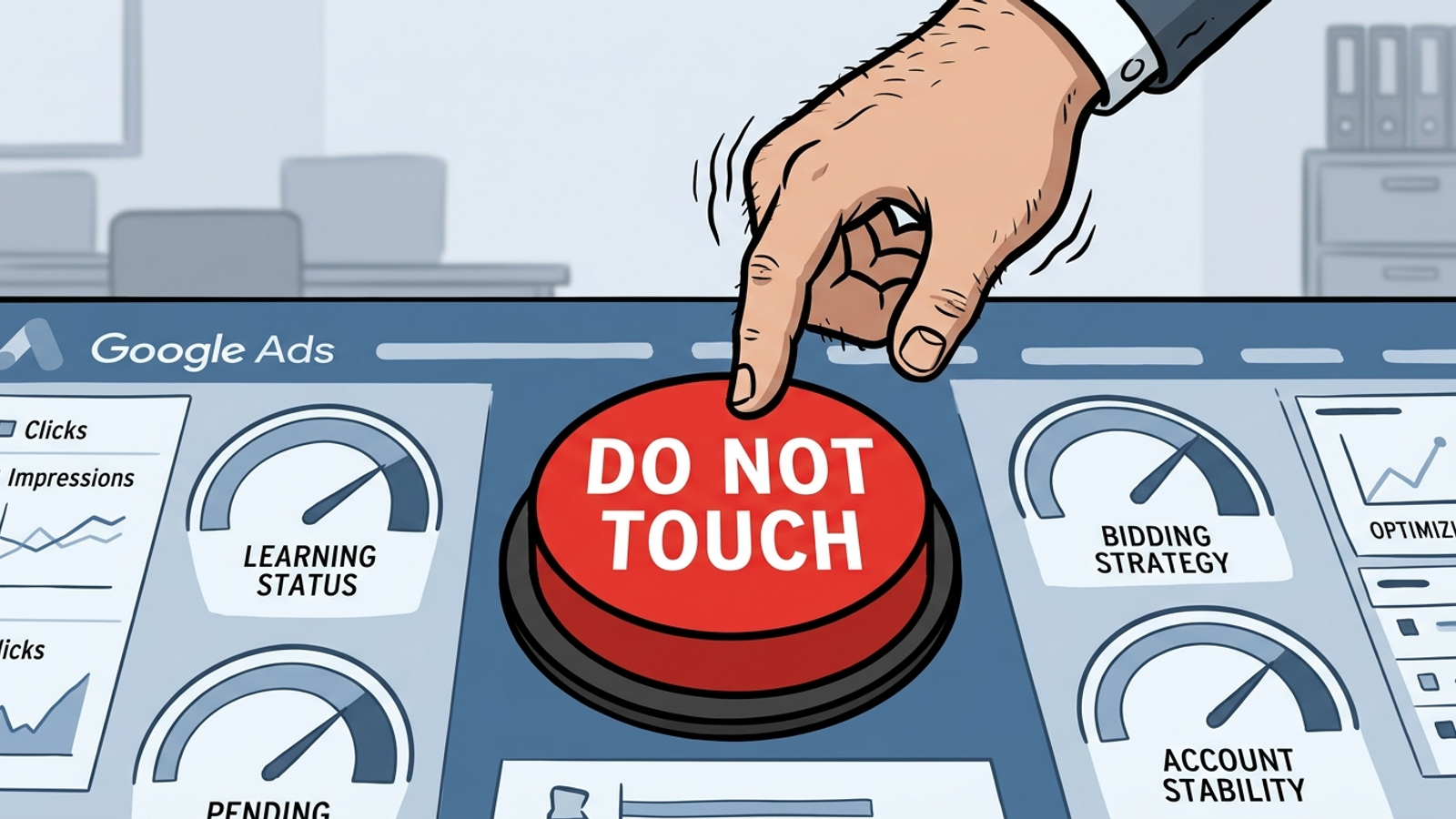
Most new campaigns I see do not fail because the build was wrong. They fail because someone kept fixing them. Launch on Monday, worry about volume by Thursday, move the target on Friday, jump the budget the next Tuesday, then blame the algorithm. Smart Bidding calibrates against conversion history; repeated changes make that history harder to use and the results harder to read. This is the checklist I would keep on a second monitor for a new Search or PMax campaign. Verify the pipes, repair actual faults, and leave the rest alone through day 28. Doing less is the instruction.
Before launch: 10 checks worth delaying for
- One real conversion fires one conversion action, once. Test with Tag Assistant or Goals > Diagnostics; watch one test purchase produce one conversion. Google calls conversion tracking the lifeblood feeding PMax bidding. Duplicate tags teach the model that a buyer bought twice. I used to tell clients to launch fast and fix tracking later. I was wrong.
- The action you bid on is Primary; observation actions are Secondary. Check pageviews, begin-checkout and time-on-site before launch. Primary conversions feed bidding and the Conversions column; Secondary actions should not quietly become the goal your bids chase.
- Enhanced conversions is on. Confirm it in Goals > Diagnostics rather than assuming someone enabled it during setup. It can recover conversion data lost to browser limits. A campaign cannot learn from conversions it never sees.
- Attribution is data-driven and GA4 is linked. Check Admin > Product links in GA4, then validate both before launch. Changing how you count success after launch makes the before-and-after numbers harder to compare.
- The budget gives the bid strategy room to learn. For Target CPA, plan around 30–50 conversions per month per campaign and allow the first two to four weeks for learning. Start the target slightly above recent average CPA, then lower it gradually. A $50 target against $100 history can starve delivery.
- Location options say Presence, not Presence or interest. Open campaign settings > Location options and check for people in or regularly in the targeted locations. The broader setting also includes people interested in the area; verify it before paying for interest-only traffic.
- Brand exclusions are set where a separate brand campaign needs them. Check PMax and Search under campaign Additional settings > Brand exclusions. PMax brand exclusions can protect dedicated brand search; check the separate checkbox if high-intent Shopping should remain eligible.
- A shared negative list is applied. Start with irrelevant job-seeker, free, DIY and competitor terms you will never bid on. One shared list is easier to check than rebuilding the same exclusions campaign by campaign.
- Assets are complete without unnecessary pinning. Check ad strength and assets; pin two or three headlines only where legally required. Pinning the rest because the copy looks tidy restricts the combinations the ad can run.
- A baseline screenshot is saved before the campaign goes live. Record the available spend, CPA and conversion-volume context, and note when you launched. Without a baseline, a later argument about what changed is mostly an argument about memory. If checks 1–4 fail, delay launch. Bad signal in means bad bids out.
Days 1–3: confirm the pipes work
- Check spend against the daily budget. Spend can reach roughly twice a daily budget on a single day. No spend calls for a billing, approval or budget-hold check; spending the day’s budget in two hours calls for a look at location and match looseness. Neither is a reason to rewrite the campaign blind.
- Check impressions and impression share lost to budget. If lost-to-budget is above 30% on day one, the budget may be too low for the targeting. A budget too low relative to the conversion goal can extend learning. Diagnose the constraint; do not make a panicked target move.
- Check disapprovals and limited serving. Open Policy manager and inspect asset status. A disapproved headline can mute an ad group. Repair the disapproval rather than treating missing volume as a verdict on your bid strategy.
- Scan search terms for five minutes, then stop. Add exact-match negatives for obvious junk such as jobs, porn or completely wrong geography. Leave arguable terms alone and do not restructure keywords because one early query looked strange.
- Check conversion lag before judging CPA. Compare Conversions with Conversions by conv. time. An early gap can be delay rather than failure; calibration can take around 50 conversion events or three conversion cycles. Google also warns that metrics may vary during learning. Close the tab after ten minutes.
Week 1: make repairs, not improvements
- Add only obvious junk as negatives. Exact-match clearly irrelevant how-to, job and free queries spending without converting. Leave borderline terms until you have 50 clicks on the term. A query you dislike is not automatically a query the campaign cannot use.
- Fix broken tracking immediately. Duplicate conversions, missing purchase value and a consent banner blocking the tag are faults, not experiments. A repair can disturb learning, but leaving bad conversion data in place poisons the bids that follow.
- Replace a disapproved asset like for like. Pause the disapproved asset and use a replacement with the same intent and similar headline length. This is a repair, not permission to rewrite every ad because you had an idea over lunch. Log every change and its date.
Nine edits to leave alone until day 29
Google lists three reasons a bid strategy may show Learning: it is new or reactivated, its settings changed, or its composition changed through additions or removals. The status means Smart Bidding is recalibrating and metrics may vary. Not every edit below guarantees that label; some disrupt the signals or make the results difficult to compare. Limited is different: budget, bid limits or inventory can constrain delivery. Treat this as a do-not-touch list, not a claim that every click resets a clock.
- Do not switch bid strategies mid-learning. Max Conversions to tCPA, tCPA to tROAS or another strategy switch changes what the system is trying to do. Pick the strategy before launch and keep it through day 28 unless the setup itself is broken.
- Do not move a tCPA or tROAS target by more than 20% in one edit. A $100 CPA target cut to $50 can remove eligible auctions. When it is time to adjust, use 15–20% steps and wait two conversion cycles before deciding the last step worked.
- Do not double or halve the daily budget at once. Jumping from $200 to $500 a day changes the auction mix as well as the setting. Save planned increases for later and cap them at 20–30% per week; investigate a genuine budget constraint instead of guessing.
- Do not add or remove a Primary conversion action. Swapping purchase for lead, adding another Primary or changing counting from One to Every rewrites what the model chases. The exception is a broken setup feeding it the wrong goal; repair that fault and log it.
- Do not add or remove large keyword, audience or asset sets. Fifty new keywords in a 20-keyword campaign change its composition. Put a new idea in a new campaign or hold it until you can judge the current one without that extra variable.
- Do not change location targeting or the geo set. Presence to Presence or interest, three new states, or a removed radius changes who can enter the auction. Unless the current setting is clearly wrong, save service-area edits for week five.
- Do not swap the final URL or page template. If a landing-page change cuts conversion rate, the model sees different user behavior even when nobody reports the page change. Keep the URL stable for 28 days; if it breaks, fix it and record when.
- Do not replace most RSA headlines or descriptions at once. A one-for-one repair is fine. A full rewrite changes the creative mix before the original has had a fair read. Keep the urge to polish copy out of the change history.
- Do not change attribution, the conversion window or value rules. Data-driven to last-click, 30 days to seven days, or new value rules make past and future numbers harder to compare. Learning can continue after the label disappears, so a quiet first two days after an edit proves little.
Weeks 2–4: read the results before acting
- Count conversions, not calendar days. Look for 30–50 in 30 days per campaign before judging tCPA; under 15, you do not have much of a read. If volume stays low, consider consolidation or more budget as a planned next move, not another midweek reaction.
- Compare CPA after allowing for lag. Use Conversions by conv. time for the last 14 days. If CPA sits within 20% of target after lag, hold. A sustained 30% miss across two conversion cycles is a reason to plan a target move, not to stack several edits today.
- Bucket search terms before negating them. Sort by cost. Exact-negate clear junk that has spent over $25 without a conversion; leave exploratory queries with ten clicks alone. Over-negating can starve a campaign just as efficiently as over-editing its bids.
- Check impression share lost to budget twice a week. Over 25% lost for two weeks points to a constraint. Plan a 20% budget increase or a narrower geo when you can measure the change; do not lower tROAS merely to chase volume and call the extra traffic progress.
- Make at most one planned change in a week. Date it, log it and wait two conversion cycles before judging it. If the account is close to target, make no change at all. For the mechanics behind the wait, read How To Exit Google Ads Learning Phase Faster And Protect Your Budget.
Exit check: four conditions before the next test
- Status reads Eligible, not Learning or Limited. Learning means the strategy is still calibrating. Limited points to a delivery constraint such as budget, bid limits or inventory. Identify the constraint before scaling; a badge change alone is not proof of stable performance.
- The campaign has 30–50 conversions in the last 30 days. Below 15, the baseline is thin. Consolidate or wait rather than pretending day 29 supplies conversions that did not happen. Volume, not elapsed time, is the useful check.
- CPA or ROAS has held within 20% of target for two full conversion cycles. One good week after a quiet one is not enough. Manual CPC is the exception to the learning-status test: it has no Smart Bidding learning period because there is no model to train.
- No do-not-touch edits appear in the last 14 days. If you moved the target last Tuesday, judge from last Tuesday. Meet all four before testing another change; miss one and the campaign still needs observation, whatever the calendar says.
Printable second-monitor checklist
- Before launch: One conversion fires once; the bidding action is Primary; enhanced conversions is on; GA4 is linked. Save the baseline screenshot before going live.
- Before launch: Budget allows for 30–50 conversions a month; the starting target sits above recent history. Check Presence, brand exclusions and the shared negative list.
- Days 1–3: Check spend, impressions, disapprovals, search-term junk and conversion lag. Fix faults; do not judge day-two CPA.
- Week 1: Add only clear junk negatives, repair tracking and replace disapproved assets like for like. Leave the rest alone.
- First 28 days: No strategy switch, large target or budget jump, Primary-action swap, bulk keyword or asset change, geo change, URL swap, full RSA rewrite or attribution change.
- Weeks 2–4: Count conversions, allow for lag, negate proven junk and diagnose budget constraints before touching targets. One planned change a week at most.
- Exit: Eligible status, 30–50 conversions, CPA or ROAS within 20% for two cycles, and no major edit in 14 days.
- Last check, and the one most often skipped: save the baseline and log every edit with its date. It takes 30 seconds. Without it, you cannot tell whether CPA moved because learning settled, lag caught up or someone moved the target on Friday. Week three becomes an argument instead of a read on numbers. I have watched accounts burn two extra weeks of spend retesting a change nobody wrote down. Take the screenshot. Log the date.