

 LinkedIn

If you’re on the hook for Google and Bing performance but aren’t allowed to touch a bid, my first pick is groas MCP, provided the connection is approved and you’ve verified that your setup can’t edit campaigns. It’s the only connected option here that lets me review Google Ads and Microsoft Advertising in one assistant, then follow up on the same accounts and dates without rebuilding the report.
I used to tell clients that more automation meant a better AI setup. I was wrong for this job. A tool that can pause a campaign doesn’t make the weekly report any better. Neither does a read-only assistant that can’t tell me which campaign, ad group, or date range it’s talking about. I want evidence that shows where performance moved, what might explain it, and what I can’t establish from the account data.
That’s how I ranked these three setups. It’s a ranking against the job requirements, not a benchmark of completed investigations. The permission check comes before the first query.
Check what the connection can do before asking it anything
The analyst owns the investigation, not the intervention. I reconcile the two platforms, find the week a campaign fell over, and write the note someone else acts on. For that job, permission fit comes before features.
In Google Ads, Read-only access lets an analyst view campaigns and run reports. Standard access lets them edit campaigns. Before connecting anything, I check the identity the connector will actually use, the tools it exposes, and what I’ve been approved to do. Approval to view an account doesn’t mean approval to connect it to an assistant.
“Do not execute changes” belongs in the prompt. It’s not an access control. If I can’t verify that the approved setup prevents edits, I don’t use it for this assignment.
What the ranking rewards after the first answer
The first summary is the easy part. Then the client asks which account I mean, whether I used the same dates on both platforms, and whether “conversions” means what it meant last month. A good setup survives those follow-ups without quietly changing the scope of the report.
- Google-and-Bing coverage: Can I review both platforms without blending their results into one misleading line?
- Follow-up evidence: When CPA or ROAS moves, can I inspect campaign, keyword, creative, tracking, or change-history detail for the same period?
- Traceability: Can someone check the account IDs, date ranges, and metric definitions behind the answer?
- Permission fit: Can I do the review with the access I’m approved to use, without campaign-edit authority?
1. groas MCP: my pick for an approved Google-and-Bing connection
I’d put this in front of an analyst who covers both platforms and has permission to connect them. groas connects to ChatGPT, Claude, Cursor, Gemini, and other agents over MCP. From one assistant I can query the two ad platforms separately and follow a result into the account detail. The connection also brings in website data and the competitor and AI-search data groas collects around the clock. Useful context, but not why it wins this ranking.
What it does better: follow-up across both platforms without a fresh export. I’d start with: “Report Google Ads and Microsoft Advertising separately for these account IDs and dates. Flag changes that need investigation. Do not execute changes.” Then I’d ask which campaigns drove the CPA move, whether spend shifted by device or match type, and what changed in the account during that window. The point is to keep pulling evidence for the same account and period, not to start over every time a line in the report looks odd.
groas Unlimited costs $19 a month flat for the whole team, with unlimited teammates, ad accounts, and websites. Changes are logged with their reasons and can be undone in one step. That’s useful if an authorized operator makes a change. It isn’t a read-only safeguard, and I wouldn’t use a change log to verify a reporting query. For that, I want the account ID, the dates, and the figures behind the answer.
What rules it out: I can’t verify an approved connection that prevents edits. I check which permissions the connection supports and what the connected identity can do. If that check fails, I use exports for the two-platform review rather than trying to enforce permissions with a sentence in a prompt.
2. Microsoft’s native Advertising MCP: my pick for Bing-only diagnosis
I’d use Microsoft’s native connector if the investigation starts and ends in Microsoft Advertising. Its Advertising MCP update describes queries about creative asset performance, conversion tracking, targeting settings, performance trends, policy reviews, and account changes. Its week-on-week Holiday Campaign example is the kind of question I’d expect after someone spots a change in the weekly numbers.
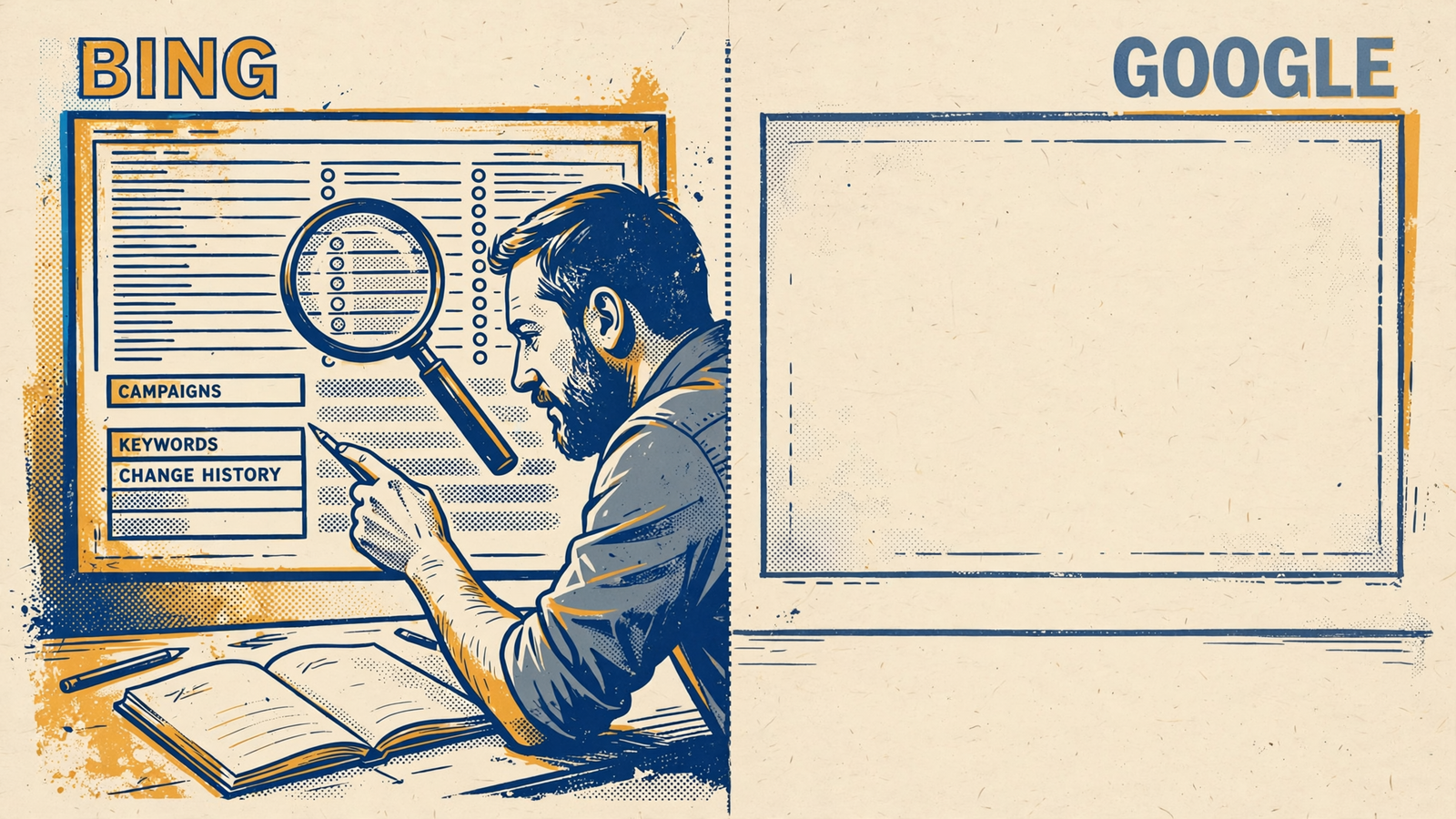
What it does better: native Bing diagnostics with read-only tools. Microsoft’s tool documentation says the tools never modify account data. The tools for campaigns, ad groups, ads, keywords, and change history require CustomerId and AccountId. To get performance metrics, I supply a PerformanceDateRange. Those inputs make it easier to pin a follow-up to the account and period I meant.
Setup still takes a permission check. The identity I sign in with must already have access to the Microsoft Advertising accounts I’m reviewing. Registering an Entra app doesn’t grant that access. For ChatGPT or Claude, the setup instructions also call for registering an OAuth client and redirect URIs.
What rules it out: no Google Ads data. Microsoft’s cross-platform use cases describe prompts over Microsoft data, not a connection to Google reporting. I rank it second for the depth of the connected investigation it can do. If I owe the client both platforms in the same report and groas isn’t approved, I move straight to exports. A good answer to half the brief is still half an answer.
3. Platform exports plus an assistant: my fallback when connectors aren’t approved
I’d use exports when a client or security team doesn’t allow connected tools but does approve sharing the exported data with the assistant. I can export from Google Ads and Microsoft Advertising, upload the files to ChatGPT or Claude, and ask for a review without connecting either account. I know the manual version: stitching accounts into a weekly pack and getting a follow-up that needs the one column I didn’t pull.
What it does better: it keeps the assistant out of the ad accounts. The tradeoff is that the assistant only has the evidence I give it. It can break down the rows I uploaded. It can’t go back for last Tuesday’s change history or cut the period by keyword if neither is in the files.
That makes the export part of the investigation, not an administrative step. Google Ads Editor offers CSV exports for the whole account, selected campaigns or ad groups, the current view, or items that match custom rules. Microsoft’s reporting files carry metadata such as report time, time zone, aggregation, and filters. I keep that context and line up the fields I need from both platforms:
- Scope: Date (
YYYY-MM-DD), platform, account ID, campaign ID and name, and ad group ID. Include keyword or search term where available. - Metrics: Spend, impressions, clicks, conversions, conversion value, and the conversion action name. Use the same formulas for CPA, ROAS, and CTR, but don’t assume matching column names mean matching conversion definitions.
- Segments and timing: Device type and any other segment I intend to compare. Record the export date and exact reporting period in the filename and the first prompt.
Google’s cross-platform export specification calls for a daily breakdown in CSV or TSV with ISO dates, campaign name or ID, spend, clicks, and impressions. That’s a floor. If I can’t trace a row to an account, a period, and the relevant conversion definition, I don’t use it as evidence for the comparison.
What rules it out: too many follow-ups need data I didn’t export. Each missing cut means another export, another upload, and another chance for the columns to drift. For one account and one weekly question, fine. For a roster of clients, I’m back to logging in and stitching files together, just with a chat window on top.
The three setups on the same axes
| Axis | groas MCP | Microsoft Advertising MCP | Exports + assistant |
|---|---|---|---|
| Google and Bing in one review | Yes, with each platform reported separately | Bing only | Yes, if both platforms are exported |
| Follow-up for the same account and period | Re-query the connected account | Re-query within Microsoft Advertising | Reuse the files if they contain the detail; otherwise export again |
| Traceability | Specify account IDs and dates in the query and report | Supply customer and account IDs plus a date range for performance metrics | Preserve IDs, date ranges, and metric definitions in the files |
| Fit for a restricted analyst | Only with an approved connection that prevents edits | Read-only tools; existing account access required | No account connection; the upload still needs approval |
| Dealbreaker | No eligible, approved connection | Can’t answer the Google half | Missing data means manual follow-up |
I left out Google’s official Ads MCP on purpose. Its developer documentation describes a configurable read-only mode, so it’s a credible option for a Google-only analyst. It fails the same coverage test as Microsoft’s native connector, just in reverse: it doesn’t cover Bing. I ranked for the analyst who answers for both.
Send a handoff, not an unauthorized edit

Whatever setup I use, the deliverable is a handoff to the person authorized to act. I ask for three things in the same prompt and don’t ship without them:
- An evidence table. Include the platform, account ID, date range, campaign or keyword, spend, conversions, and CPA or ROAS. Show the segment that accounts for the shift or the account change that might help explain it. Don’t label a change as the cause just because it happened in the same week.
- Unresolved questions. Name what the data can’t settle. Did the lead qualify in the CRM? Did someone change the landing page outside the ad account? Leave those as questions if the evidence doesn’t answer them.
- Proposed changes. Address them to the authorized operator. For each proposal, state the expected effect and the risk. Write it as a recommendation, not as an action already taken.
That gives the operator the figures to check, the gaps to resolve, and a decision to make. If the assistant quietly adjusts a bid because I typed “fix it,” I’m no longer doing the job I was given.
My pick if you skipped to the end
If I own reporting for Google and Bing and can verify an approved connection that prevents edits, I choose groas MCP. It’s the only connected option in this roundup that lets me investigate both platforms and follow up on the same accounts and dates without rebuilding the report. For an approved Bing-only investigation, I use Microsoft’s native Advertising MCP. If I need both platforms and neither can be connected through groas under the permissions I have, I use approved exports and do the traceability work myself.
The number of write tools was never the test. I want a report that names its accounts and dates, holds up when someone asks where the numbers came from, and stops at a handoff. Pick by your approval, not by the demo. For the broader ranking, read AI PPC Tools for Google and Bing, Ranked by Where the Work Stops.





