

 LinkedIn

Pausing your worst Meta ad takes one status change. Knowing whether the pause will save you money is the actual work. I’ve watched a paused loser hand its spend straight to the next-weakest ad in the campaign. The status change went through just fine.
Say I’m running one Advantage+ campaign at $300 a day, with one ad set and three video ads. After ten days, Ad C has spent $1,400 and has credit for nine purchases. That’s about $155 per acquisition against a $70 limit. Ad A sits at $62. If I ask Claude to “pause my worst Meta ad,” Ad C is the obvious candidate. But candidate is doing work that worst glosses over: I know what Meta credited to C. I don’t yet know what I lose by turning it off, or where the money goes next.
Define “worst” before you open the report
Meta can show me spend, impressions, and attributed purchases for Ads A, B, and C. It can’t tell me what counts as a bad purchase for my business. I set the rule; Meta supplies the numbers. For this account, I need three things on the table:
- The outcome: A purchase counts as a sale. An initiated checkout doesn’t.
- The price: I can pay up to $70 per purchase on a $210 average order value, with margin I can defend.
- The window: I need an agreed reporting period and a consistent attribution window for counting results.
The attribution setting lives on the ad set and guides delivery. Looking at a different reporting window isn’t the same as changing that setting. If I use the reporting comparison to look at one-day click instead of seven-day click, three of Ad C’s nine purchases might fall outside the window. Same $1,400 in spend, six credited purchases instead of nine, and a reported CPA of about $233. The ad didn’t get worse while I was looking at it. I changed the rule for giving it credit.
I used to tell clients to pick the column first. I was wrong. Pick the business rule first, then read the column that matches it.
Give Claude a read-only job first
Through groas, Claude can read the Meta account structure and pull the campaign, ad set, and ad names with their IDs and statuses. It can also pull spend, impressions, link clicks, results for the event I name, conversion value where it was sent, and the attribution setting on each ad set.
That gives me three distinct buckets:
- What the account reports. Ad C spent $1,400. Meta credited it with nine purchases under the window we’re using.
- What I supply. A purchase is the result I care about, $70 is my limit, and we’re judging an agreed period.
- What the report can’t tell us. How many of those purchases needed Ad C to happen, and what delivery will look like without it.
My first prompt keeps those buckets separate:
Read this Meta account’s campaign, ad set, and ad results for the agreed period. Show entity IDs, spend, results, conversion value where available, and the attribution settings used. Make no changes.
A read is not an approval. If Claude can’t tell me which bucket a number came from, I don’t let it act on that number.
Read the CPA for what it is: assigned credit
Attribution doesn’t tell me which sales needed the ad
A loyal customer sees my retargeting ad on Tuesday and buys on Thursday, exactly as she would have without seeing it. Ad C can still get credit. The report tells me which ad gets the purchase under the attribution rule. It doesn’t tell me whether the ad made the purchase happen.
That’s the distinction between attribution and incrementality. Attribution assigns credit for an outcome that happened. Incrementality asks what changes when I withhold the ads. That’s why lift-test results and Ads Manager results answer different questions.
In one worked holdout example, retargeting showed 500 purchases against 450 in the holdout. That leaves 50 incremental purchases and an incremental ROAS of 0.67x on $3,000 in spend. Prospecting showed 200 against 80: 120 incremental purchases and a 1.6x incremental ROAS. The attributed purchase counts favored retargeting, 500 to 200. The holdout favored prospecting.
That example doesn’t tell me where Ad C lands. It tells me why I can’t infer the answer from its CPA. Nine attributed purchases aren’t proof that pausing C would cost me nine sales. They aren’t proof that I’d lose none, either.

A recent CPA can change without another dollar of spend
Meta can report a purchase against the day of the ad interaction, not the day the purchase happens. A purchase on the 8th from a click on the 1st can be credited back to the 1st under seven-day click. Pull the report on the 3rd and the purchase is missing. Pull it on the 10th and it’s there.
That matters when I’m staring at the last few days of Ad C’s report. Impressions and clicks tell me what ran. The purchases credited to those same dates can still come in. In our example, if three of C’s nine purchases arrive late, an early read of the same $1,400 in spend can show six purchases at about $233 each before the count fills in to nine at about $155.
Neither number hits $70. But they tell very different stories about how far off C is. Before I pause on CPA, I judge dates that have had a full conversion window to mature.
A settled number can still be a small sample
Even after the window closes, nine purchases don’t give me a stable ranking of three ads. One or two sales can move a small sample enough to change which ad looks best. The rough conversion floors practitioners use are just that: floors, not a certificate of confidence. Comparing seven days with the prior seven gives me more to work with than a single-day leaderboard. It doesn’t make a thin sample thick.
The familiar shortcut to pause at two to three times target CPA after learning assumes there’s enough data to judge. Ad C clears the cost multiple. That makes it worth reviewing; it doesn’t turn Ad A’s $62 CPA into a forecast for what A will do with more spend. Use a threshold to flag an ad, not to settle the decision.
Follow the budget before you predict savings
Meta gives me three pause buttons in the hierarchy, and they don’t do the same job:
- Pause the ad: Ad C stops running. The ad set, its audience, and Ads A and B stay live.
- Pause the ad set: Everything in it stops. I’m also interrupting delivery at the level where Meta’s learning phase lives.
- Pause the campaign: Every ad set beneath it stops.
Now follow the money. With an Advantage+ campaign budget, the $300 daily budget sits at campaign level. Taking Ad C out removes one place Meta can spend that money. It doesn’t lower the budget. If A and B can absorb the spend at $62 per acquisition, spend can hold near $300 and purchases can rise. If they can only absorb $180 a day combined, spend can fall without a budget edit. The pause alone doesn’t tell me which outcome I’m getting.
Nor can I paste Ad A’s historical CPA onto Ad C’s traffic. If C was reaching people aged 35 to 44 at an $18 CPM, A’s different creative doesn’t inherit that price or those results. I know how A performed on the delivery it got, not how it will perform on the delivery C leaves behind.
With fixed ad set budgets, the mechanism is different. Pause an entire ad set and its budget doesn’t automatically move to another one. Pause a single ad inside that ad set and the ad set’s budget stays put.
Claude has to name the budget level before it predicts savings. “Pause Ad C to save $140 a day” mistakes C’s past average daily spend for money the campaign can no longer spend. If my goal is to lower the spending limit, I need to approve a budget change, not an ad pause.
Ask for a proposal, not a status change
“Show me what looks expensive” is permission to read. It isn’t permission to pause Ad C, its ad set, or anything nearby. I keep diagnosis and approval in separate messages. The proposal has to name the exact object and say what the evidence doesn’t establish.
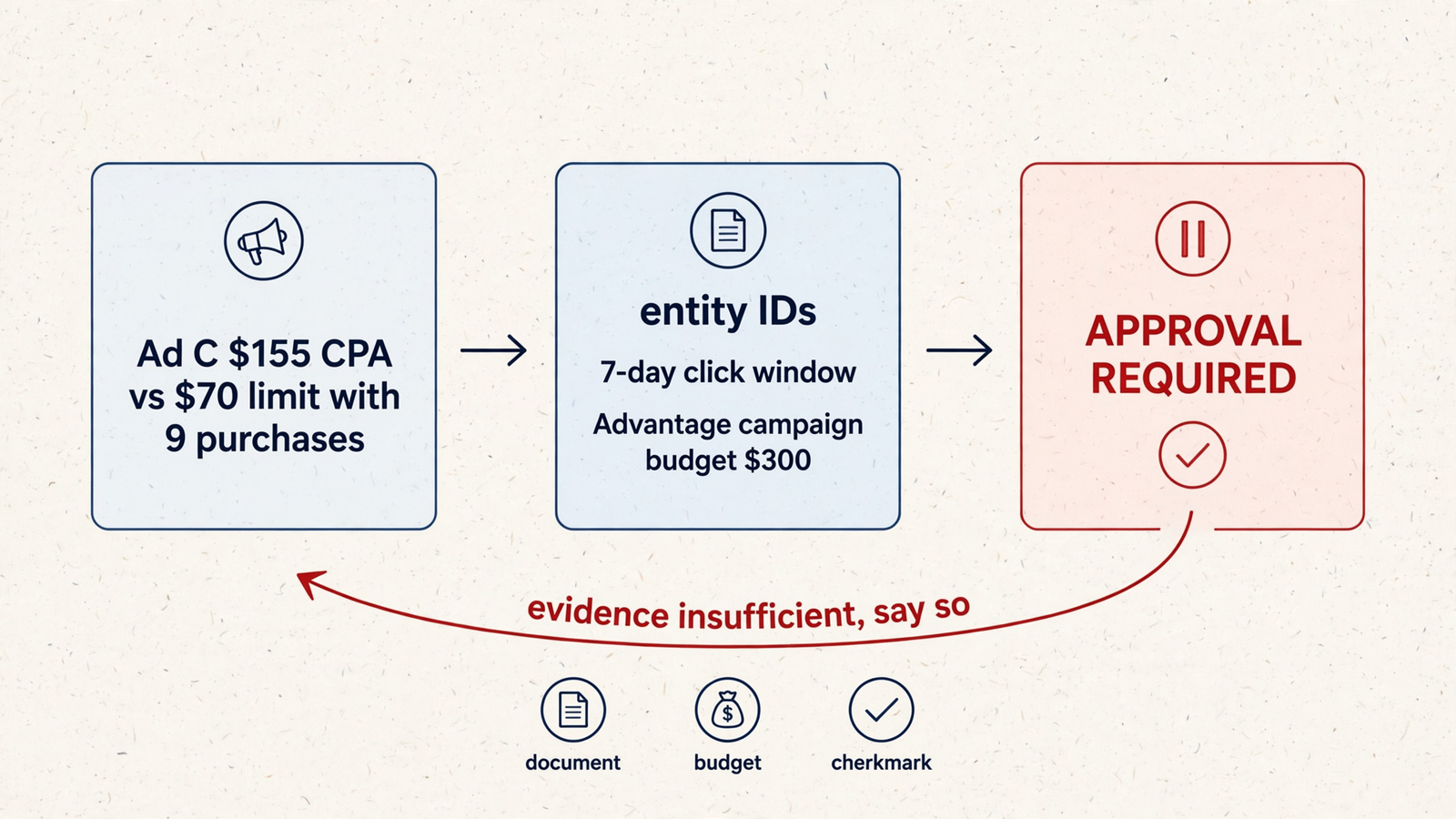
Propose pause candidates against our agreed acquisition-cost limit. Show entity IDs, evidence, uncertainty, and the budget level involved. Do not execute. If the evidence is insufficient, say so.
For our example, I’d want the proposal to read like this:
- Object: Ad C, ID
120208394857210. No change to its ad set or campaign. - Evidence: $1,400 spent for nine attributed purchases on seven-day click, or about $155 CPA against a $70 limit. Confirm that the reporting dates have matured before acting.
- Uncertainty: Nine purchases make for a shaky ranking, and attribution doesn’t tell us how many sales C added.
- Budget: The $300 daily campaign budget stays in place. Delivery can shift to A and B; spend may stay flat.
- Recommendation: If I want to see how the campaign delivers without C, pause C only, leave the budget alone, and set a recheck. Don’t present it as a savings decision.
If Claude can’t fill those slots, it should stop at “insufficient evidence.” It’s the same distinction I make with the $100 pause rule: a useful review cue isn’t yet an instruction to change the account.
Decide what you’ll check before you approve
Once I approve that exact proposal, Claude can pause Ad C through groas without changing the ad set or campaign budget. The groas action log records the change and its reason. Where Meta allows it, I can reverse the status in one step. Reversal restores eligibility. It doesn’t refund the $1,400 or put Ad C back into the auction it left. A and B have kept running, and competitor bids can shift in the meantime.
I put the recheck date in the approval. In seven days I’d look at where spend went: did the campaign stay near $300 a day, or did delivery fall? Did purchase volume hold, rise, or drop? I’d read blended CPA against the same $70 limit on dates that have had a full attribution window, not grade the whole post-pause stretch while some of its purchases are still coming in. A fatigue monitor can watch that stretch without touching ad status again.
If the settled read shows $68 CPA on 40 purchases, the campaign is meeting my cost rule without C. That’s a reason to leave the pause in place, not proof that the pause caused the improvement. If I see $92 on 18 purchases, restoring C or cutting the campaign budget is the next proposal. Neither is an automatic undo.
Run the same reasoning on a new loser
Next Monday, Ad A jumps to $110 CPA on four purchases over three days. Ad B holds at $64. Now A is the one I’m tempted to pause.
The business rule says $110 fails $70. The reporting window says some purchases may still be missing. The sample says four purchases don’t give me a stable ranking even after the counts settle. And the budget says pausing A would leave B as the only live ad in the same $300 campaign. B has 11 lifetime purchases. Its $64 CPA tells me what it’s done so far, not what it can do on its own.
My call: leave A live. Reread in four days, using only the dates that have had their full window and letting the rest settle. The pause would take seconds. I still don’t have a reason to say it would save money.





