

 LinkedIn
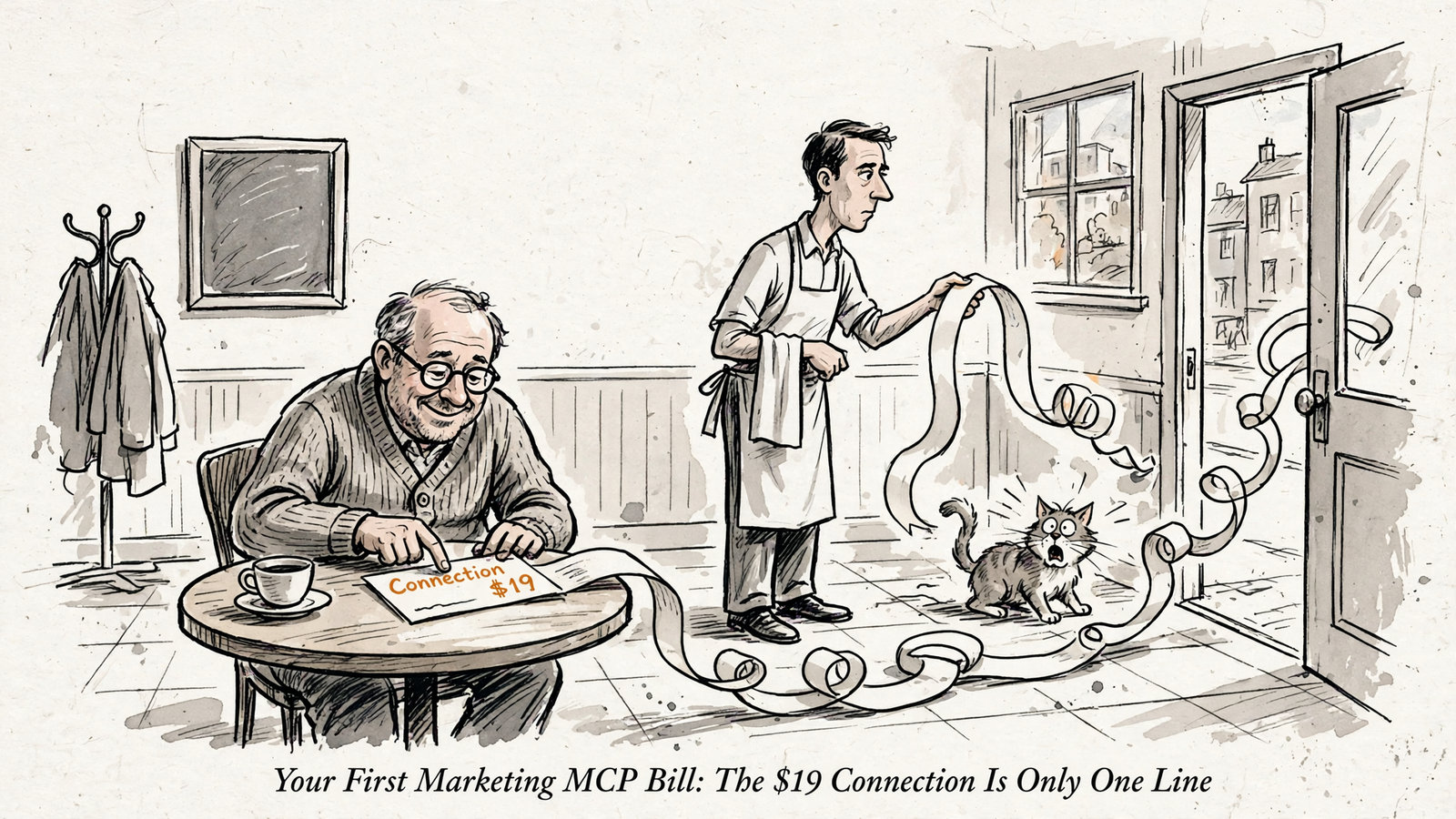
Your first marketing MCP bill can run $19–$44 a month in software, plus setup, review time and ad spend. That range assumes you already have a suitable assistant plan or need only one additional $25 Business seat in an existing workspace; it is not an all-in quote for starting a new ChatGPT Business workspace.
That distinction is the whole bill in miniature. A free connector is not a free marketing workflow. And unlimited teammates does not mean everyone should be allowed to change a budget.
Here is the cost breakdown before the sales copy gets involved:
| Bill line | Listed cost or cost driver | When you pay | Source or basis |
|---|---|---|---|
| AI assistant | $0 incremental if your existing plan supports the workflow; otherwise the required plan and seats | Recurring | ChatGPT Business plan details, Claude plan comparison |
| groas connection | $19/month flat for the whole team, unlimited ad accounts and websites | Recurring | groas Unlimited |
| Account connection and checking | Setup hours × your hourly value | One-off | Your time estimate |
| Ongoing review | Review hours × your hourly value | Recurring | Your time estimate |
| Self-hosting, if chosen instead | Hosting, configuration and maintenance requirements | Setup and recurring | Connector setup breakdown |
| Ad spend | Whatever budget you authorize on the ad platforms | Separate, recurring | Ad spend paid separately |
I price the assistant, connection, setup and ongoing checking separately. Then I check permissions separately from price. A cheap seat with the wrong access can cost more than the software ever will.
Line 1: Pay for an assistant that can do the job
MCP is an open standard for connecting an AI app to tools and data. The assistant thinks; the connection gives it hands. A $0 license for the hands does not buy the brain, the data or anyone to keep the arrangement running.
The first purchasing check is therefore not “Does this plan have AI?” It is “Does my assistant plan support the connector and the actions I need?” Reading campaign data and changing a budget are different jobs.
For the ChatGPT route priced here, Business is the renamed Team plan for 2–200 seats, at $25 per seat monthly or $20 per seat per month when billed annually. Only admins or owners can add a custom MCP server. The two-seat minimum matters: adding one seat to an existing workspace is not the same purchase as opening a new workspace.
| Assistant option | Listed price in the supplied plan information | What to check before buying |
|---|---|---|
| ChatGPT Business | $25/month per seat, or $20 per seat per month billed annually; 2-seat minimum | Admin access to add the connector and support for the required actions |
| ChatGPT Enterprise | No list price; quoted by sales | The quote and the permissions available in your workspace |
| Claude Pro / Max | $20/month for Pro; $100/month for Max | Custom remote-MCP connector access and the actions your connector exposes |
Sources: ChatGPT Business details, Enterprise pricing explainer, Claude plan comparison.
Count only the incremental cost in your decision. If your team already pays for a suitable plan, this line is $0 extra. If you need an upgrade, count the seats you must actually buy, not the single-seat price that looks nicest in a comparison table.
Check the execution path before paying for the connection. Buying hands is pointless if the assistant cannot use them.
Line 2: The connection is $19 flat, or $0 plus chores
This is the line groas controls: $19 a month, flat, for the whole team, with unlimited ad accounts and websites, every feature and all the data. Agencies pay the same for every client. That is the price of groas Unlimited, whether you run one store or ten clients.
The connection price is not your assistant subscription. It is not your ad budget. Keeping those lines separate makes the comparison less exciting and more useful.
| Connection route | Listed price | Work or costs outside that price | Source |
|---|---|---|---|
| groas | $19/month flat | Your assistant plan, setup and review time, and ad spend | groas overview |
| Google’s official Google Ads MCP | $0 license, Apache-2.0 | Hosting on your computer or Cloud Run, Cloud project and OAuth setup, and maintenance; early versions were read-only GAQL | Connector setup breakdown |
| Hosted MCP alternatives | Free tier, then paid plans from $29/month | Ad spend remains separate; approval and log limits need checking | Hosted connector explainer |
The free route is self-assembled, not costless. Someone owns the hosting, OAuth setup and future fixes when the bridge stops fetching. If that someone is you, your time belongs on the bill.
There is no useful universal maintenance estimate here. The drivers are where you host it, how much setup you need and how much work it takes to keep the connection healthy. A made-up monthly allowance would only make the table look tidy.
For the longer breakdown, see what free gets you versus the $19 flat plan. If the terminology is getting in the way, the marketing MCP glossary covers connectors, approvals and autopilot rules.
My purchasing rule is blunt: compare the $19 hosted connection with the full cost of assembling and maintaining the free one, not with its license price alone.
Line 3: Setup is one-off work, not a monthly subscription
Connect the ad accounts and website, add groas to your AI, then check what actually arrived. The connection is not finished just because the authorization window closes.
I would start with this read-only inventory request:
List the connected accounts and websites. Identify anything missing. Make no changes.
That puts the inventory question before the optimization question. No bids move. No budgets change. You first establish whether the assistant is looking at the right business.
For a worked example, I allow 1 hour of setup at an assumed $100 hourly value: $100 once. That is a budgeting assumption, not a promised setup duration or a service charge from groas. Replace both inputs with your own.
The setup line should cover:
- Connecting the intended accounts and websites.
- Checking that the inventory is complete.
- Confirming who can view data and approve changes.
- Defining the initial scope before enabling execution.
A self-hosted route adds its own configuration work: the Cloud project, OAuth consent and hosting setup. Later repairs belong under recurring maintenance, not hidden inside a supposedly finished setup task.
Ad spend stays outside all of this. If you spend $20k a month with Google and Meta, that money goes to Google and Meta, not to OpenAI, Anthropic or groas. Management connectors list ad spend separately from software.
Software buys the connection. Your ad budget buys the clicks. Do not merge them just because both appear on the same monthly spreadsheet.
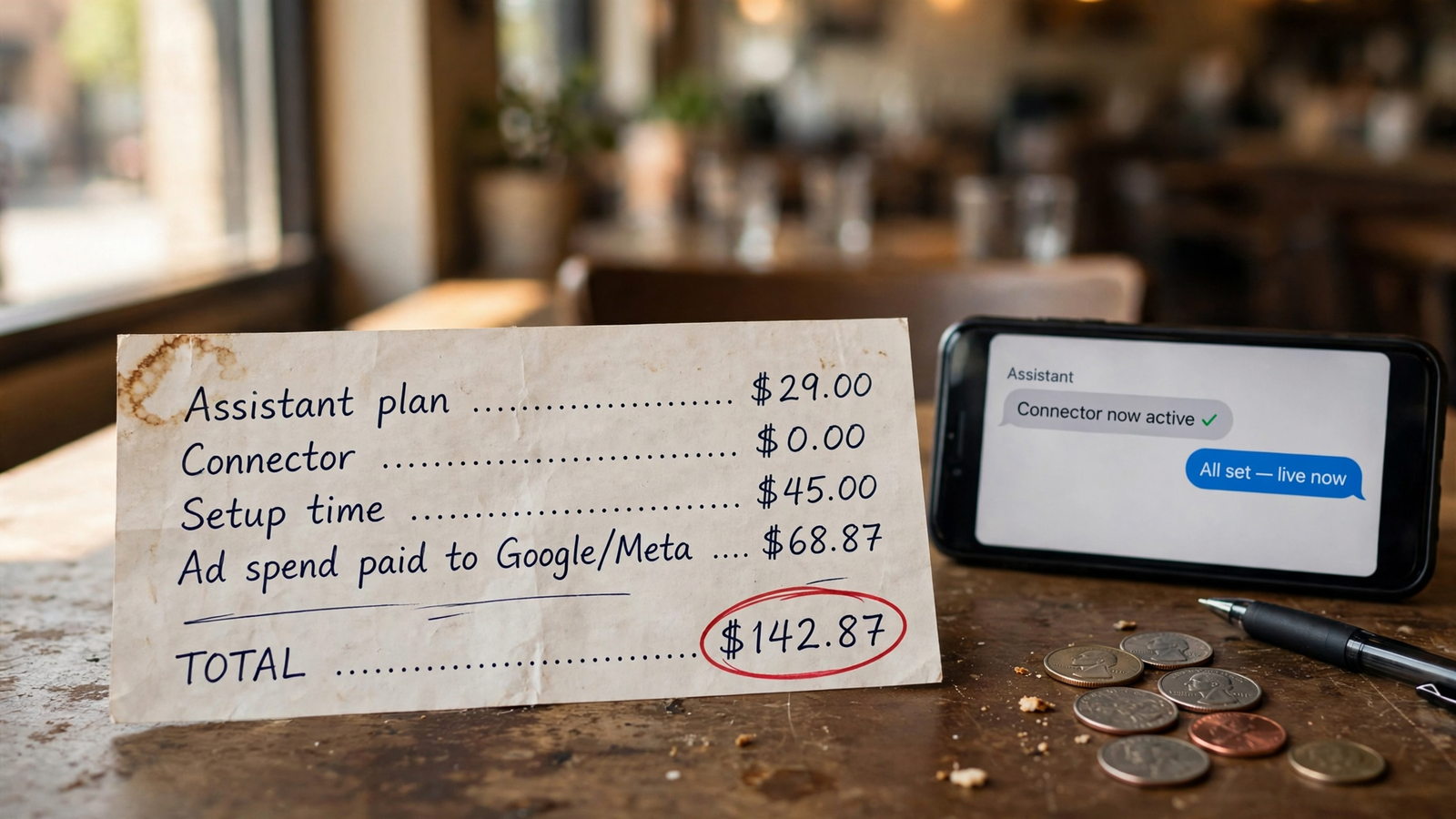
Line 4: Review is recurring, and your time is not free
Before execution, I would ask:
Show the evidence, proposed changes and approval points before execution.
That makes the next step a review, not a leap of faith. It also gives the review line an actual job: checking the evidence and proposed action, rather than admiring a fluent explanation.
For the example, I budget 30 minutes a week at an assumed $100 hourly value. In a four-week budgeting month, that is 2 hours, or $200. It is an illustration, not a claim that every account needs exactly that much attention.
The recurring formula is:
Incremental assistant cost + connection + maintenance, if applicable + review time.
The first month adds setup. Ad spend remains separate in both cases.
| Bill line | Timing | Existing suitable assistant plan | One extra $25 Business seat in an existing workspace |
|---|---|---|---|
| Assistant | Recurring | $0 incremental | $25/month |
| groas | Recurring | $19/month | $19/month |
| Setup: 1 hour × $100 | One-off | $100 | $100 |
| Review: 2 hours × $100 | Recurring assumption | $200/month | $200/month |
| First month: software + time | Includes setup | $319 | $344 |
| Following months: software + review | Excludes setup | $219/month | $244/month |
Price sources: groas and ChatGPT Business. Setup duration, review time and hourly value are illustrative inputs. Both columns exclude ad spend and assume the groas-hosted route rather than a separate self-hosted connection.
That is arithmetic, not a savings claim. Change the hourly value or review requirement and the total moves. Start a new Business workspace instead of adding a seat, and the assistant line changes too.
I would not pretend that a cheaper-looking total proves a better workflow. Leaving review out of the spreadsheet does not remove the work. It just makes it unpaid and easier to skip.
The connector has a fixed sticker price. Your attention does not.
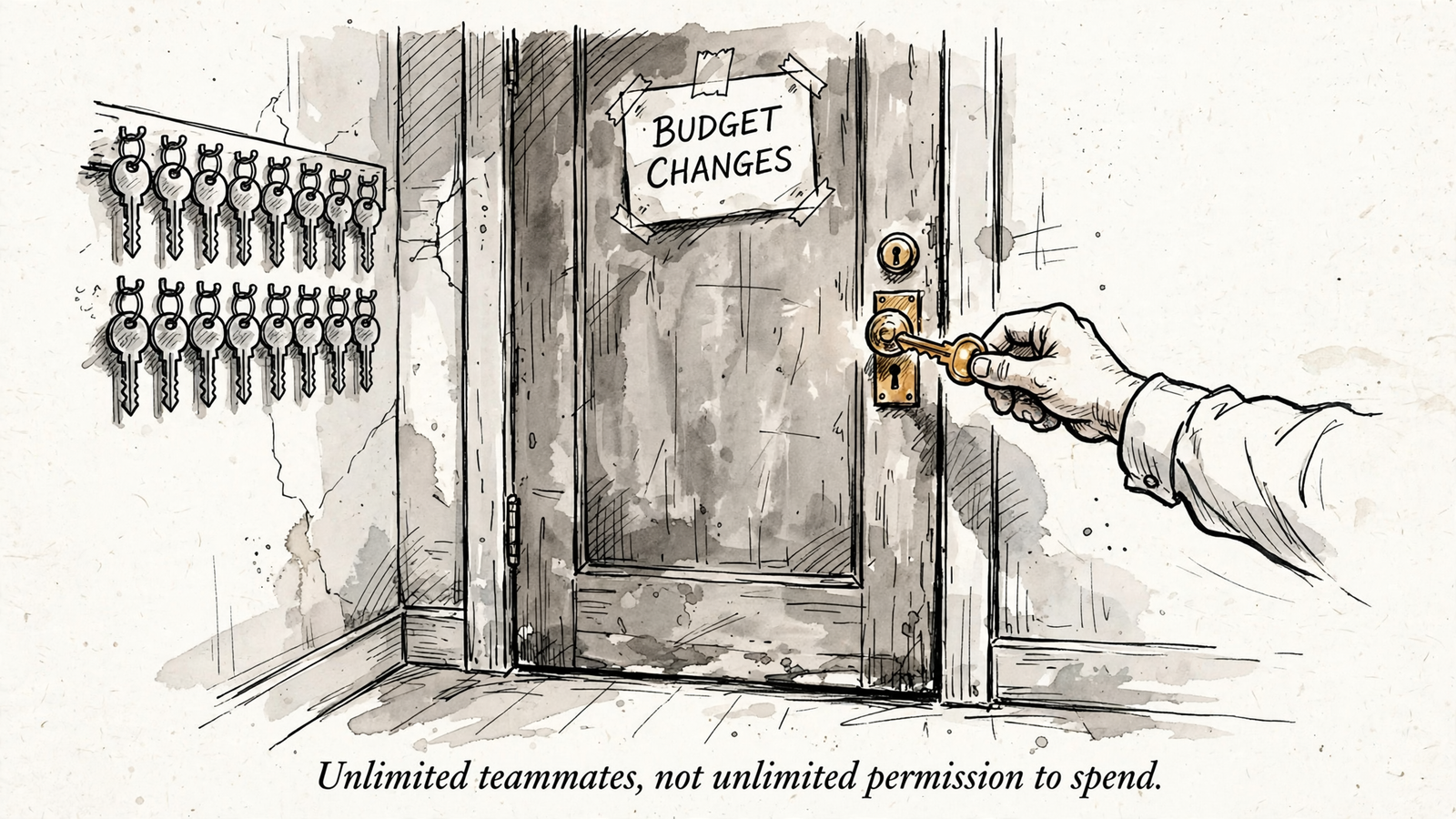
Unlimited teammates does not mean unlimited authority
Now put the price sheet down. Who can log in is a different question from who can move money.
groas Unlimited includes unlimited teammates for $19. That answers the seat-cost question. It does not answer which teammates should approve a budget change, or how broadly an assistant should be allowed to act.
A prompt is not access control. Typing only change bids under $50 is not a substitute for checking what the platform actually enforces. I would treat written instructions and enforced permissions as separate checks, not interchangeable safeguards.
Before enabling execution, establish:
- Who can view: reporting access should not be confused with authority to act.
- Who can approve: identify the people allowed to authorize budget changes.
- What can run: write down the campaign, account or website scope.
- What gets recorded: check that changes and their reasons are logged.
- What can be reversed: check the undo path before needing it.
- When autopilot starts: keep it off until the scope is defined.
With groas, autopilot is off until you switch it on, every change is logged with its reason, and a change can be undone in one step. Those controls belong in the operating decision, not as another dollar amount in the pricing table.
They also do not remove the need to decide what should happen in the first place. A reversible change still deserves a reason.
Price the seats, then assign the keys. Do not let “unlimited” make that decision for you.
Make the assistant itemize the bill before connecting more tools
I would use this prompt before adding another connector. It asks for missing inputs instead of inviting the assistant to fill the gaps with confidence:
Calculate my first-month and ongoing monthly marketing MCP costs.
Ask me for any price or time estimate you do not know. Do not guess.

1. Identify my assistant plan, billing term, required seats and whether
   it supports the MCP actions I need. Count only incremental costs,
   but include any minimum seat purchase.
2. List the connector price. groas is $19/month flat, with unlimited
   teammates and accounts. For another connector, use its own pricing page.
3. Calculate one-off setup hours times my hourly value.
4. Calculate weekly review time times my hourly value. State how many
   weeks the monthly estimate assumes.
5. Include hosting and maintenance if I choose a self-hosted route.
6. List monthly ad spend separately, paid to the ad platforms.
7. Separately identify who can view, who can approve budget changes,
   and whether autopilot remains off until I define its scope.

Return a table separating one-off and recurring costs.
Show the first-month total and the ongoing monthly total.
Keep cash charges distinct from the value of my time.
The last instruction matters. Your time is an economic cost, but it is not another invoice from the connector vendor. I want both visible without pretending they are the same thing.
This will not pencil out for everyone. At a small ad budget and a high hourly value, review can dominate the calculation. Keeping the connector read-only may make more sense than enabling execution before you have a workable review process. Use your numbers rather than a universal spending threshold.
Nor does “free” settle the comparison. A $0 connector plus hours of maintenance is not automatically cheaper than a $19 connection with less upkeep. Price the four lines, account for any self-hosting work, and decide who can authorize changes. Then compare totals.
The cheapest mistake on this bill is paying $19 and skipping the $0 inventory check: you connect three accounts, miss the fourth and optimize a partial picture. The most expensive mistake is granting write access, enabling autopilot without a defined scope and letting a bad suggestion move real budget. Save on the connection if you want. Do not economize on knowing what is connected or who can spend.


